It is more important than ever to have a website that is accessible to people with disabilities. A significant number of people require some form of assistance in reading, hearing, or working with online content. Much needed AI accessibility tools in 2025 will be doing what websites have always dreamt of: becoming user-friendly for all types of users.
This blog will help you understand what the best AI accessibility tools are, why you need them, and which are the best AI accessibility tools to use.
What Are AI Accessibility Tools?
AI accessibility tools are the ones that deploy artificial intelligence to identify and solve issues that make the use of websites challenging for a particular group of people with disabilities. Such tools search for problems that include lack of alternative text for images, tiny buttons, or color combinations that are difficult to distinguish. They help to scan your pages and comply with standards like WCAG (Web Content Accessibility Guidelines) and ADA (Americans with Disabilities Act), which are standard accessibility compliance tools.
Consider them as
- Code auditors that never sleep
- UX testers who assists in simulating human impairments
- Design critics who can fix the “contrast ratio” in no time.
Why Are Website Accessibility Tools Necessary?
Imagine a young designer, Kavya, starts an online art store to sell her digital illustrations. The site looks beautiful, featuring pastel colors, lovely fonts, and modern animated details. A customer, who is visually impaired, opens the same website using a screen reader and hears nothing. The product images lack alt text. The “Add To Cart” button is not labeled, and the checkout form cannot be accessed without a mouse.
And hence the customer leaves the site on a single scroll, not because they didn’t like Kavya’s work, but because the site couldn’t speak their language. This is what inaccessibility appears to consumers, and that’s where website accessibility tools play a significant role.
Without the proper tools, some people may be left out of the loop. A person who is blind, for instance, might require screen reader support, whereas a person who cannot use a mouse may need keyboard shortcuts.
These issues are easily detectable with web accessibility automation tools, which can help to ensure a smooth user experience for visitors of all types. They also help your breaking of the law lessen efforts. Not only is it the right thing to do, but it’s also become a requirement, and making sure your website is accessible can actually help it rank better on Google.
Manual web testing takes time and money. Web accessibility checker AI tools are here to save the day so that they can thoroughly check every nook and cranny of your site within minutes. To make things even better, they keep on working long after their first run so that they can spot any problems you have just updated your site with. It can be said that a mere handful of such programs are even able to instantly solve the problem they identify. This frees up time for the executives and webmasters to perform other tasks.
The Emergence of Web Accessibility Automation Tools
Manual checks are time-consuming and expensive. Today, web accessibility automation tools scan your pages in minutes. The good news is they keep going, so they catch errors when you update your site. Some fix errors immediately. This is a time-saver for busy companies and web teams.
Guessing whether your site works for everybody is not sufficient. ADA and WCAG spell out what you need to do. Accessibility compliance tools (ADA, WCAG) make it simpler to fulfill these requirements. They scan your site, identify the issues, and sometimes demonstrate how to correct each issue.Remaining compliant ensures the disabled are able to access your site. This is a moral thing to do and protects your business from legal issues.
Best AI Accessibility Tools 2025: Top Picks
Following are the best tools to use in 2025, after expert reviews, user rankings, and industry documents:
1. AccessiBe
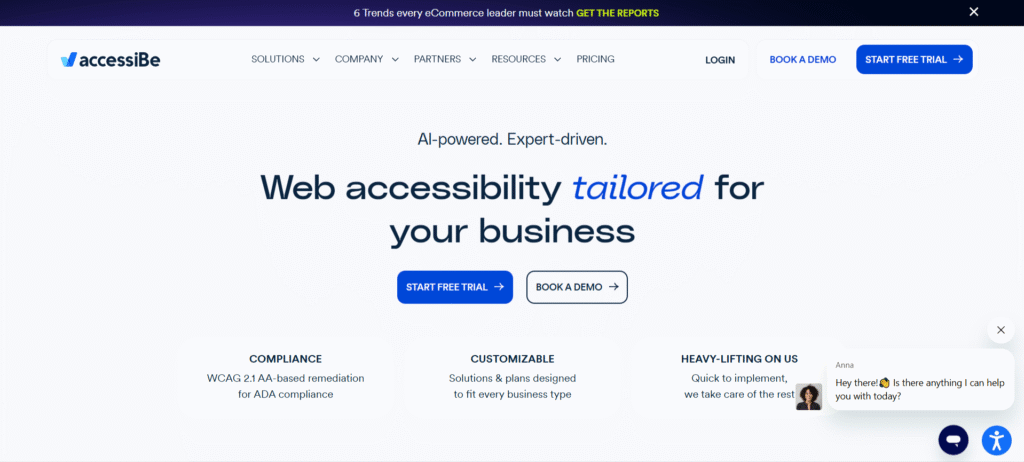
AccessiBe, one of the popular digital accessibility AI tools, is well-liked by companies that wish to perform less manual labor. AccessiBe applies AI to scan for accessibility problems, repair typical errors, and maintain your site in real time. It not only detects accessibility barriers but also fixes them, making websites usable for all. Easy to use, accurate, and designed for hands-free use, it is the tool of choice compared to most others.
Key Features
- Automatic scanning and fixes
- Widget to edit user-specific settings.
- Regularly updated compliance requirements.
2. UserWay
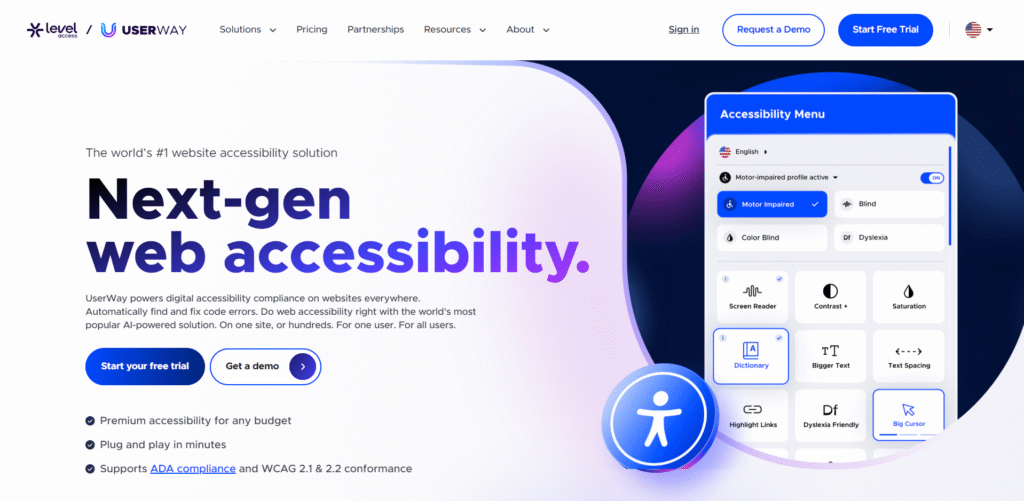
UserWay, an AI accessibility tool 2025 provides an all-in-one widget that simplifies your site for all. It is compatible with most platforms using a single piece of code. Its control panel reports to you and also assists in resolving issues quickly.
Key Features
- Installs quickly on all websites
- Allows users to choose the assistance they desire
- Monitors modifications and reports progress
3. Axe by Deque Systems
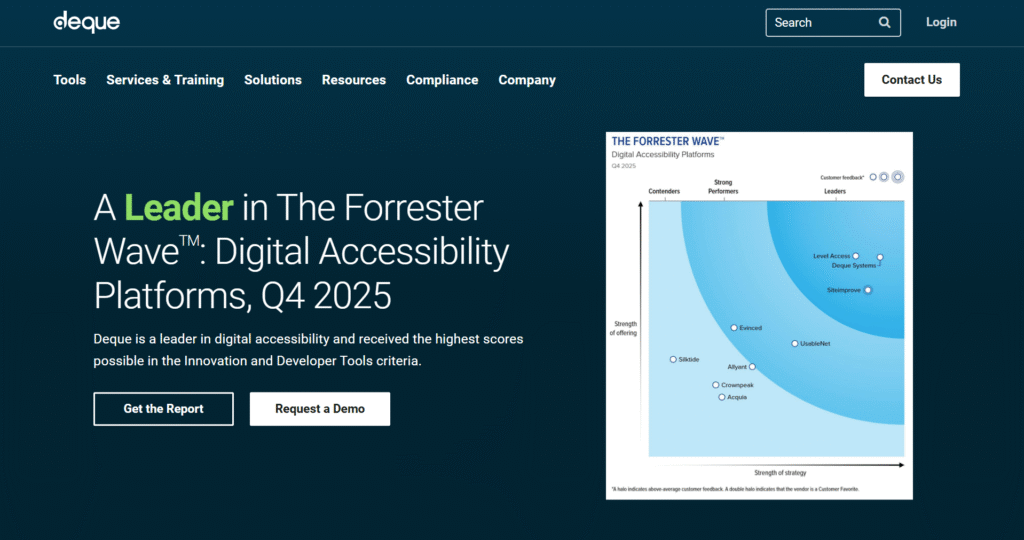
Axe is recognized globally for its reliability and simplicity. Axe assists with quick checks and large projects. Axe is inserted into your browser or the code pipeline of your project. Axe identifies accessibility compliance tools (ADA and WCAG) problems and advises solutions to resolve them.
Key Features
- Browser add-on
- Assists developers in progress
- Produces results in terms that are easy to grasp
4. Silktide
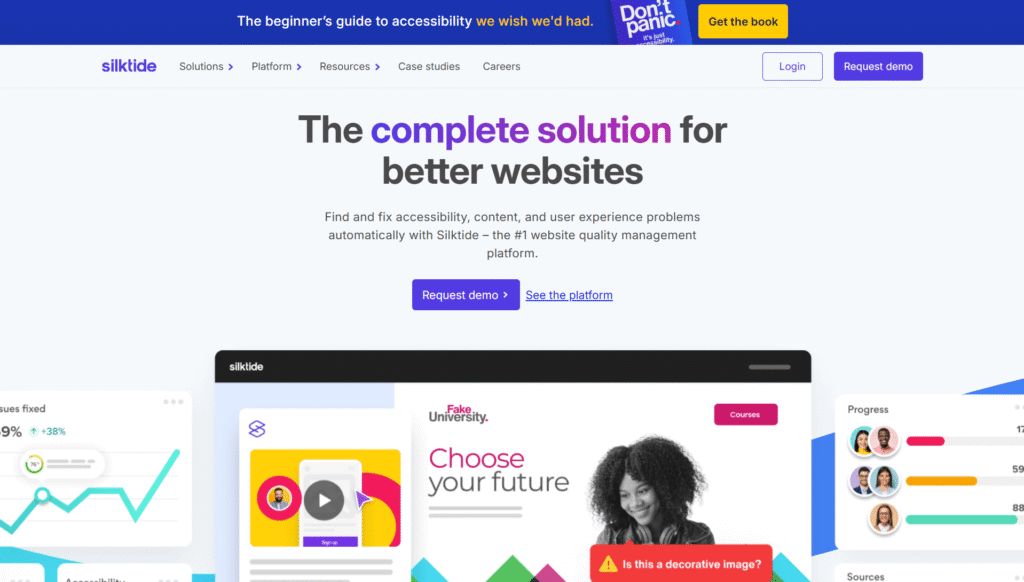
Silktide is ideal for individuals who wish to make large changes but want the process to be easy. It scans websites against more than 200 different rules. It also displays what issues will look like for users. This makes it simpler for you to fix your site.
Key Features
- Visual previews of problems
- Searches for broken menus, text, and links
- Allows you to compare your site to others
5. Stark
If you are a designer who works with Figma or Adobe XD, Stark is for you. Stark inspects your designs before they become actual websites. This way, you begin with a solid and accessible site from the very start using this quality web accessibility tool.
Key Features
- Operates within design tools
- Provides color and contrast feedback
- Audits for problems while you work
6. AudioEye
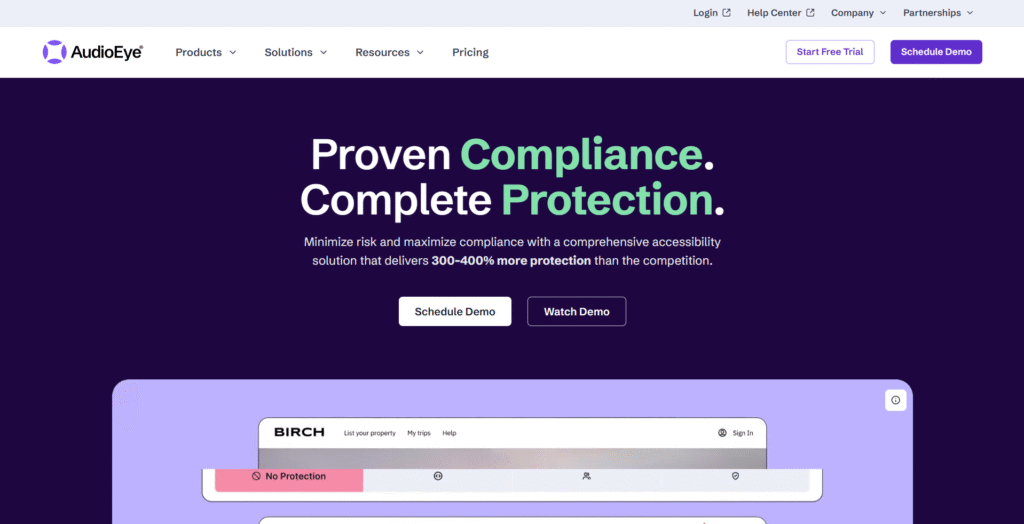
AudioEye web accessibility automation tools put AI checks alongside actual people assisting as well. The tool surpasses automation by requesting experts to examine your site at times. This method provides you with the very best of both worlds.
Key Features
- Automatic and human audits
- Continuous monitoring for new issues
- Reports and assistance for compliance with the law
7. EqualWeb
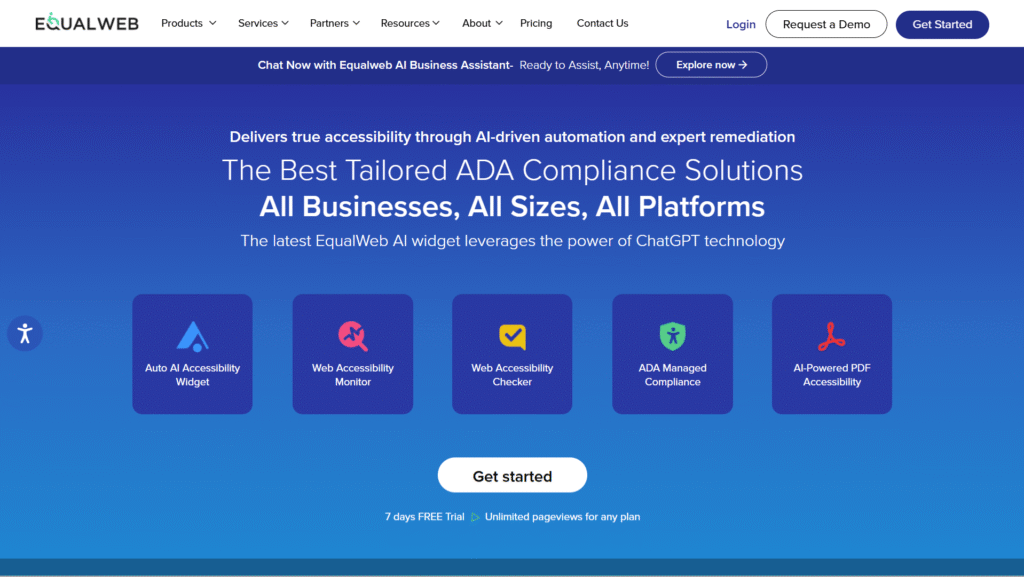
EqualWeb is used by most large brands. Its scanner checks your entire website, provides fixes, and enables users to control the site’s appearance. EqualWeb provides more extensive support for more languages than most others.
Key Features
- Checks for hundreds of problems
- Customization control for users
- Numerous language choices
Utilizing a Website Accessibility Checker AI
A website accessibility checker AI not only tells you about issues, but it also tells you why something is a problem. Some checkers even check whether your site functions with screen readers or voice commands. They provide you with easy steps to solve each error they identify.
How to Select The Best AI Accessibility Tools
Consider the following points:
- Does it scan for all the rules, such as ADA and WCAG?
- Will it scan all of your website pages?
- Does it provide easy-to-understand instructions for repairing issues?
- Can anyone on your team utilize it?
- Does it integrate with your website builder or platform?
Try free versions when available and see what works best for your website.
Major Benefits of Digital Accessibility AI Tools
- Assists ALL of your visitors in accessing your website
- Conserves time repairing and locating issues
- Increases your website’s Google ranking
- Protects your business from legal issues
- Makes you a more effective, more inviting brand
Final Thoughts
The best AI accessibility tools turn your website into a place for all to visit. In 2025, there is simply no excuse to exclude anyone. Intelligent, intuitive tools do the heavy lifting for you. Choose a tool that suits your website and begin making alterations now. Your site, your business, and your visitors all are winners.