If you’re familiar with today’s digital landscape, you know how difficult it is to navigate uncharted waters when a shared hosting plan isn’t working as expected!
It’s giving you constant headaches with poor performance, slow load times, reduced downtime, and security vulnerabilities!
That’s the moment you need the upgrade, and the answer is a dedicated virtual private server.
According to Fortune Business Insights, the global web hosting services market was valued at $149.30 billion in 2025. It may grow to $661 billion by 2034, with a 17.80% CAGR. This study shows the demand for VPS hosting, especially by business owners.
From faster site speeds to greater reliability and superior performance, the benefits of a dedicated VPS server are numerous. But here’s the billion-dollar question: Which are the best VPS hosting providers that deliver results?
I have used numerous top VPS hosting providers. That helped me understand their advantages and disadvantages based on the requirements. Over the next few minutes, I will walk you through the best VPS hosting providers and help you choose the right option.
Before we dig deeper, let’s provide a brief introduction to VPS hosting.
What is VPS Hosting?
According to Wikipedia, a VPS (virtual private server) is a web hosting service that bridges the gap between dedicated server hosting and traditional shared hosting. The working methodology of a VPS is based on physical server virtualization into multiple isolated components.
How Does VPS Hosting Work?
- Robust Physical Machine: A VPS solution has a powerful physical server loaded with high-performance hardware, i.e., RAM, CPUs, network infrastructure, and storage drives.
- Hypervisor: The primary technology that fuels VPS is the hypervisor, which develops and manages the virtualized environments within the physical server. The hypervisor determines resources for each VPS to ensure isolation between them.
- Virtual Servers: A hypervisor bifurcates a physical server into multiple compartments, each working as an independent server.
5 Key Benefits of VPS Hosting Providers
I learned from my research that a VPS offers an ideal balance between the availability of shared hosting and dedicated hosting. Not only that. There are some other benefits too. Here’s what I find:
1. Improved Performance
Websites running on VPS environments benefit from dedicated resource allocation, such as CPU and RAM. This improves page load speed, enhancing the user experience and bolstering search engine rankings.
Besides, a dedicated VPS offers enhanced isolation. This indicates that your website may experience fewer downtime issues due to resource contention from other users.
2. Increased Customization and Control
Dedicated VPS hosting plans include root access, giving you full administrative control. This enables you to install custom software and configure the operating system to meet your needs.
Additionally, you can choose the best VPS hosting providers based on the operating system you’re using. Install the specific app that best suits your needs.
3. Better Scalability
Depending on your business expansion rate, you can easily add storage, RAM, and CPU cores. This enables you to accommodate growth smoothly without migrating to another server. With VPS, you only pay for what you use. This keeps your wallet fat so that you can use the resources to fulfill other business needs.
4. Cost-Effective
Compared to a dedicated server, VPS hosting is more cost-effective and strikes the right balance between performance and affordability. Once you choose a VPS provider, you’re choosing performance and power suited for your business needs. This leads to better search visibility, higher conversions, and the ability to handle higher traffic volume.
If your main priority is choosing the right hosting solution for a growing WordPress site, you can also explore our guide to the best WordPress hosting for high-traffic websites, where we compare hosting options designed to handle larger audiences and increased traffic demands.
5. Enhanced Security
VPS’s virtualized nature creates a robust security perimeter between you and others on the same physical machine. This enables you to mitigate risks associated with a shared server. On the other hand, VPS offers root access, enabling you to fine-tune security. You can install multiple software programs based on your security needs.
Our Sponsor
Godlike.Host
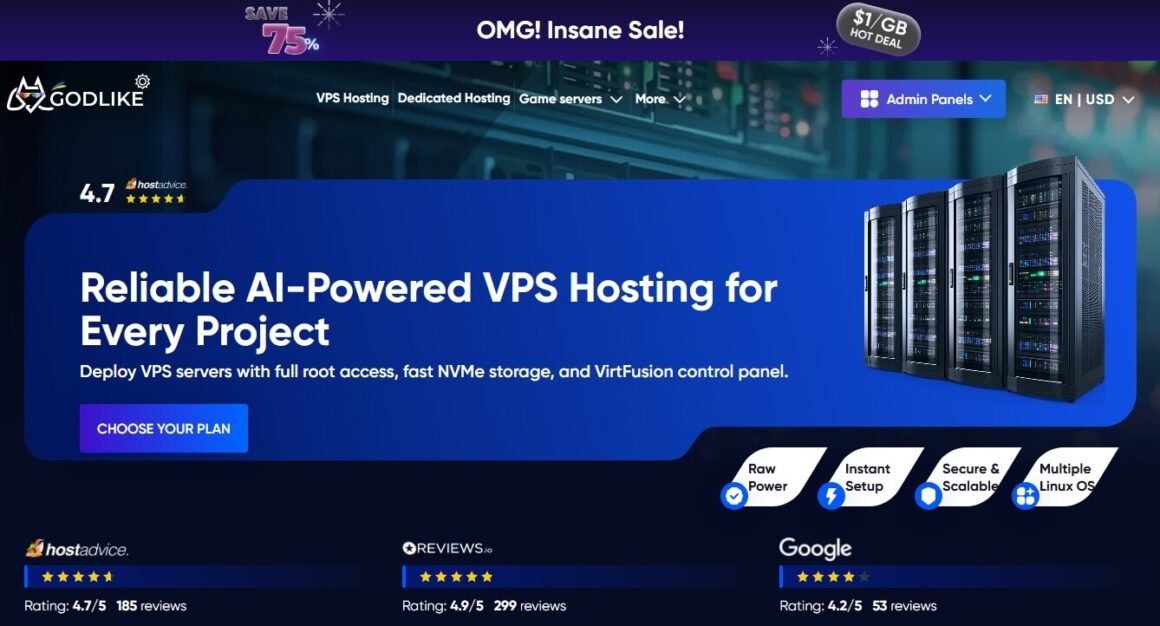
Godlike.Host provides high-performance VPS hosting for businesses, developers, agencies, and online projects that need powerful server resources, full control, and flexible scaling.
Our VPS hosting is built on premium hardware, including AMD EPYC 75F3 and Ryzen 9 9950x3D processors, which allows us to offer strong server performance at a competitive price.
Godlike.Host VPS plans are suitable for business websites, web applications, development environments, automation, SEO projects, VPNs, databases, and other server-based workloads.
Key product advantages include:
- Premium AMD EPYC 75F3 and Ryzen 9 9950x3D hardware
- Fast NVMe storage
- Full root access
- VirtFusion VPS control panel
- DDoS protection
- Backup and recovery options
- Multiple Linux OS options
- Managed and unmanaged VPS options
- Flexible scaling
- Fast VPS deployment
- Competitive pricing for high-performance hardware
Godlike.Host — Best for High-Performance VPS Hosting at a Fair Price
Godlike.Host is a VPS hosting provider built for users who need powerful server resources, full control, and flexible scaling without overpaying. It is a good option for developers, agencies, small businesses, SaaS projects, automation workflows, SEO projects, VPNs, databases, and growing websites that need more control than shared hosting can provide.
What makes Godlike.Host stand out is its hardware. The platform uses premium AMD EPYC 75F3 and Ryzen 9 9950x3D processors, giving users access to modern high-performance infrastructure at a competitive price. Combined with fast NVMe storage, full root access, DDoS protection, and a user-friendly VirtFusion panel, Godlike.Host is designed for projects that need speed, stability, and room to grow.
Godlike.Host also offers fast VPS deployment with multiple Linux OS options, making it easier to launch a server and configure it for specific project needs. Users can choose between unmanaged VPS for full hands-on control or managed VPS for additional technical support.
Key Features:
Premium Hardware: Godlike.Host VPS servers are powered by AMD EPYC 75F3 and Ryzen 9 9950x3D processors, offering strong performance for demanding workloads.
Fast NVMe Storage: VPS plans include NVMe storage for faster response times and improved application performance.
Full Root Access: Users get complete server control, making it suitable for developers, technical teams, and custom server environments.
VirtFusion Control Panel: The VPS panel makes it easier to manage server functions, monitor resources, and control the environment.
DDoS Protection: Godlike.Host includes DDoS protection to help keep projects secure and stable.
Managed and Unmanaged VPS: Users can choose full self-service control or managed support depending on their technical needs.
Flexible Scaling: Server resources can be upgraded as projects grow, helping users avoid unnecessary migrations.
Pros:
- High-performance AMD EPYC and Ryzen hardware
- Competitive pricing for powerful VPS configurations
- Fast NVMe storage
- Full root access
- DDoS protection included
- Managed and unmanaged VPS options
- Multiple Linux OS options
- Good for developers, agencies, websites, applications, SEO projects, VPNs, and automation workloads
- Easy scaling for growing projects
Cons:
- VPS hosting may require more technical knowledge than shared hosting
- Best suited for users who need server-level control and flexibility
- Game hosting is available, but the main focus for this listing should be VPS hosting
Best VPS Hosting Providers in 2026 to Scale Your Business
According to Allied Market Research, the global market is expected to reach $8.3 billion by 2026. This clearly defines the demand for managed web hosting and VPS hosting globally among business owners. After reviewing market statistics, my team and I have selected the best VPS hosting providers for 2026 based on real-time performance, value for money, uptime reliability, and support quality. Here you go:
01. Hostinger

This is one of the best VPS hosting providers, making hosting accessible to a wide range of users irrespective of the business size. Hostinger’s VPS solutions are designed for users who want performance and control without the complexity of server management.
Best For: Best Overall
Our Rating: ⭐ 8.9/10
- AMD EPYC processors
- 1 vCPU + 4GB RAM
- 50GB NVMe storage
- 4TB bandwidth
- 1Gbps network speed
- Free weekly backups + manual snapshots
- NVMe SSD storage
- Full root access
- Managed firewall + DDoS protection
- AI-powered Web Terminal / Hostinger Agent
- One-click OS, app & control-panel deployment
- Worldwide data center locations
$6.49
Per Month KVM 1 for a 2-year plan
Key Features:
Ease of Use: Has the built-in control panel, making VPS management easier for non-technical users.
Affordability: This stands out with budget-friendly pricing compared to other VPS providers.
Holistic Knowledge Base: Hostinger has an extensive knowledge base, including guides and tutorials. This provides advanced support for users who encounter difficulties using the VPS.
Scalability: If your website needs more resources, you can upgrade your VPS plan by following the simple steps.
Pros:
- Offers VPS templates, making server deployment easier.
- Has an in-built AI assistant, which works as the virtual partner.
- Browser-based command terminal, enabling you to manage terminals easily.
Cons:
- Not great for enterprise-grade operation.
- Offers only unmanaged hosting.
What did I experience with Hostinger?
The overall experience is positive, largely due to its ease of use, including the dashboard’s intuitive interface, one-click VPS setup, and application-ready templates.
Rating: 4.9/5
02. Cloudzy
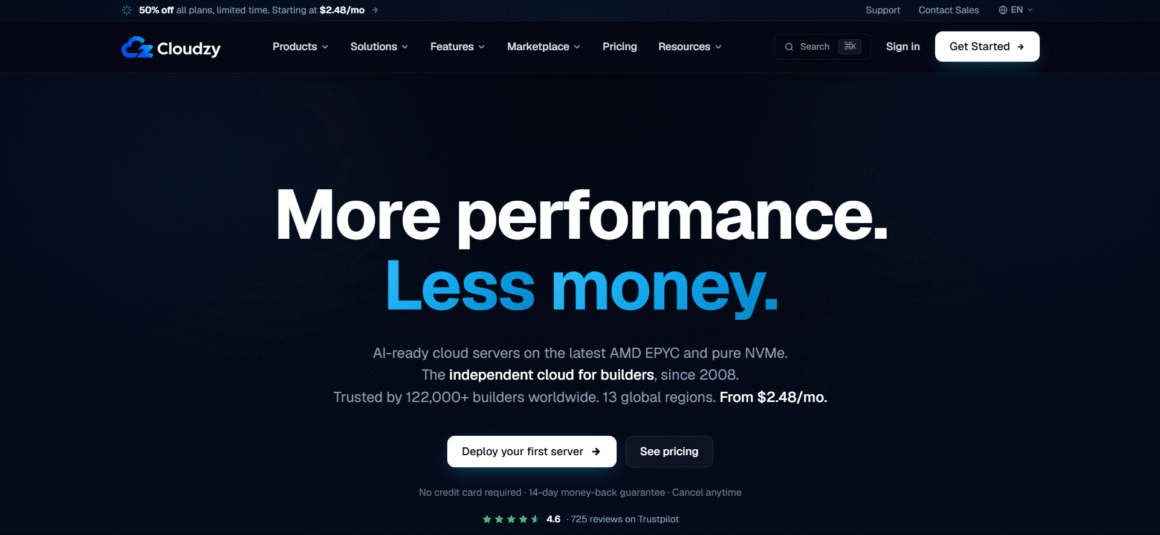
Cloudzy is the independent cloud for builders who want to ship fast. Founded in 2008 and trusted by 122,000+ builders, it’s engineered around two things most VPS providers get wrong: simplicity and performance. A fresh server is up and running in about 60 seconds. Pick a region, click deploy, and you’re in. Every plan, even the $2.48/month starter, runs on AMD EPYC cores, pure NVMe storage, and 40 Gbps networking—so the speed isn’t just on signup, it’s in the workload too.
Best For: High-performance VPS, developers, AI workloads & growing websites.
Our Rating: ⭐ 9.1/10
- AMD EPYC Processors
- Up to 40 Gbps Network
- DDoS Protection Included
- 13 Global Locations
- Pure NVMe SSD Storage
- KVM Virtualization
- Dedicated IPv4 + IPv6
- 99.95% Uptime SLA
$2.97
Per Month (Pay $2.48/mo annually)
Key Features:
Largest One-Click App Marketplace: Over 1000 ready-to-deploy apps including Docker, n8n, cPanel, WordPress, WireGuard, MetaTrader, and more. Skip the painful setup and ship in minutes.
EPYC + Ryzen CPUs on Pure NVMe: Latest-gen AMD EPYC and Ryzen cores paired with NVMe-only storage. Strong performance at every tier—no spinning rust, no shared cores.
13+ Global Regions: Coverage across North America, Europe, the Middle East, and Asia-Pacific. Drop your workload close to your users and keep latency low.
24/7 Real Expert Support: Tickets go straight to the engineers running the infrastructure, not a chatbot. Backed by a 4.6/5 rating from 700+ Trustpilot reviewers.
Honest, Simple Pricing: Subscription plans from $2.48/month or pay-as-you-go hourly billing—your choice. No egress fees, no surprise bills, no commitment.
Pros:
- 24/7 highly rated support: Consistently strong customer satisfaction scores across major review platforms, including Trustpilot.
- Quick and easy deployment: No complicated verification delays; servers can be launched in approximately 60 seconds.
- High-performance hardware: AMD EPYC processors combined with NVMe storage provide reliable performance and fast load times.
- Windows 10/11 Desktop support: Suitable for remotely running marketing software, automation tools, and other desktop applications.
- 1,000+ one-click apps: Quickly deploy popular solutions such as WordPress, cPanel, VPN tools, and development environments.
- Multiple payment options: Accepts international credit cards, PayPal, AliPay, and various cryptocurrency payments.
- 13+ global data center locations: Helps businesses target users by region and optimize international campaigns.
Cons:
- Self-managed environment: Best for users who are comfortable working with one-click installations, control panels, or basic server administration.
- No included software licenses: Users can choose from available open-source one-click applications or provide their own software licenses.
03. ScalaHosting
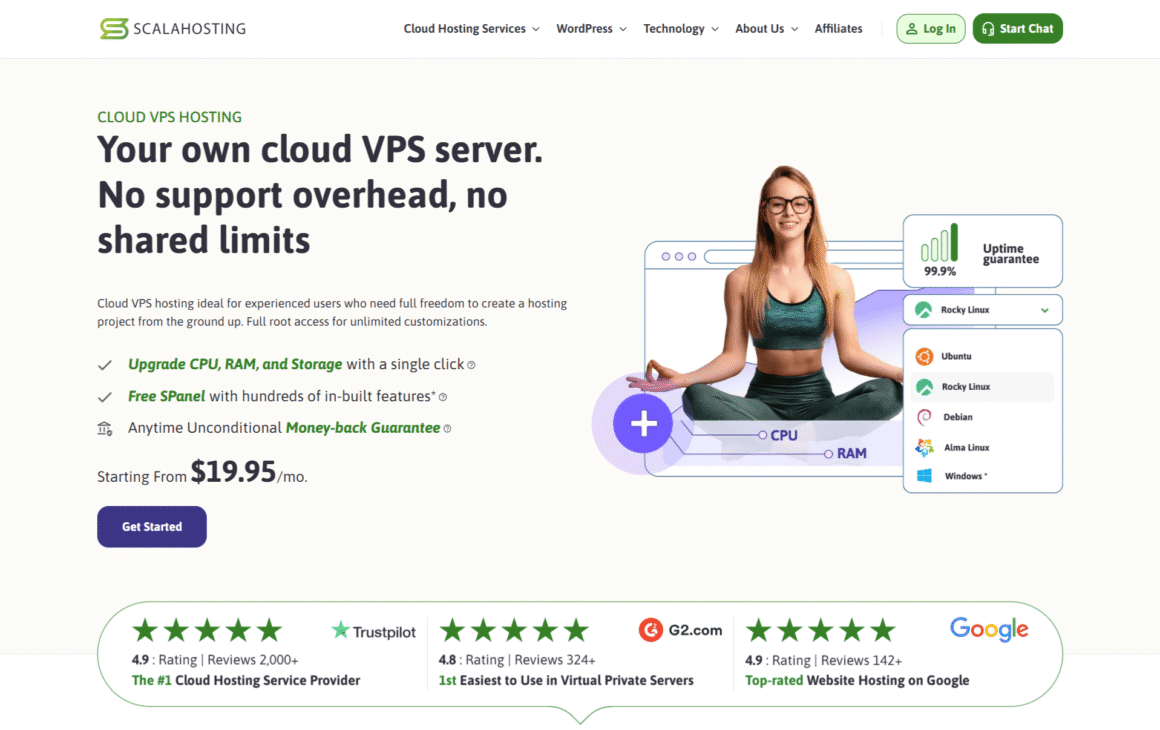
This is a US-based web hosting provider with a strong focus on managed cloud VPS services. ScalaHosting offers both fully managed and self-managed cloud VPS hosting, built on performance-based cloud infrastructure. This runs on KVM virtualization with blazing-fast NVMe SSDs.
Best For: Best Managed VPS
Our Rating: ⭐ 9.2/10
- AMD EPYC Processors
- Up to 4.1 GHz CPU
- Full Root Access
- SShield Security
- Free SSL Certificates
- NVMe SSD Storage
- 10 Gbps Network
- Free SPanel Control Panel
- Daily Backups & Snapshots
- Easy CPU, RAM & Storage Scaling
$19.95
Per Month (Starting Price) for Unmanaged Cloud VPS
Key Features:
Managed Services: ScalaHosting manages updates, server maintenance, and optimizations. This saves you valuable time and helps you move forward even if you don’t have much technical knowledge.
SPanel: This is a control panel, providing an orchestrated and intuitive interface. Therefore, managing VPS is easy, even for non-technical persons.
SShield Security: SShield acts as the protective barrier of VPS servers, especially for blocking multiple phishing attacks.
SWordPress Manager: This is a unique tool designed to simplify WordPress website management with automated updates and one-click staging.
Pros:
- Free Spanel control panel
- Seamless website creation experience
- Responsive customer support
Cons:
- No DDoS protection.
- The basic plan has storage limitations.
What did I experience with ScalaHosting?
ScalaHosting can manage the server effectively while the team focuses on the project. It also handles speed optimizations, updates, site security, and backups. Overall, it’s one of the best VPS providers for business owners and those looking to host web apps. Also, ScalaHosting will allow you to choose between Windows OS and Linux.
Rating: 4.9/5
04. Liquid Web
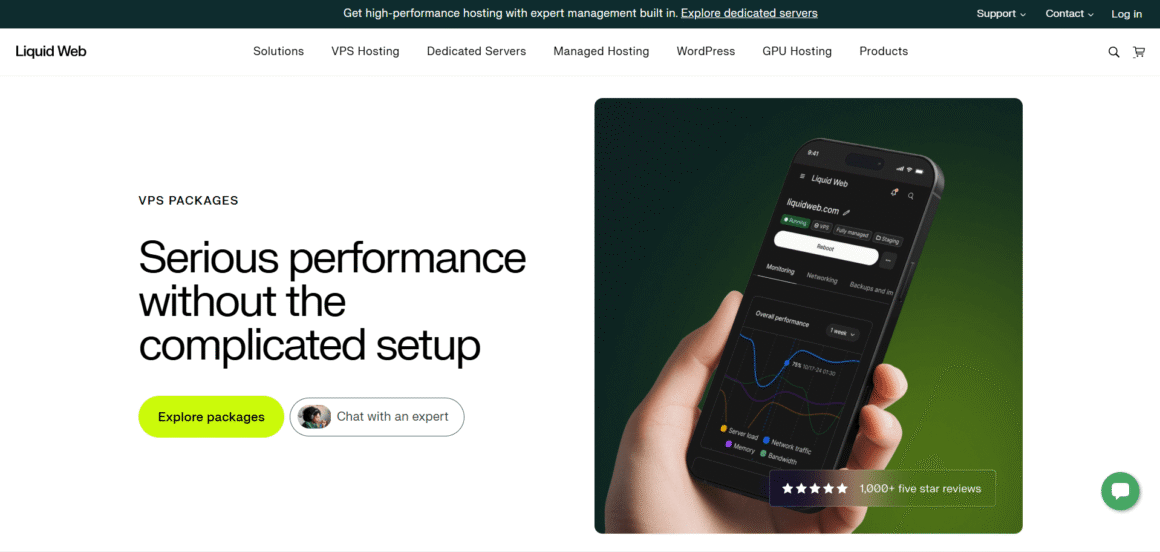
A premium hosting provider specializing in VPS, cloud solutions, and dedicated servers. This VPS hosting is designed for high-scale business workloads, with self-managed and managed options available. Also, it guarantees consistent uptime and expert support.
Best For: Best Premium VPS
Our Rating: ⭐ 9.2/10
- Self-managed or fully managed VPS
- SSD storage
- Linux or Windows Server
- Dedicated IP address
- cPanel, Plesk, or InterWorx options
- Up to 10 Gbps network
- Root access
- DDoS protection
- Unmetered inbound bandwidth
- 24/7/365 expert support and free migrations
$5.0
Per Month (Starting Price)
Key Features:
Control Panel Choice: You can choose between popular control panels like InterWorx, cPanel, Plesk, etc. This enables greater flexibility based on your experience.
Full Root Access: Once you choose a self-managed plan, you will get comprehensive access to the VPS. This provides complete administrative control.
DDoS Protection: All tiered plans have basic DDoS protection with the option of future upgrades.
Scalability: Provides greater scalability options as you can easily upgrade resources like storage, RAM, and CPU cores to complement your website growth.
Pros:
- Great backup with Acronis
- Optimized performance by Cloudflare CDN
- Easy scaling up
Cons:
- Higher price point
- Complex interface
- Not beginner-friendly
What did I experience with Liquid Web?
The reliability and next-level performance have impressed me and led me to use it further in my projects. Additionally, LiquidWeb’s advanced hardware makes it ideal for large projects. I also tracked uptime for my in-house projects, and it showed no performance issues. Overall, if you are looking for a dedicated VPS hosting provider for your business, this is an ideal option.
Rating: 4.3/5
05. Hosting.com
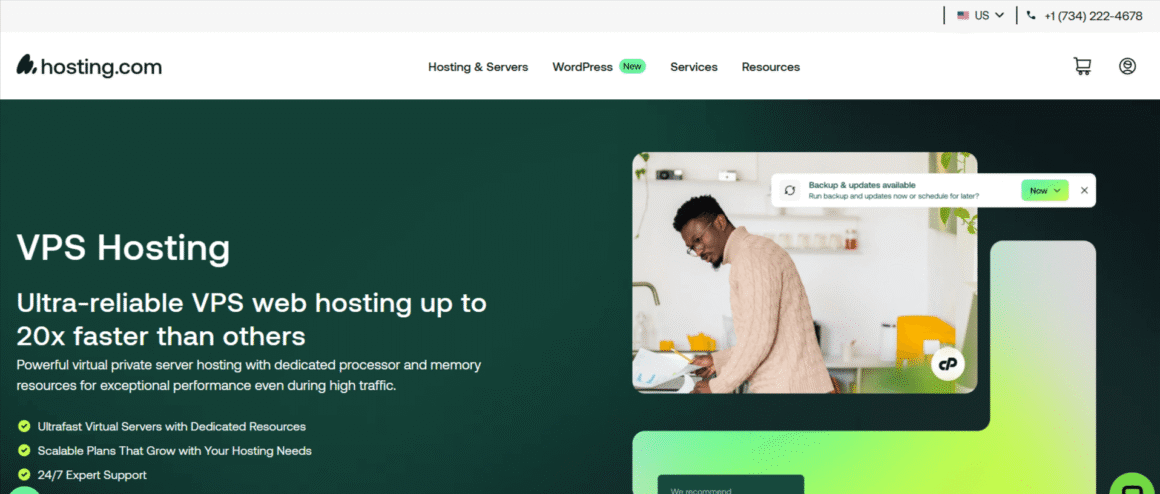
Formerly known as A2 Hosting, Hosting.com is all about reliability and speed. These high-performance VPSs are perfect for businesses, developers, and performance-oriented websites. VPS hosting services partition a single physical server into multiple virtual servers, each with dedicated resources.
Best For: Best for Growing Websites
Our Rating: ⭐ 9.2/10
- AMD EPYC processors
- Dedicated vCPU and RAM
- 99.9% uptime SLA
- Redundant power and network uplinks
- Hardware RAID storage
- High-speed NVMe storage
- Full root access
- 10 global data centers
- On-demand resource scaling with no rebuild
- Ubuntu, Debian & AlmaLinux support
$9.99
Per Month (on annual billing)
Key Features:
Enhanced Performance: The “Turbo Servers” provide faster speeds than traditional setups.
Management Level Choice: Hosting.com provides managed, unmanaged, and core-managed VPS plans. These plans enable you to select the level of support and control your business needs.
Developer–Friendly: With unmanaged VPS plans, you can gain full root access. This enables users to work seamlessly, especially experienced server administrators.
Responsive Support Team: The team is available 24/7 to guide you with updated resources whenever you feel any issues.
Pros:
- Pre-optimized services to fit multiple business needs.
- Provides free site migrations.
- Offers next-level security with a firewall, kernel updates, and malware scans.
Cons:
- Higher renewal rates.
- Limited features on free plans.
- Performance issues on basic plans.
What did I experience with Hosting.com?
First and foremost, I appreciated the option to choose between unmanaged and managed VPS hosting. This is ideal for people seeking large e-commerce projects. It’s also customizable, making it a great option for online store owners. That is why it’s gaining global appreciation.
Rating: 4.7/5
06. Akamai

Formerly known as Linode, Akamai is one of the best VPS hosting providers due to its extensive documentation and flexibility. Akamai acquired Linode in 2022. “The opportunity to combine Akamai’s leading-edge platform with Linode’s developer-friendly cloud computing is a big win for developers,” said Akamai CEO and co-founder Dr. Tom Leighton during the launch.
Key Features:
Performance: Offers both dedicated and shared CPU plans.
Reliability: Akamai offers a 99.99% uptime guarantee compared to other providers.
Security: Enable users to bifurcate storage, which is a great option for security configurations.
Support: Provides next-level customer support.
Pros:
- Cost-effective
- Global edge network
- Ease of use
Cons:
- Smaller range of specialized instances.
- Fewer regional data center footprints
- Difficult networking and advanced configurations may be daunting.
What Did I Experience with Akamai?
If you’re a business owner, Akamai may not be a great fit, as it is less business-ready than other options. VPS solutions are ideal for developers and small technical teams who want transparent pricing, predictable resources, and full control over server configurations.
Rating: 4.6/5
Pricing: Starts from $5/month for shared Nanode.
07. Bluehost
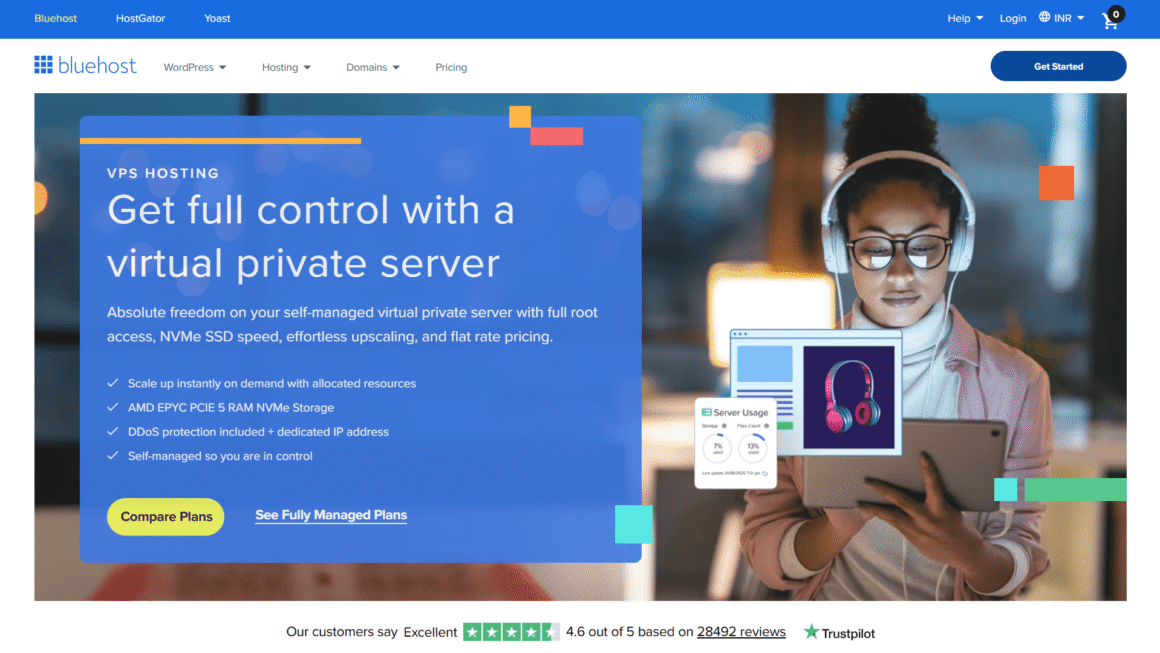
Founded in 2003, Bluehost offers a wide range of hosting services, especially for WordPress. If you’re a startup and have limited resources, Bluehost is an ideal option. Primarily, Bluehost balances affordability, performance, and user-friendliness.
Best For: Best for Beginners
Our Rating: ⭐ 8.5/10
- AMD EPYC processors
- DDR5 RAM
- Unmetered bandwidth
- Free DDoS protection
- On-demand CPU, RAM & storage scaling
- NVMe SSD storage
- Dedicated vCPU resources
- Full root access via SSH
- Dedicated IP address
- One-click deployment for apps, OS and stacks
$4.69
Per Month (renews at $5.69/month)
Key Features:
Easy to Use: Provides a simple cPanel experience, enabling you to manage the VPS environment easily.
Scalability: Has the option to upgrade the VPS plan to more resources.
More Resource Options: Offers multiple VPS plans with different levels of CPU cores, RAM, and storage. This enables you to identify the configuration that best meets your business needs.
24/7 Support: Bluehost has a dedicated customer support team to provide you with constant support through chat, phone, and ticket systems.
Pros:
- Top-notch performance.
- Advanced caching and root access.
- Free migration included.
Cons:
- Speed may be inconsistent.
- Higher domain renewal price
What did I experience with Bluehost?
The advanced features of Bluehost include dedicated firewalls, SiteLock security, 24*7 monitoring, and SFTP and SSH access. Additionally, it’s easy to use, with a user-friendly dashboard.
Rating: 4.6/5
08. DreamHost
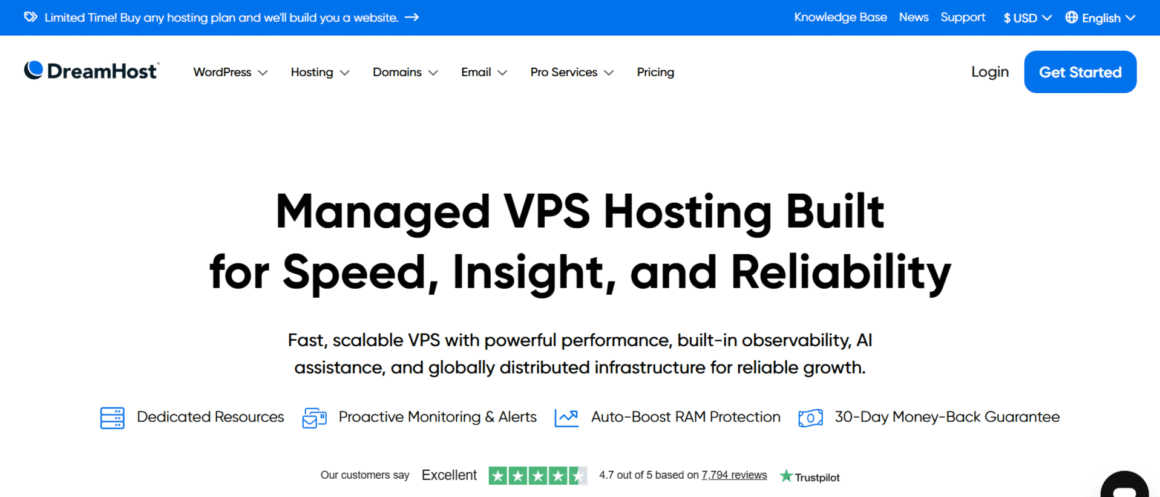
An American hosting service provider, offering a wide range of services. DreamHost offers next-generation VPS solutions alongside other hosting plans. The VPS plans are aimed at and managed for beginners who want transparent server management.
Best For: Best Flexible VPS
Our Rating: ⭐ 8.7/10
- 2 vCPU AMD EPYC processors
- 75 GB NVMe SSD storage
- Full root access
- Docker + KVM support
- DDoS protection
- 4 GB RAM
- Unmetered bandwidth
- Choice of Linux OS
- One-click app library
- 24/7 customer support
$8.99
Per Month (first 3 months; renews at $15.99/month)
Key Features:
Custom Control Panel: Offers unique built-in panels, which provide streamlined and user-friendly VPS management.
Unlimited Bandwidth: Provides unmetered bandwidth so that you won’t face limitations irrespective of the traffic you receive on the website.
Developer Friendly: Offers full root access and flexibility for server configuration, making DreamHost an attractive option for developers.
Great for WordPress: DreamHost’s VPS plans are optimized for WordPress websites, ensuring next-level performance and compatibility.
Pros:
- AI business advisor to help you get insights about web hosting.
- Unlimited email accounts.
- Easy pricing structure
Cons:
- No root access
- We have only the data centers.
What Did I Experience with DreamHost?
After extensive use of DreamHost, I understand this is the best-managed VPS plan for beginners. The managed VPS helped my team focus on our business website, while other DreamHost features handled backend work. Also, DreamHost VPS has an AI business advisor, which helped me throughout my journey by answering the questions.
Rating: 4.7/5
09. DigitalOcean
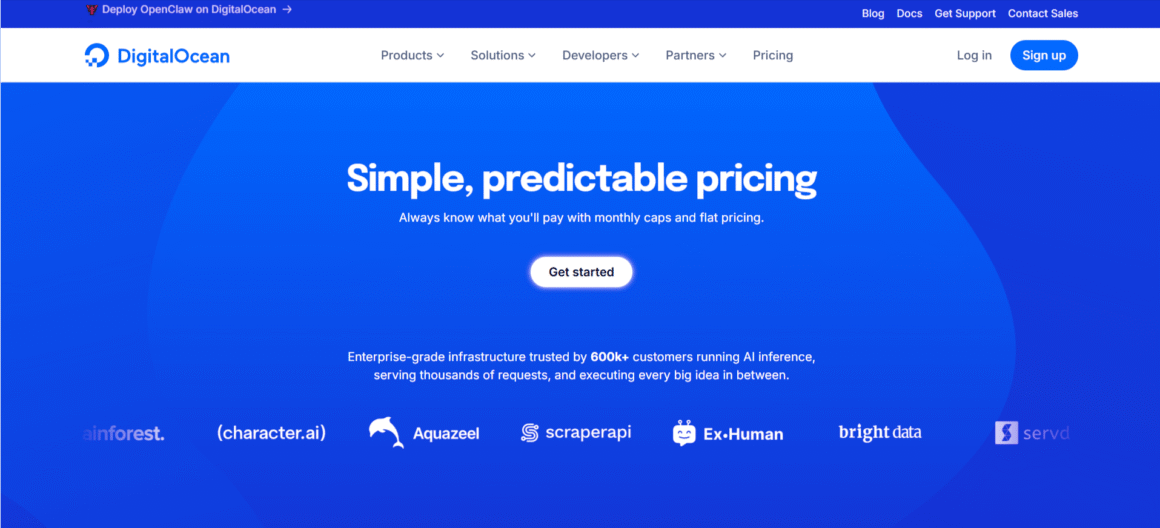
If you’re looking for managed databases, robust APIs and easy scaling—all in one place—DigitalOcean is the ideal option. This is an ac cloud-focused VPS provider, trusted by developers for its reliability, simplicity, and transparent pricing. This offers scalable virtual servers, enabling users to deploy applications with full control over the server environment.
Best For: Best Cloud VPS for Developers
Our Rating: ⭐ 9.1/10
- Shared and dedicated CPU droplets
- Up to 48 vCPUs on bundled plans
- 500 GiB+ outbound transfer included
- Global data centers
- Free monitoring and alerts
- SSD and NVMe storage options
- Full root access
- 99.99% uptime SLA
- Free Cloud Firewalls
- API, CLI and Terraform support
$6.0
Per Month
Key Features:
Enhanced Data Handling Speed: Provides cutting-edge VPS hosting options, boosted by SSD storage. This enhances the data handling speed.
Multi-core Processors—Enhanced performance with multi-core processors, supporting seamless website operation.
Guaranteed Uptime: Offers 99.9% uptime and is supported 24/7 by the virtual chatbots.
Security: Offers free SSL domain, enabling users to gain complete control over the virtual servers.
Pros:
- Automates CI/CD flows, scaling and provisioning.
- Full root access.
- Unmetered bandwidth.
Cons:
- Higher price options compared to other VPS.
What Did I Experience with DigitalOcean?
If you prefer scalability, a robust API, and a clean UI, this is an excellent option for developing and deploying apps. Besides, it offers great support. I had a few questions about my domain name while collecting, and I received all the answers in real time.
Rating: 4.6/5
10. InterServer
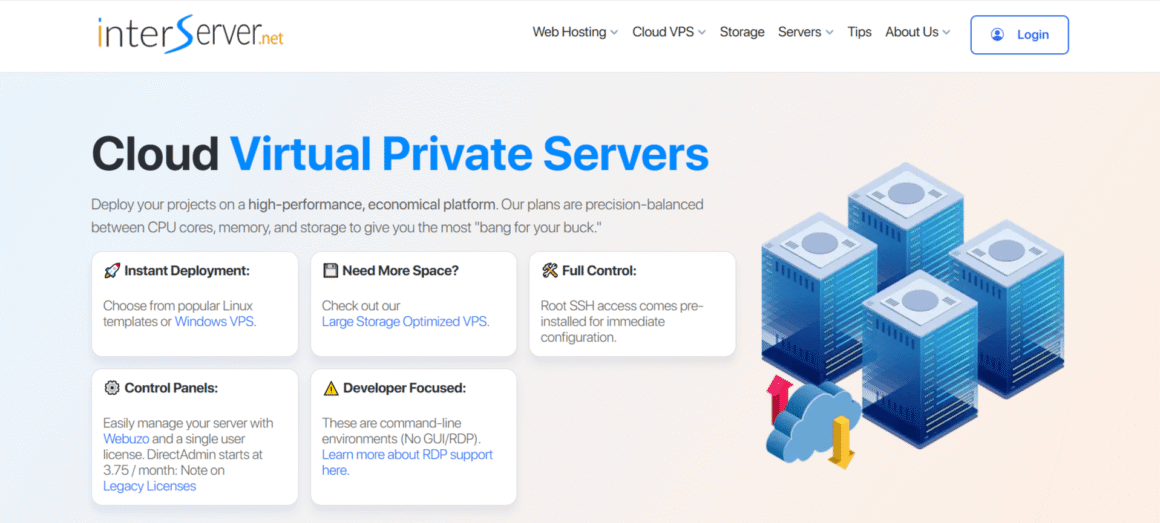
A well-known VPS hosting provider, offering all the features based on your company’s budget and size. The primary reason for choosing this VPS hosting provider is that InterServer requires no contracts. This means no monthly renewal fees are required.
Best For: Best Budget VPS
Our Rating: ⭐ 8.7/10
- KVM-based Cloud VPS
- 40 GB SSD storage
- Full root access
- Scalable slice-based resources — up to 32 slices
- Backup and snapshot options
- 1 CPU core + 2 GB RAM
- 2 TB monthly transfer
- Linux, Windows and BSD OS options
- Free VPS control panel and server management tools
- 99.9% uptime guarantee
$6.0
Per Month
Key Features:
AI-powered Backup System: Offers an AI-fueled backup system, which detects hardware glitches and transfers them to another node.
Flexibility: You can choose from flexible options to choose your OS. There are also three control panels: Plesk and cPanel.
Reliable Uptime: VPS performance is backed up by an SLA, which offers 100% uptime constantly.
Pros:
- Free security features to safeguard the website from cyber-attacks.
- One-click installation for web apps.
- Reliable performance.
Cons:
- Not very user-friendly compared to other VPS providers.
- Domain registration is not available with the plans.
- Advanced features are included with high-tier plans only.
What Did I Experience with InterServer?
InterServer is one of my top choices as it makes scaling resources easier. Also, the provider supports multiple operating systems, which I found unique. If you need an affordable hosting plan for your business with unlimited storage, email accounts, and multiple cloud apps, InterServer is the ideal choice.
Rating: 4.3/5
How We Test and Review VPS Hosting Providers
Picking a VPS provider based on price alone is a mistake we see people make all the time. A plan can look great on the pricing page and still fall apart once you’re actually running a website on it—slow under real traffic, painful to manage, or missing the security features you assumed were included.
That’s why our reviews go beyond simply asking, “Who’s the cheapest?” We evaluate VPS providers based on the factors that matter when you’re hosting a real website, application, or online business: performance, reliability, features, ease of management, security, scalability, customer support, and overall value.
What We Evaluate
1. Server Performance
Specs only tell part of the story, so we look at the hardware and resources behind each VPS plan—CPU type, RAM, storage technology, and network throughput. Providers running modern processors and NVMe storage get extra credit here, since that combination tends to make a real, noticeable difference once a site or application is under load.
2. Uptime and Reliability
Your VPS needs to be there when your visitors show up, not just on paper but in practice. We look at each provider’s uptime guarantees, the infrastructure behind those promises, redundancy measures, and their actual track record over time. Providers that consistently back up their uptime claims with solid infrastructure score higher.
3. VPS Features and Resources
The advertised entry-level price rarely tells the full story, so we look past it to what you actually get: CPU cores, RAM, SSD vs. NVMe storage, bandwidth allowances, backup options, root access, choice of operating systems, and available control panels. Two providers can list the same starting price and offer very different value once you compare what’s included.
4. Ease of Management
VPS hosting hands you more control than shared hosting — but that same control can turn into a headache if the tools around it aren’t up to par. We assess the control panel’s usability, how smooth server deployment is, the quality of monitoring tools, how helpful the documentation is, and whether managed VPS plans are available for anyone who’d rather not handle server maintenance themselves.
5. Security
Security isn’t optional, so we check for it directly: DDoS protection, firewalls, automated backups, malware scanning, security monitoring, SSL support, and how consistently servers receive updates. Providers with stronger built-in protection and faster recovery options rank higher in our evaluations.
6. Scalability
Your hosting needs today probably won’t match your needs in a year. We look at how easily a provider lets you scale—adding CPU, RAM, storage, or bandwidth—without forcing you into a painful migration to a different platform or plan tier.
7. Customer Support
When a server issue hits, the quality of support can be the difference between a five-minute fix and a lost afternoon. We evaluate the support channels on offer, typical response times, how technically knowledgeable the team actually is, the depth of self-serve documentation, and whether 24/7 support is genuinely available.
8. Pricing and Overall Value
Finally, we weigh price against what you’re actually getting. That means looking at entry-level plans as well as how pricing holds up as your resource needs grow. A rock-bottom price isn’t a deal if it comes at the cost of features, security, or support you’ll end up needing anyway.
| What We Evaluate | Weight |
|---|---|
| Server Performance | 20% |
| Uptime and Reliability | 15% |
| VPS Features and Resources | 15% |
| Ease of Management | 10% |
| Security | 10% |
| Scalability | 10% |
| Customer Support | 10% |
| Pricing and Overall Value | 10% |
| Total | 100% |
How We Score Providers
Our final rankings reflect the overall balance of performance, reliability, features, security, usability, scalability, support, and price — not just the cheapest plan or the flashiest spec sheet.
Our aim is simple: point you toward VPS providers that deliver a genuinely practical mix of performance, control, reliability, and value, whether you’re a beginner launching your first site, a developer running production workloads, or an agency managing infrastructure for clients.
Because VPS pricing, hardware, and features change frequently, we revisit our testing and update our recommendations whenever a provider makes a meaningful change to their offering.
Best VPS Hosting Providers in 2026: Comparison Table
| Hostinger | Beginners, small websites | Unmanaged only | Very easy setup, beginner-friendly dashboard | Not suitable for enterprise workloads | $4.99/mo | 4.7/5 |
| Cloudzy | High-performance VPS, developers, AI workloads | Self-Managed VPS | High-performance hardware & 40 Gbps networking | Requires technical server management | $2.97/mo | 4.6/5 |
| ScalaHosting | Business owners, non-technical users | Managed & Self-managed | Fully managed VPS with strong security tools | No DDoS protection or storage limits on base plan | $2.66/mo | 4.9/5 |
| Liquid Web | High-traffic and enterprise projects | Managed & Self-managed | Enterprise-grade performance and uptime | High pricing, complex interface | $3.50/mo (unmanaged) | 4.3/5 |
| Hosting.com | Developers, eCommerce stores | Managed, Core & Unmanaged | Turbo servers and customization flexibility | High renewal costs, weak entry plans | $9.99/mo | 4.7/5 |
| Akamai (Linode) | Developers and technical teams | Self-managed | Global edge network and high uptime | Complex networking, less business-ready | $5/mo | 4.6/5 |
| Bluehost | Startups and WordPress users | Managed VPS | User-friendly cPanel and WordPress focus | Inconsistent speed, high domain renewals | $4.99/mo | 4.6/5 |
| DreamHost | Beginners needing managed VPS | Managed VPS | Simple pricing and beginner-focused management | US-only data centers, limited control | $10/mo | 4.7/5 |
| DigitalOcean | Developers and app deployments | Self-managed | Strong APIs, automation, and easy scaling | Costs increase at scale | $5/mo | 4.6/5 |
| InterServer | Budget-focused businesses | Managed & Self-managed | No contracts, flexible scaling | Not beginner-friendly UI | $2.50/mo | 4.3/5 |
Top 7 Tips to Choose the Best VPS Hosting Providers (From Experts)
As of now, you already have the knowledge of the top VPS hosting providers. However, one question still remains—“How to choose the best VPS hosting provider?” I have asked multiple experts and received multiple points of view. In the following paragraphs, I am sharing those in the form of tips. Here you go:
1. High Uptime
According to Splunk, 56 % of downtime is caused by cybersecurity threats. Also, software anomalies and buggy code can cause downtime. This issue can be tackled with high downtime. On that note, the best VPS hosting providers commit to 99.9% uptime. Ensure you’re ticking the right boxes when choosing the right hosting provider.
2. Server Performance
This indicates how quickly a server process requests, delivers content, and handles traffic. If the server is slow, your website will load slowly. Moving forward, it will increase the bounce rate.
3. Next-Level Security Features
According to The National, a cyberattack occurs every 39 seconds. Therefore, you need a VPS hosting that offers smart, advanced security features. You can also choose managed VPS hosting. This will reduce the time and effort required to maintain your server. The VPS hosting provider will handle all the system updates, technical tasks, and security patches.
4. Operation System Choice
Three main operating systems are available for VPS hosting: Windows, Linux, and Unix. Before choosing a web hosting provider, decide which operating system you prefer. For example, Linux is the better choice than Windows for online storefronts running on platforms such as Magento, Shopify, or WooCommerce. You can search on Google for “best Linux VPS hosting providers” and choose the one that matches your business goal.
On the other hand, Windows works best for websites using Microsoft-based apps and frameworks.
Take a quick look to understand which one will be better for your business:
| OS Type | Website/Application Type/Features |
| Windows | SharePoint sites, .NET applications Visual Studio integration Microsoft compatibility |
| Linux | WordPress sites, PHP applications, e-commerce storefronts |
| Unix | Advanced security network optimization |
5. User-Friendly Control Panel
The control panel is the powerhouse of your website, where you manage everything directly. It also shows available disk space, CPU, and RAM usage. This denotes that you need a control panel that’s easy to use and intuitive. VestaCP, DirectAdmin, and FASTPANEL are among the best options for both non-technical and technical users.
6. Competitive Pricing
Ideally, VPS hosting plans are priced based on the resources and features they offer. Always ensure the features offered align with your business goals. For example, entry-level VPS plans are suitable for small blogs and websites. Mid-range plans are ideal for startups, and enterprise VPS plans are great for big companies that need quick support and next-gen features.
7. 24/7 Customer Support
A good VPS hosting provider offers round-the-clock support across multiple channels. This includes live chat for immediate help, email support for in-depth technical questions, phone support for real-time communication, and a ticketing system to track complex issues.
Wrapping It Up
Choosing the best VPS hosting provider in 2026 depends on your business needs, including price, traffic, and technical knowledge. Every VPS hosting provider offers its own set of features, ranging from basic pricing tiers to configuration options and support.
Take your time to evaluate needs and identify the best solution. This will ensure that your chosen provider enables your website to succeed amidst this cutthroat digital competition.
Disclosure: Some links on Themezhub are affiliate links. We may earn a commission if you make a purchase through them.