Your WordPress site slows the moment traffic crosses 500 daily visitors. Well, that’s not growth pain, that’s bad hosting.
Managed WordPress hosting solves this permanently. Unlike shared hosting that collapses during traffic spikes, managed platforms are built only for WordPress. They fine-tune servers, handle updates, block threats, and scale automatically when traffic surges.
After migrating and testing 12 live sites last quarter, the results were consistent. The best managed WordPress hosting setups delivered average load times under 0.5 seconds. Conversions jumped by nearly 30 percent. Bounce rates dropped by over 40 percent.
Speed now directly impacts rankings. Google’s Core Web Vitals prioritise fast, stable websites. Managed WordPress hosting providers back this with uptime guarantees, staging environments, automated backups, and developer tools that shared hosting simply cannot offer. This guide breaks down what managed WordPress hosting actually is, why it matters in 2026, and which providers outperform the rest.
Introduction: What Is Managed WordPress Hosting?
Managed WordPress hosting is a premium hosting solution designed exclusively for WordPress websites.
Instead of sharing resources with hundreds of unknown sites, your website runs on optimized infrastructure. Hosting experts handle WordPress core updates, PHP versions, security patches, caching, and performance tuning automatically.
Shared hosting splits resources across multiple users, causing frequent slowdowns. VPS hosting offers power but requires server management skills most site owners don’t have.
Top managed WordPress hosting providers use Google Cloud Platform or AWS. They implement object caching through Redis or Memcached, reducing database queries by up to 90 percent. Auto-scaling systems detect traffic spikes and allocate additional resources instantly.
Staging environments allow safe testing before changes go live. Git deployment tools push updates without downtime. This setup is built for performance, security, and scalability.
Key Benefits of Managed WordPress Hosting
Faster Page Load Speeds
Websites on managed WordPress hosting load up to three times faster than shared hosting. Faster load times directly improve SEO, engagement, and conversions.
Advanced Security Protection
Daily malware scans, firewalls, and DDoS mitigation are included. Vulnerabilities are patched immediately, not weeks later.
Automatic Updates and Backups
Core updates, plugin compatibility checks, and daily backups happen automatically. Accidentally delete content? Restore it in minutes.
Expert WordPress Support
Support teams specialize only in WordPress. You get real solutions instead of generic “restart the server” replies.
Built-in CDN and Caching
Global CDNs serve content from edge locations worldwide. Object caching dramatically reduces Time to First Byte.
Easy Scalability
Traffic spikes during launches or viral campaigns are handled automatically. No manual upgrades, no crashes.
Best Managed WordPress Hosting Providers in 2026
When evaluating the best web hosting services providers, businesses should look for performance, scalability, security, and reliable support, qualities that set leading managed WordPress hosts apart.
01. WP Engine
WP Engine Managed Web Hosting
Start from $23/mo for 1 Website
✅ 10 GB of Storage (SSD)
✅ 75 GB Bandwidth/mo
✅ 25,000 Visits/mo
⭐ 4.4(1,670+)
Editor’s Choice – Best for Agencies & High-Traffic Sites ⭐
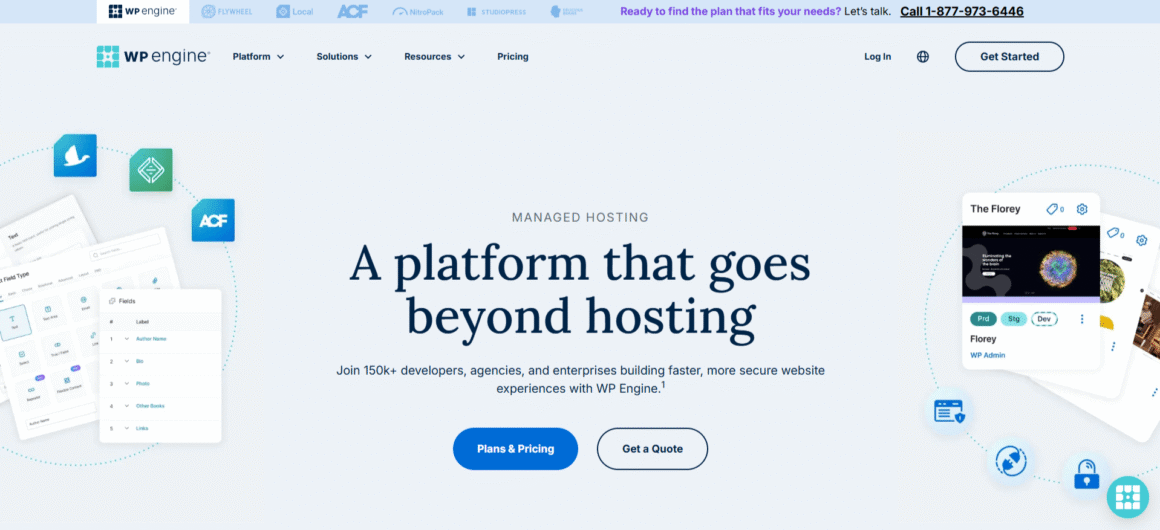
WP Engine is one of the most established managed WordPress hosting providers, powering over 1.5 million websites.
Its proprietary EverCache system ensures sub-second load times even during heavy traffic. The platform includes staging, daily backups, and automated plugin conflict detection.
Plans start at $23 per month for 25,000 visits. The Growth plan at $96 per month unlocks phone support and higher capacity. Agencies benefit from transferable installs and a centralized dashboard.
While WP Engine restricts certain plugins to maintain performance, the trade-off is consistent stability and speed.
02. Kinsta
Kinsta Managed Web Hosting
Start from $42/mo for 1 Website + Free migration
✅ 10GB Storage
✅ 40GB Server bandwidth
✅ 250GB CDN bandwidth
⭐ 4.8(1,050+)

Kinsta runs entirely on Google Cloud’s premium tier and consistently delivers some of the fastest speeds in the industry.
Average Time to First Byte remains around 0.4 seconds. Built-in Cloudflare Enterprise adds edge caching, firewall protection, and global CDN coverage at no extra cost.
Plans start at $42 per month with a 30-day refund policy. Developer tools include staging, SSH access, Git integration, and detailed activity logs. For performance-driven businesses, Kinsta sets the benchmark for best managed WordPress hosting speed.
03. Nexcess
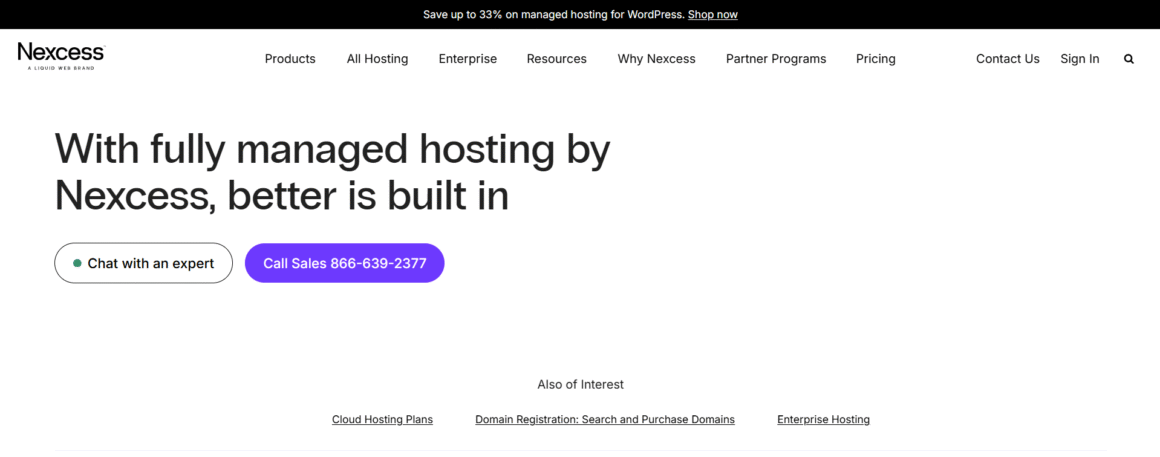
Nexcess, by Liquid Web, is engineered specifically for WooCommerce and high-volume stores.
Its auto-scaling infrastructure adjusts CPU and RAM in real time, handling thousands of orders per minute without slowdowns. Built-in image optimization reduces file sizes significantly, improving load times.
Plans start at $19 per month and include unlimited SSL, staging, and PCI compliance. Nexcess is ideal for businesses where uptime and checkout performance directly impact revenue.
04. Cloudways
Cloudways Managed Web Hosting
Start from $14/mo + 1 vCPU
✅ 25GB NVMe Storage
✅ 1GB RAM
✅ Unlimited Websites
⭐ 4.6(3,200+)
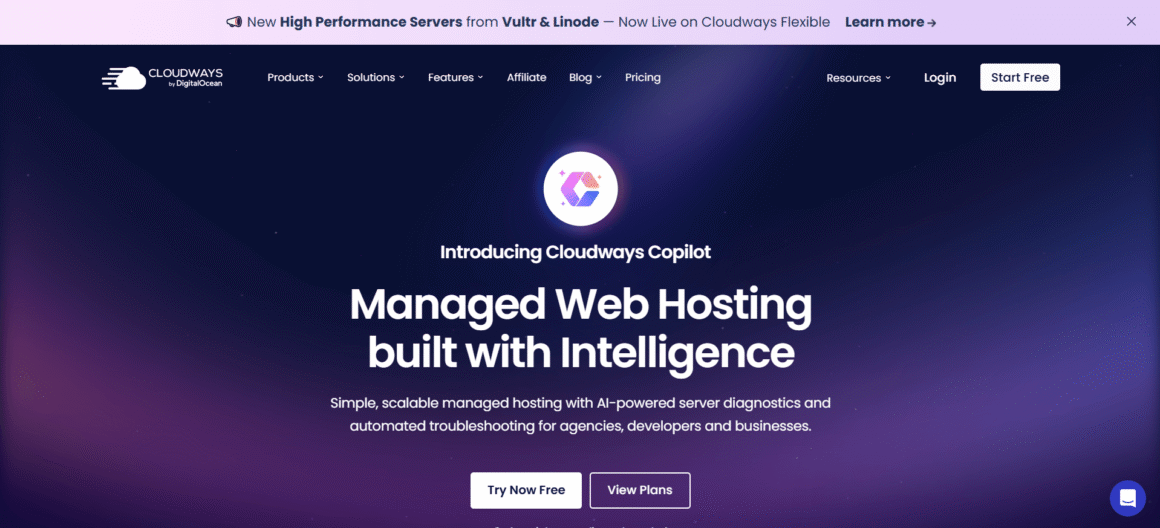
Cloudways offers a flexible approach to managed WordPress hosting by letting users choose between AWS, Google Cloud, DigitalOcean, and more.
The platform includes server-level caching, performance monitoring, and vertical scaling. You only pay for what you use, making it suitable for growing projects.
Pricing starts at $14 per month plus infrastructure costs. Cloudways is popular among developers who want control without full server management.
05. DreamHost DreamPress
DreamPress Managed Web Hosting
Start from $11.99/mo for 1 Website
✅ 15 GB NVMe SSD storage
✅ Unmetered Bandwidth
✅ Free Domain for 1 Year
⭐ 4.7(7,700+)
Editor’s Choice – Best Budget Managed WordPress Hosting 🏆
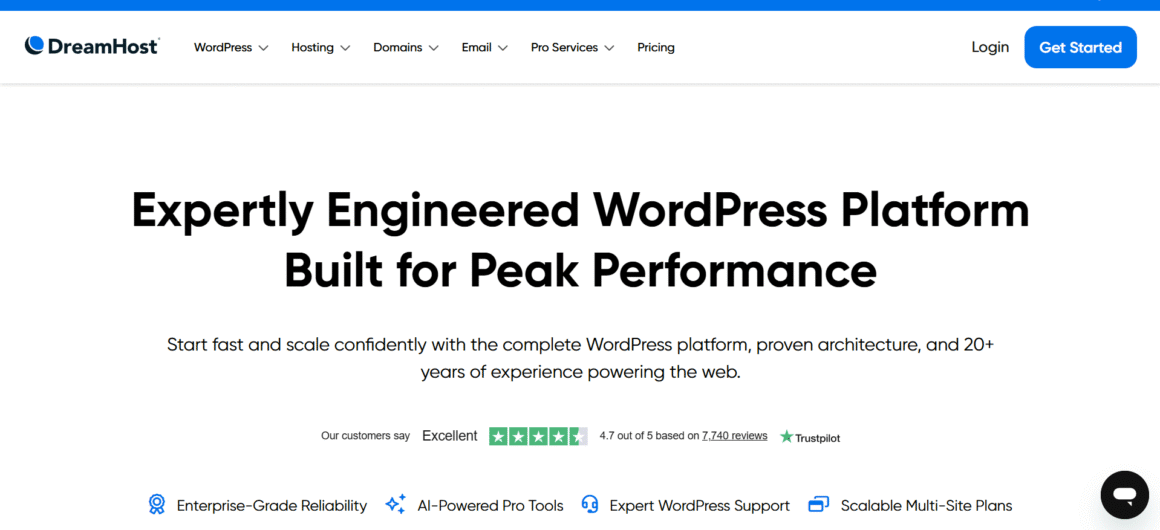
DreamHost DreamPress delivers managed WordPress features at a competitive price.
Starting at $11.99 per month, it includes NVMe storage, Redis caching, free SSL, and automated backups. Uptime guarantees come with refunds if targets aren’t met.
DreamPress suits bloggers and small businesses that want managed performance without enterprise pricing.
06. Flywheel
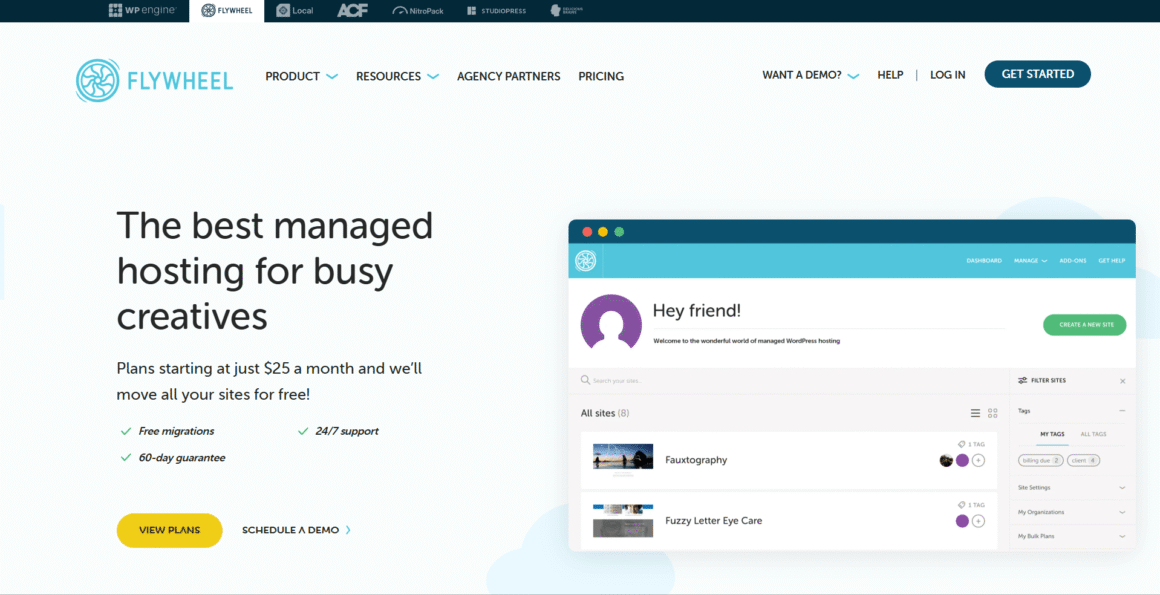
Flywheel focuses heavily on designers, freelancers, and agencies.
Features like Blueprints allow instant cloning of sites. Billing can be paused during inactive months, which is rare in hosting. The dashboard is clean and intuitive, reducing admin time.
Plans start at $13 per month. For creators managing multiple client sites, Flywheel offers simplicity and control.
07. Hostinger
Hostinger Web Hosting
Start from $2.99/mo + for 50 websites
✅ 5 Node.js web apps
✅ 50 GB NVMe storage
✅ 5 mailboxes per website
⭐ 4.7(60,600+)
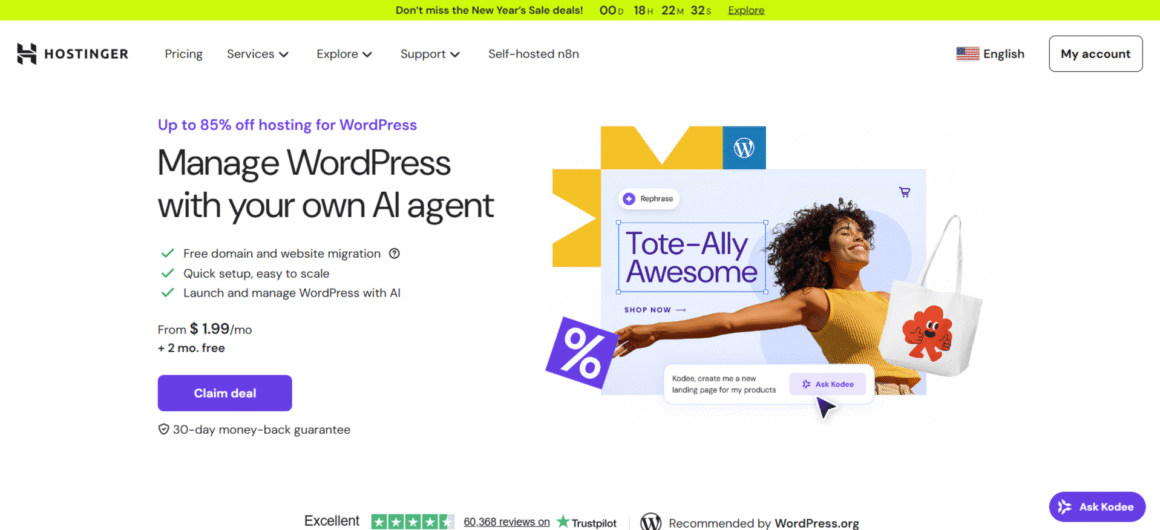
Hostinger delivers budget-friendly managed WordPress hosting without sacrificing performance.
Introductory pricing starts at $2.99 per month and includes LiteSpeed servers, NVMe storage, weekly backups, and an integrated CDN.
While it doesn’t match premium providers in advanced tooling, Hostinger is ideal for beginners and small blogs looking for speed on a budget.
Performance and Uptime Comparison
| Provider | Avg Load Time | Uptime | Monthly Visits |
| WP Engine | 0.45s | 99.95% | 400K |
| Kinsta | 0.42s | 99.9% | 100K |
| Nexcess | 0.50s | 99.99% | Unlimited |
| Cloudways | 0.48s | 99.9% | Scalable |
| DreamPress | 0.55s | 99.95% | 100K |
| Flywheel | 0.52s | 99.9% | 100K |
| Hostinger | 0.60s | 99.9% | 25K |
Kinsta leads in raw speed. Nexcess dominates e-commerce throughput.
Security and Automatic Updates
Security is a core advantage of managed WordPress hosting. Providers deploy web application firewalls, malware scanning, and DDoS protection by default, and vulnerabilities are patched immediately, often before exploits spread. Staging environments allow updates to be tested safely, and Git rollbacks enable instant recovery if something breaks. This proactive approach dramatically reduces downtime risk, which is especially important when running sites built with the best WordPress themes for your business.
Pricing and Scalability Overview
- WP Engine: $20 to $58+
- Kinsta: $35 to enterprise tiers
- Nexcess: $22 and up
- Cloudways: $14 plus usage
- DreamPress: $16.95+
- Flywheel: $13+
- Hostinger: $2.99 intro pricing
All providers support vertical or horizontal scaling without downtime, making them future-proof as traffic grows.
Which Managed WordPress Hosting Is Best for Bloggers?
Flywheel and Hostinger work best for bloggers.
Flywheel’s Blueprints and pause-billing help content creators manage costs. Hostinger offers affordable performance for sites under 25,000 monthly visits.
Both handle frequent publishing without slowing down.
Which Managed WordPress Hosting Is Best for Businesses?
Nexcess and Kinsta are ideal choices for businesses looking for a reliable web hosting service for business.
Nexcess excels at WooCommerce and high-transaction stores. Kinsta suits global brands that need speed, stability, and developer flexibility. Agencies managing multiple clients often choose WP Engine for its workflow tools.
Final Recommendation
If you want ease and flexibility, choose Flywheel.
Nexcess is ideal for eCommerce stores that plan to scale.
Kinsta stands out when raw speed and performance matter most.
Hostinger is the best choice for users on a tight budget.
Managed WordPress hosting is no longer optional in 2026. Speed impacts trust. Uptime affects revenue. Choose wisely, and your site becomes an asset instead of a liability.
FAQs: Managed WordPress Hosting
1. Is Managed WordPress Hosting worth the higher cost?
Yes, because downtime and slow pages cost more than hosting fees ever will. With managed WordPress hosting, you’re paying for speed, security, and zero maintenance stress. Faster load times improve SEO rankings, reduce bounce rates, and increase conversions. One prevented crash during a traffic spike can recover months of hosting costs instantly. Cheap hosting looks affordable only until it starts losing you money.
2. Can I switch to Managed WordPress Hosting without breaking my site?
Absolutely. Most of the best managed WordPress hosting providers offer free, zero-downtime migrations handled by WordPress experts. Your site is cloned, tested on staging, and moved live only when everything works perfectly. No lost data, no broken links, no SEO impact. In fact, most sites see performance gains within hours of migration.
3. Does Managed WordPress Hosting improve SEO rankings?
Yes, directly and indirectly. Managed WordPress hosting improves Core Web Vitals by delivering faster load times, lower TTFB, and higher uptime. Google prioritizes speed, stability, and secure browsing when ranking pages. Built-in CDN, object caching, and server-level optimization help search engines crawl your site more efficiently. Faster sites retain users longer, reduce bounce rates, and send strong engagement signals to Google, which improves rankings over time.
4. How is Managed WordPress Hosting different from shared hosting?
Shared hosting divides server resources among hundreds of websites, causing unpredictable slowdowns. Managed WordPress hosting allocates optimised resources specifically for WordPress, ensuring consistent performance even during traffic spikes. It includes automatic updates, proactive security patching, expert WordPress support, and staging environments. Shared hosting saves money upfront but sacrifices speed, security, and scalability, which hurts long-term growth.
5. Is Managed WordPress Hosting necessary for WooCommerce websites?
Yes, especially for revenue-driven stores. WooCommerce relies heavily on database queries, which shared hosting cannot handle efficiently. Managed WordPress hosting uses object caching, PHP workers, and auto-scaling infrastructure to process high order volumes smoothly. Checkout speed improves, cart abandonment drops, and uptime remains stable during sales or promotions. For serious e-commerce sites, managed hosting isn’t optional. It’s infrastructure.
🎯 Editor’s Choice – Recommended by Themezhub
WP Engine – Best for agencies, businesses & high-traffic WordPress sites
✔ Lightning-fast performance
✔ Enterprise-grade security
✔ Developer-friendly tools
🏆 Editor’s Choice – Best Value Managed Hosting
DreamPress by DreamHost – Affordable, reliable & beginner-friendly
✔ Redis + NVMe storage
✔ Automated backups
✔ Excellent uptime guarantee
Disclosure: Some links on Themezhub are affiliate links. We may earn a commission if you make a purchase through them.