Disclosure: Some links on Themezhub are affiliate links. We may earn a commission if you make a purchase through them.

Exceptional
⭐ 9.9/10
- 20 GB Server bandwidth
- 10 GB storage space
- 125 GB CDN bandwidth
- Expert support
$30.00/mo
$350 billed annually

Excellent
⭐ 9.8/10
- 25,000-400,000 visits/mo
- 10-50 GB storage
- 75 GB bandwidth
- Auto-renewing SSL and SSH access
- Best-in-class support available 24/7/365
$26.25/mo
$315.00 Billed annually

Outstanding
⭐ 9.7/10
- Unmetered visitors
- 10 GB storage & 50 GB bandwidth
- Free SSL & Free Migration
- 30 Days Backup Retention
- Automated Daily Backups
$25.00/mo
$315.00 Billed annually

Superior
⭐ 9.7/10
- 1 GB RAM & 1 Core Processor
- 25 GB storage & 1 TB bandwidth
- Free SSL & Free Migration
- 3-day trial without credit card
$11.00/mo
Premium starts at $14.00/mo.

Superior
⭐ 9.6/10
- Host 1 website with unlimited traffic
- 10 GB Premium Google storage
- Free SSL, CDN, Backups
- AI Agent for WordPress
$3.99/mo
Renews at $17.99/mo.

Very Good
⭐ 9.5/10
- 50k monthly visitors
- 15 GB Storage (shared)
- 2 TB Bandwidth (shared)
- 14-day daily backups
$19.00/mo
Pay $17.10/mo for annual

Very Good
⭐ 9.5/10
- Up to 30K Visits
- 20GB Storage
- 5 Dedicated PHP Workers (5 vCPUs) Per Site
- Hourly & Daily Backups
- 24/7 WordPress Hosting Support
$20.83/mo
Buy a yearly plan with 2 mo free

Very Good
⭐ 9.4/10
- 25,000 monthly visits & All-in-One SFTP
- 10GB storage & 50GB bandwidth
- 10 StudioPress Themes & Genesis Framework
- 60-day guarantee & 24/7 chat support
$25.00/mo
Billed at $300/year.
Includes 2 months free!
Choosing a WordPress host becomes more important as your website grows. If you have a small blog, then basic hosting would do the job. For a business website or an eCommerce store, you may need better performance and stronger security. Along with these, the hosting must be able to take regular backups and ensure easier site management.
This is where managed WordPress hosting comes in. In this hosting, the provider takes care of most of the hosting environment so you don’t have to handle every server or maintenance task yourself. But since there are so many hosting providers available on the market, what you will get depends on the host and plan. This is why it’s important to compare hosting providers.
In this guide, we will compare eight managed WordPress hosting services. We’ll look at different parameters to determine which managed WordPress hosting is most suitable for your needs.
Our Top Managed WordPress Hosting Picks
| Category | Our Pick |
|---|---|
| 🏆 Best Overall | Kinsta |
| 👥 Best for Agencies | WP Engine |
| ☁️ Best Cloud Flexibility | Cloudways |
| ⚡ Best Performance & Security | Rocket.net |
| 💰 Best Budget Option | SiteGround |
| 🛒 Best for WooCommerce | Nexcess |
What Is Managed WordPress Hosting?
Managed WordPress hosting takes responsibility for most of your hosting environment. Whereas in regular hosting, you have to do most of the work yourself to keep the WordPress site running, in the managed version, some of the tasks get off your plate. But the exact services you get depend on the company and the plan you choose.
For a business owner, that can save a lot of their precious time. They don’t have to deal with updates and backups. Managed hosting will also handle caching, security settings, and server-related issues. When an agency manages client websites, it can benefit from features such as staging and site migration. WooCommerce store owners face a different challenge because hosting performance and reliability can directly affect the shopping experience.
The amount of management varies. Some providers just handle updates and backups, while others add staging, round-the-clock security monitoring, and support staff who actually know WordPress. That range is why the feature list matters when comparing managed WordPress hosting services.
For a small blog or basic website, shared hosting can still make sense because cost is the main priority for those websites. Managed WordPress hosting is better for websites where you want the host to handle the majority of the technical work and are willing to pay extra for that convenience.
Every website owner has different requirements. A blogger may have fewer requirements compared to an agency or WooCommerce store. An agency or WooCommerce store may need better tools, support, and room to scale.
How We Evaluated Managed WordPress Hosting
We evaluated all eight providers using the same criteria so the comparison stays consistent. In this article, “tested” means we went through each provider’s plans, features, tools, and documentation by hand and checked their support options against whatever performance and reliability information they made public. We did not run our own server speed or uptime tests, so any figures credited to a provider came from them, not from testing we did ourselves. Our scoring depends on several parameters, with performance and security carrying the most weight. Other parameters include features, support, ease of use, and pricing.
Performance: 25%
Performance gets the highest score because hosting affects how well a site handles traffic and delivers pages. We also consider the performance tools available from each provider rather than assuming that one host will make every website faster. The site’s theme, plugins, images, code, caching setup, and traffic can all affect actual loading times.
| Hosting infrastructure | Scalability |
| Performance optimization tools | Caching and CDN |
| Traffic handling | Uptime and reliability information |
Security: 20%
Security receives a high weighting because a hosting provider plays an important role in protecting the server and WordPress environment. We look at the protection included with each plan and whether important security features require a higher tier or an additional fee.
| SSL & Firewalls | Security monitoring |
| DDoS protection | Backups and restore options |
| Malware detection and removal | Platform-level security |
Features: 20%
A long list of tools does not automatically make one provider better, so we also consider how useful those features are for the types of users covered in this comparison.
| WordPress management tools | Website migration & Automatic backups |
| Staging environments | CDN and caching |
| Developer tools | Automatic updates |
Support: 15%
Support becomes particularly important when a website is down, or something breaks after an update. We consider the support options available and how well each provider is set up to help with WordPress hosting issues.
| Support availability | Hosting-related assistance |
| Support channels | Response and resolution experience |
| WordPress expertise |
Ease of Use: 10%
Ease of use refers to how easily you can carry out daily tasks once you are logged in. If a managed hosting provider is able to help you manage the website without you having to navigate between menus, it’s a great sign. Also, restoring a backup or setting up staging should not feel difficult either.
| Hosting dashboard | Backup management |
| WordPress setup | Staging |
| Site migration | Managing multiple websites |
Pricing and Value: 10%
We looked at what each plan actually includes rather than assuming the cheapest option wins by default. A pricier provider can still be worth it. Maybe the extra cost buys stronger security. Maybe it buys faster support or tools you will actually use.
| Starting price | Renewal pricing |
| Resources included | Features included |
| Additional costs | Overall value |
| Performance | 25% |
| Security | 20% |
| Features | 20% |
| Support | 15% |
| Ease of Use | 10% |
| Pricing and Value | 10% |
8 Best Managed WordPress Hosting Providers
1. Kinsta
Best For: Business websites, agencies, and freelancers High-traffic WordPress sites, WooCommerce stores
Our Rating: ⭐ 9.9/10
Key Features
- MyKinsta dashboard
- Daily backups
- CDN and edge caching
- Application Performance Monitoring
- Unlimited free migrations
- Free staging
- SFTP and SSH access
- Managed WAF and DDoS protection
$30.00/mo
$350 billed annually
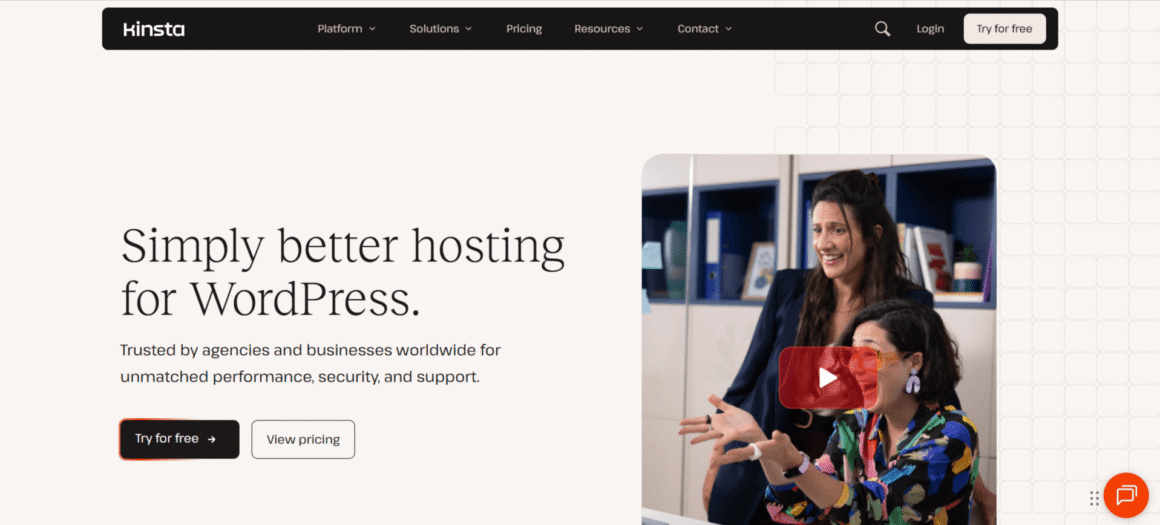
Kinsta works well for agencies, developers, and website owners who don’t want to deal with the server side of things themselves. The platform runs on Google Cloud infrastructure and offers 30 data center locations to choose from. It comes with an intuitive dashboard, which is called ‘My Kinsta.’ This dashboard allows you to manage your website’s backups, staging, and analytics easily.
Kinsta also offers edge caching and a CDN. There is application performance monitoring on top of that. The only downside to this managed WordPress hosting is its pricing. The entry plan starts from $35 a month. Kinsta is suitable for those who want more managed features along with solid support.
Performance
Kinsta runs on Google Cloud infrastructure and has a separate container to keep each WordPress site. Hosting comes with a Cloudflare-powered CDN built in. The built-in APM tool can help pinpoint where an application is slowing down, and eligible plans come with an uptime SLA of up to 99.99%. That said, actual site speed comes down to your own setup too: the theme and plugins you run, your images and code, and how you configure the whole thing.
Security
On the security side, Kinsta includes a managed WAF, DDoS protection, free SSL, and malware removal. Automatic backups are included too, and the platform checks plugins and themes for vulnerabilities on top of that. Automatic plugin and theme updates cost extra, available separately through Kinsta Automatic Updates for $3 per environment per month.
Support
Support runs 24/7 through chat and stays focused on WordPress hosting specifically. The team can step in for migrations, backups, staging, or server issues. Flexible user access is useful for agencies managing client websites.
Pros
- Strong infrastructure
- Free unlimited migrations
- Good performance and security tools
- 24/7 support
- Useful for agencies
Cons
- Higher starting price
- Some features cost extra
- Plan limits can result in overage charges
2. WP Engine
Best For: Business websites, Agencies and freelancers, Bloggers and content creators, Developers, Growing WordPress sites, E-commerce teams
Our Rating: ⭐ 9.8/10
Key Features
- Daily and on-demand backups
- EverCache
- Free automated migration plugin
- User permissions and activity logs
- SSH, SFTP, and WP-CLI access
- One-click staging and development environments
- Global CDN
- Transferable sites
- GitHub Actions
$26.50/mo
$315.00 Billed annually
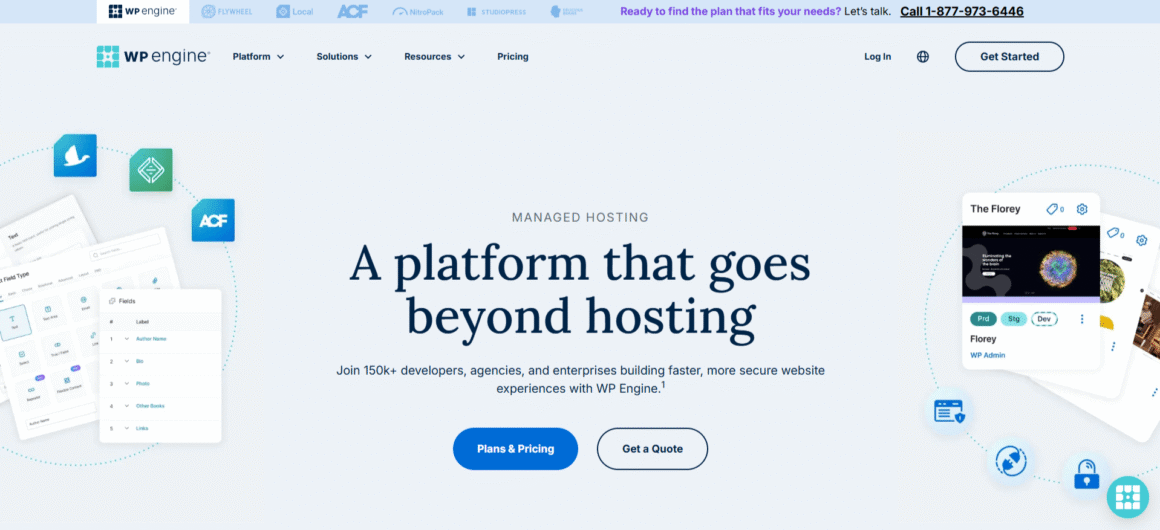
WP Engine suits businesses and agencies whose hosting needs to match how they actually build and manage WordPress sites. Staging and development environments come with the platform, along with backups, caching, and security tools. Agencies get transferable sites for handing off finished projects to clients. Developers get GitHub Actions along with SSH, SFTP, and WP-CLI access. That focus on professional workflows is why WP Engine fits teams better than someone who just needs basic hosting for a small blog. The startup plan starts at $30 a month, which sits above most basic hosting options.
Performance
WP Engine uses WordPress-focused infrastructure with EverCache and a global CDN. Its platform uses containerized components. They are built for consistency as sites scale. The company currently reports 99.99% uptime across its platform.
Security
Security features include SSL and security patching. Plugin risk scans run too, alongside daily backups. DDoS protection covers both Layer 3 and Layer 4. WP Engine also offers additional security options, including managed WAF capabilities, depending on the product and plan.
Support
WP Engine offers 24/7 WordPress support. Support options vary by plan, with higher tiers offering additional contact options.
Pros
- Strong WordPress-focused platform
- Good staging and development tools
- Daily and on-demand backups
- Useful agency features
- 24/7 support
Cons
- More expensive than basic hosting
- Some advanced options cost extra
- Higher plans are needed as site requirements grow
4. Rocket.net
Best For: Business websites, Agencies and freelancers, Bloggers and content creators, WooCommerce stores, Websites with visitors in multiple regions
Our Rating: ⭐ 9.7/10
Key Features
- Enterprise Edge CDN
- Free SSL
- Automatic backups
- Staging & Agency management tools
- Brute force protection
- Built-in WAF
- Unlimited free migrations
- Full-page caching
- Malware scanning
- 24/7/365 support
$25.00/mo
$315.00 Billed annually
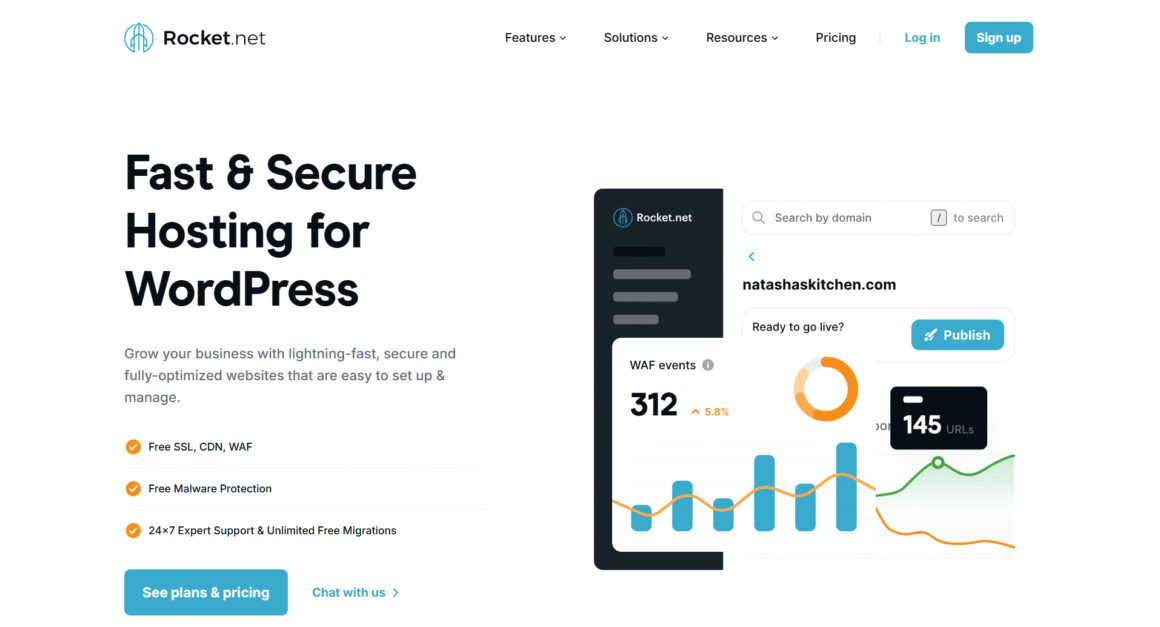
Rocket.net is more focused on performance and security. Its platform uses an enterprise edge CDN. Caching and security both sit at the edge, so much of the work happens before requests ever reach the origin server. Agencies also get tools for managing client sites and free migrations. The pricing starts at $25 per month, with two months free on annual plans, which puts Rocket.net on the higher end of managed hosting but includes several features that other hosts may charge extra for.
Performance
Rocket.net puts its CDN and caching layer at the center of how it hosts WordPress sites. It integrates enterprise edge CDN into its platform along with full-page caching without requiring users to configure a separate caching service. Users will also get WP Rocket with its Starter, Pro, and Enterprise plans. This allows them to optimize their WordPress websites easily. However, the actual loading speed still depends on the website itself, so we don’t treat Rocket.net’s published performance claims as independent test results.
Security
Security is included rather than treated as a separate add-on. Rocket.net provides an enterprise website firewall, real-time malware scanning, brute force protection, SSL, and DDoS protection as part of its platform. The combination of security and CDN services at the edge is particularly useful for businesses and WooCommerce sites that want protection without managing several separate services.
Support
Rocket.net provides 24/7/365 support and offers help with WordPress troubleshooting and migrations. Agencies get additional site management features, while Rocket.net’s enterprise offering includes more dedicated support options.
Pros
- Strong CDN and caching setup
- Security features included
- Unlimited free migrations
- 24/7/365 support
- Good fit for agencies and WooCommerce sites
Cons
- Higher starting price than basic hosting
- Plan limits still apply
- Some advanced agency and enterprise features require higher plans
4. Cloudways
Best For: Agencies and freelancers, Developers, Growing businesses, High-traffic websites, Users who want more control over cloud infrastructure
Our Rating: ⭐ 9.7/10
Key Features
- DigitalOcean, AWS, & Google Cloud options
- Free WordPress migration
- Staging environments
- Cloudflare Enterprise CDN option
- SSH and SFTP access
- Vertical scaling on supported configurations
- Automated backups
- Built-in caching
- Object Cache Pro on eligible plans
$11.00/mo
Premium starts at $14.00/mo.
What’s different in Cloudways is its cloud infrastructure that operates underneath your WordPress website. It can be Google Cloud, AWS, or DigitalOcean. Cloudways takes care of most of the server management at your end.
That setup suits agencies and developers who want more control over their resources. It works for growing businesses too, ones that would rather not build a server from the ground up themselves. The tradeoff is that there are more choices to understand, so Cloudways can feel less straightforward than a hosting platform built around fixed WordPress plans.
See our in-depth Cloudways Review to explore its pricing, performance, features, pros and cons, and find out whether it’s the right managed hosting solution for your website.
Performance
The biggest performance advantage of Cloudways is the choice of underlying cloud provider and server resources. Its WordPress hosting includes built-in caching, while Object Cache Pro and Cloudflare Enterprise are available for supported plans. You can adjust the setup as traffic grows. Actual performance still comes down to how the site is built. The infrastructure you pick matters just as much. Think of Cloudways as a flexible setup rather than a guaranteed speed boost.
Security
Free SSL comes standard, along with dedicated firewalls. Automated backups and bot protection are included as well. Cloudflare Enterprise can add a Web Application Firewall and more advanced DDoS protection. Security features differ according to the plan and the optional services you choose.
Support
Cloudways provides 24/7 support through live chat. Standard support covers hosting-related questions. Higher support is also available for users who need more advanced assistance. For agencies that manage several websites, the platform offers centralized management tools to help reduce the need for handling each server separately.
Pros
- Choice of cloud infrastructure
- Flexible resources
- Free WordPress migration
- Useful for agencies and developers
- 24/7 support
Cons
- More choices can make setup less straightforward
- Pricing varies by infrastructure and resources
- Some advanced features cost extra
5. SiteGround
Best For: Small and growing businesses, Bloggers and content creators, Agencies and freelancers, WooCommerce websites, Users who want an easier hosting dashboard
Our Rating: ⭐ 9.6/10
Key Features
- Free WordPress migration
- Daily backups
- Multilevel caching
- Security Optimizer plugin
- Collaborator & client management tools
- Managed WordPress & plugin updates
- Free SSL and CDN
- Speed Optimizer plugin
- Staging on GrowBig and GoGeek
- WP-CLI and SSH access
$3.99/mo
Renews at $17.99/mo.
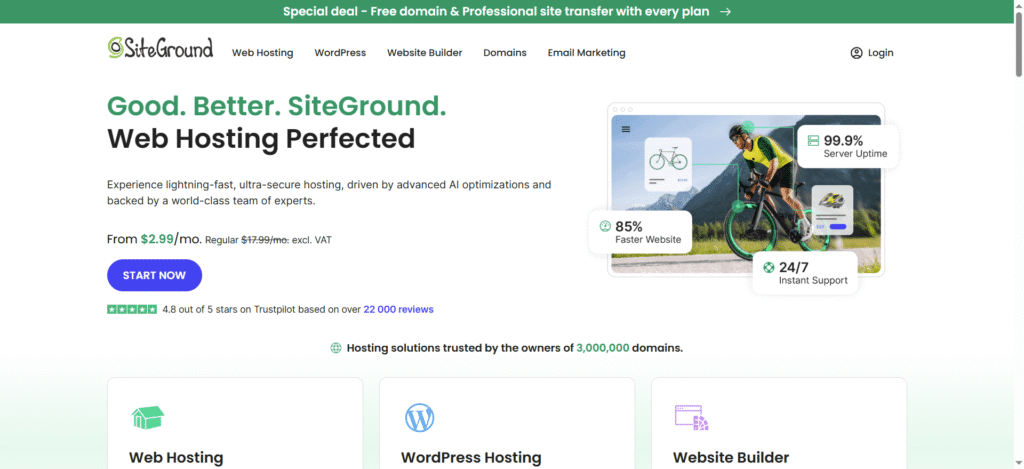
For bloggers and small business owners looking for a hosting provider where they don’t have to handle technical headaches, SiteGround sounds like a great option. It offers a wide range of features like managed updates, daily backups, free website migration, caching, CDN, SSL, and 24/7 support. Staging and more server resources get added on the GrowBig and GoGeek plans, better suited to a site as it grows. SiteGround also has useful tools for agencies, including collaborators and client handoff options. Its introductory prices are low, but renewal rates are much higher.
Performance
Google Cloud infrastructure powers SiteGround, and its WordPress plans come with several performance tools built in. NGINX-based caching, a free CDN, and its own Speed Optimizer plugin all run on the platform. GrowBig and GoGeek step things up further with a faster PHP setup, and GoGeek adds more server resources on top for larger sites.
Security
Free SSL, daily backups, proactive updates and patches, account isolation, and the Security Optimizer plugin make up SiteGround’s security features. Brute force attacks, malware, and bots all get covered under this protection. Daily backups come standard across the WordPress plans, and on-demand backups are available on GrowBig and GoGeek.
Support
Phone, chat, and tickets all fall under SiteGround’s 24/7 support. Agencies get extra help too: collaborator access, client handoffs, and white label options on the higher plans make managing several websites more manageable.
Pros
- Low introductory price
- Free migration and daily backups
- Good caching and performance tools
- 24/7 support
- Useful agency features
Cons
- Renewal prices are much higher
- Some useful features are limited to higher plans
- StartUp has fewer resources than GrowBig and GoGeek
6. Nexcess
Best For: Growing businesses, WooCommerce store owners, Agencies and freelancers, Content-heavy WordPress sites, Websites that need scalable resources
Our Rating: ⭐ 9.5/10
Key Features
- Managed WordPress hosting
- Free staging
- Performance and caching tools
- Free migration
- SSH and SFTP access
- Automatic plugin updates
- Daily backups
- Scalable PHP resources
- CDN options
- Managed WordPress and WooCommerce support (nexcess.net)
$19.00/mo
Pay $17.10/mo for annual
A WordPress site doing more than publishing occasional blog posts is where Nexcess gets interesting. Its managed hosting targets WordPress and WooCommerce specifically, with features built for sites that need room to expand. A growing business or online store, where hosting demands shift as traffic climbs, is exactly where Nexcess is worth a look. Its plans also support scalable resources, which can be useful during traffic spikes. The current promotional pricing starts at $4 per month for managed WordPress hosting, although the length and terms of the promotion matter when comparing it with regular pricing. (nexcess.net)
Performance
Nexcess takes a scalable approach to WordPress performance. Its managed WordPress and WooCommerce plans provide 10 or more PHP workers per site, with the number increasing on higher plans. The platform also offers autoscaling that can deploy additional PHP resources during traffic surges. Caching and CDN tools are available as part of the hosting setup.
Security
Nexcess includes security and backup features as part of its managed hosting service. Daily backups are automatically created and retained for 30 days, while malware remediation is available for managed WordPress and WooCommerce sites. SSL and security monitoring round out the platform-level protections on offer. WooCommerce stores get something extra too, hosting built around e-commerce requirements, running on PCI-compliant infrastructure.
Support
24/7/365 support covers managed hosting on Nexcess, spanning WordPress, WooCommerce, and other PHP-based applications. That kind of coverage matters most when a problem sits in the hosting environment rather than in WordPress itself. Free migration support is also available with eligible paid hosting plans, which makes moving an existing site easier.
Pros
- Scalable WordPress infrastructure
- Strong WooCommerce options
- Free staging
- Daily backups
- 24/7/365 support
- Useful performance tools
Cons
- Promotional pricing can make comparisons less straightforward
- Some advanced services may cost extra
- The range of features can feel like more than a small website needs
7. Pressable
Best For: Business websites, Agencies and freelancers, WooCommerce stores, Bloggers and content creators, Multiple WordPress sites
Our Rating: ⭐ 9.5/10
Key Features
- Free site migrations
- Staging and sandbox environments
- Built-in edge caching
- Jetpack Security
- Collaborator permissions
- SSH, WP-CLI, and developer tools
- Automatic WordPress updates
- Hourly and daily backups
- Global CDN
- Automatic scaling
- Performance monitoring
$20.83/mo
Buy a yearly plan with 2 mo free
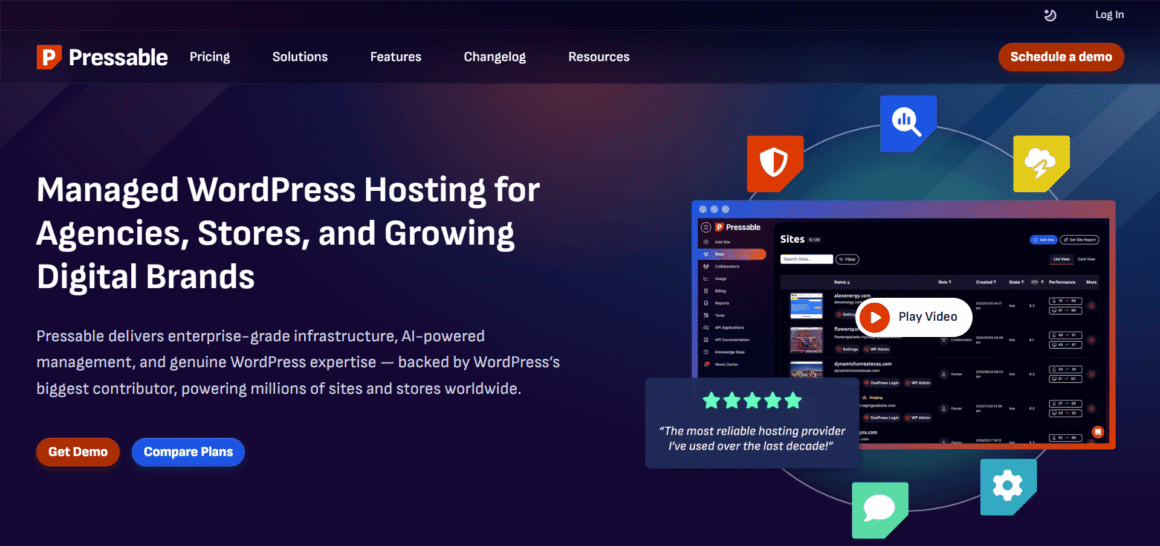
Pressable puts simplicity, site management, and support first. WordPress.com and WooCommerce both come from Automattic, and Pressable is part of that same company. The hosting works well for a single website as well as a large portfolio. It can even be used by agencies managing several client websites or WooCommerce stores. The hosting is perfect for those who need backups, staging, security, and CDN in a bundle rather than separate tools. Pricing starts at $25 a month billed monthly, or $20.83 a month with annual billing, putting it roughly in line with other premium managed WordPress hosts.
Performance
Pressable uses a cloud-based hosting platform with dedicated PHP workers, edge caching, OPcache, and a global CDN. Its signature plans also include automatic scaling, allowing resources to increase when traffic rises. Pressable also provides health and performance reports, so site owners can keep an eye on how their websites are performing. These features give Pressable a strong setup for performance, although we have not independently tested its loading speed.
Security
Security is included across Pressable’s hosting plans. Every site gets Jetpack Security, a web application firewall, malware scanning and threat monitoring, SSL, and protection against common attacks. Automatic backups are also included, with hourly and daily options depending on the plan and backup type. Pressable also provides automatic failover and geo-redundant infrastructure, which adds another layer of protection against infrastructure problems.
Support
Pressable offers 24/7 WordPress hosting support. Its agency plans also include collaborator permissions and tools for managing multiple client websites from one dashboard.
Pros
- Strong WordPress and WooCommerce focus
- Security included with every plan
- Free migrations
- Automatic scaling
- Staging and backups included
- Useful agency management tools
Cons
- More expensive than basic WordPress hosting
- Plan limits still apply to visits and storage
- Higher resource requirements can push you toward more expensive plans
8. Flywheel
Best For: Agencies and freelancers, Designers and developers, Business websites, Multiple WordPress sites, WooCommerce websites
Our Rating: ⭐ 9.4/10
Key Features
- Free WordPress migrations
- Site blueprints
- Client billing transfers
- Free SSL & FlyCache
- Local WordPress development tool
- Staging environments
- Collaborator access
- Nightly backups
- CDN & SFTP access
$25.00/mo
Billed at $300/year Includes 2 months free!
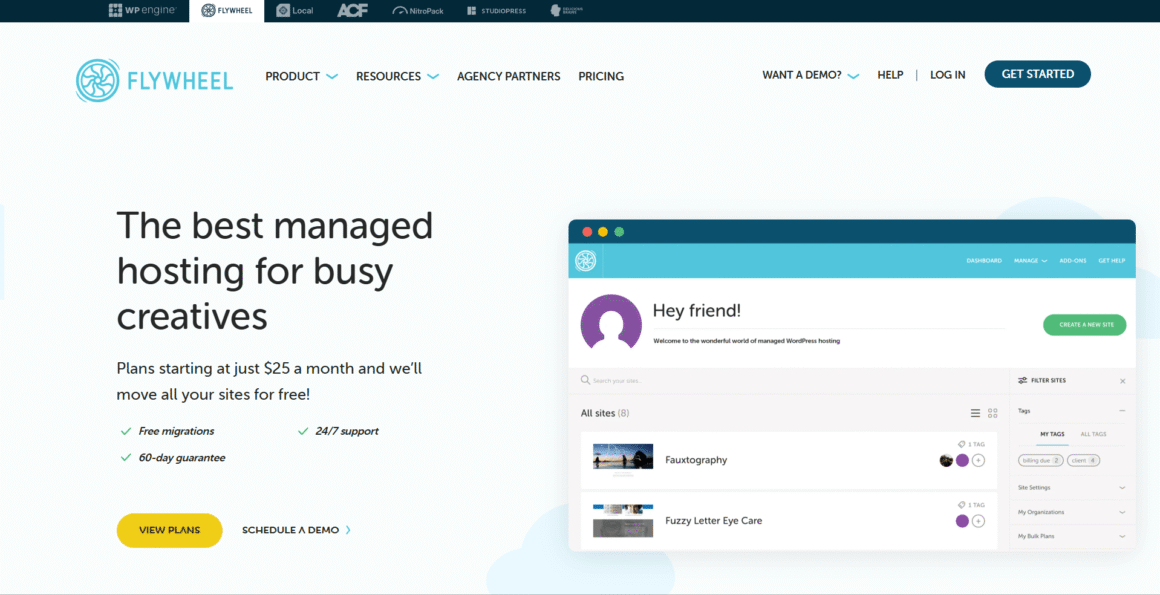
Flywheel is built for designers, freelancers, and agencies. Its dashboard is not filled with server settings. Instead, Flywheel puts more attention on managing WordPress websites and working with clients. The focus remains on moving projects from development to launch.
Features such as site blueprints, staging, collaborator access, billing transfers, and free migrations can be useful when an agency handles several client websites. For a business owner or blogger running one simple site, some of its agency-focused tools may be more than necessary.
Performance
Google Cloud runs underneath Flywheel’s hosting platform, built specifically for WordPress. FlyCache handles server-level caching, and a CDN delivers content to visitors spread across different locations. The platform also provides data center choices and automatic site recovery features. This comparison does not include independent speed tests for Flywheel. Any performance claims here come directly from the company.
Security
Flywheel’s default features include free SSL, nightly backups, managed security, and malware cleanup. According to the company, the platform scans for and blocks malware and hacking attempts at the server level, so separate WordPress security plugins become less necessary.
Support
Flywheel’s 24/7/365 chat support runs through WordPress specialists. Collaborators can be added to individual sites directly. Organizations give a wider option for managing teams and client projects.
Pros
- Excellent agency and freelancer workflow tools
- Free migrations
- Easy client collaboration
- Staging and nightly backups
- 24/7/365 support
- WordPress-focused hosting
Cons
- More expensive than basic WordPress hosting
- Agency-focused features may be unnecessary for a single small site
- Storage and visit limits vary by plan
Managed WordPress Hosting Comparison
Things become easier when you compare eight managed WordPress hosting providers side by side. You can easily identify which hosting provider offers more control and which has a lower entry price. There are several other features to look for, so make sure you carefully review the comparison table to determine the right hosting provider for your requirements.
| Provider | Price* | Best For | Free Migration | Staging | CDN |
| Kinsta | $30.00/mo | Businesses, agencies, high-traffic sites | Yes | Yes | Yes |
| WP Engine | $26.25/mo | Businesses and agencies | Yes | Yes | Yes |
| Cloudways | 11.00/mo | Agencies, developers, growing sites | Yes | Yes | Available |
| Rocket.net | $25/mo | Performance-focused sites | Yes | Yes | Yes |
| SiteGround | $3.99/mo promo | Small businesses and bloggers | Yes | Higher plans | Yes |
| Nexcess | $19.00/mo | WooCommerce and growing sites | Yes | Yes | Yes |
| Pressable | $20.83/mo | Businesses and agencies | Yes | Yes | Yes |
| Flywheel | $25.00/mo | Freelancers and agencies | Yes | Yes | Yes |
How to Choose the Right Managed WordPress Host
Different websites need different things from a host. A blogger usually just wants something cheap. It should work without much setup or thought. An agency needs something else entirely: staging environments, client access, and support that can handle several sites at once. A WooCommerce store plays by different rules. Real orders are on the line, so performance, security, backups, and traffic all matter more here than they would for a simple blog.
If you’re unsure which type of hosting you need, read our guide on how to choose the right WordPress hosting.
Consider Your Website’s Traffic
Check the plan’s visitor limits before anything else. Then look at bandwidth, storage, and the server resources actually included. A sudden spike in visitors needs somewhere to go without the site slowing down, so look for a provider built to handle that kind of surge.
If your WordPress website is already receiving high traffic or you expect significant growth, see our guide to the best WordPress hosting for high-traffic websites to compare suitable hosting options.
Check the Features You Actually Need
A hosting provider with dozens of features won’t make it better. They need to have features that you find useful. Users mostly look for features like automatic backups, staging, free migrations, caching, CDN, and WordPress updates. The list can further increase for developers and agencies, as they need features like SSH, SFTP, WP-CLI, and Git for managing multiple client websites.
Look at security.
Find out what security comes bundled in before paying extra for anything on top. SSL, firewalls, DDoS protection, malware monitoring, backups, security updates — these are the pieces worth checking one by one rather than trusting a marketing page. A WooCommerce store carries extra weight here too. If an update or a security issue ever hits the site, how backups and restores actually work becomes the thing that matters most.
Compare Support
Support becomes a lot more important once your site starts generating leads, taking orders, or serving clients. Check if help is available 24/7. Also check how you can reach them. Live chat, phone, and ticket systems are common options. WordPress-specific support helps too. Some problems come from the hosting environment, not from WordPress itself.
Check the Full Cost
Introductory pricing tells you almost nothing on its own. Renewal rates matter more. The number of websites allowed matters too. So do storage, bandwidth, visitor limits, and any add-ons that only show up once you’re already paying for the plan. A cheap starting price stops looking so cheap if you need to upgrade a few months in.
Think About Who Will Manage the Website
Someone running a single site probably wants a clean, simple dashboard more than a stack of developer tools. Agencies and freelancers get more mileage out of staging environments, collaborator access, transferable sites, and anything that lets several client websites get managed from one place.
Managed WordPress Hosting Alternatives
Managed hosting is not the only path forward. A smaller website might not need it. Neither does a tighter budget or a team that already has someone who can handle server maintenance directly. Any of these can point you toward a different kind of hosting instead.
Shared WordPress Hosting
Cost is the whole appeal here, since multiple websites splitting the same server resources keeps the price down. Hostinger, Bluehost, and DreamHost all offer WordPress hosting built with smaller sites and beginners in mind.
A new blog or a small business site fits well into this category, especially one that has no real need for the extra management layer premium hosting adds. If you’re looking for an affordable option, check out our guide to the best shared hosting providers. The tradeoff shows up quickly though: fewer resources and a lot less hands-on support from the provider itself.
VPS Hosting
More control comes with a VPS, along with dedicated virtual resources that shared hosting simply cannot offer. DigitalOcean, Vultr, and Akamai Cloud (Linode) all sit in this category, each offering their own take on VPS and cloud server setups.
Developers and businesses needing more control than shared hosting allows tend to land here. Expect more of the setup to fall on you too: security, backups, ongoing maintenance, all of it.
If you need more control, check our guide to the best VPS hosting providers.
Cloud Hosting
AWS, Google Cloud, and Microsoft Azure can all run WordPress. Each platform scales its infrastructure as your requirements shift over time. AWS handles WordPress deployments for content management and e-commerce. Azure runs its managed WordPress options through App Service instead.
That flexibility asks more of you technically. These platforms make sense once a project needs specific infrastructure or when control over deployment matters more than ease of use.
If you’re considering this approach, see our guide to the best cloud hosting providers.
Dedicated Hosting
An entire physical server, not a slice shared with anyone else, is what dedicated hosting actually offers. Liquid Web is one provider running dedicated server options built for heavier resource or infrastructure demands.
For larger and resource-intensive websites, see our guide to the best dedicated hosting providers.
Most small WordPress sites will never need this much horsepower. It starts making sense once a site is carrying real weight, demanding workloads, specific server requirements, and that kind of thing.
Which Alternative Makes Sense?
A small blog or a fresh business website can usually get by fine on shared hosting. Developers chasing more server control tend to gravitate toward a VPS. Businesses with particular infrastructure needs, or ones expecting to scale fast, often end up looking at cloud hosting instead. Dedicated servers fit larger, more demanding sites better than anything else on this list.
Handing the technical work over to someone else still points back toward managed WordPress hosting as the easier route. Go this route, and you get more control. Entry cost is not the same across platforms. Some cost less than others.
Which Managed WordPress Hosting Provider Is Best?
No provider wins outright here. It comes down to what your setup actually needs. Businesses and site owners after a clean dashboard, solid security, and real performance tools tend to land on Kinsta. WP Engine works better for businesses, developers, and agencies that need staging environments and client management from the start.
Cloud infrastructure control matters most to you? Cloudways probably fits best. Rocket.net earns a look when CDN, caching, and security sit near the top of the priority list. SiteGround tends to suit smaller businesses and bloggers chasing a lower starting price.
Nexcess ranks among the stronger options specifically for WooCommerce stores. Pressable blends WordPress hosting with security and agency-focused features. Freelancers and design agencies juggling multiple client sites lean toward Flywheel instead.
If you’re specifically looking for e-commerce-focused hosting, see our list of the best WooCommerce hosting providers.
Anyone focused mainly on price should look past the starting rate. Resources, support, security features, staging options, site limits, renewal pricing—all of it deserves a look before deciding. A slightly pricier host often earns its cost back once it gives a growing site the tools it actually needs.
Final Verdict
Your website’s needs decide the right provider here. So does your budget, and how much technical work you’re willing to hand off. Kinsta and WP Engine both make strong picks for businesses and agencies after a polished, managed experience. Cloudways suits anyone wanting more control over cloud infrastructure specifically. Rocket.net stands out through its CDN and security setup. SiteGround keeps the entry price low. Nexcess works well for WooCommerce. Whereas Pressable and Flywheel are better for agencies and freelancers that handle multiple sites. But before you finalize any managed WordPress hosting, check renewal prices, resource limits, support, and security. These details matter as much as the provider name.
Frequently Asked Questions
What is managed WordPress hosting?
The provider handles most of the technical work. This includes backups, updates, security, and support. This works well if you want to focus on your website and skip server maintenance.
Is managed WordPress hosting worth the extra cost?
Usually, it is. This is true mainly for business sites and online stores. That extra cost buys back time on tasks that would otherwise land on your plate. A small personal blog probably does not need more than basic hosting, though.
What is the best managed WordPress hosting?
No provider wins across the board. Kinsta and WP Engine stand out for businesses and agencies. Cloudways fits better for anyone chasing more control over the underlying cloud infrastructure. The provider with the longest feature list isn’t automatically the right pick. Match the choice to what your site actually needs instead.
Is managed WordPress hosting good for WooCommerce?
Yes, generally. An online store juggles products, orders, customer data, and traffic all at once. Reliable hosting starts mattering more as that store grows. Kinsta, WP Engine, Nexcess, and Pressable each have plans made for WooCommerce. Resources and pricing differ between them, sometimes significantly.
Can I move my WordPress website to managed hosting?
Yes. Moving to managed hosting is common. Most providers offer migration tools or help with the move. Check first if they handle it or if you have to.
Is managed WordPress hosting faster than shared hosting?
Often, yes, though hosting is only one piece of speed. Theme choice, plugins, image sizes, and overall site setup all play a role too, so a managed host should never get picked on speed claims alone.
Can I use managed WordPress hosting for multiple websites?
Yes. Many providers let you host several WordPress sites on one account. This helps agencies and freelancers with different clients. Just check the website limits and include resources first.
What should I look for in managed WordPress hosting?
Start with what your site needs most. A business site probably needs stronger support and security more than a pile of developer tools. And do not stop at the introductory price; check what renewal actually costs and whether the resources included will hold up as the site grows.