Your website doesn’t “exist” on Vibes. It exists on hosting. If your hosting is slow, your site crawls. If it’s unstable, Google silently judges you. If support is bad, you question all your life decisions.
Web hosting decides three things:
- Whether your site loads before people lose patience
- Whether Google takes you seriously
- Whether sales happen or bounce rate laughs at you
Wrong hosting kills SEO, conversions, and mental peace. Right hosting quietly prints results.
This guide breaks down the best web hosting service providers for 2026 across budget, WordPress, cloud, WooCommerce, and high-traffic websites. Choose wisely. Your future self will thank you.
Fine. Turning a basic definition into something that actually sounds like a human explaining it to another human, not a pamphlet nobody reads.
What is Web Hosting?
At its core, web hosting is simply where your website lives. Think of it as rented space on the internet. Every image, page, video, form, and line of code that makes up your website is stored on a server that stays online 24/7. That constant availability is what allows people to open your site anytime, from anywhere, without seeing an error screen and silently judging your brand.
Not all websites need the same setup, which is why there are different types of web hosting, each built for a specific stage of growth.
Shared Hosting is the entry-level option. Multiple websites share the same server and resources, which keeps costs low and setup easy. It’s beginner-friendly and works fine for blogs, portfolios, and small business sites, but performance can dip if another site on the server gets busy.
VPS Hosting offers a middle ground. You still share a server, but you get dedicated resources carved out just for your site. This means better stability, faster speeds, and more control. It’s ideal when your site starts growing and shared hosting begins to feel limiting.
Cloud Hosting runs your website across multiple servers instead of relying on just one. This setup handles traffic spikes smoothly, reduces downtime, and scales easily. If your site gets unpredictable traffic or you plan aggressive growth, cloud hosting keeps things steady.
Managed WordPress Hosting is tailored specifically for WordPress users. Updates, security, backups, and caching are handled for you, so you can focus on content and business instead of technical maintenance.
Dedicated Hosting gives you an entire server to yourself. It’s powerful, expensive, and usually reserved for large enterprises with high traffic and custom requirements.
Choosing the right web hosting provider matters because uptime builds trust, speed impacts SEO, customer support saves sanity, and scalability decides whether growth feels exciting or terrifying.
Best Web Hosting Providers
o1. Hostinger – Best for Beginners
Hostinger Web Hosting
Start from $1.33/mo + 3month free
✅ 20 GB of Storage (SSD)
✅ Up to 3 websites
✅ Free domain
⭐ 4.9(60,400+)
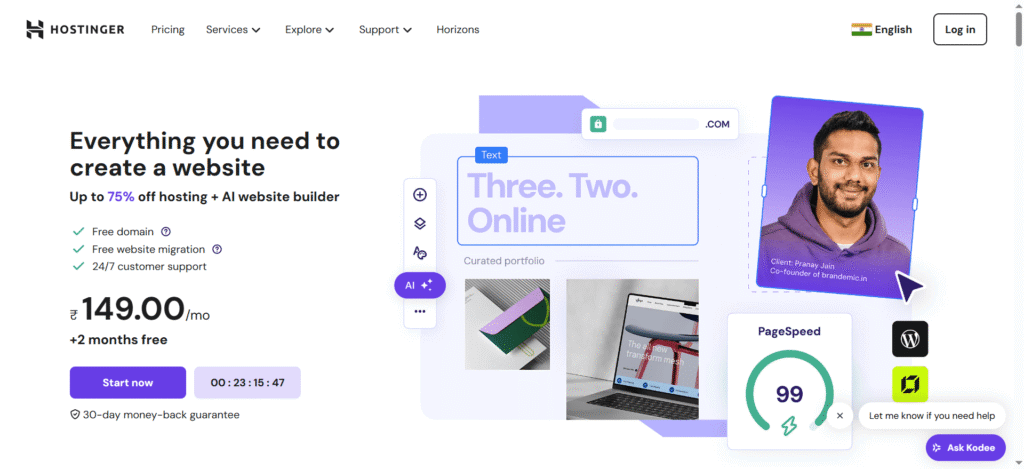
Hostinger is what happens when affordability meets competence. It’s built for people who don’t want to “figure things out” just to launch a website. The interface is clean, the setup is fast, and nothing feels intimidating. Their custom hPanel is genuinely simpler than cPanel, especially for first-time users.
What really makes Hostinger stand out is how much you get for the price. LiteSpeed servers, solid uptime, free SSL, and surprisingly good performance for such low-cost plans. Yes, renewals are higher, but at the entry level, this is one of the best starting points on the internet.
If you’re launching a blog, portfolio, small business site, or side project, Hostinger gives you momentum without burning a budget.
Key Features:
Hostinger keeps things simple without cutting corners. You get fast LiteSpeed servers, an easy-to-use control panel, free SSL for security, and a free domain on yearly plans. One-click WordPress setup and built-in caching make launching and managing a site genuinely stress-free.
Performance: 99.9% uptime, consistently under 2s load time
Pricing Structure: Starts at $2.49/month, renews higher
Pros: Affordable, beginner-friendly, fast setup
Cons: Renewal pricing jump
Best For: Beginners, bloggers, freelancers, startups
02. SiteGround – Best for Performance
SiteGround Web Hosting
Start from $3.99/mo for 1 website
✅ 10 GB Web Space
✅ Free SSL + CDN
✅ Speed Optimization WP Plugin
⭐ 4.9(26,200+)
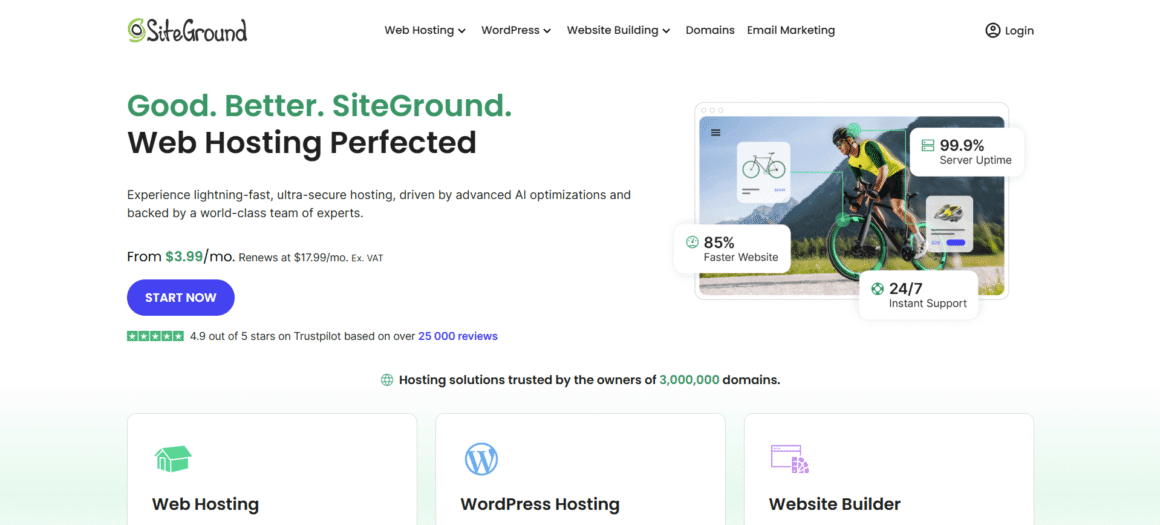
SiteGround has one obsession: performance. Built on Google Cloud infrastructure, it’s engineered for speed, stability, and WordPress excellence. Their custom caching system, SuperCacher, significantly reduces load times, especially for content-heavy sites.
What users love most is consistency. Fast servers, reliable uptime, and genuinely helpful support teams. It’s not the cheapest option long-term, but the performance gains justify the cost if speed and SEO matter to you.
If your brand relies on credibility, fast loading pages, and smooth user experience, SiteGround feels like a grown-up hosting decision.
Key Features:
SiteGround focuses heavily on speed and reliability. Powered by Google Cloud, it offers smart caching, daily backups, strong security, and smooth WordPress management. Their support team actually helps instead of reading scripts, which makes running a growing website far less painful.
Performance: Sub-1.5s load times, 99.9% uptime
Pricing Structure: Starts at $2.99/month, renews higher
Pros: Excellent speed, strong WordPress support
Cons: Higher renewal costs
Best For: Performance-focused blogs, agencies, professionals
03. Bluehost – Best for WordPress Beginners
Bluehost Web Hosting
Start from $1.99/mo for 10 websites
✅ 10 GB NVMe Storage
✅ AI site creation tools
✅ Free CDN + Domain + SSL
⭐ 4.9(60,400+)
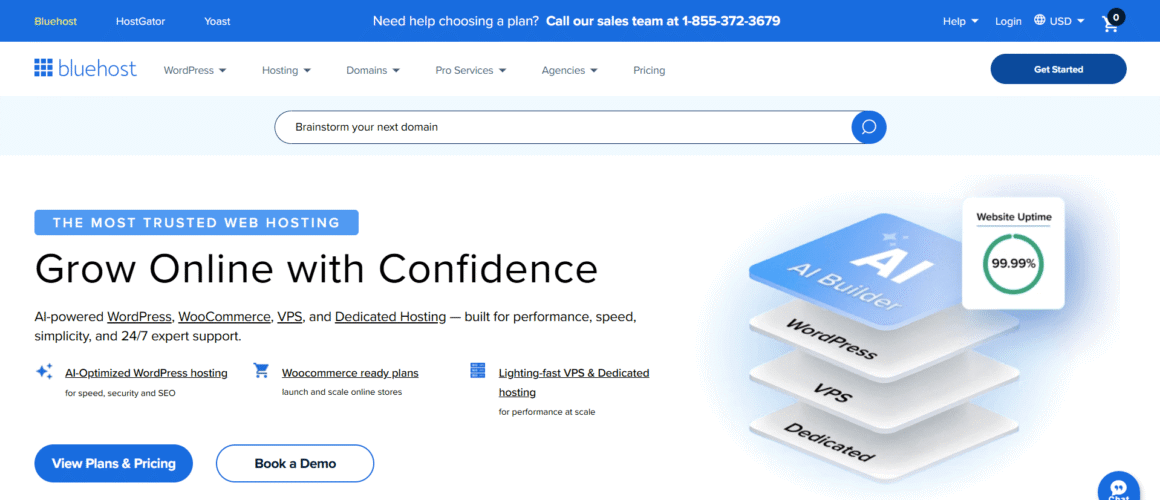
Bluehost is often the first hosting name people hear, and for beginners, that’s not a bad thing. It’s officially recommended by WordPress.org and focuses on simplicity over complexity. Setup is quick, WordPress installs are smooth, and the dashboard doesn’t overwhelm.
Performance is decent, not industry-leading, but reliable enough for new websites. The biggest advantage is the beginner experience. Everything is guided, explained, and structured so you don’t feel lost.
If you’re launching your first WordPress website and want minimal friction, Bluehost gives you a safe starting point.
Key Features:
Bluehost is designed for beginners who want an easy start. It includes a free domain, SSL, simple WordPress installation, and a guided dashboard. Everything is laid out clearly, so you can build your website without feeling lost or needing technical knowledge.
Performance: Stable uptime, average speed
Pricing Structure: Starts at $2.95/month
Pros: Beginner-friendly, WordPress focused
Cons: Limited advanced features
Best For: First-time WordPress users
04. DreamHost – Best for Flexible Billing
DreamHost Web Hosting
Start from $1.99/mo for 25 websites
✅ 25 GB NVMe SSD Storage
✅ Free SSL + Domain
✅ Free mailbox (3 months)
⭐ 4.7(7,700+)
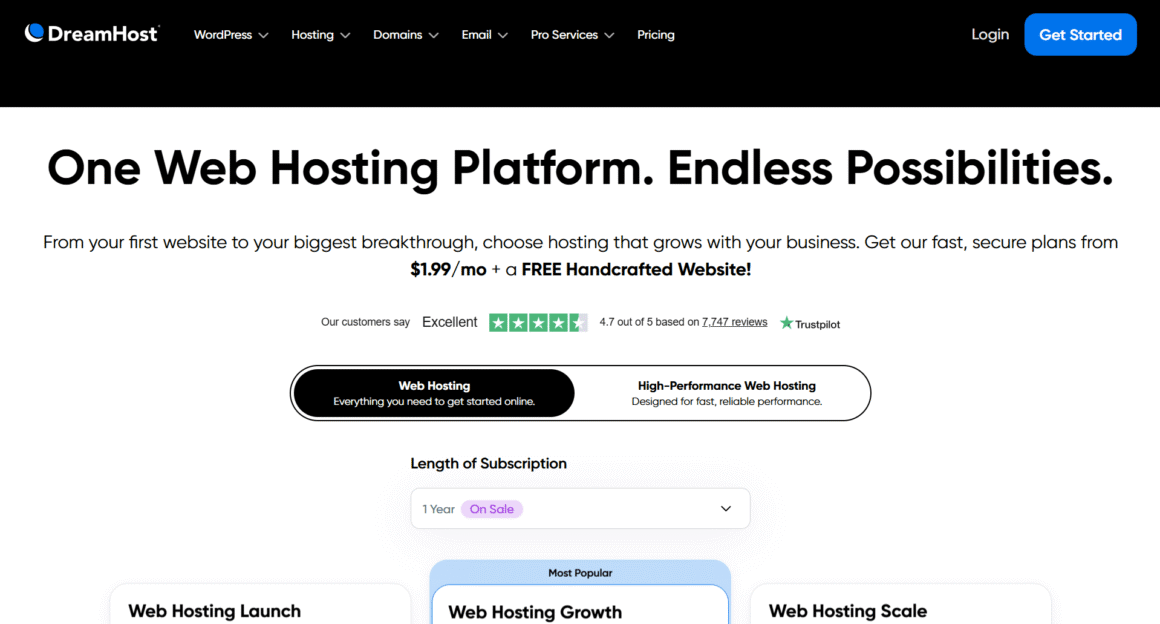
DreamHost DreamHost is the “cool independent coffee shop” of the hosting world. They’ve been around forever, they are employee-owned, and they are one of the few hosts officially recommended by WordPress.org. Their vibe is honest, transparent, and remarkably frustration-free.
What sets them apart is their flexibility. While most hosts trap you into 3-year contracts to get a decent price, DreamHost offers genuinely affordable month-to-month plans. This makes them perfect for projects where you aren’t ready to commit to a long-term marriage with your hosting provider.
They also use a custom-built control panel instead of the standard cPanel. It’s cleaner and easier for beginners, though old-school developers might miss the clutter of cPanel.
Key Features:
DreamHost offers a “no-nonsense” unlimited policy—unlimited traffic, unlimited storage, and unmetered bandwidth on most plans. They also include a free domain name (on annual plans) and free privacy protection, which other hosts usually charge extra for.
Performance: 100% uptime guarantee, solid NVMe storage speeds
Pricing Structure: Starts at $2.95/mo (monthly plans available)
Pros: 97-day money-back guarantee, monthly payment options, privacy-focused
Cons: No cPanel (custom dashboard), no phone support
Best For: WordPress users, budget-conscious creators, privacy advocates
05. Namecheap – Best for Tight Budgets
Namecheap Web Hosting
Start from $1.98/mo for 3 websites
✅ 20 GB of Storage (SSD)
✅ AI Website builder
✅ AI tools
⭐ 4.4(19,300+)
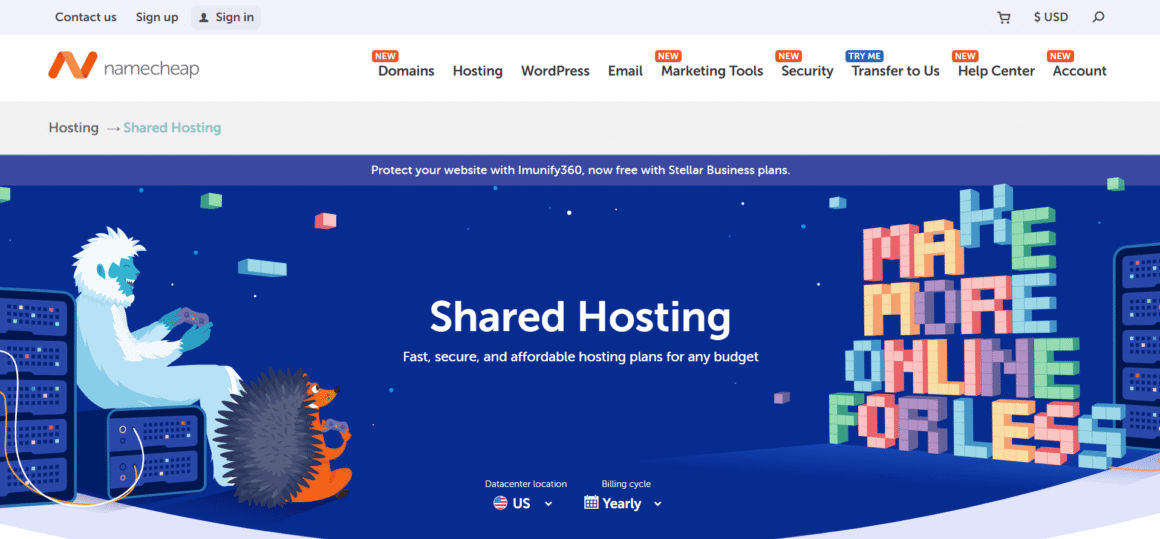
Namecheap You probably know Namecheap for domains, but their hosting is the industry’s best-kept secret for anyone on a shoestring budget. If you are just starting out and your primary goal is “get online for the price of a cup of coffee,” this is it.
Don’t let the low price tag fool you—their “EasyWP” managed WordPress hosting is surprisingly fast because it runs on a containerized cloud platform rather than traditional shared servers. It’s incredibly easy to set up; you can go from zero to a live website in literally minutes.
It’s not built for Amazon-level traffic, but for personal blogs, portfolios, and small business starter sites, the value-for-money ratio here is unbeatable.
Key Features:
Namecheap keeps it simple: unmetered bandwidth, free website builder, and a free domain name for the first year. Their EasyWP dashboard removes all the technical clutter of managing a WordPress site, making it arguably the most beginner-friendly interface on this list.
Performance: 99.9% uptime, surprisingly fast load times for the price
Pricing Structure: Starts under $2.00/mo
Pros: Insanely affordable, very easy to use, free domain privacy
Cons: Renewal rates jump higher, limited support channels
Best For: Personal blogs, testing ideas, students, absolute beginners
06. Liquid Web – Best for Premium Managed Hosting
Liquid Web Web Hosting
Start from $4/mo for 1 website
✅ 15 GB of Storage (SSD)
✅ 2TB bandwidth
✅ Daily backups (7-day retention)
⭐ 4.7(2,600+)
Liquid Web Liquid Web doesn’t play games with $3/month plans. This is heavyweight hosting for people who view their website as a critical business asset, not a side hobby. If the thought of your server going down makes you lose sleep (or money), this is where you go.
They specialize in fully managed hosting—which means their “Heroic Support” team handles the server headaches, updates, and security so you don’t have to. It’s significantly more expensive than shared hosting, but you’re paying for a level of reliability and speed that budget hosts simply cannot match.
If you run a high-traffic WooCommerce store, a digital agency, or a mission-critical application, Liquid Web is the investment that protects your revenue.
Key Features:
Liquid Web is all about “managed” power. You get a 100% uptime guarantee (yes, 100%), which is virtually unheard of. Their plans come with automatic daily backups, pro-active security monitoring, and no traffic caps—meaning you won’t get penalized if your site goes viral.
Performance: 100% uptime guarantee, industry-leading speed
Pricing Structure: Managed WordPress starts ~$19/mo, VPS ~$59/mo
Pros: 100% uptime SLA, heroic support, enterprise-grade hardware
Cons: Expensive, no shared hosting plans
Best For: High-revenue businesses, agencies, WooCommerce stores
07. Cloudways – Best for Cloud Hosting
Cloudways Web Hosting
Start from $14/mo for unlimited websites
✅ 1 GB RAM
✅ 25 GB NVMe Storage
✅ 1 vCPU
⭐ 4.7(3,200+)
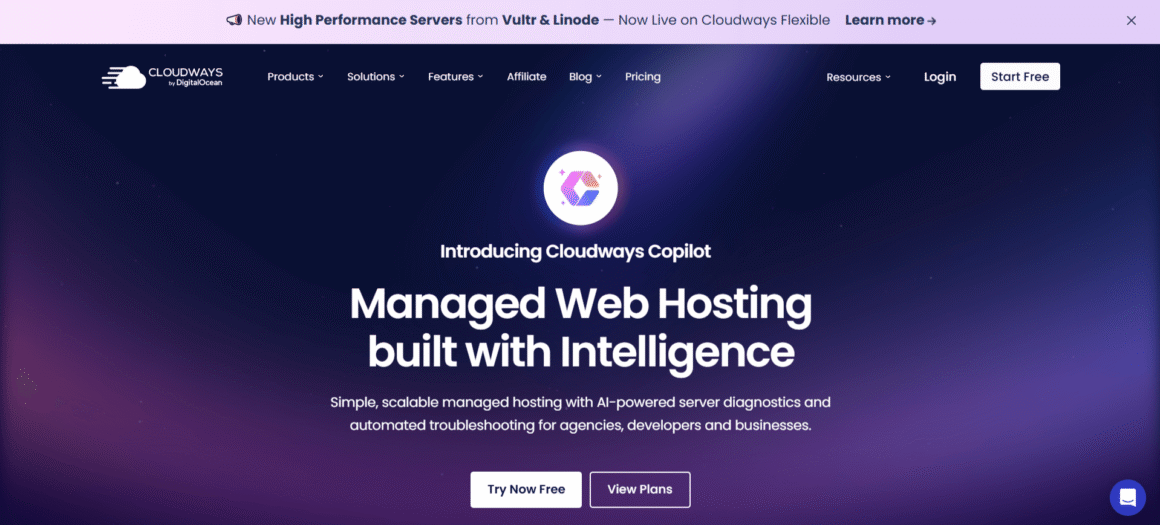
Cloudways is for people who want cloud power without cloud headaches. Instead of dealing directly with AWS, Google Cloud, or DigitalOcean, Cloudways manages everything for you while still giving you flexibility.
You pay only for what you use, scale resources instantly, and avoid long-term contracts. Performance is excellent, especially for growing websites that experience traffic spikes.
This isn’t plug-and-play beginner hosting, but it’s perfect once your site outgrows shared hosting and needs room to breathe.
Key Features:
Cloudways gives you cloud hosting without the confusion. You can host on top providers like AWS or Google Cloud while Cloudways manages updates, security, and backups. Flexible scaling and pay-as-you-use pricing make it ideal for websites that grow unpredictably.
Performance: 99.99% uptime, strong global speeds
Pricing Structure: Starts at $5/month
Pros: Flexible, scalable, powerful
Cons: No email or domain included
Best For: Developers, growing businesses, SaaS sites
08. A2 Hosting – Best for Speed
A2 Hosting Web Hosting
Start from $1.99/mo + Litespeed server
✅ 15 GB Disk space
✅ Free SSL Certificate
✅ Free domain
⭐ 4.7(5000+)
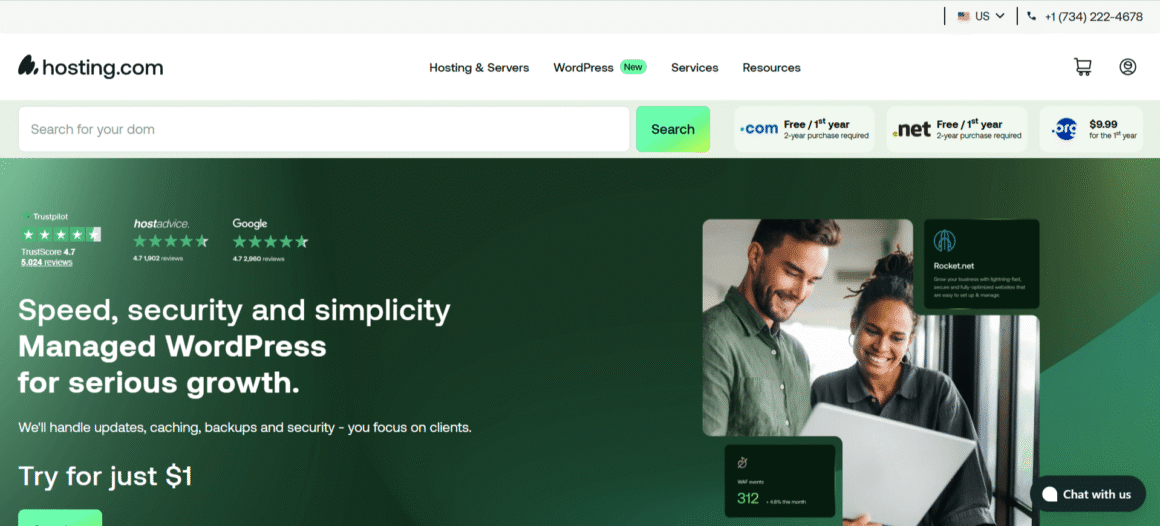
A2 Hosting doesn’t whisper about speed. It shouts. Their Turbo servers, NVMe storage, and LiteSpeed stack genuinely deliver faster response times than many competitors.
If milliseconds matter to you, A2 is a strong contender. Especially for sites where performance directly affects conversions, like landing pages or affiliate blogs.
Support quality can be hit-or-miss, but when performance is your top KPI, A2 Hosting delivers where it counts.
Key Features:
A2 Hosting is all about speed. Its turbo servers and fast storage help websites load quickly, even under pressure. You also get free SSL, migrations, and developer-friendly tools. It’s a solid choice when performance matters more than fancy extras.
Performance: Extremely fast load times
Pricing Structure: Starts at $2.99/month
Pros: Speed-focused infrastructure
Cons: Support inconsistency
Best For: Speed-critical websites
How to Choose the Right Web Hosting Provider
- Website type: Blogs need simplicity, stores need stability
- Traffic expectations: More users need more power
- Budget: Cheap now vs value long-term
- Support quality: When things break, humans matter
- Scalability: Growth shouldn’t require migration
- Security: SSL, backups, malware protection are non-negotiable
FAQs
What is the best hosting for WordPress?
SiteGround wins for reliable performance and smooth speed, Bluehost is super easy for folks just starting out, and Hostinger is perfect if you’re watching your budget but still want decent uptime and support.
Shared vs VPS vs Cloud – which is right?
If your site is small and chill, shared hosting’s fine. Growing traffic or traffic bursts? VPS gives dedicated resources. Cloud is the flexible beast that handles big spikes without breaking a sweat.
Does hosting affect SEO?
Yes. Slow servers or downtime frustrate visitors and search engines don’t love that either. Fast speed and reliable uptime help your pages rank better and keep users sticking around.
Can I switch hosts later?
Totally. You can change hosts any time, and most good ones will migrate your WordPress site for free so you don’t have to stress about technical moves.
What is managed WordPress hosting?
Managed hosting means the host handles the nerdy stuff for you – core updates, security patches, caching and backups – so you focus on content, not server headaches.
Conclusion
The best web hosting service providers are not one-size-fits-all.
They’re use-case specific.
| Hosting Name | Best For | Starting From | Performance | Visit |
| Bluehost | Beginners & bloggers | From $3.99/mo | ⭐⭐⭐⭐ | Visit Now |
| A2 Hosting | Speed-focused sites | From $1.99/mo | ⭐⭐⭐⭐⭐ | Visit Now |
| SiteGround | Premium WP users | From $3.99/mo | ⭐⭐⭐⭐⭐ | Visit Now |
| Cloudways | Developers & agencies | From $14/mo | ⭐⭐⭐⭐⭐ | Visit Now |
| Nexcess | WooCommerce & high traffic | From $5/mo | ⭐⭐⭐⭐⭐ | Visit Now |
| Hostinger | Budget beginners | From $1.99/mo | ⭐⭐⭐⭐ | Visit Now |
Disclosure: Some links on Themezhub are affiliate links. We may earn a commission if you make a purchase through them.