Introduction: The New Era of AI-Powered Designing Tool
In 2025, UI/UX designing is more about intelligence and less about humans creativity
Artificial Intelligence has transformed the working style of designers, and their approach to reach beyond manual mockups, wireframes, sketches, and more.
The ability of these AI-powered designing tools ranges from automating similar designs to generating an engaging interface in no time. This ability is making them the master key to get quicker, clearer, and smarter design workflows.
That’s why modern designers are using these smart UI/UX design tools to complete their work in hours, which earlier consuming days due to the constant refining process. Moreover, they are also using them to analyze user behavior, create layouts, and even generate automated copies of interfaces.
In this article, let’s find out how designers are using the top AI-powered UI/UX tools.
Best AI-Powered UI/UX Tools in 2025: Find Everything About
Them
1. Figma with AI Plugin
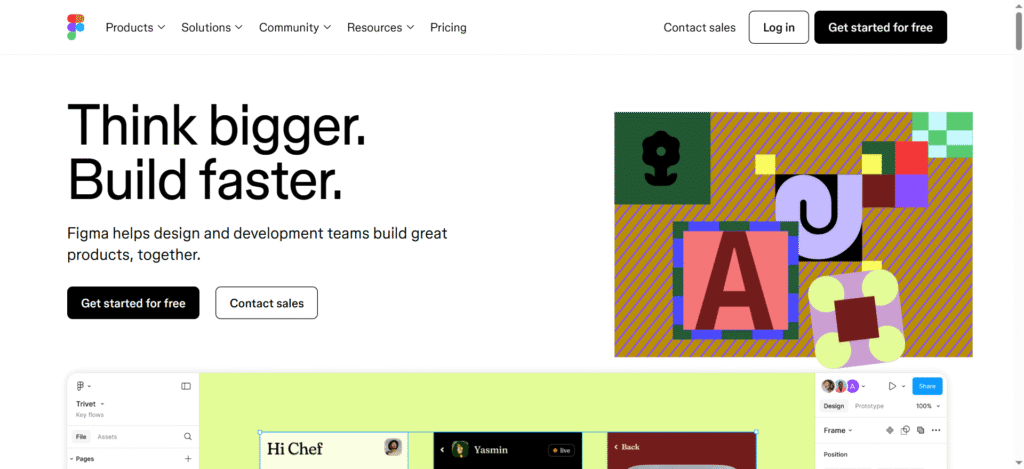
Figma is one of the most popular design tools in the world. Now it has taken a giant step to become smarter with its upgraded AI-powered plugins. For instance, with the help of these plugins, designers can automate almost everything based on their client’s recommendations.
Moreover, they can even use them to predict the perfect color combination and generate responsive layouts.
Important Features of the Figma AI Plugin:
- AI-Generator for Layouts: Designers just need to give text prompts, and it will generate page layouts in seconds.
- Smart Alignment: It gives auto suggestions regarding page alignment and spacing improvements.
- AI Style Suggestions: You can get themes generated according to the tone and goal of your project.
Why Do Designers Love It?
It provides a perfect combination of amazing design powered by machine learning. This helps designers work faster without hampering the creative process of the project.
2. Adobe Firefly
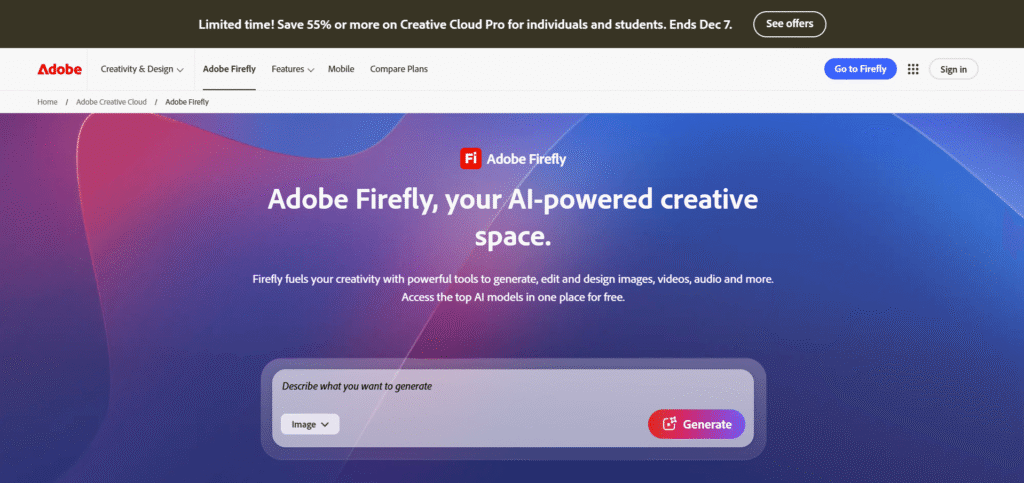
If you want to integrate creativity with artificial intelligence, Adobe Firefly should be your first and foremost choice. It is an AI-powered next-gen design tool by Adobe that can be used directly with other design engines. These engines include Illustrator, Adobe XD, Photoshop, etc.
Therefore, designers can use natural language to give prompts and generate designs.
Key Features of Adobe Firefly:
- Generate Images from Text Prompts: Give one prompt and generate vectors, illustrations, icons, and more.
- Generative Fill: Designers can modify sections of their UI mockup without redrawing them again.
- Smart Color Enhancement: Recommends color gradings that improve utility and user engagement.
Why Do Designers Love It?
It eliminates design limitations by removing designers’ dependency on stock graphics. Now, they can create amazing UI visuals and quickly complete the prototyping process.
3. Uizard

It is one of the most trending AI tools for UI/UX design in 2025.
With Uizard, even non-designers or beginners can transform their rough work into amazing digital illustrations. This happens because of its AI abilities that analyze hand-drawn concepts and sketches to convert them into professional graphics in minutes.
Important Features of Uizard:
- Sketch to Graphic Generation: Create one rough sketch, upload it here, and generate a real-time actionable UI graphic in no time.
- AI-Powered Components Identification: It can automatically detect forms, tabs, and boxes on the page.
- Variable Design Generation: You can create different versions of designs for computers, tablets, and mobiles simultaneously
Why Do Designers Love It?
It reduces efforts to create manual prototypes. This improves accessibility of advanced UI/UX designs to small-sized companies, new ventures, and startups. Similarly, it even helps in increasing and completing projects on time.
4. Durable AI
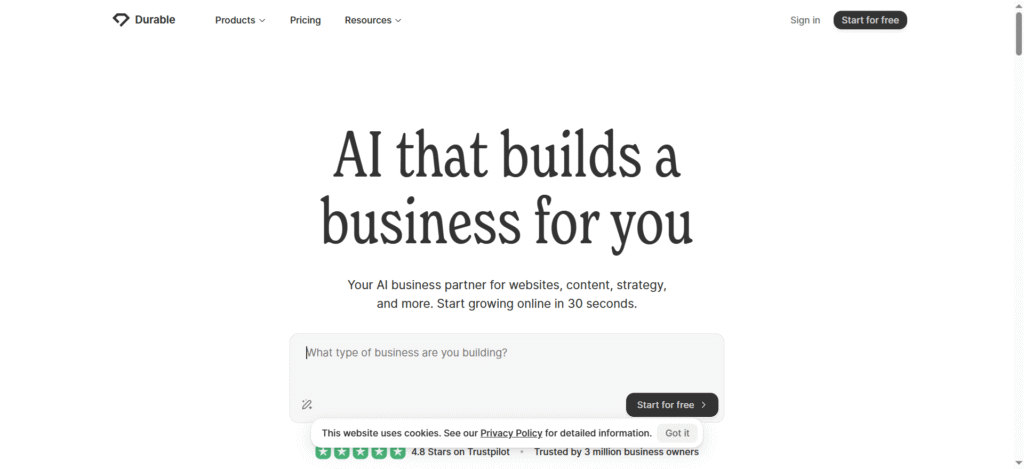
How would you feel if you were a designer who has a tool that can design an amazing website in a few minutes? Sounds great…! Well, you can experience this greatness with Durable AI.
Known as one of the most amazing website designing AI tools, Durable AI assists startups and freelancing designers to transform basic prompts into classic and user-loving web interfaces.
Important Features of Durable AI:
- Quick Website Designer: Give it a brief and nice prompt, wait for it, and get fully operational designs.
- Auto Content Creation: It can create optimized content to enhance SEO and improve readability.
- AI Layout Structuring: Get the best design layouts automatically and improve user experience.
Why Do Designers Love It?
It allows designers to transform concept sketches into real-time websites in the quickest time. That’s why it is the favorite tool for small agencies, freelancers, and new marketing brands.
5. ChatGPT/OpenAI Tools
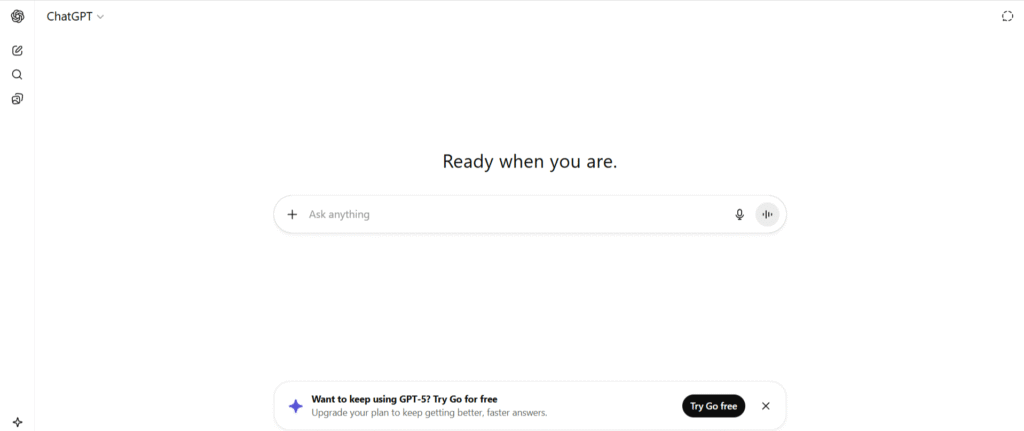
While coming-generation tools keep attention on visuals, ChatGPT focuses on content for UX. With it, a designer creates microcopy for designs, CTA buttons, and complete onboarding flows that relate to the brand’s requirements.
Key Features of ChatGPT/OpenAI for Designers:
- Advanced UX Copywriting: Create attractive and organic interface content.
- Research Analysis: A designer can create a summary of user feedback and find out useful design insights.
Why Do Designers Love It?
It creates a platform to integrate content with design. This ensures that your design connects emotionally with the users.
6. Galeby AI
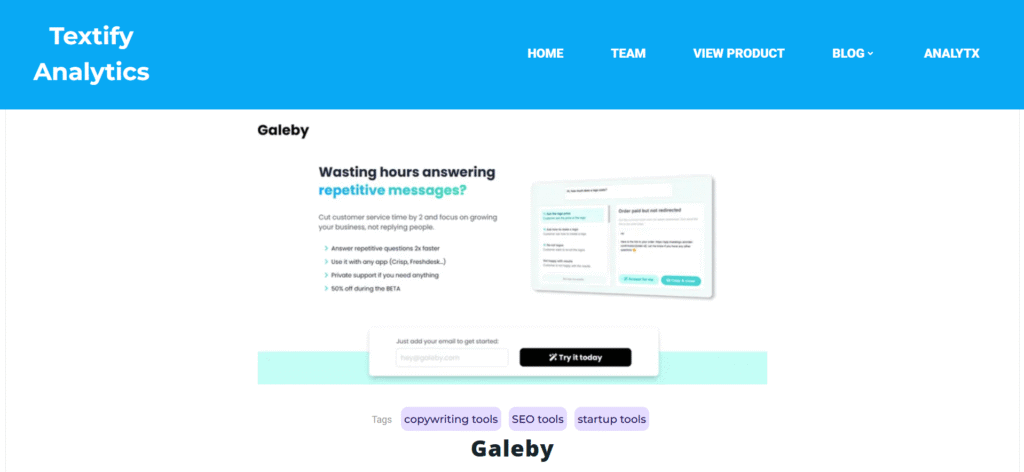
When you pair Galeby AI with Uizard, it works as one of the great AI tools for designers.
Its AI model analyzes your earlier designs and automatically creates designs better than those previous ones.
Important Features of Galeby AI:
- Smart Design Recommendations: It recommends design improvements based on UI/UX setup.
- User Journey Prediction: Provide predictions about user navigation on your designed interface.
Why Do Designers Love It?
It works as an assistant to designers that assist in improving productivity and creativity.
7. Jasper
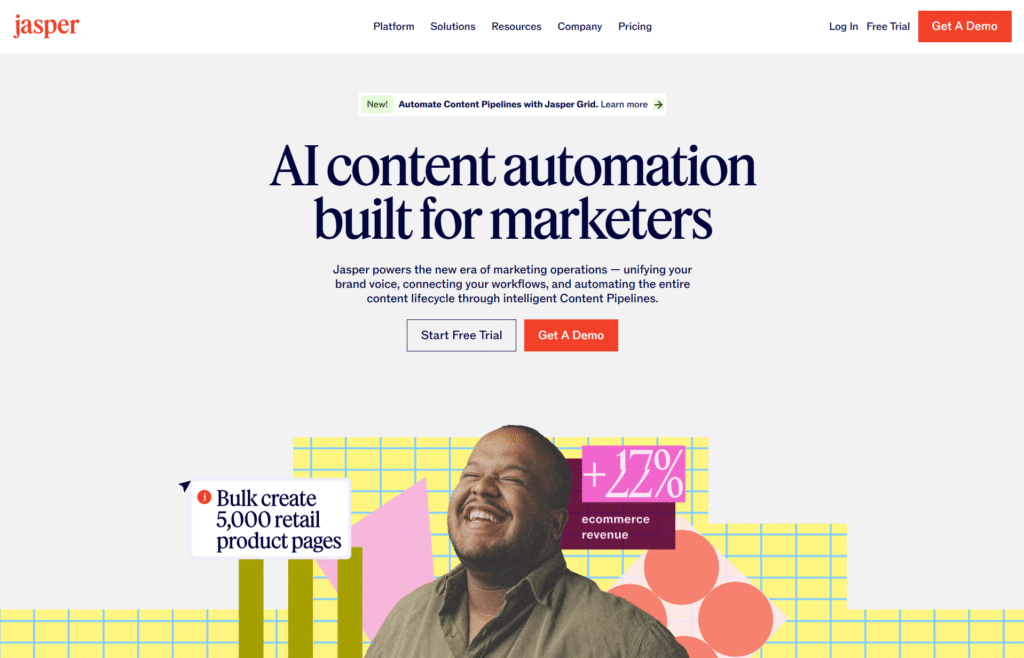
It was initially used for copywriting but is now used as a powerful AI design tool. With Jasper, you can create amazing landing pages and email templates to improve design efficiency.
Key Features of Jasper:
- Match Tone and Visuals: It helps to align your brand’s tone with design visuals.
- Recommends Optimization Ideas: Give phrases that can improve clicks on your website.
Why Do Designers Love It?
Designers can easily integrate it with Figma and WordPress. This makes it a comprehensive tool that can generate content and design simultaneously.
Conclusion: AI is Infusing New Progress in UI/UX Designs
The upcoming period is not about designers competing against AI. It is about designers collaborating with AI to produce more effective and amazing designs, illustrations, and mockups.
Therefore, these AI-powered UX/UI tools in 2025 have become an important part of the design process. Hence, we can say that these tools are not replacing designers but permitting them to innovate bigger and better.