Technology is transforming and making management tools better than ever. For instance, the work of these tools is not limited to just making a list of tasks. Now, developers and designers are using these project management tools in 2025 to track, collaborate, and evaluate the real-time growth of their tasks.
Similarly, product development teams are using them to fast-track development and reduce unwanted errors. Therefore, it is very important to select the right tool that can help you organize, plan, and complete tasks better than ever.
You can read this article to find out the best PM tools for designers and developers. All of them have unique features and special attributes to improve your management efficiency.
Best Project Management Tools of 2025
1. Trello
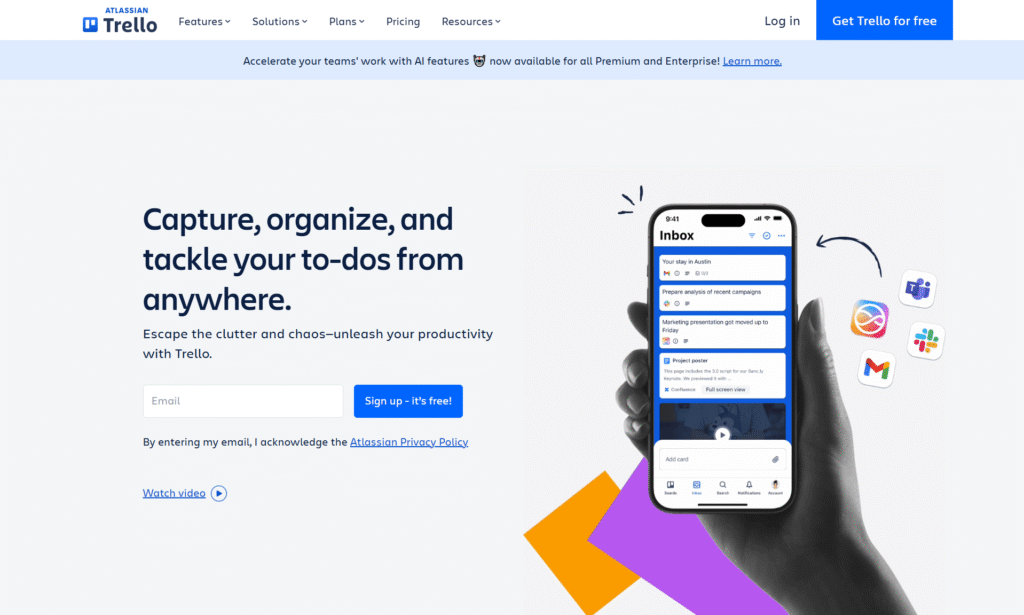
Trello is easy yet one of the best Kanban tools for developers and designers. It works perfectly for managing visual workflows. Moreover, it has a board-based layout which works best for managing UI/UX, content, and web development projects.
Standout Features of Trello
- Seamless visualization process with the Kanban board system.
- Reorganize tasks quickly with drag-and-drop task cards.
- Advanced automation to optimize repetitive tasks.
- Enhanced transparency with team collaboration boards.
- Checklists and labels are available to improve project clarity.
- Ready-made templates collection to save time.
- Easily integrate with third parties like Slack, Drive, etc.
- Easy-to-understand interfaces.
2. Asana
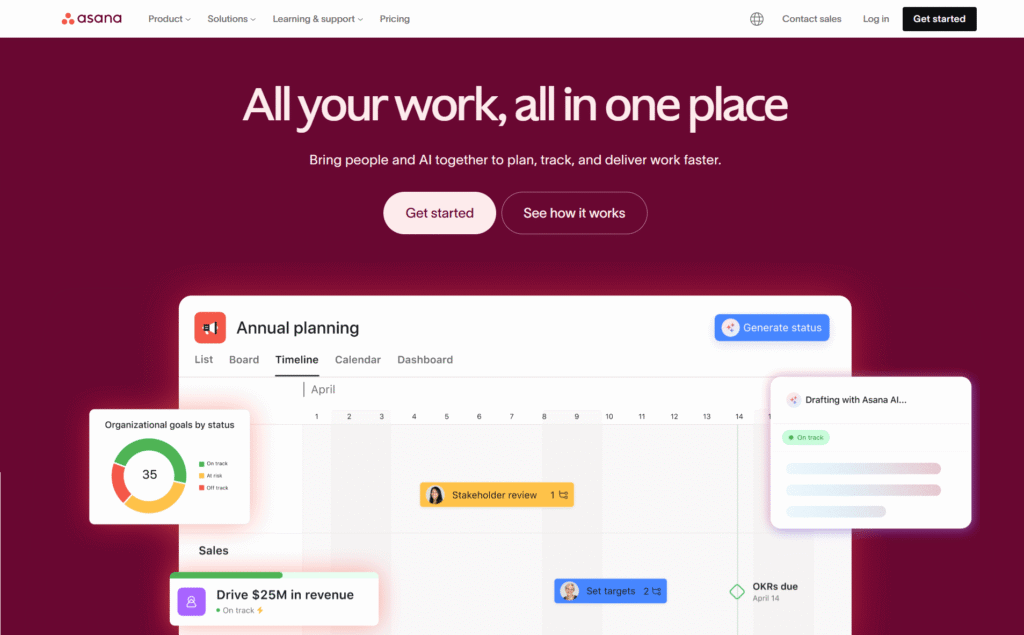
If your company wants to manage design, development, and marketing effectively, Asana is the best option. It is reliable collaborative project management software to seamlessly manage multiple workflows. For instance, your design team will like its engaging workflow, while the developing team will utilize it for product roadmaps.
Standout Features of Asana:
- Effective timeline view to track progress.
- Kanban board integration is available.
- Improves admin efficiency with automation support.
- Engaging project templates to reduce delivery time.
- Reduces team burnout with effective management.
- Enhance transparency with cross-team dashboards.
- Can integrate with multiple applications.
3. Jira
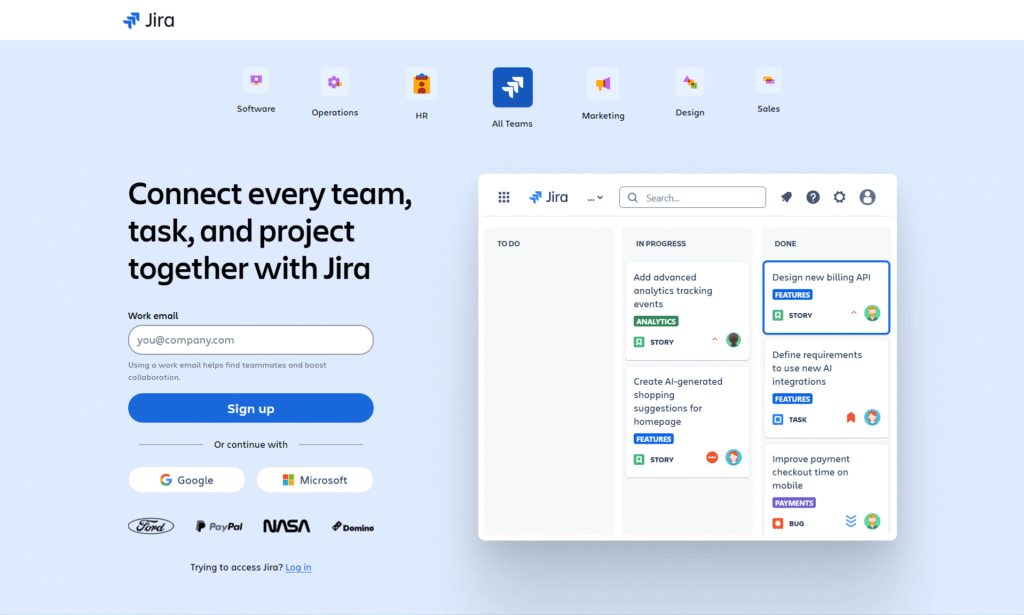
Jira defines the industrial benchmark for the top Agile project management tools in 2025. It works best for product teams working on Kanban and Scrum. Moreover, you can easily manage backlog, track bugs, and get deep sprint tracking.
Key Features of Jira
- Seamless sprint execution with responsive scrum boards.
- Customizable options for long-term planning and product development.
- Advanced story management to manage big projects.
- Effective bug tracking mechanism.
- Integrates easily with tools like GitHub and GitLab.
- Reduces repetitive work with automated operations.
- Generates performance reports for quick analytics
4. ClickUp
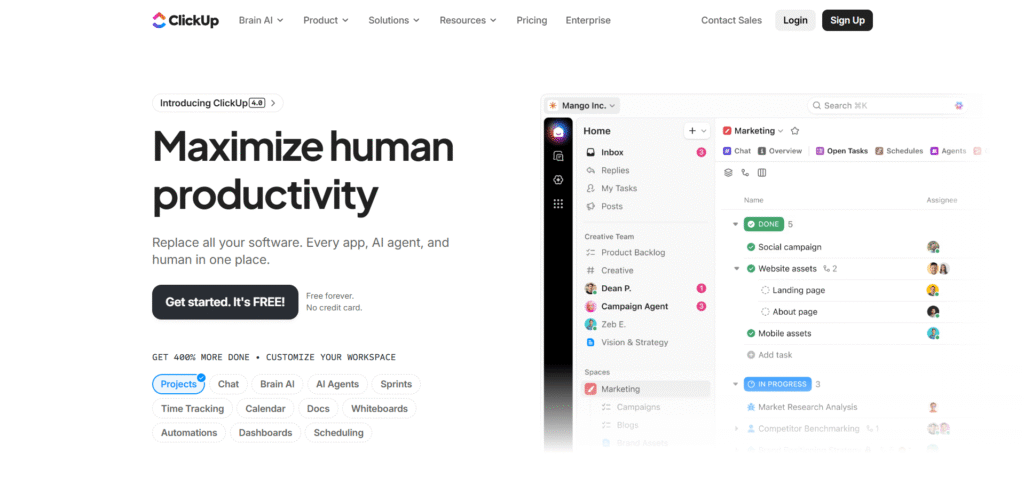
If you are running a product development team and want a unified tool instead of multiple software, get ClickUp. It is leading team collaboration software in 2025 that seamlessly integrates dashboards with doc management.
Therefore, there is no need to confuse 4-5 tools; get it and manage your project easily.
Crucial Features of ClickUp:
- Centralized system for creating new documents.
- Responsive dashboards for project analysis.
- Whiteboard integration for designers to think, visualize, and create.
- Automated task regulations to save time and resources.
- Various view patterns, including board, list, etc.
- Tracks objectives with KPIs.
- Live chat feature to keep in touch with the team.
- Secure data with role-based access management.
5. Notion
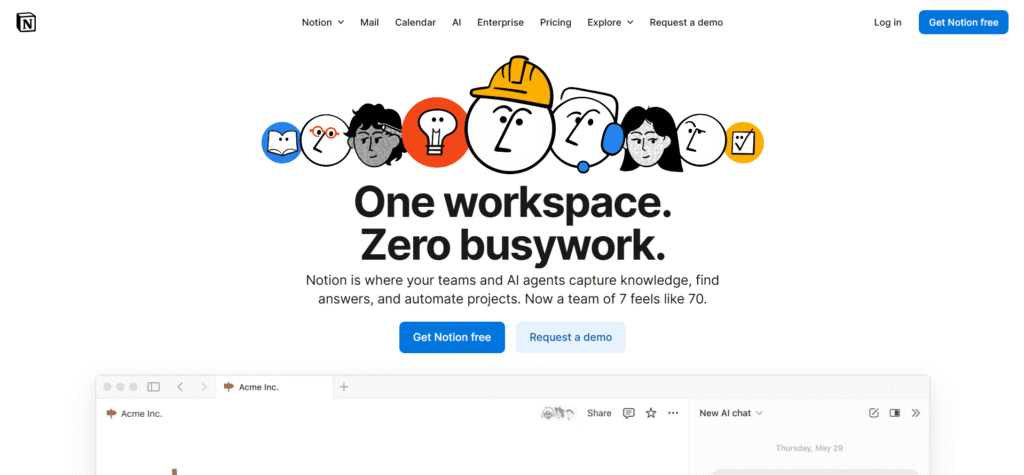
Notion is popular team collaboration software in 2025 among designers and developers due to its amazing features. It seamlessly integrates databases with tasks, wikis, and knowledge bases. Moreover, they can also use it to manage design systems, prepare documentation, and improve collaboration.
Key Features of Notion:
- Customized databases to develop responsive workflows.
- Centralized space for documentation.
- Kanban integration to plan tasks visually.
- Live team collaborations for project editing.
- Quicker documentation with smart writing powered by AI.
- Seamless integration with Figma, GitHub, Slack, etc.
- Recorded templates to quickly begin a new project.
- Connect pages to a central resource center.
6. Monday.com
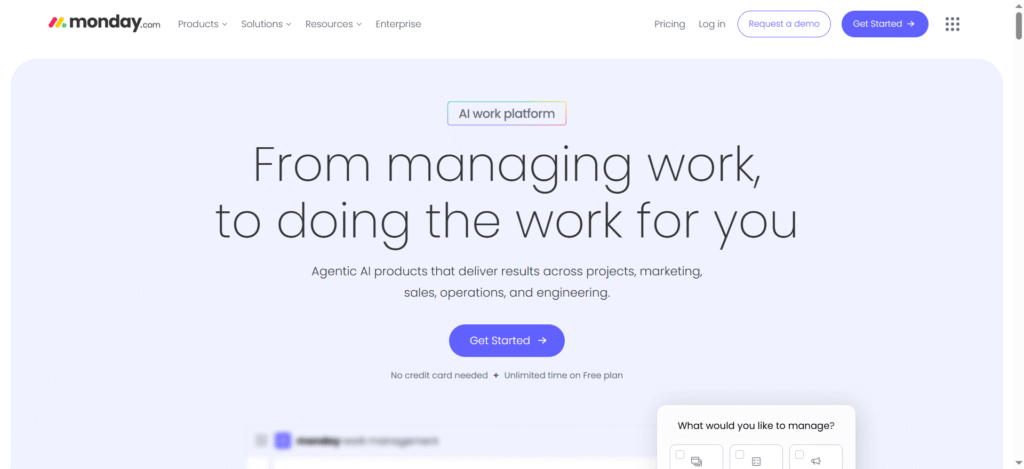
Monday.com is the most appropriate tool for teams that prefer systematic, customized workflows. With this software, your team can effectively develop design and software prototypes.
Standout Features of Monday.com:
- Automate routine work with smart custom workflow.
- Various workspaces that are best for big teams.
- Engaging dashboards for tracking live project growth.
- Multiple forms for collecting data.
- Seamless planning with Gantt and timeline view.
- Remind teams with on-time notifications and updates.
- Integration options are available for collaborating with other tools.
7. Basecamp
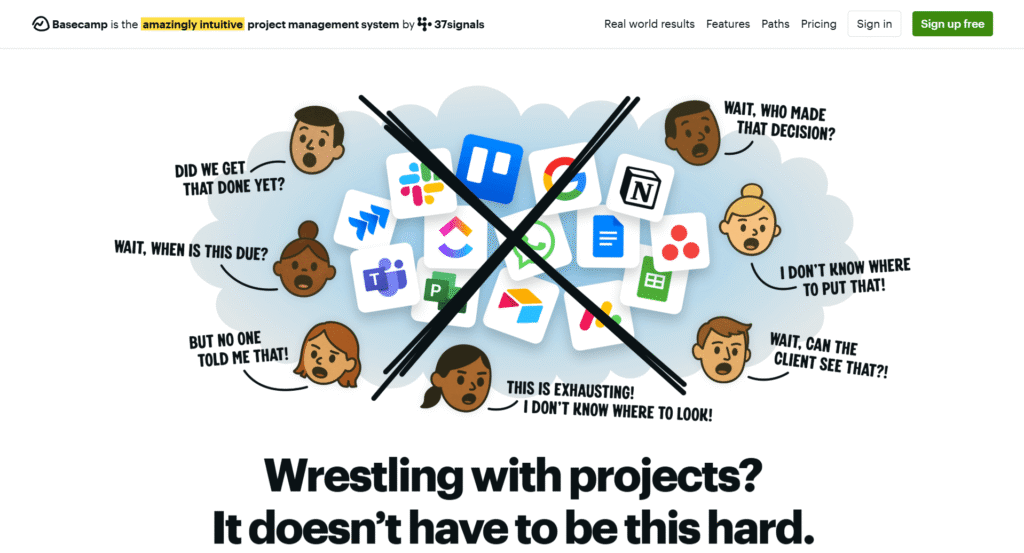
Basecamp is a popular tool among design studios, web development agencies, and related teams. It enables clear communication with systematic planning and seamless approvals in an optimized interface.
Important Features of Basecamp:
- Track tasks with engaging to-do lists.
- Seamless communication with message boards.
- Regular and fast discussion with Campfire chat options.
- Optimized file-sharing mechanism to arrange design components.
- Project progress updates with the auto check-in feature.
- Advanced access management to regulate who can access what.
- An easy-to-understand interface.
8. Figma + FigJam
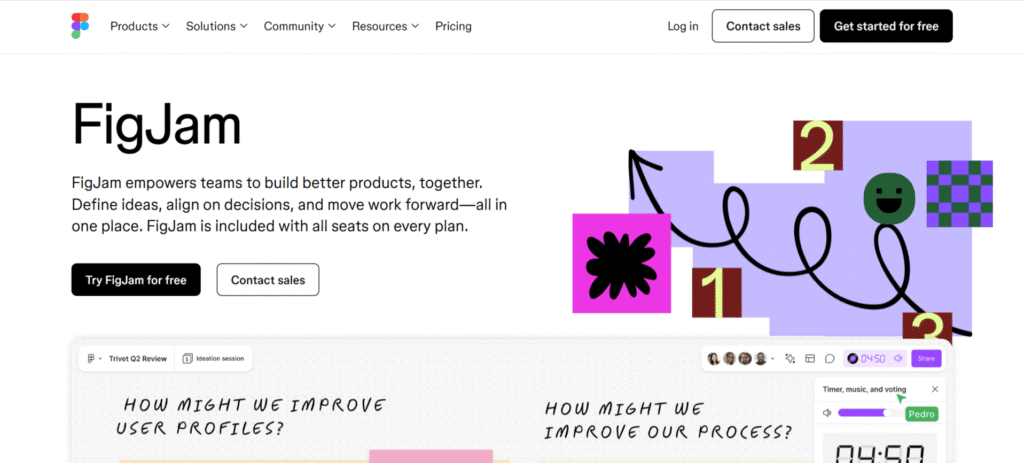
This collaboration between Figma and FigJam makes perfect collaborative project management software for UI/UX designers. For instance, teams use Figma to manage interface design, elements, and frameworks. Similarly, they use Figjam to enhance brainstorming, intra-team communication, and workflow efficiency.
Top Features of Figma + FigJam:
- Customized collaboration to let various editors work simultaneously.
- Support design systems that promote reusable UI elements.
- Create engaging design previews.
- Quick review and feedback system.
- Whiteboard integration is available (for FigJam).
- Advanced accessibility powered by the cloud platform.
- Mapping tools that provide user flowcharts.
- Supports integration with other tools like Slack, Jira, etc.
9. Miro
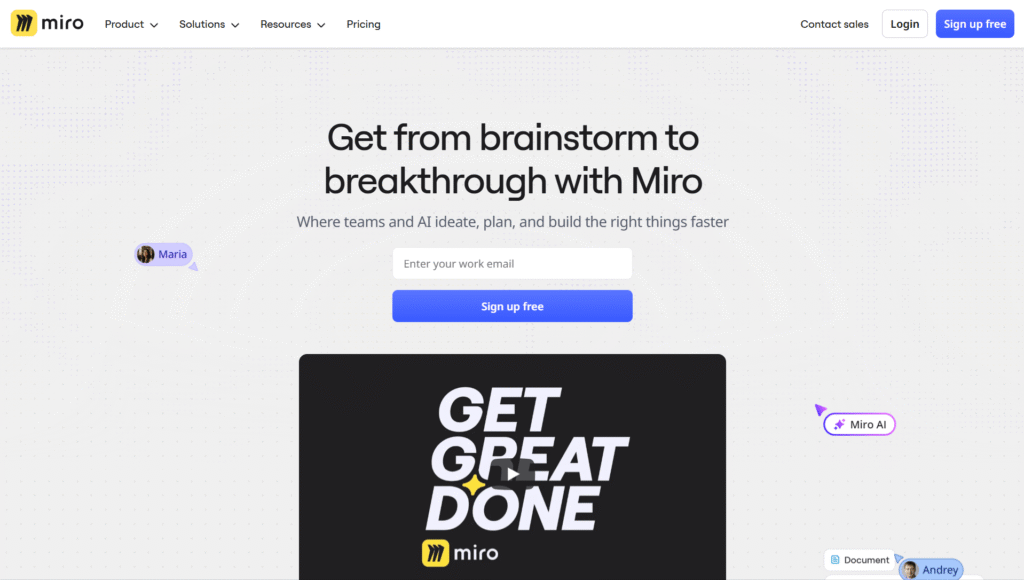
If you want a canvas to think, frame, plan, and map workflows, you can use Miro. Due to its amazing features, designers consider it among the best tools for remote teams in 2025. Its visual communication option is its biggest USP.
Key Features of Miro
- Engaging canvas for infinite brainstorming.
- Attractive design templates for designers.
- Sticky notes are available.
- Edit simultaneously with other designers in real time.
- Integration is available with Jira, Figma, Slack, etc.
- Presentation mode for better understanding.
- Voice and video chat feature.
- Better ideation with mind maps.
10. Wrike
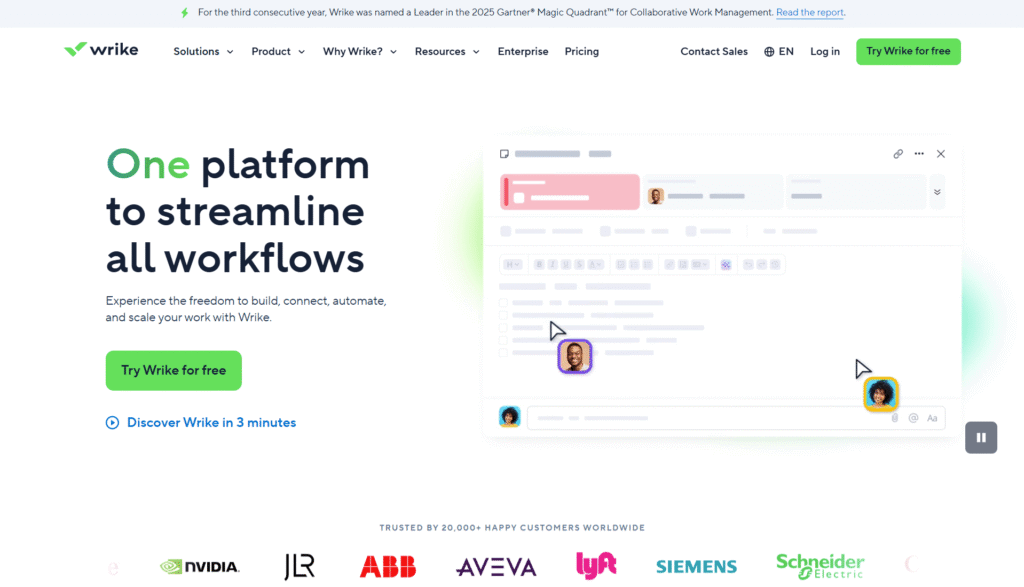
Wrike is the perfect project management tool for teams handling big business projects. This is because it manages multi-department elements and advanced reporting perfectly. Therefore, big ventures and growing companies always prefer it as their first choice.
Crucial Features of Wrike:
- Balance workload to prevent team’s burnout
- Gantt charts for tracking project progress.
- Advanced analytics reports
- Visual updates.
- Responsive request forms for seamless processing.
- Dashboards integrated for cross-team collaboration.
- Approval elements for better design reviews.
- Largest integration support (works with over 400+ tools).
Conclusion
As we know, these task management tools for web development are software that assists developers or designers to plan, manage, and complete tasks on time. They are an important component of the modern product development teams’ structure for responsive functioning. Therefore, we have discussed the best among them. If you are a designer, developer, or product manager, these tools can be your perfect project management solution.