Introduction to WordPress Google Search Optimization
If you want to rank on your website, it should have good loading speed and user experience. For instance, Google is now focusing more on Core Web Vitals. Therefore, WordPress website managers should keep a tight watch on elements that affect efficiency.
However, we sometimes overlook fonts, which is one of the crucial performance factors. Unsuitable fonts can heavily impact items like Cumulative Layout Shifts (CLS), First Input Delay (FID), and Largest Contentful Paint (LCP).
Henceforth, in this article you can learn how to optimize fonts for Core Web Vitals. Moreover, it will also help you improve your WordPress Google search optimization.
So, whether you are a beginner, blogger, or business owner, these skills will aid in developing a better and more SEO-friendly site.
Understand Relationship Between Core Web Vitals and Font Efficiency
Core Web Vitals analyze real-time user experience with these three important metrics:
- Largest Contentful Paint (LCP): How quick the major content is loading.
- Cumulative Layout Shift (CLS): How stable the layout remains during loading.
- First Input Delay (FID): How quickly does the site react to user interactions?
Your site fonts clearly impact all three metrics. Late fonts can create improper font files, requests that block rendering, and unusual layouts. All these things can push your site to the “Needs Improvement” or “Poor” section from the “Good” one.
That’s why optimizing them is a very important part of the WP Optimize WordPress plan of action.
WordPress Performance Due to Fonts: Common Issues You Can Face
Multiple WordPress sites are present that use Google or other fonts without optimizing them. This can lead to issues like:
- Loading various font templates and weights that are not needed.
- Font requests are causing render-blocking.
- Externally hosted fonts with no decent caching.· Improper layouts due to lack of font-display settings.
These problems when arise hamper the speed of your website and therefore impact its SEO and user conversion.
How to Optimize WordPress Fonts: Use These Best Practices
1. Use Fewer Font Families and Variants
Every font comes in a separate file (whether regular, bold, or italic). Therefore, try to use
- 1 or 2 font templates.
- Only useful weights (e.g. 400 and 700).
This enhances loading speed and improves website ranking.
2. Use Local Fonts Instead of External Ones
External fonts like Google Fonts require additional DNS lookups with added requests. However, if you will host fonts locally, you can get:
- Better load time
- Complete control over caching.
- Improved privacy regulations
That’s why you can find most of the best WordPress optimization plugins to permit seamless local font hosting.
3. Use Font-display Strategy to Avoid Layout Shifts
If you have not kept proper font-display settings, text may not show until the font loads. For that you can use font-display swap to:
- View the fallback text quickly.
- Avoid CLS issues.
- Enhance perceived speed.
This gives you an easy yet effective technique for font optimization.
4. Preload Crucial Fonts
Preloading is essential to make sure crucial fonts load faster than others. This enhances LCP for headings and star text. However, overuse of preloading can cause performance issues. Therefore, use preload tags only for:
- Primary font files
- Above-the-fold fonts
Best WordPress Optimization Plugins for Better Font Performance
You can manually optimize your font performance. However, with plugins, the process can be easier. Let’s find some of the best plugins for it:
1. WP Optimize WordPress Plugin

This plugin can assist you with asset and font optimization including caching. Moreover, it also helps you to optimize features of the WordPress database. Therefore, you can call it an all-rounder plugin for your website.
2. Autoptimize Plugin
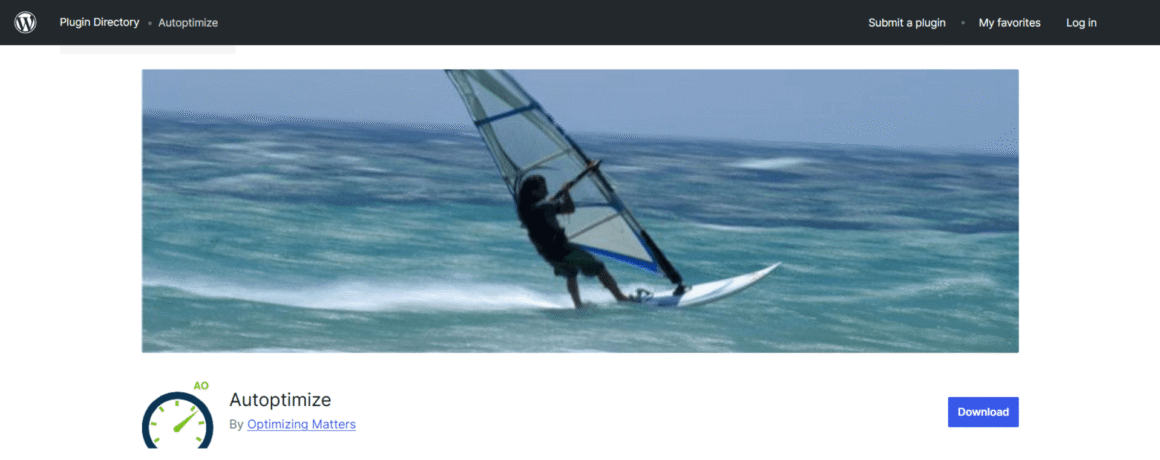
Autoptimize is known for performance with better results. This is because it provides font optimization (including Google font optimization) with CSS/JS integration.
Therefore, you can easily use it with caching plugins to enhance the score of your Core Web Vitals.
3. Perfmatters Plugin
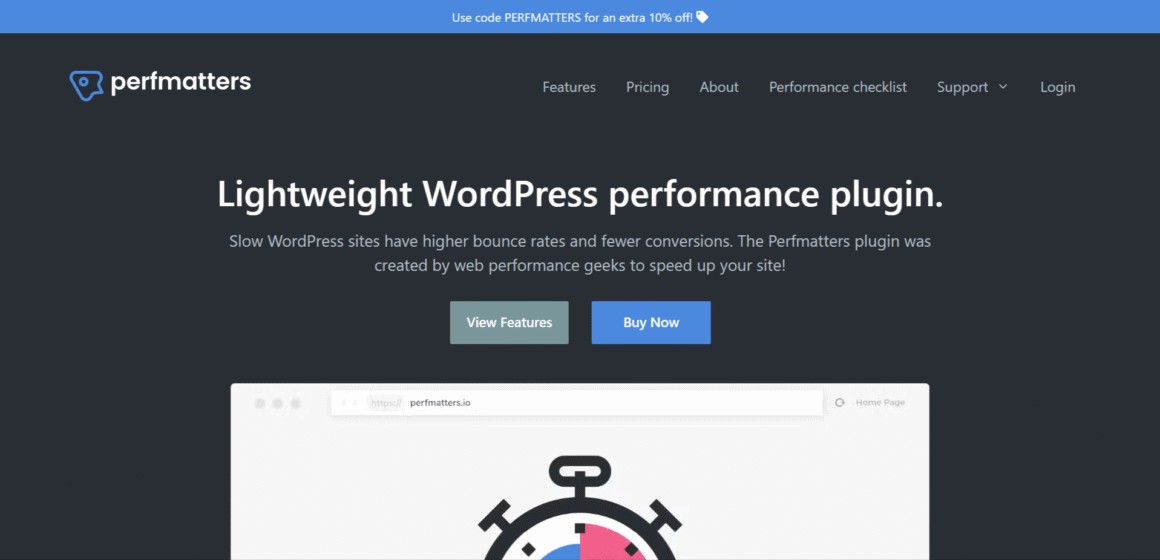
The Perfatter plugin can be best used for locally hosting Google fonts. Moreover, it can also remove non-useful scripts and disable resources that block rendering.
Hence, if you run a performance-centric website, it can be best for you.
4. WP Rocket Plugin

WP Rocket comes in the list of premium plugins. This is because of its features that focus on Core Web Vitals. Similarly, its font optimization with preloading assistance makes it in the list of best WordPress optimization plugins.
Therefore, if you own a business website and are serious about it, give it a try.
Improve Font Loading: Optimize WordPress Database
Before optimizing the font, you should optimize the WordPress database to enhance the user experience on your site to the fullest. This can be done with the following steps:
- Eliminate post revisions
- Remove spam or offensive comments
- Clear unused transients.
- Maximize database tables
Many experts say that tools like it seamlessly optimize the WordPress database.
How Does Font Optimization Increase WordPress Search Engine Optimization?
Search engines including Google promote websites that give a quick and seamless user experience. That’s why, when you optimize your fonts, you are:’
- Increasing LCP and CLS
- Limit bounce rates
- Improve dwelling
- Improves mobile usability
Therefore, you are not just optimizing fonts but also improving your website’s SEO.
Know About Performance Testing and Optimization
People use Optimizely WordPress mainly for A/B testing and other related experiments. However, it can also indirectly optimize performance. Yes, with it you can:
- Test various font combinations.
- Evaluate the effect on user engagement.
- Improve typography without any guesswork.
Don’t Do This…! Common Font Optimization Mistakes
You can even improve your Core Web Vitals by avoiding these common mistakes. These include:
- Using multiple fonts and styles (more than the requirement)
- Not paying attention to font-display settings.
- Loading unnecessary fonts on pages where they are not required.
- Depending solely on themes for better efficiency.
- Ignoring font optimization for mobile versions.
In Conclusion: Fonts Are More Important than You Think
The need for optimizing fonts is one of the essential requirements of modern websites. For instance, if you do it correctly, you can see improvements in stability, speed, user experience, and engine optimization.
Moreover, you can achieve crucial strategies that include hosting local fonts, installing smart plugins, etc. These strategies will not only improve your Core Web Vitals but also enhance site performance.
Therefore, if you are using a WordPress website, pay attention to its fonts. For this, you can use various methods, but your end objective should be the same.