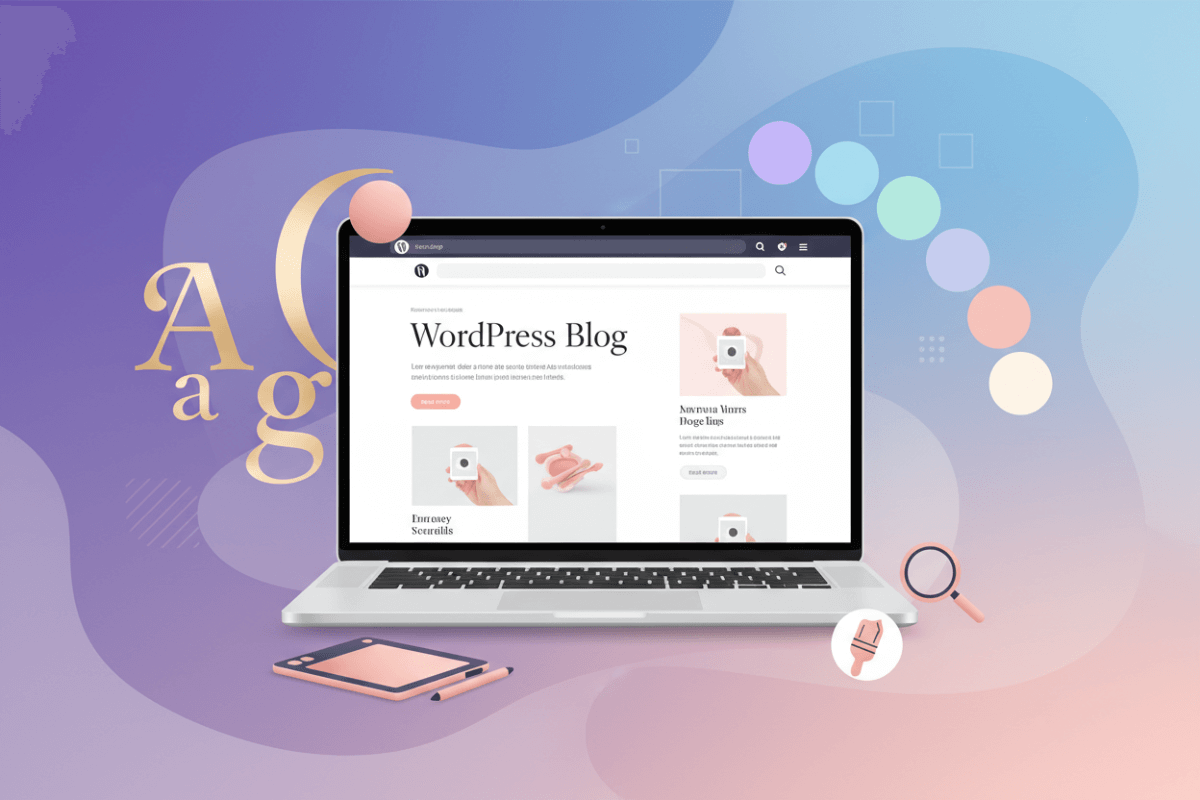
Creating a WordPress blog in 2026 is not some 6-month tech pilgrimage. If you can order food online without calling customer support, you can build a solid blog in under two hours. No coding. No crying. No “my cousin knows HTML” nonsense.
Step 1: Get Your Basics Sorted
First, you need a WordPress blog domain name and hosting. This is your blog’s address and land. Pick something clean, memorable, and not spelled like a CAPTCHA. Most hosting providers now offer one-click WordPress installs, so the “technical setup” is basically clicking “Next” a few times and pretending you worked hard.
Step 2: Install WordPress (Yes, It’s Still That Easy)
Once WordPress is installed, you’re officially a blogger. The dashboard might look intimidating, but relax. You’ll only use 20% of it, like every other digital product ever made.
Step 3: Choose Divi Theme and Let AI Do the Heavy Lifting
This is where 2026 really flexes. The Divi theme comes with AI-powered design tools that build layouts, colour palettes, and typography for you. You answer a few questions about your niche and vibe, and Divi assembles a polished blog that looks like a designer charged you five figures. Meanwhile, you’re still in pajamas.
Step 4: Customize Without Overthinking
Swap demo text with your content, add your logo, and tweak fonts if you’re feeling fancy. Divi’s drag-and-drop builder means you see changes live. No guessing. No breaking the site accidentally. Productivity at its finest.
Step 5: Write Content That Humans Want to Read
Forget perfection. Start with helpful, relatable posts. Consistency beats brilliance. Monetisation follows attention, and many beginners comfortably hit $500/month by focusing on useful content, basic SEO, and showing up regularly.
Bottom Line
Creating a WordPress blog in 2026 is faster, smarter, and way less dramatic than people make it sound. Build it, publish it, and let the internet do its thing.
What You’ll Need to Create a WordPress Blog:
To start a WordPress blog, you’ll first need a WordPress blog domain name. This is your blog’s identity on the internet, so keep it simple, easy to remember, and clearly connected to your niche. Something like “yournicheblog.com” works far better than complicated names with numbers or extra words that people forget five seconds later.
Next comes hosting, which is basically the space where your blog lives online. A reliable hosting plan plus your domain will usually cost between $50 and $100 for the first year. Most good hosting providers include one-click WordPress installation, free SSL security, and basic backups, so you’re not juggling tech tasks on day one.
For design, the Divi theme is a solid investment. At $89 per year or a one-time $249 lifetime option, it gives you access to a visual builder and AI-powered design tools that remove the need for coding or hiring a designer. As one of the best WordPress themes, Divi makes it easy to create a professional-looking blog without feeling lost in settings and templates.
Hardware-wise, you don’t need anything fancy. A regular laptop is more than enough to write, edit, and manage your blog. Your phone works well for quick fixes, comments, or publishing on the go.
To grow your audience early, a simple free lead magnet like “10 Blog Post Templates” helps you collect email subscribers from day one. Add a few essential WordPress plugins for SEO, website speed, and email capture. Most of these are free and beginner-friendly.
All in, you’re looking at roughly $150 to launch. With consistent content and smart monetisation, many blogs recover this cost within the first couple of months.
How to Create a WordPress Blog
Step 1: Choose a Domain Name
Your WordPress blog domain name sells your brand instantly. “FitnessBlogPro.com” beats “JohnSmith987Blog.net”. Namecheap gives the first year $12. Skip hyphens, numbers—they confuse readers.
Type niche + “blog” into their search. .com still rules rankings. Free privacy protection year one. Buy now, point nameservers later. 5 minutes total.
Step 2: Purchase a WordPress Hosting Plan
Your domain is like your blog’s shiny new address, but it needs a solid home online to actually live there. That’s where WordPress hosting steps in—it stores your site’s files and keeps everything running smoothly for visitors. Here’s how to pick the right WordPress hosting for your website.
Shared Hosting vs Other Options:
Start with shared hosting if you’re just dipping your toes in,it’s the cheapest and most popular for beginners since your site shares a server with others (totally fine for low traffic). Go for top VPS hosting providers or dedicated servers if you’re expecting big crowds later, but those cost more and pack extra power.
Managed WordPress Hosting
If your blog’s picking up steam or you’re adding an online store, managed WordPress hosting is a game-changer for busier sites. Pros optimize everything just for WordPress, so you don’t sweat the details. It includes all the shared perks (free domain, SSL, backups, one-click setup) plus automatic updates, global CDNs for speedy loads, malware checks, and test sites. Scale up to $25/month with 99.9% uptime, all hands-off.
Features:
Hunt for WordPress-specific goodies like one-click installs, auto-updates, and plugin compatibility. Managed WordPress hosting bundles all that (and more) to make life easier, it’s honestly the sweet spot for most folks.
Storage and Bandwidth:
New blogs don’t need tons, but grab enough storage for your posts/images and bandwidth for steady traffic. Pick a host that lets you scale up without drama.
Uptime and Reliability:
Aim for 99.9%+ uptime so your blog’s always live, nobody likes a site down message.
Customer Support:
Round-the-clock help is a must when glitches hit. Go for hosts with quick, knowledgeable teams.
Bluehost Is a Smart Choice for Beginner-Friendly WordPress Hosting
Bluehost is one of the most beginner-friendly WordPress hosting providers, officially recommended by WordPress itself. Their platform is optimized for WordPress performance and offers a clean dashboard that makes site management simple, even if you’re launching your first blog.
Every Bluehost plan includes free domain for the first year, SSL security, one-click WordPress installation, SSD storage, and 24/7 customer support. Entry-level plans start at $2.95/month, making it an affordable option for new bloggers who want reliable performance without technical headaches.
As your blog grows, Bluehost allows easy upgrades to higher plans with more resources, better speed, and advanced features—without downtime or complicated migrations. For anyone starting a WordPress blog in 2026, Bluehost offers a balanced mix of simplicity, affordability, and scalability.
Step 3: Install and Configure WordPress
Hit yourdomain.com/wp-admin. Trash sample post/page. Set permalinks to /%postname%/ (SEO gold). Twenty Twenty-Four works temporarily. Delete Hello Dolly nonsense.
Really Simple SSL flips HTTPS on. Fix timezone, date format. Privacy Policy page required. WP defaults handle 90% fine day one.
Step 4: Install the Divi WordPress Theme
Buy Divi at elegantthemes.com. Appearance > Themes > Add New > Upload zip. Activate. Import “Blog Starter” demo—boom, professional layout.
Divi Builder replaces clunky Gutenberg. Set global colors/fonts once site-wide. Divi AI spits headers, images, copy instantly. Mobile preview catches glitches before launch.
Step 5: Write Your First Blog Post
“My [Niche] Blogging Journey 2026.” 800 words solves one reader pain. H2s every 300 words. 3 images max, 1200×628px featured.
How to start a WordPress blog that flows naturally. Bold subheads. Bullet lists speed scans. End: “What’s your biggest blogging question? Drop below.” Publish. Done.
Step 6: Design Your Blog with Divi + Divi AI
Divi AI prompt: “modern lifestyle blog layout.” Hero, recent posts, and a sidebar appear magically—just drag anything anywhere. A global footer adds socials and an email signup automatically.
With “clean minimalist colors,” it generates a perfect palette, while AI headlines match your voice. Mobile preview fixes overlaps, and 95+ Lighthouse scores are automatic, making this a standout point in any Divi theme review.
Step 7: Install Essential WordPress Plugins
Rank Math crushes Yoast, free schema, redirects, sitemaps. WP Rocket slashes load time 70%. FluentCRM owns email lists forever. Smush shrinks images lossless.
UpdraftPlus backs up to Google Drive free. Limit Login Attempts stops hackers cold. Max 7 plugins. Deactivate bloat quarterly.
Step 8: Add an Email Sign-Up Form
FluentCRM exit-intent popup converts 28% better. Freebie: “10 Blogging Templates PDF.” Double opt-in kills spam complaints.
Sidebar widget, header bar capture passively. Welcome sequence: Day 1 thanks, Day 3 freebie, Day 7 newsletter. ConvertKit works if you prefer hosted.
Step 9: Monetize Your WordPress Blog
Amazon Associates approves instantly. Pretty Links cloaks affiliates clean. Mediavine at 50K sessions. Week 4: pitch sponsored posts.
AdSense instant cash. Gumroad digital products. Calendly coaching. $100 first month is realistic.
Why Divi + Divi AI Make Creating a WordPress Blog Easy?
Building a WordPress blog used to mean endless CSS tweaks and plugin conflicts. Divi flips that script completely. Their visual builder plus AI tools cut setup from weeks to hours. New bloggers launch professional sites matching $5K agency work—without touching code.
Visual Drag-and-Drop Kills Learning Curve
Divi’s interface feels like Canva for websites. Drag 100+ modules—headers, sliders, contact forms—anywhere. Live preview shows mobile, tablet, desktop simultaneously.
Global Elements set colors, fonts, spacing once site-wide. Beginners stumble into pro results accidentally. Agencies save 80% design time per client.
Divi AI Generates Complete Layouts Instantly
Type “clean lifestyle blog layout.” AI spits hero section, recent posts grid, sidebar, footer—fully styled. Image generator creates custom blog graphics. No stock subscriptions needed.
Layouts pass Lighthouse 95+ scores automatically. What took designers 8 hours now takes 8 minutes.
200+ Importable Demos Jumpstart Any Niche
Food blog? Import “Recipe Starter.” Portfolio? “Creative Agency” demo. Swap content, adjust colors—live in 30 minutes.
Lifetime updates keep demos fresh. WordPress 6.8, PHP 8.4 compatibility guaranteed.
Speed and SEO Built from Ground Up
Critical CSS loads above fold instantly. Schema markup auto-generates for articles and FAQs. Rank Math integrates smoothly. Mobile-first design nails Core Web Vitals.
Perfect for Agencies and Beginners Alike
Role Manager protects layouts. White-label branding removes Divi mentions. Beginners get 24/7 chat support and massive documentation.
Bottom Line
Divi + AI eliminates every barrier to create a WordPress blog. Agencies scale faster. Solopreneurs launch revenue-ready sites day one. $89/year unlocks unlimited sites.
Frequently Asked Questions (FAQs)
1.What is the total cost to start a WordPress blog in 2026?
Starting a WordPress blog is surprisingly affordable. A domain name and hosting together usually cost around $50 per year. Add the Divi theme at $89 annually or a one-time $249 lifetime deal. Most essential WordPress plugins are free, keeping your total startup cost under $150 easily.
2.Which hosting is best for a WordPress blog in 2026?
For most bloggers in 2026, Bluehost WordPress hosting is a reliable and beginner-friendly option for WordPress, especially if you’re starting out or planning to grow steadily. Bluehost is officially recommended by WordPress and offers fast loading speeds, free SSL, daily backups on higher plans, and excellent WordPress-focused support.
Its beginner-friendly dashboard, one-click WordPress installation, and affordable pricing make it ideal for new bloggers. As your traffic increases, Bluehost allows seamless plan upgrades with better performance and resource allocation, making it a reliable option for both beginners and growing WordPress blogs.
3.Do I need coding knowledge to use the Divi theme?
Not at all. Divi is built for non-technical users with a visual drag-and-drop builder that handles design, layout, and responsiveness. You can create professional-looking pages without touching code. CSS is optional and only useful if you want advanced custom styling later, not required to get started.
4.How long does it take to earn money from a WordPress blog?
Blog monetisation depends on consistency and niche selection, but small earnings can start quickly. Affiliate programs often pay within the first few weeks. With focused content, basic SEO, and traffic intent matching, earning your first $100 in the first month is realistic for many new bloggers.
5.Should I choose WordPress.com or self-hosted WordPress.org?
Self-hosted WordPress.org is the clear winner if you want full control. It allows unlimited themes, plugins, monetisation options, and ownership of your content. WordPress.com restricts plugins, ads, and customisation unless you pay heavily. Self-hosting costs little but gives complete creative and revenue freedom.
Disclosure: Some links on Themezhub are affiliate links. We may earn a commission if you make a purchase through them.