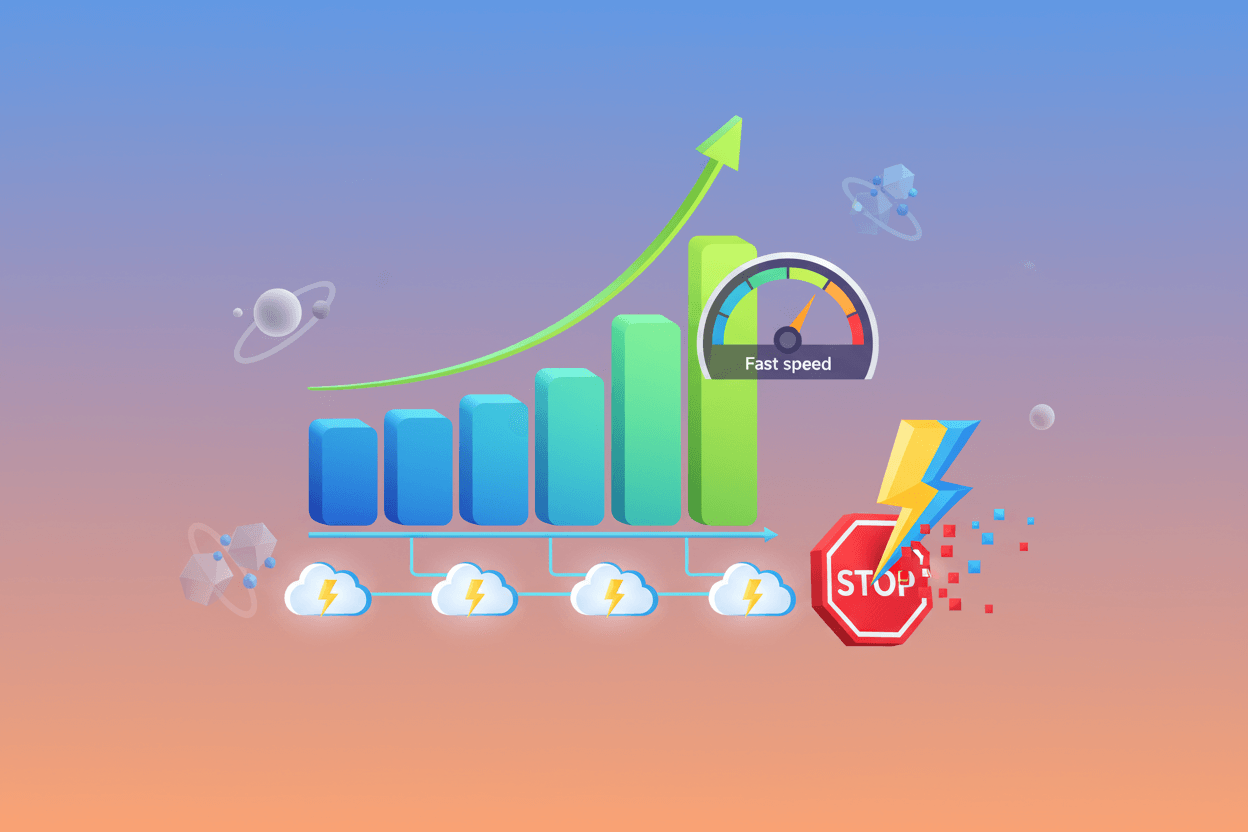
Introduction to the Methods to Reduce WordPress TTFB
You cannot make a quick WordPress website without knowing the methods to reduce WordPress TTFB. It is because you need to check how quickly the server reacts to the very first request coming on the website. That’s why the importance of TTFB (also known as Time to First Byte) is crucial. For instance, whether you have optimized images on a lightweight site, a high TTFB can damage your SEO rankings, Core Web Vitals, and performance.
In this article, you will learn how to reduce WordPress TTFB below 200ms. Moreover, you will find real-time solutions without any generic advice. These fixes are those that have been used by the most efficient WordPress websites.
Know More About the TTFB: Why It is Important for a WordPress Website
Time to First Byte (TTFB) calculates and tells the time taken by the server to deliver the first data byte after a browser makes a request. In easy words, it measures the reaction speed of your server.
An optimized website should have a TTFB below 200ms. However, if it is
- In the range 200-500ms: Needs improvement
- More than 500ms: Very Poor
What can happen? Find out Here
High TTFB can
- Directly affect LCP (Largest Contentful Paint)
- Decrease the rendering of website pages
- Lower down the SEO rankings
- Increase bounce rates
- Create bad user experience
Moreover, even search engines like Google recommend reducing WordPress TTFB, especially for mobile users, since it directly impacts page experience and rankings. You can further enhance your site’s performance by using a free SEO plugin that helps you identify issues and optimize your pages more effectively.
High WordPress TTFB? These Reasons Can be the Causes
High Time to First Byte (TTFB) can be fixed but before that you have to find out what its causes are. Generally, server issues become the major cause of high TTFB. These include:
- Overloaded or poor-quality hosting: poor quality hosting happens while using loaded servers with limited resources. This results in delayed responses and bad user experience as WordPress starts struggling to work efficiently.
- Lack of server-level caching: If you have no server-level caching, you will face problems optimizing your WordPress website. The reason is that it will process database and PHP queries on all requests resulting in delays.
- Poor PHP execution: Older versions of PHP with disabled OPcache slow down the request processing. This causes more server response time and impacts your website’s health.
- Unoptimized WordPress database: An Unoptimized database contains revisions, unused tables, and transients that make the server work harder before providing the first.
- Heavy Themes and Plugins: Using heavy themes and plugins can create unnecessary load and increase PHP processing time, which often results in slow servers. Choosing lightweight options or some of the best WordPress themes can significantly improve performance.
- Lack of CDN configuration: If you don’t have CDN configuration, then any request will cover long distances to reach the server base. Moreover, it also stops HTML caching and TTFB improvements.
- Bad DNS resolution: Poor DNS providers take more time to resolve domain requests which delays server connection. These uplift “High Time to First Byte” even before the page request.
How to Reduce WordPress TTFB Below 200ms? Here are some solutions.
Following are the hacks to reduce TTFB and optimize a WordPress website.
1. Upgrade Your Hosting: Biggest Game Changer
Your hosting plays a crucial role in optimizing the TTFB of a WordPress website because TTFB depends heavily on the server’s response time. If your server is slow, it will negatively affect your TTFB. Choosing the best web hosting service can significantly improve server performance and reduce TTFB.
For instance, while selecting it, you should look for these essentials that include:
- NVMe or SSD storage
- Latest PHP versions
- International Data Centers
- Integrated caching facility
- Better uptime guarantee
Type of Hosting You Should opt for:
- Managed WordPress Hosting: If you want top-notch management with elite security, and seamless performance, go for Managed WordPress hosting. It provides quick updates, server optimization with caching integration.
| What to Do | What to Avoid |
| Use servers with NGINX or LiteSpeed. | Poor shared hosting |
| Use PHP version 8.1 or above | Avoid old PHP setups |
| Prefer remote server resources | Do not use Overloaded servers |
Above all, replacing shared hosting with managed hosting alone can decrease WordPress TTFB from 500ms to 200ms or lower.
2. Use Server-Level Caching (with Plugins Caching)
90% of caching plugins operate after website loading. Therefore, the process utilizes big server resources. However, server-level caching comes into action even before WordPress loads.
Best Server-Level Caching Option
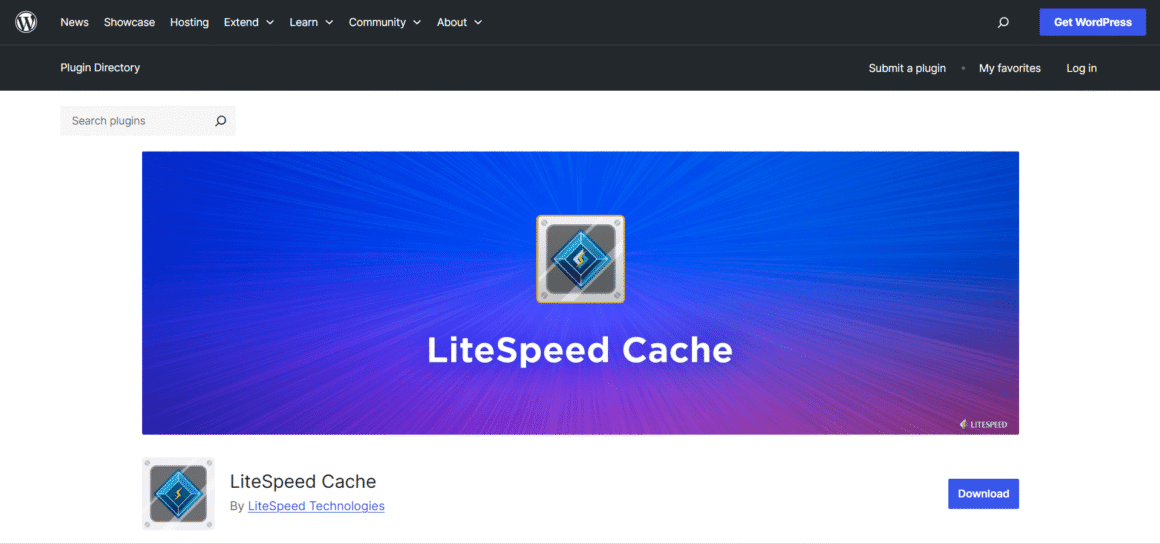
LiteSpeed Cache: You can get the best server-level caching with LiteSpeed cache. Moreover, it also provides image optimization and database cleanup. Above all, it operates best on its own servers to lower down your TTFB and improve WordPress efficiency.
NGINX FastCGI Cache: It diverges PHP and database processing and saves complete HTML pages at the server level. This quickly decreases server response time and helps to reduce TTFB for WordPress websites.
Cloudways Cache: It can optimize server-level caching technologies like Redis, Varnish, etc. It helps to enhance page speed and backend performance to ultimately decrease Time to First Byte. Moreover, you do not
3. Optimize WordPress Database & Backend Functionality
As time passes, your website database gets filled with useless data. Therefore, you need to optimize the WordPress database to enhance backend efficiency.
These things should be clean:
- Trash comments
- Post revisions
- Unused tables
- Transients
Two Important Tools for Database Optimization:
Advanced Database Cleaner: It assists in identifying and eliminating useless database revisions and tables. Moreover, it also enhances backend performance by reducing database size. This helps to improve server response time and reduce WordPress TTFB.
WP-Optimize: This plugin can assist you with asset and font optimization, including caching. Moreover, it is not just used to optimize WordPress database, but also decreases TTFB. Therefore, you can call it an all-rounder plugin for your website.

4. Decrease the Use of Heavy Plugins
Useless heavy plugins can reduce your website’s speed and increase the Time to First Byte (TTFB). Moreover, if you need to reduce TTFB for a WordPress website, you should first optimize your plugins or replace them with a WordPress plugin to boost your website speed for better overall performance.
- Remove useless heavy plugins
- Avoid duplicate plugins
- Substitute useful but heavy plugins with other light plugins options
5. Use An Effective CDN in the Proper Manner
A CDN (content delivery network) allocates your WordPress files to various international servers. Although it is primarily used to increase assets speed, it can also decrease TTFB when configured in a proper way.
How CDN assists in reducing Time to First Byte:
- Decrease physical distance to users.
- Deliver cached HTML from various locations.
- Optimize DNS and SSL latency.
Best CDN Options for Your WordPress
Cloudflare (APO integrated): Cloudflare powered by Automatic Platform Optimization (APO) caches all website pages on edge servers globally. Moreover, it decreases server load, enhances speed, and improves the efficiency of Core Web Vitals.

Bunny.net: It is a cost-effective and highly productive CDN that provides static and dynamic content from worldwide server edge locations. It is best to achieve low latency with flexible pricing, and optimized HTML caching to improve WordPress efficiency

StackPath: It gives enterprise-level CDN services including edge caching, pro security options, and advanced analytics. Similarly, it also enhances content delivery speed and decreases server response time on your website.

Crucial CDN Settings for Your WordPress:
Activate HTML caching
Utilize edge caching
Optimize DNS resolution
Activate Brotli Compression
6. Other Advanced Optimization Tools to Reduce TTFB
If you’ve used other methods and still searching for some more tricks to decrease WordPress TTFB, here are some advanced methods:
- Start using HTTP/3 (QUIC)
- Activate TLS 1.3
- Delete unused REST API
- Remove useless heartbeat API
Some Testing Tool to Check Your Website Speed
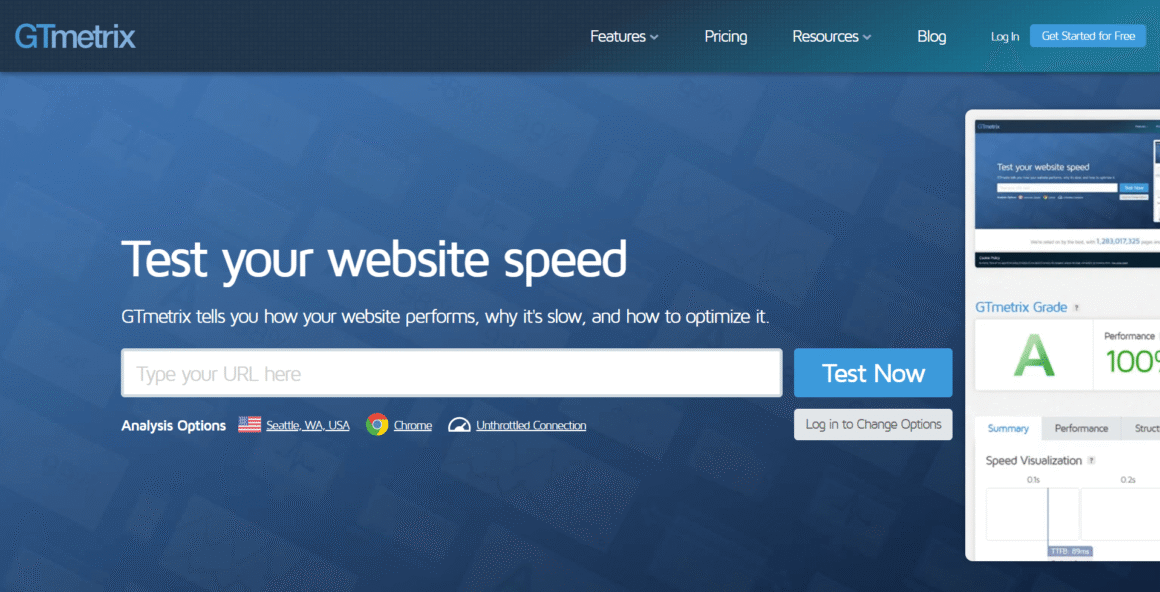
GTmetrix: The testing tool for teams that want detailed speed analysis. It visually represents each request through engaging charts and seamlessly analyzes crucial parameters like CLS, TTFB, LCP, etc. Its amazing features make it a global choice for developers and marketers alike.
WebPageTest: It is one of the most advanced online website speed test tools because of its fine-grained settings and impactful browser testing. Moreover, it also checks and suggests points to improve website speed on slow networks.
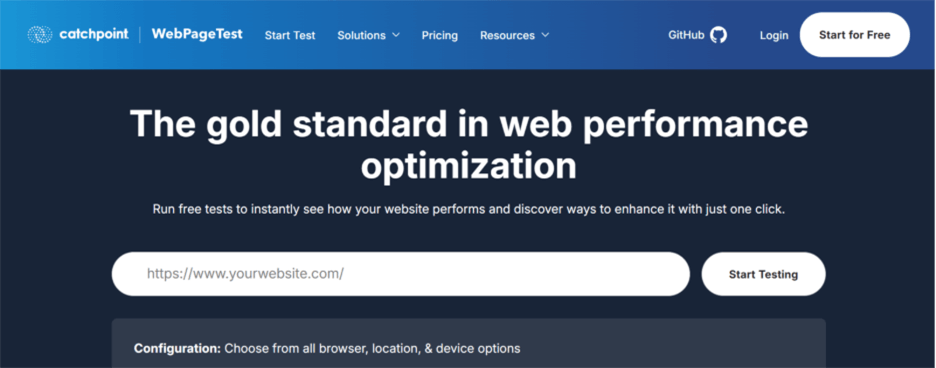
Chrome DevTools: It delivers quick debugging inside the browser and provides live insights for CPU usage. Similarly, you can test layouts that are better for reducing TTFB in mobile devices.
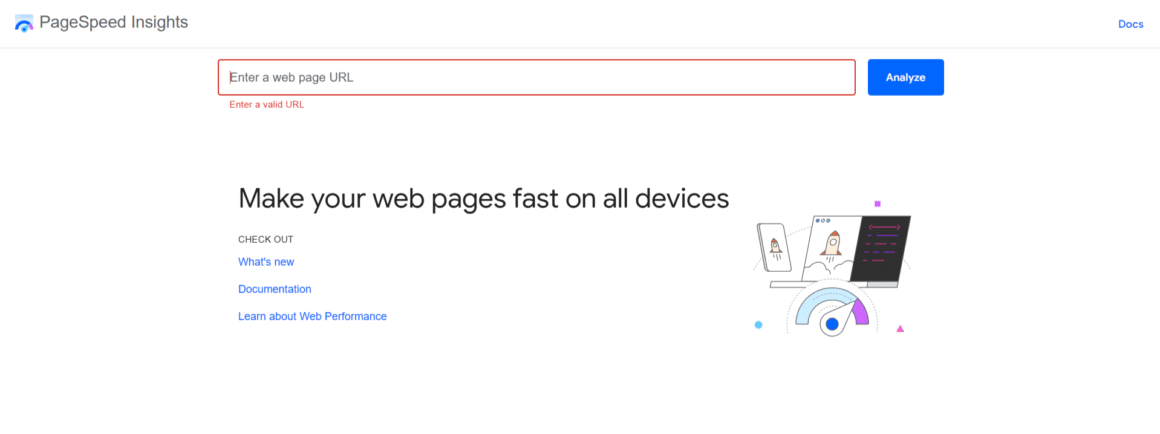
PageSpeed Insights: Its most important feature is that it connects field data with lab testing to analyze accuracy. Also, here you can identify and flag plugins that are slowing down the speed.
Conclusion: Reduce WordPress TTFB and Grow Your Traffic
If your aim is to reduce WordPress TTFB, then the quality of hosting means a lot. However, many other methods like server-level caching, CDN configuration, etc. can also be useful. Remember, your site’s High Time to First Byte (TTFB) can be fixed but before that you must find out what its causes are.
Above all, it’s clear that if you want to deliver an amazing user experience on your site, you need to understand how to reduce Time to First Byte. Wondering where to start? Begin with a fast server, it forms the foundation for all other optimization efforts. I would also recommend checking out our Bluehost review, which helped me realize that this hosting provider is also a good option worth considering. You can explore our other articles as well to learn more about these methods and solutions in detail.