Let’s face the scenario- web designing has transformed in the last few years. In 2026, incorporating AI is not an option. Instead, it’s a complementary dish that a web designer must embed to stay competitive.
I still remember when a ecommerce website business owner asked me, “Preet, do you utilize AI-powered UI/UX workflow to design websites?” I replied, “Of course! I am leveraging the AI tools to foster the design process. I tested multiple AI tools for web designing and delivering the work, which was lengthy a few years back.”
According to Custom Market Insights, the AI-powered web design market is projected to grow from $3.41 billion in 2026 to $14.78 billion in 2035.
If you’re a designer like me and not applying the modern AI tools for web design, you’re leaving money on the table. This begs the next question:
Which AI tools for web design to use in 2026? I’ve picked the ideal tools and put together a clean, honest breakdown based on various segments. By the end of this blog, you can make use of the specific tools to transform your traditional web design process into a smart, automated and efficient one!
Before delving deeper, let’s have a brief introduction to the AI web design tool.
What is an AI Web Design Tool?
AI tools for web design are software platforms. These platforms use ML models to define, generate, modify, and optimize UI elements. These tools enable designers and the product team to develop layouts, color systems, components, design flows and typography based on structured inputs.
What are the Benefits of Good Web Design Tool?
I have been using AI design systems since 2023, and they have increased my productivity by 2X. Below, I will list the benefits of using an AI-powered UI/UX workflow. Here you go-
1. Enhanced Visual Consistency
AI-based web design tools generate components, design rules and structured input. This ensures consistency across flows, screens and design systems. This minimizes rework, reduces visual drift and enables teams to maintain brand alignment.
2. Quicker UI Creation
AI tools for web designing generate layout structures, multiple screen variations and design patterns from a prompt. This shortens the design cycle, helping designers explore and refine ideas within minutes.
3. Rapid Prototyping
AI web design tools transform the ideas into interactive prototypes, enabling teams to accumulate feedback before taking the next steps. This mitigates the risk of developing the wrong interface and enhances overall product decision-making.
4. Stronger Collaboration
Modern web design AI tools can generate components, assets and structured layouts. This reduces translation gaps between code and design, orchestrates implementation and ensures the final product matches the original design objective.
What are the Selection criteria of an AI Web Design Tool in 2026?
Choosing the ideal AI tool for website design is not about checking the features. It’s about the production standard output. After using multiple tools, I have selected the tools based on the following criteria:
- Context Awareness: The AI understands the active plugins, colors and fonts before defining new assets.
- Design Quality: Generated design is production-ready, accessible and lightweight.
- Speed to Market: Ideal AI websites generate a viable wireframe within minutes.
- Affordable Pricing: The AI tools for website design must offer customization, performance and robust design within affordable pricing. If the plan is offering free, it must be useful so that the user can create maximum value from it.
5 Best AI Tools for Wireframing
The best automated wireframing tools have undergone significant changes in the last few years. As the projects grow more complex, traditional wireframing methods slow down the design teams. From sketching layouts to revising workflows, it would take several hours.
To bridge the gap, the best AI tools for wireframing is enabling the designers to develop robust workflows. I have used the top 5 tools, and here’s what I found:
1. Figma
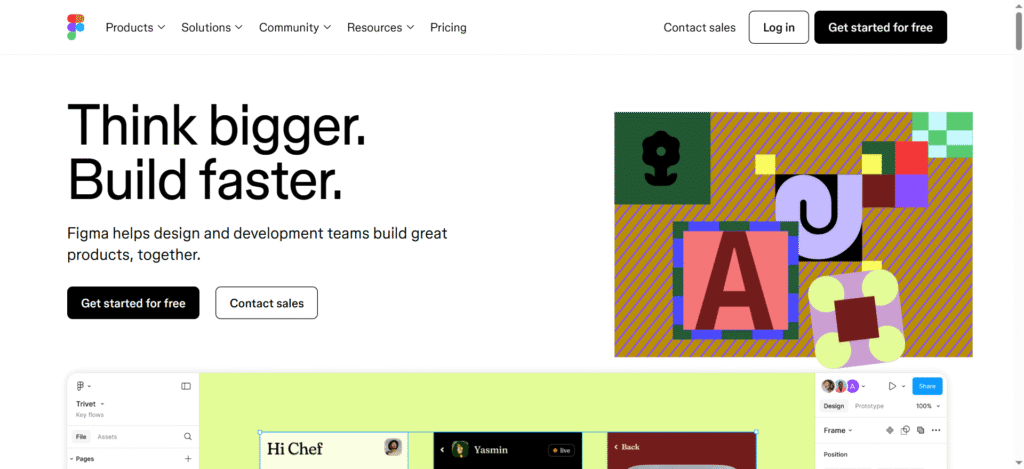
It’s a comprehensive canvas that lets you sketch wireframes, reuse components and develop click-through prototypes. However, I was overwhelmed when Figma announced the AI features. The 2026 version contains AI features to make the design out of the box without investing much time:
Key Features
- Auto layout intelligence, enabling you to understand how much space the content needs.
- Smart component development to create workflows from manually created hand sketches.
- Content-aware wireframing to adjust layouts based on the design you’re doing for an e-commerce site.
Pros
- Robust wireframing workflow options with components, variables and auto layout option. These are excellent for responsive, orchestrated wires.
- State-of-the-art ecosystem and collaboration.
Cons
- The learning curve is steeper for responsive behavior and auto layout
- Limited native prototyping options for complex logic.
2. Framer
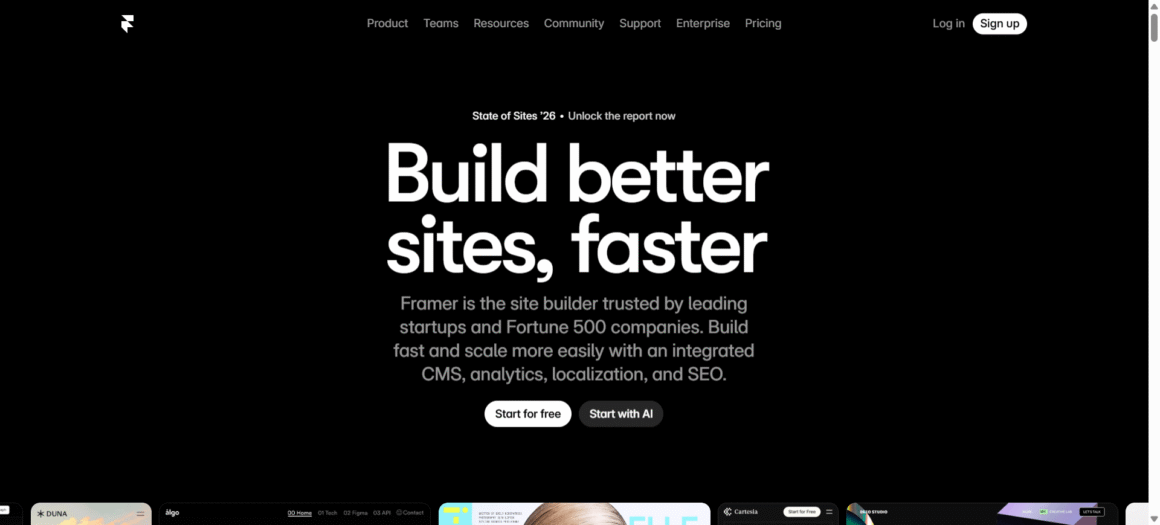
This lets you develop and publish responsive prototypes. It works in tandem with AI design systems, helping you to go from wireframe design to live website within minutes. Framer AI constantly produces ready-made code, ideal for designers.
Key Features
- Responsive layouts and interactive animations
- Text-to-UI website builders
- Live publishing option
Pros
- Overwhelming visual animations
- Quick, intuitive AI prompts
- Real website development
Cons
- Need modern browser support
- Limited CMS options
- Steep learning curve for new users
3. UIZARD

An automated wireframing tool, enabling you to turn screenshots/hand-drawn sketches into engrossing prototypes. As one of the best AI wireframing tools in 2026, it allows users to create wireframes in minutes.
Key Features
- AI layout evaluation
- Color gamut generator
- Sketch to wireframe import
Pros
- Quick AI conversion
- Handles team collaboration
- No-code approach
Cons
- Limited work scope in the free version
- Mismatch of occasional layouts
- Advanced features may need a paid plan
4. UX Pilot

An AI wireframing tool that turns short sketches into editable wireframes. Generate a draft inside Figma or on the web. Moving forward, iterate conversationally by asking the AI tool.
Key Features
- Supports multimodal input
- Detailed AI-powered UI/UX workflow
- Generate quick wireframes and complete user flow.
Pros
- Produces editable wireframes for both mobile and desktop devices.
- Figma integration is available for collaboration and downstream editing.
Cons
- Outputs require accessibility touch-ups and system-design alignment.
- Credit based usage is not suitable for big teams.
5. Banani
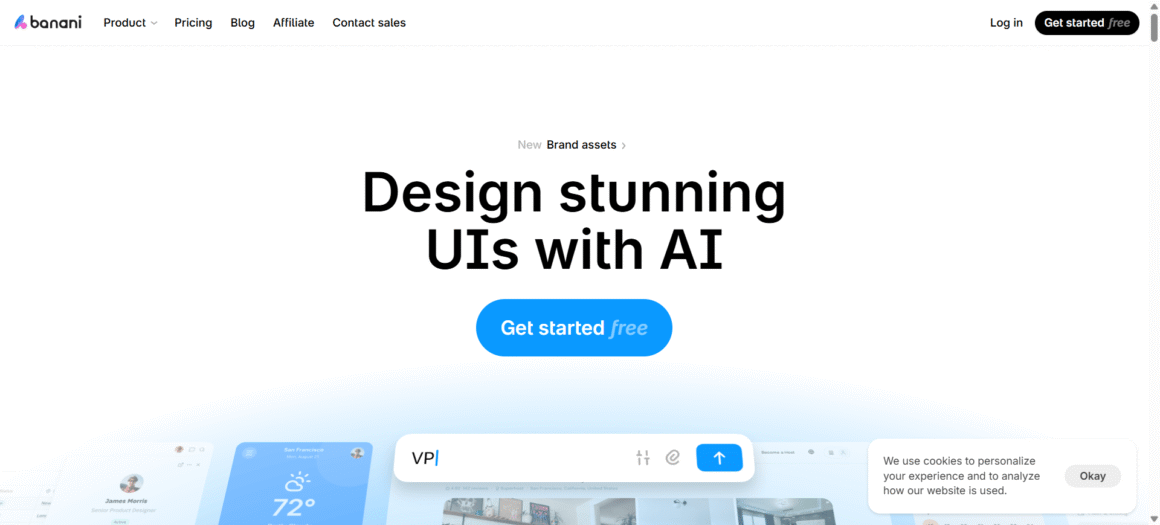
This transforms short prompts into wireframes. You can refine these additional prompts to meet the requirements. The UI of this platform is user-friendly, suitable for teams and new users alike.
Key Features
- Produces multiple options from a single prompt.
- Partial editing is available to regenerate a section instead of an entire page.
- Can export from Figma without the requirement of plug-ins.
Pros
- Image-based wireframes with prototype export
- Figma export is possible without plugins.
Cons
- Page-by-page generation may be slower.
- Produces lightweight click-throughs by default.
Which Tool You Must Choose in 2026? A Comparison Table
| Tool | Core Capability | Key AI Features | Pros | Cons |
| Figma | Advanced wireframing & prototyping | Auto layout intelligence, smart components, content-aware wireframing | Strong workflows, reusable components, collaboration ecosystem | Steep learning curve, limited complex prototyping |
| Framer | Design-to-live website prototyping | Text-to-UI builder, AI-generated code | Powerful animations, fast prompts and real website output | Needs a modern browser, a limited CMS and a learning curve |
| Uizard | AI-driven rapid wireframing | Sketch-to-wireframe, AI layout evaluation, color generator | Fast conversion, no-code, team-friendly | Limited free version, layout inconsistencies |
| UX Pilot | Sketch-to-editable wireframes | Multimodal input, AI UI/UX workflows | Editable outputs, Figma integration | Needs accessibility fixes, credit-based usage |
| Banani | Prompt-based wireframe generation | Multi-output prompts, partial regeneration | Easy to use, Figma export without plugins | Slower page generation, basic prototypes |
5 Best AI Tools for Generating Enticing Images
When I started using AI-generated content for frontend developers, one amazing thing I learned was: “you don’t need a technical degree to use the tools.” All you need to do is choose the right ones based on their features.
On that note, choosing the best AI tools to generate mind-boggling images for design purpose don’t need to be overwhelming! Instead, you can choose them based on the industry usage and your specific requirements.
1. Midjourney
An AI image generator produces images from prompts. It’s a quick and effective image generator you can use to create all kinds of images.
Key Features
- Provides in-detailed style, subject, materials and lighting to make an image crisp.
- Help you to make the image more enticing, closer to your expectations.
- Produce images based on the modified prompts to reach a wider idea space.
- Make your image more detailed by adding the adjectives in the prompts, like “photorealistic, cinematic, abstract”.
Pros
- Produces state-of-the-art, vibrant images.
- Have an active community to get help from if any issues pop out.
- Helps in developing attractive campaigns for the marketers.
Cons
- Cannot develop videos.
- Requires technical proficiency to use the tool effectively.
- No free version is available.
2. Dall-e-2
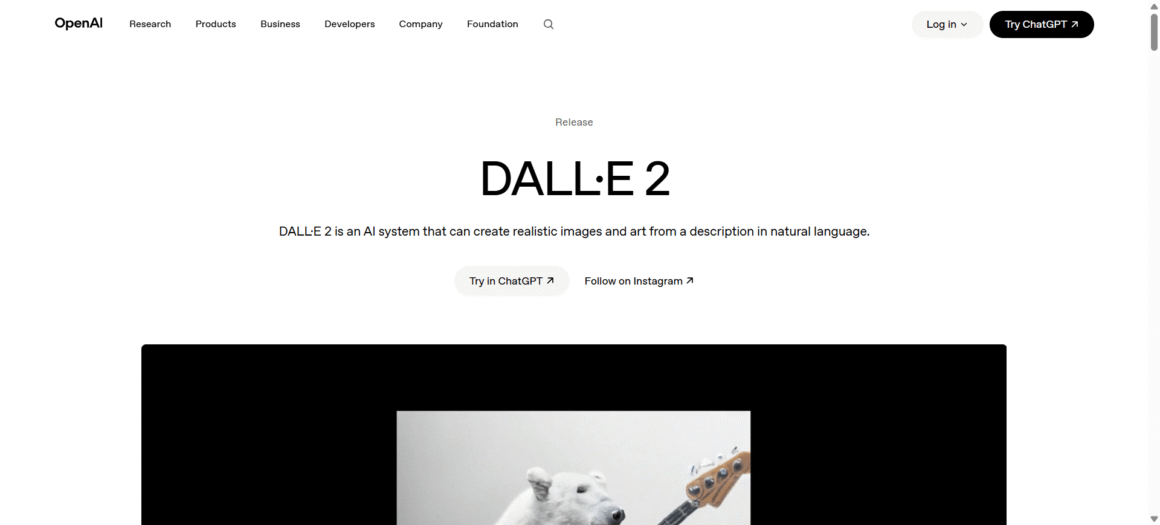
A generative AI system that develops art and realistic images from a text prompt. If you want the classic experience, this tool is ideal. For instance, if you need a cartoon character for your brand, this tool will provide effective options.
Developed by OpenAI, this tool is developed by training datasets and sophisticated machine learning models. Once you use the tool, you will feel the difference as I did in terms of achieving nuanced results.
Key Features
- Generates high-resolution images for cleaner visual representations.
- Edit existing images by adding/removing elements without starting from scratch.
- Due to a better understanding of text descriptions, it provides relevant and accurate images.
Pros
- Produces high-quality pictures from textual descriptions.
- Provides enhanced images, which are both detailed and appealing.
- The user can modify images based on their requirements.
Cons
- The user has limited control over the generated image.
- Generated images may be biased.
- May increase the cost over time.
3. Adobe Firefly
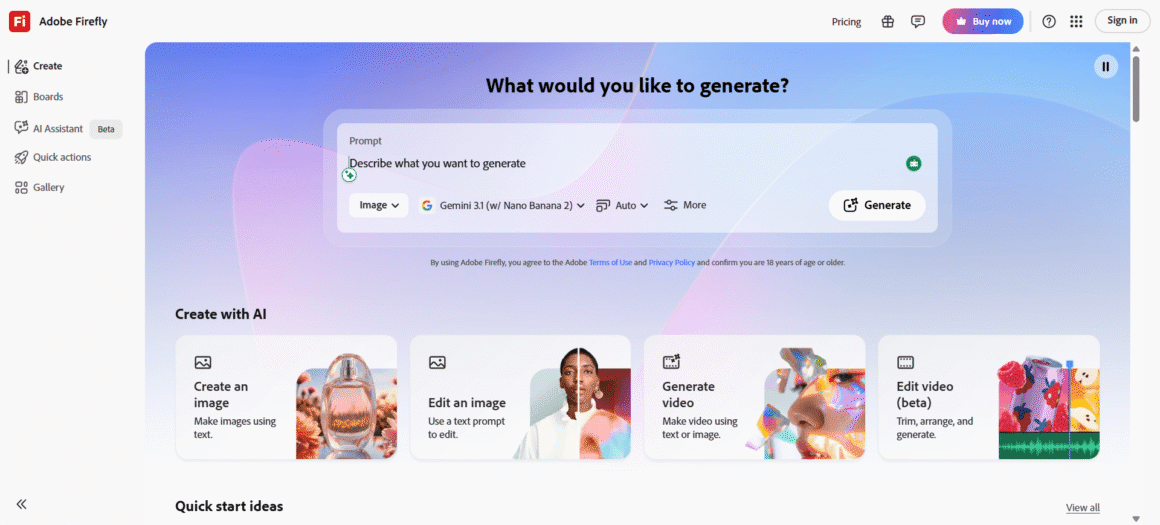
An innovative tool, designed to improve the capabilities of web designers through the potential of gen AI. Adobe Firefly for web designers allows users to smoothly embed AI-generated elements within their projects.
Key Features
- Offers an intuitive platform, which simplifies the digital design creation.
- Supports multiple file types, including videos, images and audio for multimedia projects.
- Allows multiple users to work together with live updates.
- Enables users to access and edit the projects as required.
- Advanced tools are there for precise and detailed editing. This caters to both novice and experienced web designers.
Pros
- Easy integration with existing software to enhance workflow efficiency.
- Provides seamless project handling of multiple sizes, including personal to large-scale corporate campaigns.
- Enable users to develop the workplace based on their preferences. This saves time and reduces manual efforts.
- Interactive elements can be created. It’s an ideal option for developing enticing mobile/web content.
Cons
- Due to the steep learning curve, new users may find the tool overwhelming.
- Free version doesn’t have essential features, compelling users to have a paid subscription.
- Users may find complexities with file compatibility during exporting data from other software.
4. Microsoft Designer
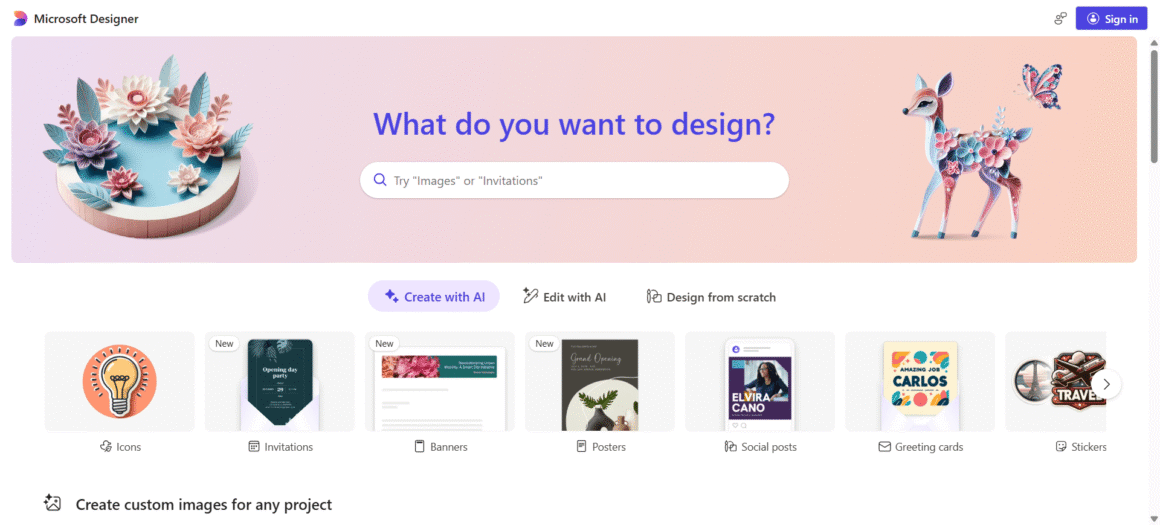
This is Microsoft’s AI picture generator, developed on OpenAI image models. Irrespective of whether you’re designing eye-boggling social media graphics or engaging presentations, this tool provides a user-friendly interface to transform the ideations into life.
Key Features
- The drag-and-drop functionality offers a user-oriented workspace, simplifying your design creativity.
- Allows team to work in real time with options for commenting, sharing and editing designs within a team.
- Wide range of customized templates helps to simplify your design process for multiple projects.
- Provides a rich set of design components like vectors, icons and unique fonts for improved visual content.
Pros
- Smoothly manage design projects, allowing for tracking and task organization.
- Access a vast library of videos, photos and audio clips to enhance creativity.
- Interactive elements like hyperlinks and animations to develop engaging, dynamic content.
Cons
- As this tool operates online, users may not access it without having a stable internet connection.
- The subscription model may be costly over time, compared to a one-time purchase.
- Integrating with existing UI/UX workflows may be challenging, leading to inefficiencies.
5. Stable Diffusion
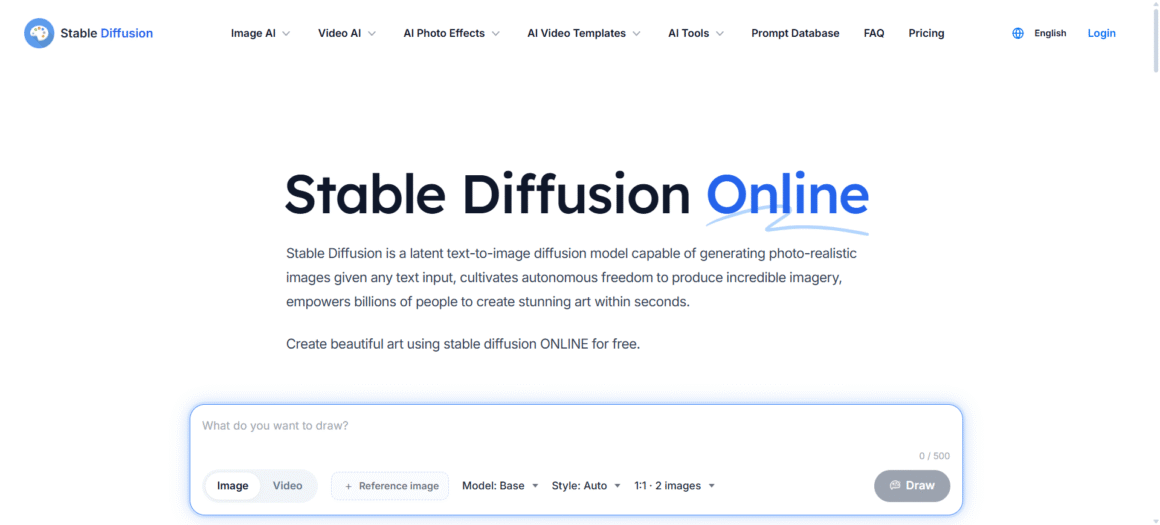
A text-to-image AI application that can produce realistic images. Provide any text input, and this tool will generate images within seconds. For instance, if you need banner images for an ecommerce site, Stable Diffusion can produce multiple images for the site header.
Key Features
- Provides high-quality and stable image results.
- Can be used to improve specific features of an image, including textures, colors, etc.
- Incorporates traditional deep neural networks to provide the desired result.
Pros
- Generates crisp photos from low-image quality sources.
- Users can utilize this tool for both dynamic and static images, including textures, colors, etc.
- Save effort and time by utilizing this tool compared to manual editing.
Cons
- Dealing with large images can be time-consuming.
- The quality of the results may vary depending on the network parameters and input used.
- May require specialized software/hardware tools to work effectively.
- May not be suitable for all kinds of images, especially for low contrast or noisy images.
Which AI Video Editing Tool Must You Choose in 2026? A Detailed Comparison
| Tool | Core Capability | Key Features | Pros | Cons |
| Midjourney | Prompt-based AI image generation | Detailed prompt control, style tuning, iterative outputs | High-quality visuals, strong community, marketing-friendly | No video support, a technical learning curve and no free plan |
| DALL·E 2 | Text-to-image generation & editing | High-res images, inpainting/editing, accurate text understanding | Detailed outputs, editable images and reliable results | Limited control, possible bias, cost increases |
| Adobe Firefly | AI-powered design & multimedia tool | Multi-format support, collaboration and advanced editing tools | Easy integration, scalable workflows, interactive design | Steep learning curve, limited free features and file compatibility issues |
| Microsoft Designer | AI graphic design & content creation | Templates, drag-and-drop UI, real-time collaboration | Easy to use, rich asset library, dynamic content support | Requires internet, subscription cost and workflow integration challenges |
| Stable Diffusion | Open-source text-to-image generation | High-quality output, texture/color enhancement, neural network-based | Flexible usage, improves image quality and time-saving | Slower with large images, inconsistent results and hardware dependency |
5 Best AI-Enabled Tools for Video Editing
I have already used many AI video editing tools. Yes, there are multiple tools for video editing. But, the real question arises when it comes to saving time and enhancing creative output.
Based on the creative output, consistency and handling tedious tasks, I have listed the top 5 AI-fueled video editing tools. Here you go:
1. DaVinci Resolve
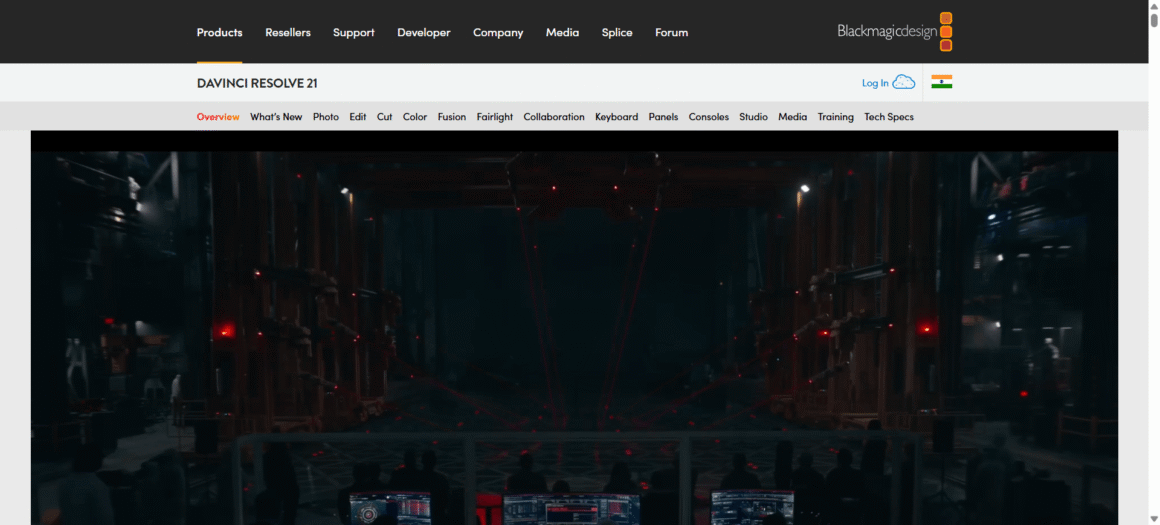
One of the renowned AI video editing tools is used by professional editors. The free version of DaVinci offers the most robust set of features for video editing, including color grading, editing, audio mixing, motion graphics and compositing.
Key Features
- Offers precise HDR grading with curves, color wheels and customizable LUT for color correction.
- Provides a streamlined interface with source tape and dual timelines for quick exports.
- Develops the smarts of objects and people.
- Scene cut detection to automate flat files.
Pros
- All-in-one color grading tools with next-level node-based control.
- Supports professional video formats.
- Have collaborative workflow capabilities.
- Next-level stabilization, tracking and HDR grading tools.
Cons
- Difficult interfaces with multiple panels and menus
- Complex learning curve due to advanced features, requiring significant expertise.
- Prolonged rendering times, with high-resolution footage.
2. Descript
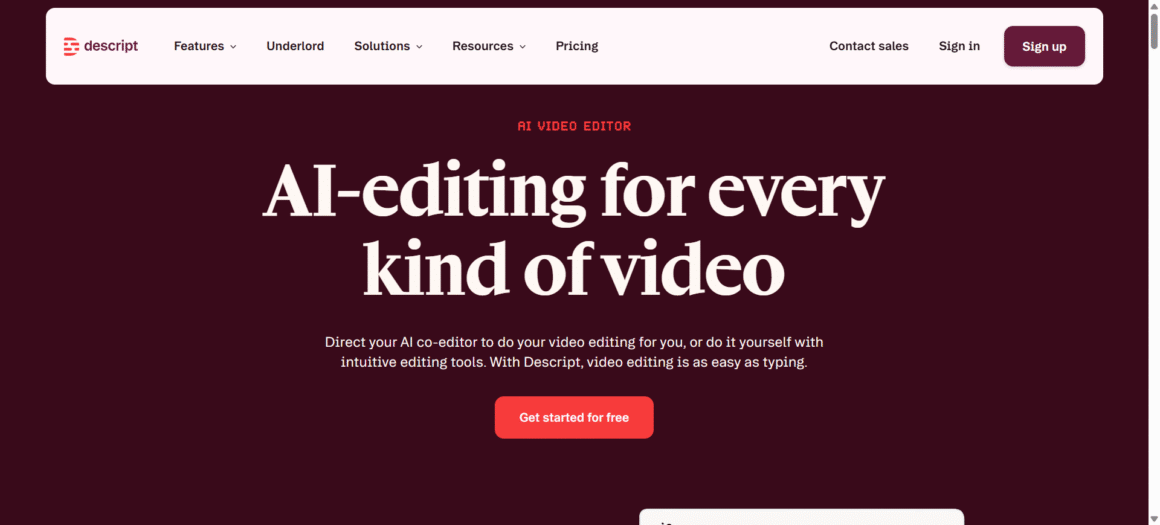
Get an all-in-one studio-like experience with unique AI features like in-chat image generation and an AI avatar. “Underlord”, Descript’s AI editor is there to help you finish a video. It can remove silences, structure edits, and clean up audio.
Key Features
- Overdub, an AI feature of Descript, helps the user to clone the voice of a podcast guest.
- Next-gen AI algorithm to enhance the sound quality of audio files.
- AI restores the voice presence and filters out noises from any video.
- Removed filler words, mistakes and unintentional pauses.
- Saves podcast with automatic video and audio files.
Pros
- Offers quick and accurate transcription in 23 languages.
- Provides smooth integration with widely used tools like Castos, Slack, Restream, Podbean, etc.
- Offers a free plan with features like editing, transcription and screen recording.
- Has an intuitive interface, making editing super easy.
Cons
- The learning curve is steep,
- The web app is relatively new in the market. So, there may be issues in the desktop application.
- This tool charges per editor/user, which may be expensive for large teams. Based on the plan, it may limit the total number of video publish hours or the export quality.
3. Adobe Premiere
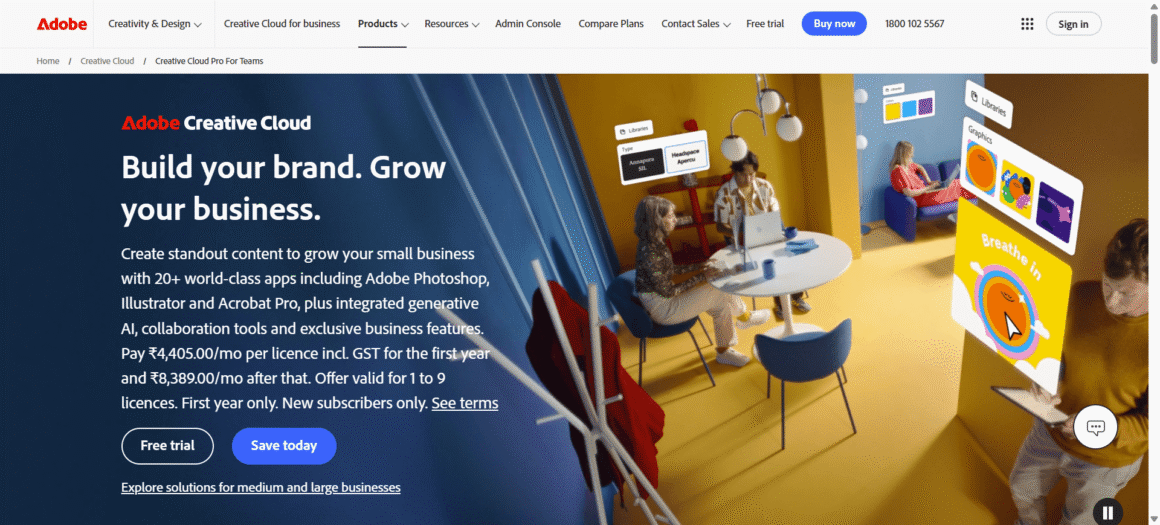
A Professional AI-enabled video editing software, used by millions of editors globally. Handle any raw video footage to deliver polished projects with advanced audio and native color grading tools.
Key Features
- Offers AI-driven responsive layouts
- Prioritizes user experience.
- Provides API access.
- Offers priority support and multiple integration options with legacy software
Pros
- User-oriented interface.
- Consistent updates and enhancements.
- All-in-one documentation
- Multiple integration options
Cons
- Steep learning curve
- Few features require technical knowledge.
- Top tier plans may be expensive.
- Mobile application has limited functionality
4. Topaz Video
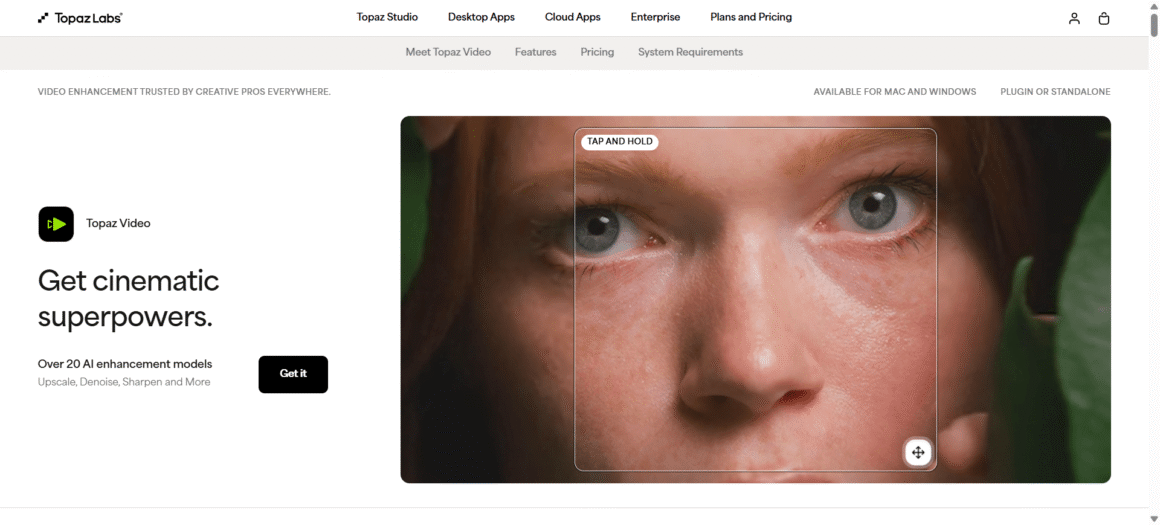
Topaz Video AI is designed for creators who want to enhance video quality without diving deep into complex editing tools. It uses AI models to upscale, stabilize, and sharpen footage with impressive accuracy. Whether you’re restoring old clips or improving modern content, it handles heavy lifting effortlessly. It’s especially useful for professionals working with high-resolution video.
Key Features:
- AI-powered video upscaling up to 8K
- Advanced frame interpolation for smooth motion
- Noise reduction and deblurring tools
- Stabilization for shaky footage
- Batch processing for multiple videos
Pros:
- Produces high-quality, professional-grade output
- Great for restoring old or low-resolution videos
- Minimal manual effort required
Cons:
- Requires a powerful system to run smoothly
- Processing time can be slow for large files
- Premium pricing may not suit beginners
5. Jumper (AI Video Tool)
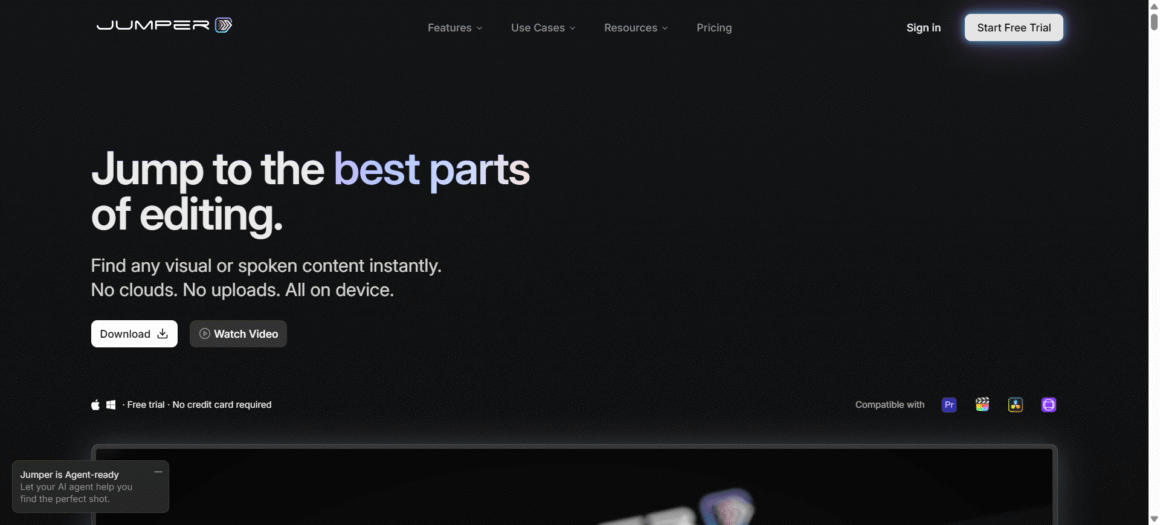
Jumper is a newer AI video editing tool focused on speed and simplicity. It helps creators quickly generate and edit videos using automation rather than manual timelines. From trimming clips to adding transitions, everything feels streamlined. It’s a good pick for social media creators who need quick turnaround content.
Key Features:
- Automated video editing and scene detection
- AI-based transitions and effects
- Quick clip trimming and arrangement
- Templates for social media content
- Fast export options
Pros:
- Easy to use, even for beginners
- Saves time with automation
- Ideal for short-form content creation
Cons
- Limited advanced editing controls
- Output customization can feel restricted
- Not as powerful as professional tools
Which AI Video Editing Tools Must You Choose in 2026? A Detailed Comparison Table
| Tool | Core Capability | Key Features | Pros | Cons |
| DaVinci Resolve | Professional video editing & color grading | HDR grading, scene cut detection, object tracking, dual timelines | Advanced color tools, pro formats and collaboration | Complex UI, steep learning curve, slow rendering |
| Descript | AI-powered editing & transcription | Overdub voice cloning, noise removal, filler word removal, transcription | Easy editing, fast transcription and integrations | Pricing per user, learning curve and app stability issues |
| Adobe Premiere Pro | AI-enabled professional video editing | AI layouts, integrations, API access, native color/audio tools | Reliable, feature-rich, frequent updates | Expensive, steep learning curve, limited mobile app |
| Topaz Video AI | AI video enhancement & upscaling | 8K upscaling, frame interpolation, stabilization, noise reduction | High-quality output, great for restoration | Requires strong hardware, slow processing and costly |
| Jumper | Automated AI video editing | Auto editing, scene detection, templates, fast export | Beginner-friendly, fast, ideal for social media | Limited control, less customization, not pro-level |
What are the Challenges of AI-Powered Image/Video Editing Tools in 2026? (And Solution)
Developing thought-provoking images and videos from prompts in minutes is easy and accessible. If you ask me whether it’s adding value to my work or not, I would say, “yes, of course”.
The problem lies in the generated result, as it’s reviewed multiple images/videos. Based on the evaluation, the tools develop an image resembling past images/videos.
Here are the challenges that you may face when using AI tools:
1. Copyright and Ethics
AI image/video creation creates distinct issues. This may lead to legal cases. Platforms like Spotify, YouTube and TikTok have removed AI-generated content. In 2025, NBC Universal, Disney and DreamWorks sued Midjourney, alleging that the model was trained on multiple copyrighted works.
Solution
Review the images/videos generated through the AI tool. Check whether the tools are transferring full commercial rights. Also, check the image with Google Image Scanner to find whether the same image already exists on the internet.
2. Workflow Integration Issues
Embedding AI image/video editing tools brings technical challenges, as the existing software may not have the latest upgraded features.
Solution
Always test document workflows and compatibility to detect bottlenecks. Provide training on new processes and tools if needed. For example, Adobe partnered with NVIDIA to integrate AI-enabled video editing tools. This collaboration enhanced workflow compatibility, reduced production time and improved video editing features.
3. High Costs
AI video/image editing tools come with high price tags, creating challenges for solo creators and small teams.
Solution
Check platforms that offer 20-40% discounts for yearly subscriptions. Also, always check out tools before committing to any monthly/yearly plans.
4. Tool Limitations
I have used multiple AI image/video editing tools. Those are ideal for any given scenario, but they struggle with complex storytelling. You can develop better workflows once you have the creative control.
Solution
Combine AI with manual editing to achieve the best results. AI cam helps for noise reduction, upscaling and applying basic effects. On the other hand, human editors focus on emotional timing, narrative flow and creative tweaks.
It’s Time to Embrace Technology!
If you’re a tech enthusiast and want to implement to bring maximum creativity, this is the right time! The tools and technologies for creating wireframes, images and videos will continue to evolve. You should be smart, capable and efficient to incorporate those in your work. Once you start using the AI tools in tandem with human intelligence, success will be knocking on the door! Are you ready?