Disclosure: Some links on Themezhub are affiliate links. We may earn a commission if you make a purchase through them.
Choosing the right WordPress Page Builder in 2026 is more consequential than ever. Google’s ranking signals are tighter, user expectations are higher, and a slow or poorly coded site can cost you real business. Your builder affects everything — page speed, Core Web Vitals, design flexibility, and how long it takes to launch a professional site.
Two builders consistently stand out in this conversation: Divi and Oxygen Builder. Divi is the go-to visual website builder for designers, bloggers, and agencies who want a complete ecosystem with minimal friction. Oxygen targets developers and advanced users who prioritize lean code and raw control over their output.
This comparison cuts through the marketing noise. Having built real client sites with both tools, here’s what actually matters when choosing between them in 2026.
Divi vs Oxygen Builder: Quick Comparison Table
| Feature | Divi | Oxygen Builder |
|---|---|---|
| Pricing | $89/yr or $249 lifetime | $149 lifetime (one-time) |
| Ease of Use | Beginner-friendly | Developer-focused |
| Design Flexibility | Very high | Extremely high |
| Performance | Good (with optimization) | Excellent out of the box |
| SEO | Strong with plugins | Very strong (clean code) |
| Theme Builder | Yes (full) | Yes (full) |
| WooCommerce Features | Excellent | Good |
| Templates | 2,000+ layouts | Limited built-in |
| AI Features | Yes (Divi AI) | No |
| Best For | Beginners, agencies, designers | Developers, performance-focused users |
Divi Overview
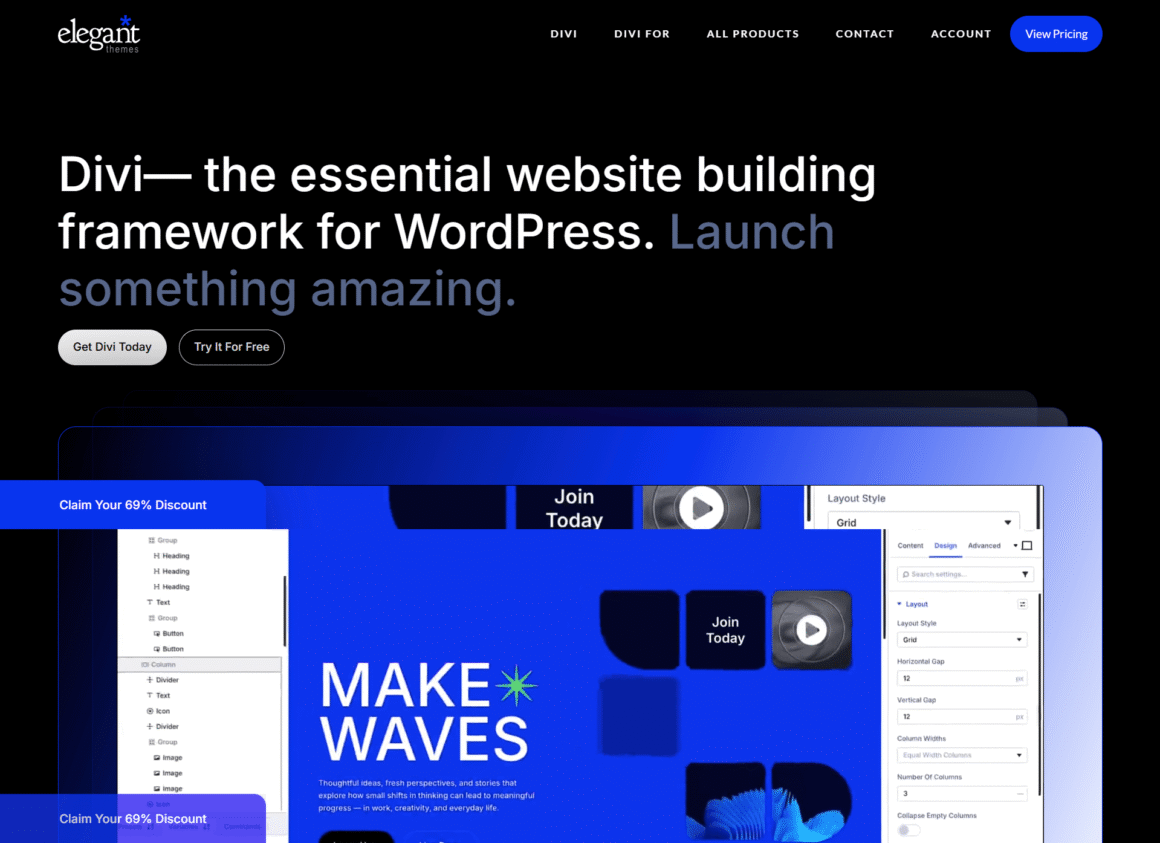
Divi by Elegant Themes is one of the most widely used WordPress theme builder and page builder tools in the world. Its front-end visual page builder lets you drag, drop, and style every element in real time—no coding required.
The Divi AI feature, integrated directly into the builder, lets you generate copy, images, and entire layouts on the fly. For agencies and freelancers managing multiple projects, this alone can shave hours off each build.
The template ecosystem is unmatched. With 2,000+ pre-built layouts across dozens of niches, you can start a site in minutes rather than hours. Every layout is fully customizable, responsive, and built to modern design standards.
Beyond page building, Divi includes a full WordPress theme builder that lets you design headers, footers, archive pages, single post templates, and 404 pages—all visually. No code, no child themes required.
Ideal users: Bloggers, small business owners, freelancers managing client sites, agencies needing speed, and anyone new to WordPress development who wants professional results without a steep learning curve.
Oxygen Builder Overview
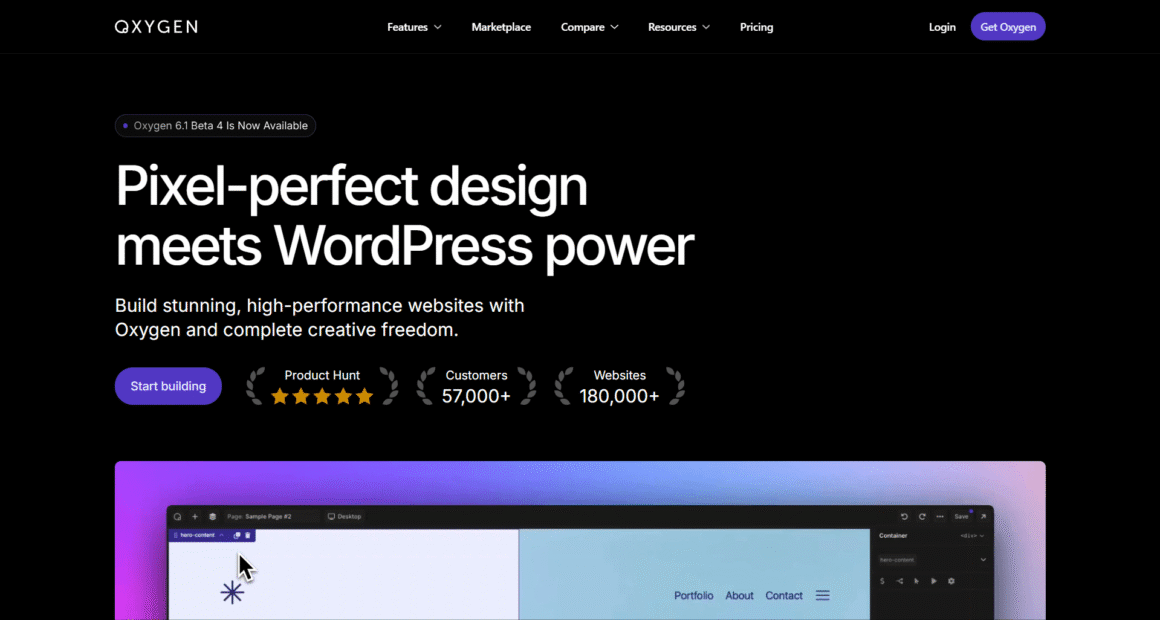
Oxygen Builder takes a fundamentally different approach. Instead of wrapping a layer on top of WordPress, it works directly with the DOM—producing minimal, class-based HTML that’s as close to hand-coded as a visual page builder gets.
The result is a performance-focused WordPress builder that generates almost no bloat. No inline styles unless you put them there. No unused CSS. No heavyweight scripts. For developers who care about milliseconds, this matters.
Oxygen’s dynamic data support is exceptional. It integrates tightly with ACF, Metabox, and WooCommerce, making it a powerful choice for dynamic content WordPress projects—membership sites, directories, real estate listings, and complex WooCommerce stores.
The trade-off is a steeper learning curve. Oxygen’s UI is less visual and more structural. You work with a component tree, not a drag-and-drop canvas. For developers, this feels natural. For beginners, it can feel like learning a new language.
Ideal users: Developers, agencies building complex or data-driven sites, and anyone who has outgrown template-based builders and needs full control.
Ease of Use Comparison
Divi
Divi’s front-end editor is one of the friendliest in the WordPress Website Builder space. Click any element to edit it inline. Drag modules into rows and columns. Preview changes instantly. The learning curve exists—Divi has a lot of features—but most users are productive within an hour or two.
The template library dramatically reduces startup time. Import a layout, swap out content, and you have a professional page. Divi AI makes this even faster by generating first-draft copy directly inside the builder.
Looking for the easiest WordPress builder?
✔ Beginner Friendly
✔ 2,000+ Templates
✔ Built-in AI
✔ Unlimited Websites
Oxygen Builder
Oxygen’s UI is built for precision, not speed. You interact with a structured panel on the left and a live preview on the right. There’s no “grab and drag” in the traditional sense—you add components to a hierarchy and configure their properties.
For experienced developers, this is actually faster and more predictable. For anyone coming from Elementor or Divi, the adjustment period is real. Expect to spend a few days getting comfortable before you’re building confidently.
Winner: Divi — for the majority of users. Oxygen wins with developers who prefer structured workflows, but Divi is the better starting point for almost everyone else.
Design and Customization Comparison
Divi
Divi’s design controls are comprehensive. Typography, spacing, borders, shadows, gradients, animations, hover effects — all accessible through a consistent panel structure. The WordPress design flexibility on offer here rivals most premium builders.
The WordPress Theme Builder module lets you build every part of your site template visually. Design a sticky header with a mobile hamburger menu, a custom footer with dynamic widgets, and post templates with author bios—all without touching a stylesheet.
The Divi Marketplace adds third-party extensions and layouts, expanding the ecosystem further. Custom WordPress design is achievable without code, though developers can inject CSS and custom PHP where needed.
Oxygen Builder
Oxygen offers the most granular design control of any modern WordPress builder. Because you’re working directly with CSS properties, there’s no abstraction between your intent and the output. Want a 17px gap on desktop and 8px on mobile? You set exactly that.
The lack of a large template library is a real limitation for non-developers. Oxygen’s responsive website builder capabilities are excellent—breakpoint controls are detailed—but you’ll start from scratch more often than with Divi.
Winner: Tie — Divi wins on accessibility and templates; Oxygen wins on raw precision and code quality.
Performance and Speed Comparison
Website speed optimization is where Oxygen’s philosophy pays off most clearly.
Oxygen Builder
Oxygen’s architecture is inherently lean. It generates semantic HTML with minimal wrapper divs, no inline CSS bloat, and no JavaScript unless explicitly added. A typical Oxygen page scores in the high 90s on Google PageSpeed Insights without aggressive optimization.
Core Web Vitals performance is consistently strong because there’s simply less code to parse. For a fast WordPress builder, Oxygen is the benchmark other tools are measured against.
Divi
Divi’s performance has improved substantially in recent versions, but it still outputs more code than Oxygen. The visual builder generates additional classes and markup that can add weight to pages—especially with complex layouts.
That said, WordPress performance with Divi is very manageable. Enable Divi’s built-in performance settings (dynamic CSS/JS loading, critical CSS, deferred scripts), pair it with a caching plugin, and your scores will be competitive. On well-optimized hosting, Divi sites regularly pass Core Web Vitals thresholds.
The gap between the two has narrowed, but Oxygen still holds a structural advantage.
Winner: Oxygen Builder — for raw speed and minimal code output, especially on performance-critical projects.
SEO Features Comparison
Both builders are compatible with major SEO plugins like Yoast, Rank Math, and AIOSEO, so the SEO-Friendly WordPress Builder question is less about native SEO tools and more about code quality and structure.
Oxygen Builder
Oxygen’s clean HTML output is a meaningful SEO advantage. Fewer unnecessary tags mean faster parsing, cleaner crawl paths, and better signal-to-noise ratios for indexing. Proper heading hierarchies are easier to maintain since you control the markup directly. Schema markup integrates cleanly via plugins.
Divi
Divi handles SEO well in practice. Its output is indexable, mobile-responsive, and compatible with every major SEO plugin. Core Web Vitals scores are achievable with proper configuration. The main watchpoint is layout complexity—deep nesting can add markup weight that slightly affects page load.
For most SEO-focused WordPress projects, Divi is more than sufficient. The performance gap rarely translates into meaningful ranking differences when both builders are properly configured.
Winner: Oxygen Builder (narrow) — on technical SEO grounds, its cleaner output is a real advantage. But Divi is not a liability for SEO when optimized correctly.
WooCommerce Features Comparison
Divi
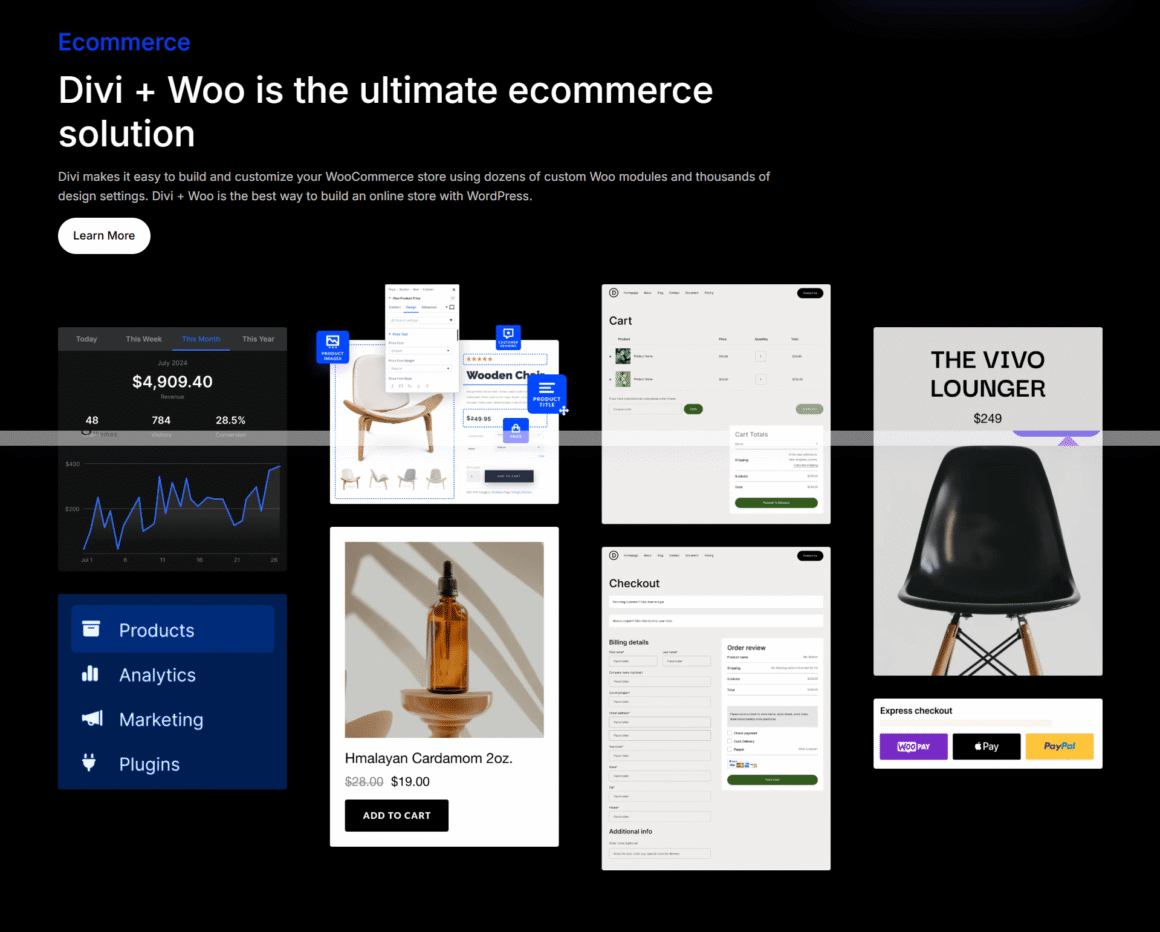
Divi’s WooCommerce Builder module is one of its strongest selling points. You can design custom product pages, shop archives, cart pages, and checkout flows entirely visually. The WooCommerce-specific modules include product galleries, add-to-cart buttons, reviews, related products, and more.
For WooCommerce stores expecting higher traffic, we recommend pairing Divi with WP Engine’s managed WordPress hosting.
For agencies building client WooCommerce stores, Divi’s visual workflow is a significant time-saver. Non-developer clients can also manage and adjust layouts without breaking anything.
Oxygen Builder
Oxygen supports WooCommerce through its dynamic data engine. You can build highly customized product templates by pulling fields directly from WooCommerce’s data layer. The result is often faster and more semantically clean than Divi’s output.
The trade-off: more setup time. Building a WooCommerce template in Oxygen requires understanding its component system and dynamic data bindings—straightforward for developers, time-consuming for everyone else.
Winner: Divi — for ease, speed, and the breadth of its WooCommerce-specific design controls.
Pricing and Value Comparison
| Plan | Divi | Oxygen Builder |
|---|---|---|
| Annual | $89/year (unlimited sites) | N/A |
| Lifetime | $249 one-time | $149 one-time (+ $49 for WooCommerce) |
| Sites Allowed | Unlimited | Unlimited |
| Updates Included | 1 year (annual) / Lifetime | Lifetime |
| Agency Value | Excellent | Excellent |
Discussion
Oxygen’s lifetime license at $149 (or $199 with WooCommerce) is genuinely excellent value, especially for developers who will reuse it across dozens of projects.
Divi’s lifetime deal at $249 is also strong—particularly when you factor in Elegant Themes’ entire plugin suite (Extra theme, Bloom, and Monarch), the massive template library, and Divi AI access. For agencies or freelancers building multiple sites per year, the lifetime license pays for itself quickly.
On an annual basis, Divi at $89/year is competitive. Oxygen doesn’t offer annual billing, which is worth noting if budget flexibility matters.
Winner: Oxygen Builder (price-to-core-features ratio) — but Divi’s lifetime deal offers better overall value when the ecosystem is considered.
Divi vs Oxygen Builder for Different Users
Best for Beginners
Divi — no contest. The visual workflow, template library, and Divi AI make it the most accessible professional website builder for users without development backgrounds. You’ll be live with a polished site in a day.
👉 Recommended: Start with Divi if you’re launching your first WordPress website.
Best for Freelancers
Use Divi for client-facing builds and those valuing speed; use Oxygen if your clientele skews technical or your projects are complex and performance-critical. The Website Builder for Freelancers argument leans Divi due to project turnaround times.
Best for Agencies
Divi for most agencies. The template ecosystem, white-labeling options, and visual builder make onboarding clients and junior staff easy. Oxygen is viable for agencies that primarily build developer-driven projects.
Best for Developers
Oxygen Builder — hands down. Clean markup, direct CSS control, dynamic data integration, and a structured component model suit experienced WordPress development workflows perfectly.
Best for WooCommerce Stores
Divi for most stores, especially those with non-technical owners. Oxygen for developers needing maximum performance on large-catalog stores.
Pros and Cons
Divi Pros and Cons
Pros:
- Intuitive front-end Visual Page builder—fast to learn
- 2,000+ pre-built templates and layouts
- Divi AI for copy, image, and layout generation
- Full WordPress Theme Builder included
- Excellent WooCommerce Builder modules
- Strong community, documentation, and support
- Lifetime pricing covers unlimited sites
Cons:
- More code output than Oxygen — requires performance tuning
- Can feel heavy on very complex pages without optimization
- Some advanced features have a learning curve (Theme Builder, Divi Conditions)
Oxygen Builder Pros and Cons
Pros:
- Minimal, clean HTML output—best-in-class WordPress Performance
- Direct CSS control — no abstraction
- Excellent dynamic data and ACF integration
- Lifetime license at competitive price
- Very strong Core Web Vitals performance natively
Cons:
- Steep learning curve for non-developers
- Limited native template library
- No AI features
- UI can feel unintuitive compared to visual-first builders.
- Less community content for beginners
FAQs
Is Oxygen Builder faster than Divi?
Generally yes. Oxygen’s minimal code output gives it a structural speed advantage, especially out of the box. Divi can close the gap significantly with its performance settings and good hosting, but Oxygen requires less optimization to achieve strong Core Web Vitals scores.
For best results, pair either builder with a premium managed host like Kinsta.
Is Divi good for SEO?
Yes. Divi produces clean, indexable output compatible with all major SEO plugins. Enable Divi’s performance features and pair it with Rank Math or Yoast, and it’s a perfectly capable SEO-friendly WordPress builder. The code output is slightly heavier than Oxygen, but this rarely affects rankings in practice.
Which builder is easier for beginners?
Divi — by a wide margin. Its visual front-end editor, template library, and Divi AI assistance make it one of the most accessible WordPress website builder options available. Oxygen assumes familiarity with CSS, HTML structure, and WordPress internals.
Can I switch from Divi to Oxygen Builder?
Yes, but it requires a rebuild. Neither builder uses portable shortcodes that transfer cleanly to the other. Migrating means redesigning your pages in Oxygen from scratch. Plan for this when evaluating long-term commitments — it’s not a quick migration.
Which builder offers better value for money?
Oxygen’s $149 lifetime license is exceptional value on price alone. Divi’s $249 lifetime deal bundles a larger ecosystem—templates, AI, the Extra theme, and additional plugins—making it better value for users who need that breadth. For pure page building, Oxygen wins on price. For the overall ecosystem, Divi wins.
Hosting Matters Too
Even the best WordPress Page Builder underperforms on slow hosting. Managed WordPress hosts like Kinsta, WP Engine, and Rocket.net deliver the server-side performance both builders need to hit optimal Core Web Vitals scores. If performance is a priority, pairing either builder with premium hosting is worth the investment. (See our Kinsta Review, WP Engine Review, and Rocket.net Review for detailed comparisons.)
Recommended Hosting for Divi & Oxygen
Final Verdict
Both are excellent tools. The right choice depends entirely on who’s building and what they’re building.
Choose Divi if:
- You’re a beginner, blogger, or small business owner.
- You want to build sites fast using a visual workflow.
- You need a large template ecosystem to start from.
- You want AI-assisted design and copywriting (Divi AI)
- You’re running a WooCommerce store and need visual control.
- You manage client sites and need an efficient, repeatable workflow
Choose Oxygen Builder if:
- You’re a developer comfortable with CSS and HTML.
- Page speed and clean code output are non-negotiable.
- You’re building complex, data-driven, or dynamic content sites.
- You want direct control over every element of your markup.
- You don’t need a large template library to get started
Summary by user type:
Beginners: Divi
Freelancers: Divi (with an Oxygen option for technical projects)
Agencies: Divi
Developers: Oxygen Builder
WooCommerce: Divi
SEO-focused sites: Both work well; Oxygen has a technical edge