Being a WordPress developer, it’s never been easy for me to choose from rising page builders!
The reasons?
There are multiple. From shared features to user-friendly interfaces, the ability to create stunning designs with WordPress builders is commendable.
Recently, my team has migrated a client website from Divi to Kadence. I know that Kadence is a bit faster than Divi, but the other features still make it worth discussing with my team.
According to BuiltWith, there are currently 4,686,313 websites live on Divi. Among them, 22,499 websites are live in India. On the other hand, 783,782 websites are on Kadence. Among them, 9,038 websites are live in India.
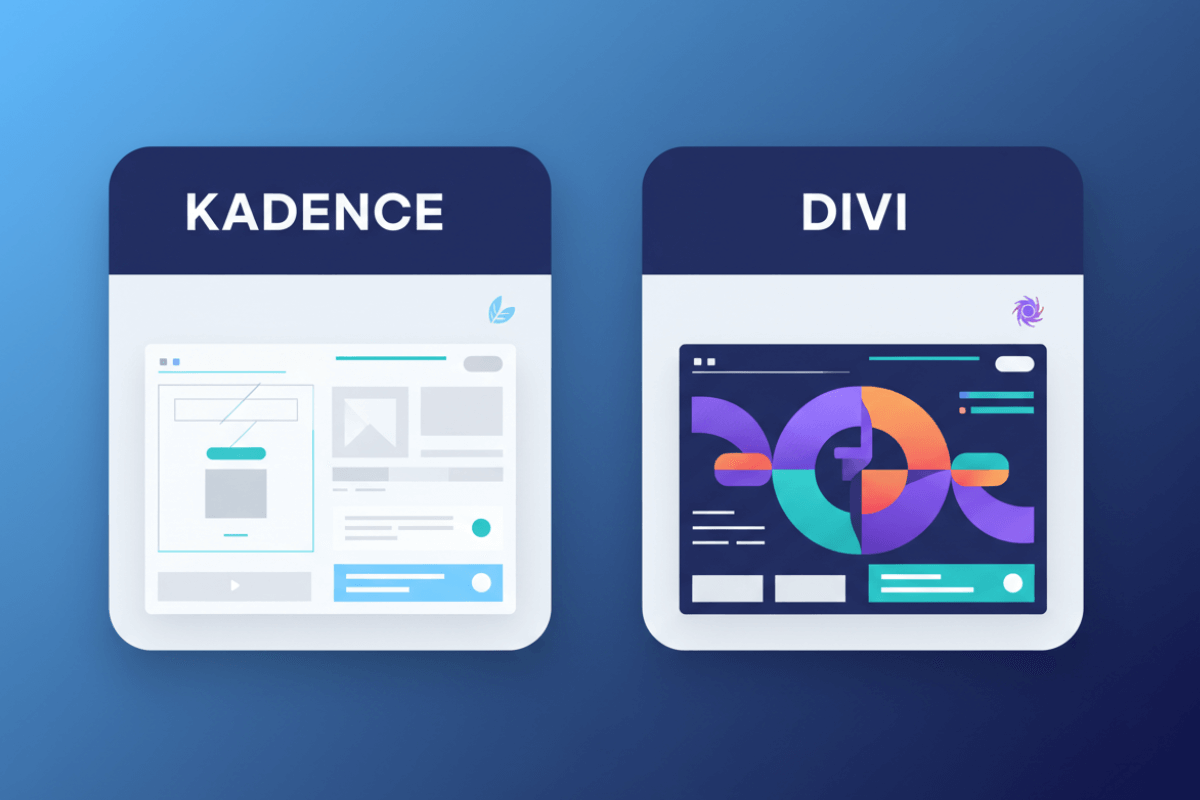
So, Divi vs Kadence: which should you choose? Divi leads the WordPress market, while Kadence is known for its lightweight design.
My team and I have researched this. Based on that, we’re going to uncloak the information in the following paragraphs. If you’re a business owner and want to decide between Divi and Kadence for your website, stay with us until the end of this blog.
Before delving deeper, let’s have a brief idea of Divi and Kadence.
What is Divi Theme?
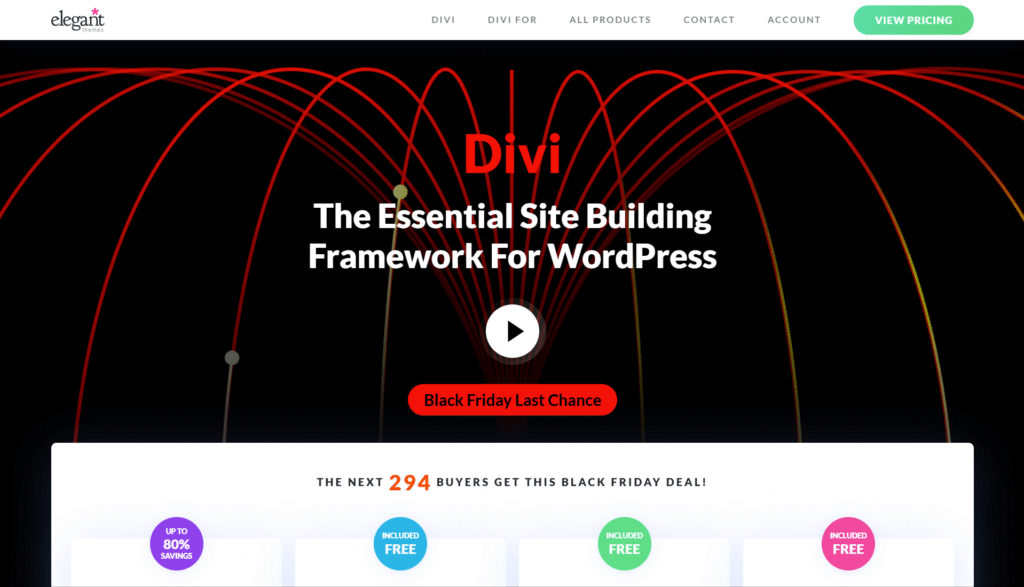
Divi is a complete design framework that lets you design and customize your business website. With this theme, you will have full control of your website. You can also develop your website as you see fit.
Building a website without coding skills might sound intimidating, but Divi makes it incredibly easy. Developed by Elegant Themes, it includes 100+ powerful modules you can drag and drop anywhere. In this Divi review, we take a closer look at how these tools help you add contact forms, image galleries, blurbs, and online stores in minutes.
What is Kadence Theme?
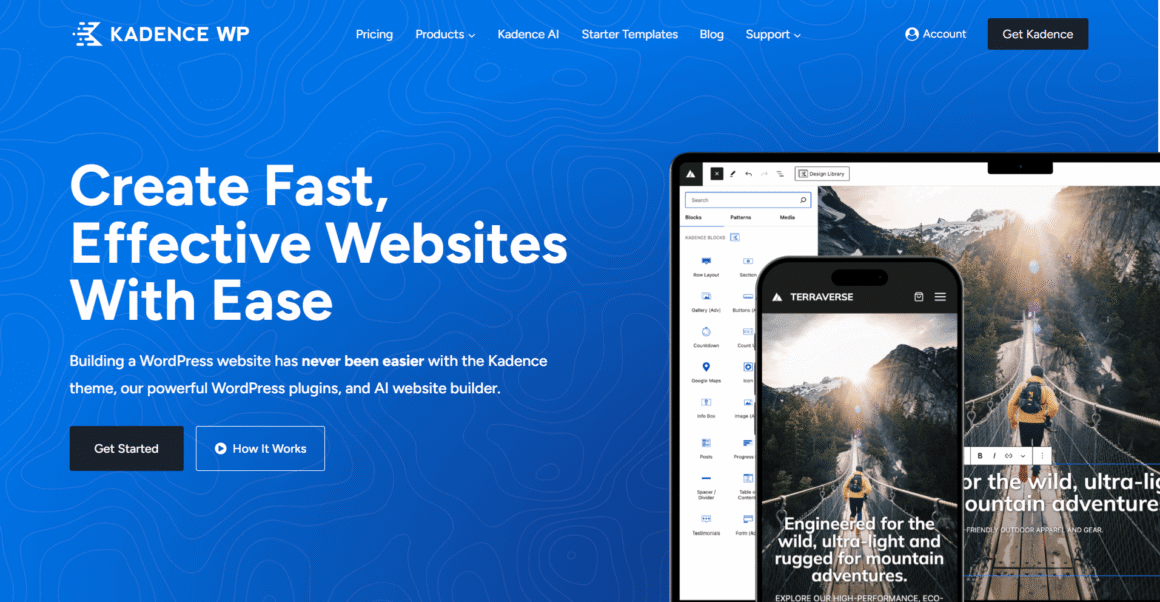
Kadence is a smart, robust theme framework that gives your business website endless customization options. Customize every nook and corner of your website with this WordPress theme with no code. The plus point is that it’s a completely free theme. So, you don’t need to make any additional purchase. However, a pro version is available with some extra features.
Also, Kadence provides complete support for developing e-commerce websites with powerful WooCommerce integration. This enables you to create an online store with modern features and optimized performance.
Kadence vs Divi: Ease of Use
Both Kadence and Divi have significant usage features. Let’s have a look at both—
Kadence
Kadence is designed to provide a hassle-free experience. First, install it as you would any other theme. The integration with the Gutenberg block ensures a seamless workflow, especially if your in-house team is already familiar with WordPress.
Additionally, the intuitive interface helps you overcome the learning curve. It also provides pre-designed templates to simplify the process of developing a professional-looking website. Kadence templates save you time and effort, making them a great option for DIY enthusiasts, bloggers, and small business owners.
Divi
Divi is a builder and a powerful theme, offering next-level flexibility for website creation. This enables you to set up a clear website, regardless of the factor, using a builder or advanced customization.
The Divi is designed with smart tools and adaptability. This is ideal for designers, agencies, and anyone who needs to develop a customized, professional website. Divi’s visual editor is easy to use, and the floating interface provides quick access to customization settings.
Kadence vs Divi: Page Speed and Performance
During one of our recent projects, we used both Kadence and Divi. We have noted several points regarding page speed and performance. Here you go—
Kadence Performance
Kadence starter templates are developed with performance optimization, ensuring a lightweight framework. This integrates smoothly with the WordPress Gutenberg editor. Our team conducted a speed test using the Kadence blocks on the InstaWP server. The results are overwhelming: a performance score of 100, an SEO score of 72, and an accessibility score of 100.
Divi Performance
Divi offers an ideal experience for business websites. However, the performance may be heavier than that of other builders. We used the GeneratePress theme on a blank WordPress website. The results are good, with 40.7 KB and a PageSpeed Insights score of 95 on both mobile and desktop. We installed the Divi Builder, and the page size was 158.4 KB. This affected the website, and the mobile score is 94.
Kadence vs Divi: Design Options & Flexibility
Design plays a pivotal role in determining the level of creative control when developing a website. In this section, we will explore the design capabilities of Divi and Kadence blocks.
Divi Design Options
In this Divi Builder vs. Kadence comparison, Divi stands out as the feature-rich option for those needing comprehensive design tools. Also, Divi offers next-level visual customization options, including hover effects, animations, and motion graphics. If you want to develop visually dynamic websites, this is the ideal option.
Also, Divi Builder uses a three-tab customization window to organize design, content, and advanced settings. This simplifies the process of adjusting multiple elements. Also, Divi enables users to save modules, ensuring consistency across multiple pages.
Divi has a wide array of design resources, including 25 WooCommerce-specific modules, 40 content modules, and 3 structural modules. From product showcases to page layouts, these options serve multiple needs.
Lastly, Divi’s extensive library of prebuilt templates offers unique, professionally designed layouts. This is a great option if you value flexibility and need a website builder to handle visually compelling projects.
Kadence Design Options
Kadence provides a powerful toolkit for designing websites with flexibility and precision. We used row and layout blocks to develop custom layouts that cater to user needs. These blocks provide control over page structure, allowing anyone to organize content as they see fit.
One of the main design features is its advanced customization options. You can adjust spacing, photography, and style buttons to ensure an immersive look across the website. Plugins are there to enhance the responsive website settings. This enables you to optimize layouts for tablet, desktop and mobile devices.
Additionally, Kadence blocks support dynamic content. Therefore, you can create data-driven websites with tools like ACF or Advanced Custom Fields. However, if you’re seeking interactive elements, add animations to improve the engagement. Multiple features make Kadence an ideal choice, especially for those seeking a flexible design experience.
Kadence Vs Divi: Premade Templates
When it comes to your business website, you cannot undermine the importance of website templates. Let’s compare Divi and Kadence, highlighting their core strengths and limitations.
Divi Templates
Divi offers 2700 pre-built templates and 400 design packs across multiple industries. Whether you’re creating a personal portfolio, business website, or ecommerce store, Divi templates will have your design ready in minutes. Additionally, these templates include effects and animations. This adds a dynamic and polished touch to your website.
Divi has a full range of website packs with matching inner pages. This ensures your website has a cohesive design to help you stand out. Divi helps you to orchestrate the design process by offering the elements you need for the homepage and inner pages.
Additionally, Divi offers a large collection of reusable and section templates. This feature is easy to use and matches different page sections. For a long time, this saves time and effort. All templates are customizable, allowing you to adjust any component to your specifications.
Kadence Templates
Kadence offers 80+ high-quality templates designed to meet your unique needs, especially for blogging, ecommerce and creative portfolios. If you want a professional website without compromising on performance, these templates are ideal. Kadence ensures quicker load times with lightweight designs, ideal for SEO optimization.
The flexibility of the Kadence template library offers more control. This makes it easy to make your website more enticing. Also, the library includes multiple section patterns, enabling you to design custom pages.
Kadence Vs Divi: Value and Pricing
When picking a website builder, you must understand the overall pricing structure. I have worked with both Divi and Kadence. Here is what I find:
Divi Pricing
Divi has two pricing options. The first option offers $7.42 per month, totaling $89 per year. On the other hand, the Divi Premium option includes all features for $277/year. My personal choice is the latter, as it offers greater value over time.
With the rich features, including extensive design options and an advanced page builder, the annual cost is well justified for your website. The smart features and other capabilities make your website more compelling than a basic site.
Kadence Pricing
I used the free version of Kadence in the initial stage, as it was an ideal fit for me. The reason is obvious— “cost.” I didn’t pay a dime but used the essential features, such as the header and footer builder. The free version is ideal for basic necessities, as it offers limited customization options.
However, there is a pro feature, starting at $69/year. This plan includes blocks, themes, custom fonts, and CAPTCHA. Additionally, there is a Plus plan, $169/year and an Ultimate plan, $299/year. With the ultimate plan, you will receive all premium themes and plugins, custom fonts, Creative Kit, Theme Kit Pro, CAPTCHA, Blocks Pro, Insights, Conversions, etc. If you’re seeking the blend of customization and performance, Kadence is an excellent choice.
Top 5 Divi Websites in 2026 that Will Leave You in Awe
I have handpicked the best Divi theme-based websites to help you understand why they use it. Here you go:
1. Neil Patel
Primarily a SEO-audit website, projecting a content-driven and authoritative design. This website features clean typography, bold headers and compelling orange accents. The navigation menu is clear, with items such as Tools, Blog, and Services.
Things to Learn:
- Compelling headline
- Same accent color
- Balanced and enticing visual elements
2. Egg Stroller
This website showcases a premium, refined style ecommerce website. The homepage has a hero banner and the tagline. There is a horizontal navigation with clear search, login and cart.
Things to Learn:
- Top-notch product photography
- Consistent styling
- Clean design
3. Clear Solutions
This website holds a clean aesthetic with natural hues and neutral backgrounds. The layout of this website is simple yet to the point.
Things to Learn:
- Enticing visuals
- Logical flow
- Orchestrated Layouts
4. Apricum
This website uses a professional aesthetic with dark header elements. Photos, logos and graphics foster credibility. On the other hand, the design is authoritative and user-oriented.
Things to Learn:
- Clean layouts
- Next level brand identity
- Professional look
5. Vanderhall USA
This website uses an aesthetic, aspirational design with striking typography. The navigation is minimal, creating a balance between clear presentation and luxury brand cues.
Things to Learn:
- Clear call to action
- Immersive photography
- Next level branding
5 Best Websites Using Kadence in 2026
As of now, you already have an idea of how Kadence is making a website super-fast. My team has conducted research and selected the best websites using Kadence. Here you go:
1. Fluent Forms
This website uses Kadence Blocks Pro, Kadence Theme Pro, and custom code to create unique effects.
Things to Learn:
- Highlighted section and scrolled cards·
- Different types of forms through the Kadence Accordion block
2. StellarWP
StellarWP features a clear, unique design built with Kadence Blocks Pro and Kadence Theme Pro. The user can switch to dark mode in the header. Once toggled, the color scheme changes accordingly.
Things to Learn:
- Attractive mega menu
- Consistent modern aesthetic
3. Restrict Content Pro
This website is clean and modern, using Kadence Blocks Pro and Theme Pro in multiple ways. Once you open the website, you will check the header add-on button. Also, there are a pre-sales modal button and a question mark button.
Things to Learn:
- Hooked elements through the entire website·
- Clean, innovative and next-level design for maximum conversions
4. LearnDash
This is a renowned LMS plugin, used by major universities. Additionally, the website uses a unique design language with an interesting font.
Things to Learn:
- Consistent usage of Kadence Pro features·
- Uses interesting font style
5. Content Scribers
A content marketing agency, helping B2B brands drive organic site traffic. Content Scribers uses Kadence Blocks Pro and Kadence Theme Pro to develop a simple website.
Things to Learn:
- Usage of hooked elements to develop a conditional footer
Kadence vs. Divi: At-a-Glance Comparison
| Feature | Kadence | Divi |
| Core Concept | A lightweight theme built for seamless integration with the WordPress Gutenberg block editor. | An all-in-one powerhouse that combines a theme with an advanced visual page builder. |
| Ease of Use | Low learning curve. Intuitive interface, especially for teams familiar with standard WordPress | Feature-rich but with a steeper curve. Visual, drag-and-drop builder (Visual Editor) is powerful but has more layers to learn. The floating interface provides quick access. |
| Performance | Excellent, lightweight. Built for speed with performance-optimized starter templates. Example test results showed high scores | Can be heavier. The builder’s flexibility adds code that can impact page size and load times. Requires optimization (e.g., mobile score dropped in test). |
| Design & Flexibility | Powerful row/layout blocks, deep customization (spacing, buttons), and support for dynamic content. Strong responsive controls. | Comprehensive design tools with advanced visual effects (animations, hover). Extensive module library (40+ content, 25+ WooCommerce). Three-tab customization window. |
| Premade Templates | 80+ high-quality, lightweight templates focused on performance. Good for blogs, e-commerce, and portfolios. Includes section patterns for custom page building. | Massive library of 2700+ templates and 400+ design packs. Full website packs with inner pages for cohesive design. Highly customizable with dynamic elements |
| Pricing | Free version available. Pro plans start at $69/year. Ultimate plan (all features) at $299/year. Excellent value for performance-focused users. | Yearly access starts at $89/year. Lifetime access available for a one-time fee of $277. Justified by its exhaustive feature set and template library. |
Kadence vs Divi: Which One Should You Choose?
It’s time for the final call! Choosing between Kadence and Divi complete depends on your needs and priorities. Both website builders excel in multiple areas, making them suitable for distinct users. Here’s a quick summary:
- Kadence- Perfect for small businesses, bloggers and anyone who needs lightweight websites without compromising quality.
- Divi- Great for next-level features and design control
- Choose Kadence if you want ease of use, performance and affordability.
- Pick Divi if you want to focus on customization, templates and advanced design options.
If you still feel unsure, Themezhub offers some of the best reviews and curated theme lists, helping you quickly find the perfect option based on your specific needs.