• Website Builders
  • WP Themes
  • WP Plugins
  • Hosting
  • Resources
  • Deals
  • More
    • Recommend WP Themes
    • Recommend HTML Theme
Featured Web Templates
  • Real Estate HTML Templates
    Best Real Estate HTML Templates for Property Listing Websites 2025
    • December 4, 2025
  • Comparing Resido and RentUP
    Resido vs. RentUP: Which Real Estate HTML Template is Right for You?
    • June 11, 2024
  • jobstock-workscout
    Job Stock vs. WorkScout: Which Job Board HTML Theme is Right for You?
    • June 8, 2024
Recommended #1 WP Theme
TheLargestLibraryofPre-BuiltWebsites-1200x1200
  • Freebies
  • Plugins
  • Resources
  • Templates
  • Tutorials
  • UI/UX
  • Compare
  • Website Builders
  • WP Themes
  • WP Plugins
  • Hosting
  • Resources
  • Deals
  • More
    • Recommend WP Themes
    • Recommend HTML Theme
UI/UX improve Tips
  • Articles
  • Inspiration
  • UI/UX

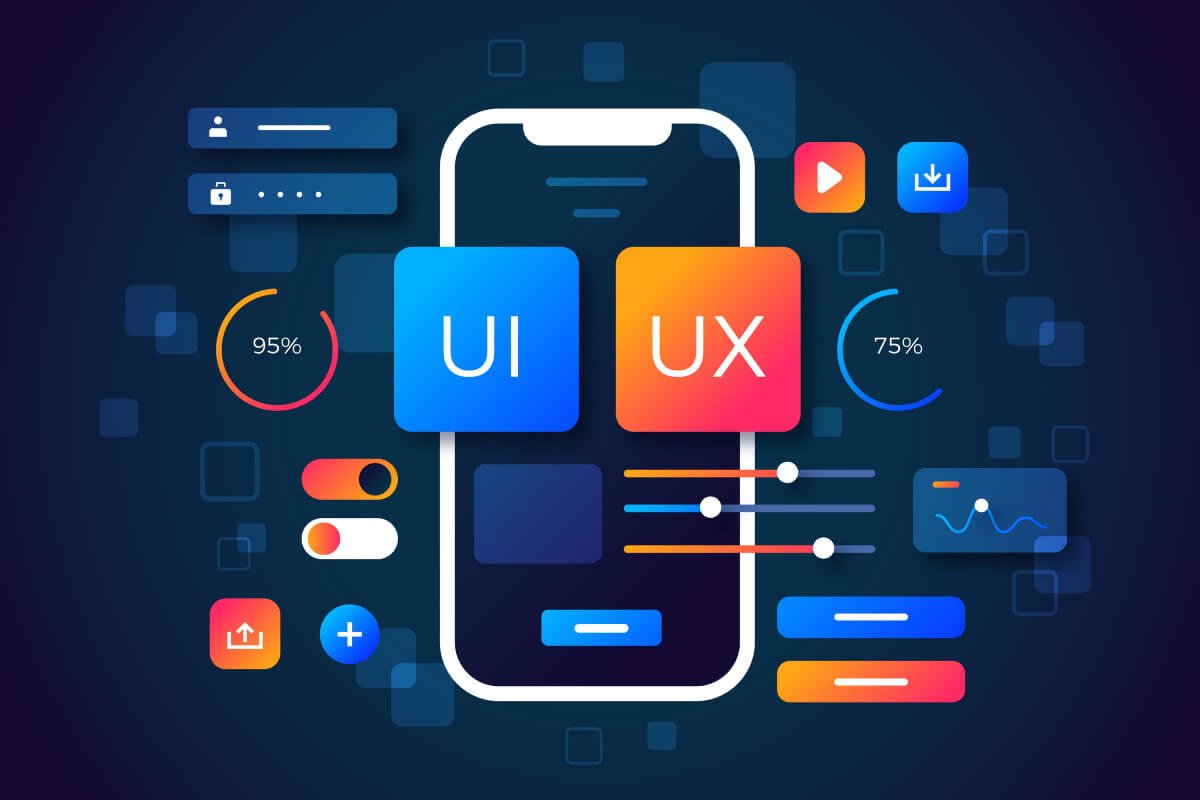
7 Tips on How To Improve the UX/UI Design of a Web Application

  • September 7, 2023
  • 2 minute read
  • Shaurya Preet
Total
0
Shares
0
0
0

Improving the UX/UI design of a web application is essential for creating a user-friendly and visually appealing product. Here are seven tips to help you enhance your web application’s user experience and user interface:

01. Understand Your Users:

  1. Conduct user research to gain insights into your target audience’s needs, preferences, and pain points.
  2. Create user personas to represent different user types and their goals.

02. Keep it Simple and Intuitive:

  1. Simplify the user interface by removing unnecessary elements and features.
  2. Use clear and concise language for labels, buttons, and instructions.
  3. Ensure that the navigation is straightforward and logical, with a well-organized menu structure.

03. Responsive Design:

  1. Make your web application responsive to different screen sizes and devices (e.g., mobile phones, tablets, desktops).
  2. Test your design on various devices to ensure it adapts appropriately.

04. Consistency is Key:

  1. Maintain a consistent design language throughout the application, including colors, typography, and iconography.
  2. Use UI design patterns and conventions that users are familiar with, such as placing navigation menus at the top or left of the screen.

05. Prioritize Accessibility:

  1. Design your web application to be accessible to users with disabilities, following WCAG (Web Content Accessibility Guidelines) standards.
  2. Use semantic HTML elements and provide alternative text for images.
  3. Ensure that keyboard navigation and screen reader compatibility are well-implemented.

06. Visual Hierarchy and Feedback:

  1. Establish a clear visual hierarchy by using contrast, size, and color to highlight important elements and information.
  2. Provide immediate feedback to users when they perform actions, such as button clicks or form submissions, to confirm that their actions have been successful.

07. Usability Testing and Iteration:

  1. Conduct usability testing with real users to gather feedback and identify pain points in your design.
  2. Iterate on your design based on user feedback, making incremental improvements to enhance the overall user experience.

Bonus Tip: Performance Optimization

  1. Optimize the performance of your web application to ensure fast loading times and smooth interactions. This includes optimizing images, minimizing HTTP requests, and using efficient code.

Remember that improving the UX/UI design of a web application is an ongoing process. Continuously gather feedback, monitor user behavior, and stay updated with design trends and best practices to keep your web application user-friendly and engaging.

Total
0
Shares
Share 0
Tweet 0
Pin it 0
Related Topics
  • Bootstrap
  • Mobile Design
  • Mobile Responsive
  • UI Design
  • UI/UX
  • UX Design
  • Web Design
Shaurya Preet

Hey, I am Shaurya Preet. CEO & Founder of Themez Hub. I am frequently researching the latest trends in digital design and new-age Internet ideas.

Previous Article
Figma Vs Photoshop
  • Articles
  • UI/UX

What Is The Difference Between Figma and Photoshop

  • August 26, 2023
  • Shaurya Preet
View Post
Next Article
Software
  • Articles
  • Inspiration
  • Software

Top 7 Software Development Trends To Keep An Eye On In 2023

  • September 22, 2023
  • Shaurya Preet
View Post
You May Also Like
Project Management Tools 2025
View Post
  • Tools
  • UI/UX

Best Project Management Tools for Designers & Developers in 2025

  • Dhananjay Preet
  • December 12, 2025
Top AI Powerd Tools 2025
View Post
  • AI Tools
  • UI/UX

How Modern Designers Are Using AI-Powered UI/UX Tools in 2025

  • Shaurya Preet
  • November 21, 2025
dokan and woodmart compile
View Post
  • Articles

How to Create a Multi-Vendor Marketplace Using the Dokan + WoodMart Theme?

  • Shaurya Preet
  • November 10, 2025
UI UX Design Tools
View Post
  • UI/UX

Best UI/UX Design Software for Modern Designers (2025 Edition)

  • Shaurya Preet
  • October 15, 2025
HTML vs WordPress
View Post
  • Articles

HTML vs WordPress: Which One Should You Choose for Your Website?

  • Shaurya Preet
  • July 16, 2025
Grid vs Flexbox
View Post
  • Articles

Grid vs Flexbox: Which One to Use for Layout in 2025?

  • Shaurya Preet
  • June 29, 2025
Figma UI Kits
View Post
  • Figma
  • UI/UX

Best Free & Premium Figma UI Kits for Web Designers in 2025

  • Shaurya Preet
  • June 11, 2025
digital marketing
View Post
  • Articles

Digital Marketing for Hospitals: Why It’s No Longer Optional

  • Shaurya Preet
  • April 8, 2025
DreamPress Managed Hosting
Read What’s Trending Now
  • Best Shopify Themes 226
    Best Shopify Themes for High Conversions (2026 Edition)
    • January 5, 2026
  • how-to-optimize-wordpress-fonts
    How to Optimize WordPress Fonts for Core Web Vitals
    • January 2, 2026
  • Best Web hosting providers
    Best Web Hosting Service Providers
    • December 30, 2025
  • Bluehost Review 2026
    Bluehost WordPress Hosting Review 2026: Is It the Best Host
    • December 25, 2025
ThemezHub
© 2025 Themezhub. All Rights Reserved.

This site is not affiliated with the WordPress® Foundation. WordPress® is a registered trademark of the WordPress Foundation.

Social Links
Likes
Followers
Followers
Followers
Followers
Followers
Join Our Mailing List

  • Write For Us
  • About Us
  • Advertise
  • Say Hi
  • Privacy

Input your search keywords and press Enter.

Manage Consent

We use cookies to ensure you get the best experience on our website. View our privacy policy.

Functional Always active
The technical storage or access is strictly necessary for the legitimate purpose of enabling the use of a specific service explicitly requested by the subscriber or user, or for the sole purpose of carrying out the transmission of a communication over an electronic communications network.
Preferences
The technical storage or access is necessary for the legitimate purpose of storing preferences that are not requested by the subscriber or user.
Statistics
The technical storage or access that is used exclusively for statistical purposes. The technical storage or access that is used exclusively for anonymous statistical purposes. Without a subpoena, voluntary compliance on the part of your Internet Service Provider, or additional records from a third party, information stored or retrieved for this purpose alone cannot usually be used to identify you.
Marketing
The technical storage or access is required to create user profiles to send advertising, or to track the user on a website or across several websites for similar marketing purposes.
  • Manage options
  • Manage services
  • Manage {vendor_count} vendors
  • Read more about these purposes
View preferences
  • {title}
  • {title}
  • {title}