Editorial Note: We may earn a commission when you visit links on our website.
Managing WordPress websites for clients takes time. One client wants a site redesign. Another needs help with a slow website. Meanwhile, the rest of your sites still have to run smoothly. When you’re handling several projects at once, hosting problems can add to your workload.
WordPress hosting for agencies can make this easier. A managed plan hands certain server tasks to the provider. But the level of support you get depends on the service you choose.
Some hosts offer a single dashboard for managing client websites. Others focus more on website speed or give developers greater control over their environment. Pricing also varies, particularly when you need to host several client sites.
This guide compares 10 managed WordPress hosting providers for agencies in 2026. We’ll look at their pricing, features, and site management tools, along with the limits worth knowing before you sign up.
10 Best Managed WordPress Hosting Providers at a Glance
The number of websites you manage can affect your hosting costs. So can the tools you need for client work. A freelancer who handles five websites has different requirements from an agency that manages dozens.
Let’s check out 10 Managed WordPress hosting providers and things to compare when choosing a plan.

Exceptional
⭐ 4.9/5
- One-click staging and development environments
- 99.99% uptime SLA, free SSL, and SSH
- WP, PHP, & MySQL managed for you
- Daily automated backups
$28.00/mo

Excellent
⭐ 4.8/5
- Unlimited Free Migrations
- Free Agency Website Hosting
- Unbranded WordPress Admin
- Agency Directory Listing
$284.0/mo

Outstanding
⭐ 4.8/5
- Unlimited Websites
- Advanced Staging & Cloning
- Optimized Performance
- Agency Team Management
$14.0/mo

Superior
⭐ 4.7/5
- Site Cloning & Blueprints
- Staging Environment
- Free Website Migration
- Automated Backups & Security
$242.0/mo

Superior
⭐ 4.7/5
- Easy Client Site Management
- Staging & Sandbox Environments
- Free Website Migrations
- Advanced Security & Backups
$20.83/mo

Superior
⭐ 4.6/5
- 10 WordPress Installations
- 50 GB Storage
- 200 GB Bandwidth
- Free Migrations & Automated Backups
$83.0/mo

Superior
⭐ 4.5/5
- Unlimited Websites
- 50 GB Web Space
- Free SiteGround Website Builder
- File Manager with built-in code editor
- Free WP Migrator Plugin & WordPress Autoupdates
$4.99/mo

Superior
⭐ 4.4/5
- Multi-Site Management
- Automatic Scaling
- 24/7 Expert Support
- Free Website Migrations
$32.64/mo

Very Good
⭐ 4.3/5
- On-demand environments (Multidev)
- Automated updates
- Portfolio management
- 24/7 support
$500.0/mo

Very Good
⭐ 4.2/5
- 6 CPU cores & 12 GB RAM
- Full website isolation
- 300 GB NVMe storage
- Unlimited CDN & SSL
- 30-Day money-back guarantee
$29.0/mo
Some providers publish clear agency plans. Flywheel, for example, offers plans for up to 10 or 30 sites. Pressable has plans ranging from one WordPress install to bundles supporting 100 installs, with larger agency bundles also available.
When comparing managed WordPress hosting providers, you can start with the number of client sites you are looking to host. Then look at the resources and tools included in each plan. A low starting price won’t help much if you need to upgrade as soon as you add more clients.
Pricing and plan limits should be checked against each provider’s current offering before choosing a plan.
1. WP Engine: Best for Established Agencies
Best for: Established agencies that want separate testing environments and a team to help with their client sites.
- Managed WordPress, PHP and MySQL
- Free SSL certificates and SSH access
- WordPress and PHP updates
- EverCache performance technology
- Daily automated backups
- 24/7 chat support
Our Rating: ⭐ 9.8/10
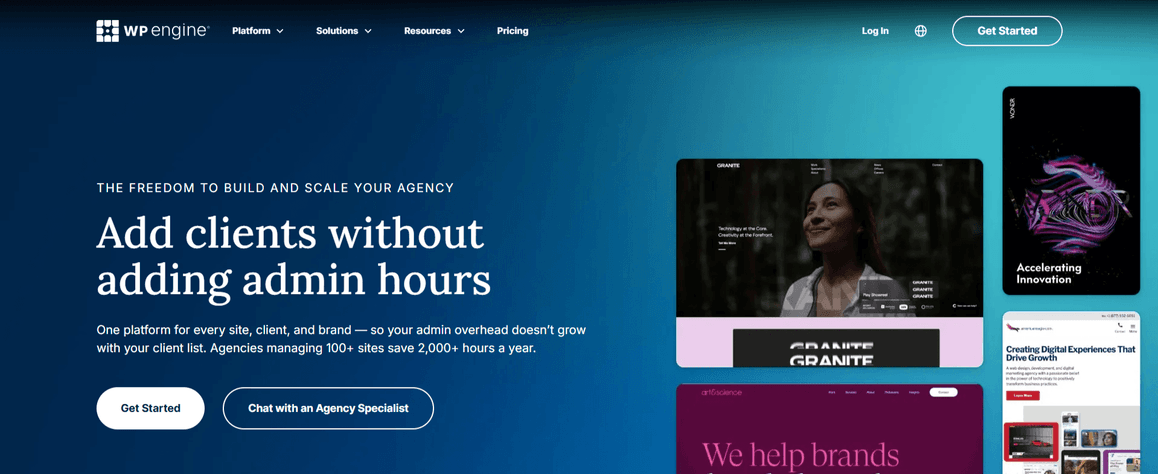
WP Engine is a strong option for agencies that manage several client websites. Its dashboard lets you create separate environments. Changes can be tested there before they reach a live website.
Production, staging, and development are the three environments a site can have. Each one runs as a separate WordPress installation. Your team can try plugin updates or design changes there without touching the live site. All three count as one site under WP Engine’s site structure.
WP Engine offers EverCache for performance. Automated backups help protect client websites. Its Agency Partner Program provides agencies with expert support and business resources. Joining the Agency Partner Program is free. You just need to pay for the hosting.
WP Engine offers essential plans for agencies managing different numbers of websites. Core plans are for agencies with larger hosting needs. Resources and site limits change from one plan to the next. Read the current details when you pick a package.
WP Engine: Pros and Cons
Pros:
- Separate environments for testing changes.
- Tools for transferring websites to clients.
- Automated backups and WordPress updates.
- Free to join the Agency Partner Program.
Cons:
- Extra websites can increase costs.
- Plans have storage and traffic limits.
- Some features require higher-tier plans.
2. Kinsta: Best for Performance-Focused Agencies
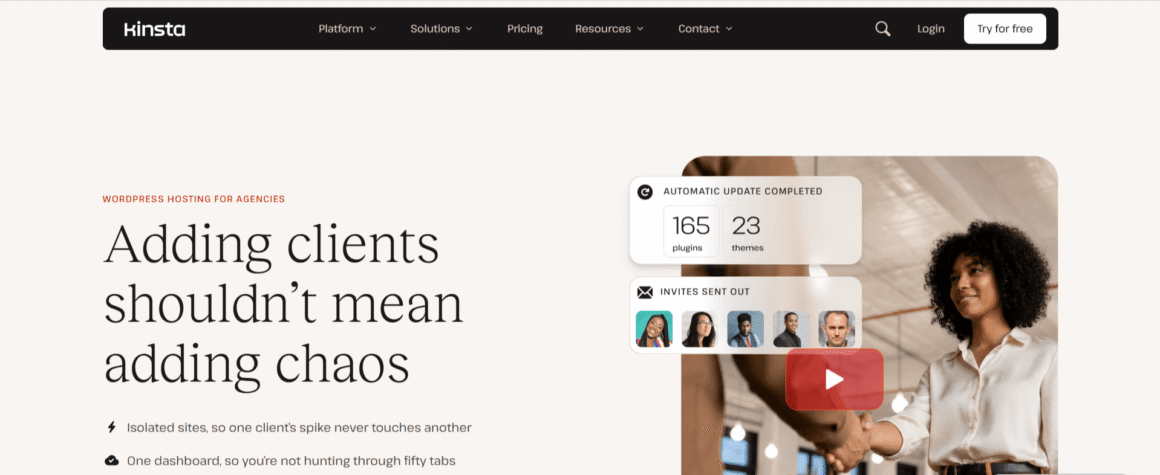
Best for: Agencies with multiple WordPress websites that want centralized management along with staging tools.
- Fully managed WordPress hosting
- Free SSL certificates
- Built-in CDN and advanced caching
- Free unlimited website migrations
- Free one-click staging environments
- 24/7 expert support in 8 languages
Our Rating: ⭐ 9.7/10
Kinsta has a dashboard called MyKinsta, where you can manage all your WordPress websites in one place. If there are several websites to manage, then you can use bulk actions to save some time. Kinsta also provides a staging feature. This allows you to test code or plugin updates before going live.
Should an update cause problems, the daily automatic backups give you a restore point.
Kinsta’s agency plans are designed for larger site portfolios. The Agency 20 plan supports 20 WordPress installs, but storage and bandwidth limits apply. Check the plan details to make sure they meet your clients’ needs.
If you manage only a handful of small websites, the price may be hard to justify. A larger client base changes that. The centralized dashboard and staging tools can take some of the effort out of daily site management.
Kinsta: Pros and Cons
Pros:
- Manage all websites from one dashboard.
- Staging and site cloning for testing changes.
- Give team members separate access.
- Free site migrations and eligible malware cleanup.
Cons:
- Agency plans may be costly for smaller teams.
- Storage and bandwidth limits apply.
- Some staging features may cost extra.
3. Cloudways: Best for Flexible Cloud Hosting
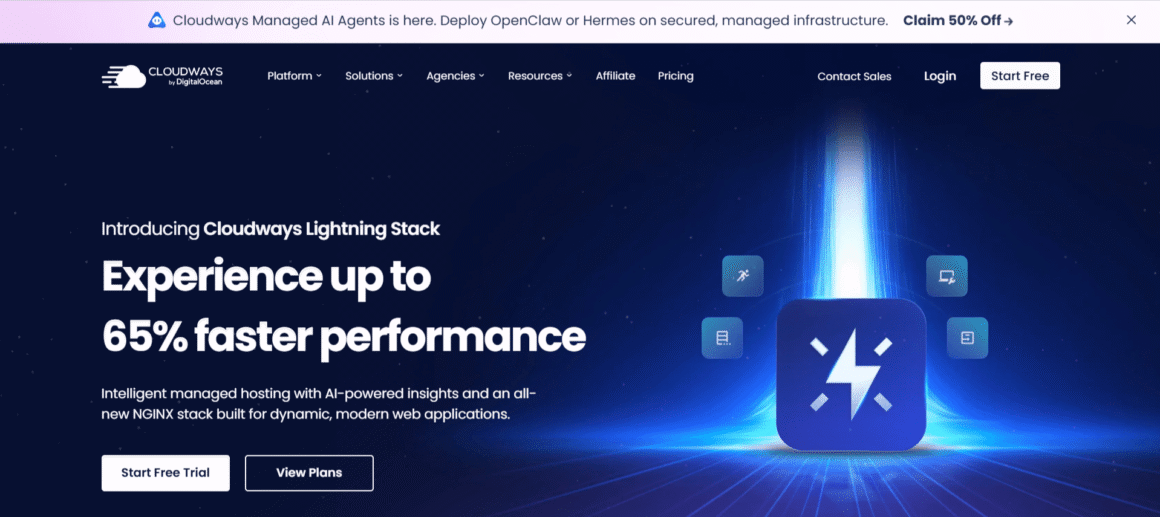
Best for: Agencies looking for flexible cloud resources and control over their server setup.
- Built-In Security & Automated Backups
- One-Click Staging & Cloning
- Lightning Stack & Advanced Caching
- Team Collaboration & Role-Based Access
- Flexible Cloud Infrastructure
- 24/7 Expert Support & Free Migration
Our Rating: ⭐ 9.6/10
Cloudways is a good option for agencies looking for more control over their hosting setup. They can choose from cloud providers such as DigitalOcean, Vultr, AWS, and Google Cloud. Linode is also available. This lets agencies match server resources to each client’s website and expected traffic.
Staging helps when your team wants to test a plugin update or design change before it reaches a live site. Cloudways lets you set up staging environments for that. If a client’s website starts getting more traffic, you can scale server resources. Scaling doesn’t mean switching to a different hosting platform.
Cloudways includes automated backups and security features. The total cost depends on your chosen server configuration and usage.
This flexibility is most useful when clients have different resource needs. Your team needs to be comfortable choosing server configurations and tracking usage. If you prefer fixed plans with less server management, another host may be a better fit.
For agency WordPress hosting, that flexibility can make Cloudways a practical option. It helps most when clients have different resource needs. Your team needs to be comfortable choosing server configurations and tracking usage. If you are looking for fixed plans with less server management, then you may have to consider another host.
Cloudways: Pros and Cons
Pros:
- Choose from five cloud providers.
- Test changes on staging sites.
- Give team members separate access.
- Scale server resources as needed.
Cons:
- Backup storage and add-ons can cost extra.
- Costs vary with server resources and usage.
- Server setup requires some technical knowledge.
4. Flywheel: Best for Freelancers and Design Agencies
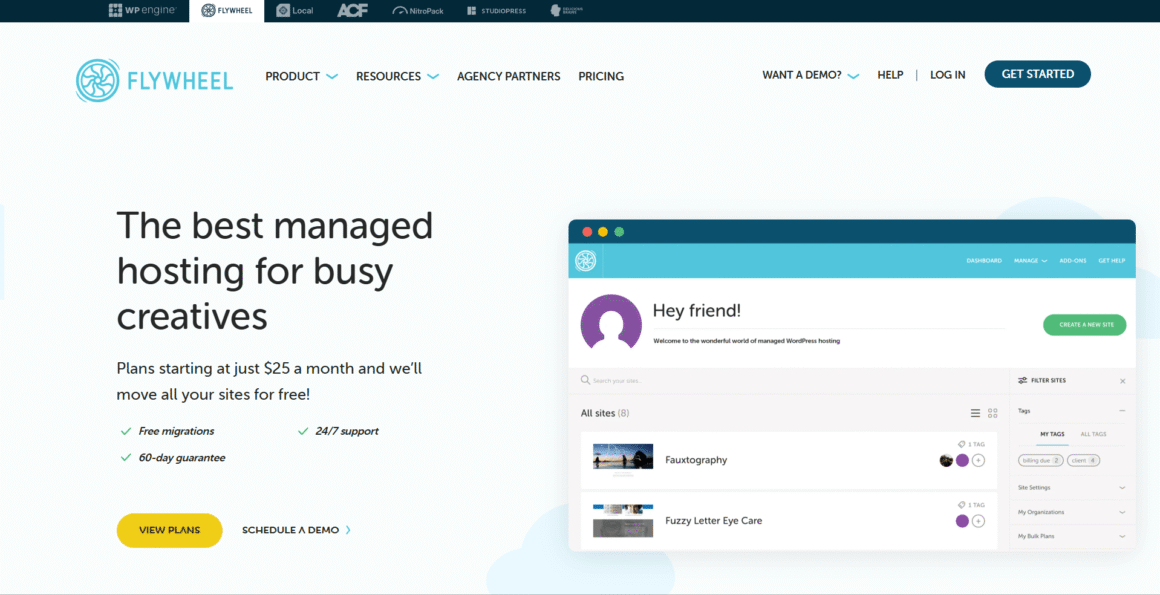
Best for: Freelancers and design agencies that build WordPress websites for clients and want easier handoffs.
- WordPress-Optimized Performance
- Automatic Nightly Backups
- One-Click Staging & Site Cloning
- Free Malware Cleanup
- 24/7 Expert WordPress Support
- Free Website Migrations
Our Rating: ⭐ 9.6/10
Agencies that build WordPress websites for clients may find Flywheel a good fit. Its Blueprints feature lets you save a site’s themes and plugins for use in future projects. That can save setup time when you build similar websites for different clients.
Client handoffs are easier with Flywheel. When a client’s website is ready, you can transfer billing to them and keep access as a collaborator. For teams, the Organizations feature helps members work together without sharing account credentials.
Staging environments and nightly backups are included in the hosting plans. Live chat support is available 24/7. The freelance plan supports up to 10 sites, while the agency plan supports up to 30.
Flywheel: Pros and Cons
Pros:
- Transfer website billing to clients.
- Reuse themes and plugins with Blueprints.
- Give team members separate access.
- Free migrations and nightly backups.
Cons:
- Annual plans require upfront payment.
- Visit and storage limits apply.
- Extra usage can incur fees.
5. Pressable: Best for WordPress-Focused Agencies
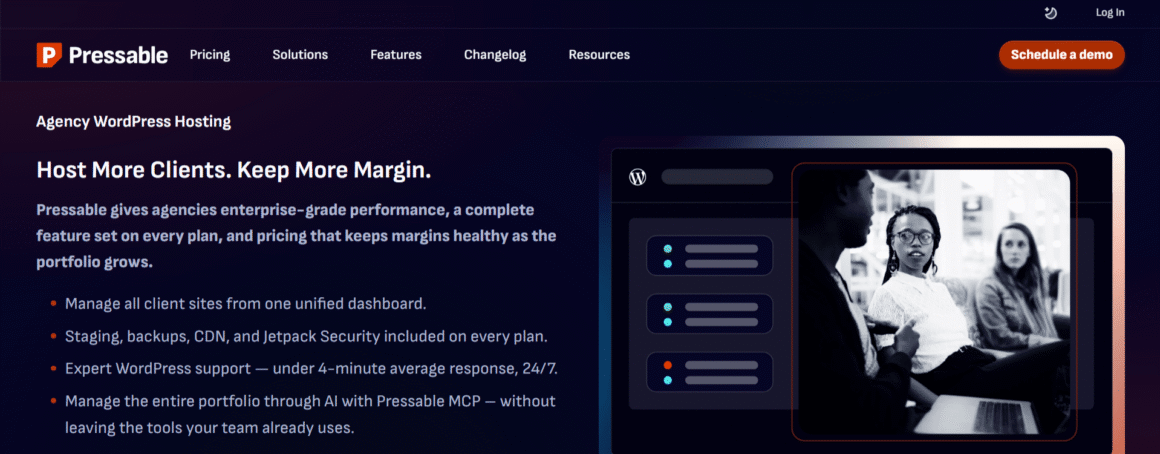
Best for: Agencies with multiple WordPress websites that are looking for staging tools and security features along with WordPress support.
- Centralized Agency Dashboard
- Jetpack Security & Malware Scanning
- Automatic Backups & Free Migrations
- Global CDN & Edge Caching
- Staging & Sandbox Environments
- 24/7 Expert Support & 100% Uptime SLA
Our Rating: ⭐ 9.5/10
Pressable is designed specifically for WordPress. That makes it an option for agencies that manage several client websites. Its plans include free site migrations and Jetpack Security. The support team covers WordPress around the clock. These features can help your team handle routine hosting tasks, with less time going to server maintenance.
Pressable offers staging and sandbox environments. For testing updates on the website before going live, your team can use staging. A sandbox is a separate space for developers to work on changes. They can experiment there without affecting the main site.
Pressable’s Signature plans support between one and 100 WordPress installs. The Signature 20 plan from Pressable is $155 per month, or about $129.17 per month if you pay annually. You get 80 GB of storage and up to 400,000 monthly visits. Make sure these limits fit your clients, because extra visits and storage may come with additional charges.
However, scaling up can get expensive quickly. Review your clients’ resource needs before moving to a higher tier.
Pressable: Pros & Cons
Pros:
- Free migrations for client websites.
- Staging and sandbox sites for testing.
- 24/7 WordPress support.
- Jetpack Security is included.
Cons:
- Monthly visit and storage limits apply.
- Extra usage can incur fees.
- Larger plans cost more.
6. Rocket.net: Best for Agencies Prioritizing Performance and Security
Best for: Agencies that are interested in website speed, security, and easier hosting management.
- Cloudflare Enterprise CDN & Full-Page Caching
- Centralized Agency Dashboard
- Unlimited Free Website Migrations
- Enterprise WAF & Real-Time Malware Protection
- Free Staging & Website Cloning
- 24/7 Expert WordPress Support
Our Rating: ⭐ 9.5/10
Rocket.net may be a good option for agencies that need fast, secure WordPress websites. You don’t have to manage several separate performance tools. Its hosting plans include an Enterprise CDN and a web application firewall. Malware protection is part of the plans. These features help protect client sites while supporting faster content delivery.
The platform includes daily backups and automatic WordPress updates. Staging tools let your team test changes before publishing them. Free site migrations can simplify the move from another host. Rocket.net’s dashboard lets you manage multiple websites from one place.
Rocket.net has plans for agencies of different sizes. The Business plan supports 10 WordPress installs. Storage on this plan is 40 GB, and the published allowance is 2.5 million visits per month. A larger portfolio may need a higher tier, and you can ask Rocket.net for custom pricing. When you pick a package, read the current plan details and billing terms.
Rocket.net comes with built-in performance and security tools, so you may not need separate services. Traffic deserves a close look, though. If your clients’ visitor numbers swing a lot, compare those allowances with what each site gets.
Rocket.net: Pros & Cons
Pros:
- Built-in CDN and website firewall.
- Free malware protection and daily backups.
- Unlimited free website migrations.
- Manage multiple sites from one dashboard.
Cons:
- Pricing may be high for small agencies.
- Storage and bandwidth limits apply.
- Email hosting is not included.
7. SiteGround: Best for Small Agencies
Best for: Small agencies that are looking for affordable multi-site hosting along with staging and client collaboration tools.
- Centralized Multi-Site Management
- One-Click WordPress Staging
- SuperCacher & Free CDN
- White-Label Hosting & Private DNS
- Advanced Security & Daily Backups
- Dedicated Account Managers & Priority Support
Our Rating: ⭐ 9.4/10
SiteGround can work well for small agencies. It suits those that manage several client websites and need simple collaboration tools. GrowBig and GoGeek support unlimited websites. That means multiple client projects can sit under one account. Both plans include collaborator access. Team members can manage sites without seeing your billing details.
The main difference is that GoGeek adds white-label access to Site Tools. This lets you give clients a hosting management interface without SiteGround branding. WordPress staging comes with both plans. Your team can use it to test updates before they reach a live website.
SiteGround’s pricing is a major selling point, but the renewal rate needs a close look. On its agency pricing page, GoGeek starts at $7.99 per month and renews at $29.99 per month when prepaid for 12 months. Storage is 100 GB, shared across all websites. SiteGround estimates that the plan can handle around 400,000 monthly visits, but this is not a guaranteed traffic allowance. Pricing can vary across SiteGround’s pages, so check the final price at checkout.
For WordPress hosting for agencies, SiteGround offers useful tools at a relatively low starting price. However, busy client sites may push against the shared storage and resource limits, so consider the needs of your entire portfolio before choosing a plan.
SiteGround: Pros & Cons
Pros:
- Host unlimited websites on one plan.
- Give team members separate access.
- Test changes with staging tools.
- White-label tools on GoGeek and Cloud.
Cons:
- Renewal prices are much higher than introductory rates.
- Storage is shared across all websites.
- White-label access is not included in GrowBig.
8. Nexcess: Best for Resource-Intensive Websites
Best for: Agencies with demanding WordPress websites that need update testing and extra resources when traffic spikes.
- Centralized Client Management
- Enterprise-Grade Security
- Cloudflare Enterprise CDN & Performance Tools
- Free Website Migrations
- 24/7/365 Expert Support
- Free Staging & Development Environments
Our Rating: ⭐ 9.3/10
Nexcess can be a fit for agencies whose WordPress sites need reliable performance and regular maintenance. Its managed hosting plans come with daily backups and staging sites. Tools for handling plugin updates are part of the plans. These features help your team test changes before they affect a client’s live website.
Visual Comparison is one feature that sets Nexcess apart. It runs plugin updates on a staging copy and takes screenshots before and after. When an update causes a significant visual difference, the tool can stop it from reaching the live site. This can help agencies reduce the risk of layout problems after updates.
Eligible Elevate plans offer autoscaling, allowing a website to add PHP workers temporarily during traffic spikes. Check the plan details to confirm availability and resource limits.
Clients with content-heavy websites or online stores may benefit from Nexcess’s managed WordPress hosting services. Smaller sites may not need all its management tools, so compare the available resources and costs with your clients’ actual needs.
Nexcess: Pros & Cons
Pros:
- Visual Comparison helps spot changes after plugin updates.
- Staging sites for testing changes.
- Autoscaling on eligible plans.
- Team access controls.
Cons:
- Pricing varies by plan and site count.
- Autoscaling is not available on every plan.
- Smaller websites may not need all the tools.
9. Pantheon: Best for Development Teams
Best for: Agencies whose developers need separate environments, version control, and controlled deployment workflows.
- Dev, Test & Live Environments
- Global CDN & Advanced Caching
- Read-Only Production & Enterprise Security
- Git-Based Version Control & Multidev
- Automated Backups & WordPress Updates
- Centralized Site Management & 24/7 Expert Support
Our Rating: ⭐ 9.2/10
Pantheon may work well for agencies whose developers need a reliable process for building and updating WordPress websites. Each site has separate development, test, and live environments. Your team can work on changes there. They can test them before deploying updates to a client’s live site.
Pantheon uses Git-based version control. Developers can track code changes. Approved updates can then go out through a structured workflow. That is useful when several team members work on one project. It can help agencies that maintain a large portfolio of client websites in the same way.
Its Gold workspace adds tools such as Multidev and automated updates. Visual regression testing is among them. Multidev lets developers create separate environments for different tasks. Visual testing helps spot changes that updates cause. Core features such as backups and a global CDN come with every workspace tier.
Pricing needs a closer look. Pantheon’s Silver workspace is free, while Gold is listed at $600 per month. Those are workspace fees. They don’t cover the full cost of hosting a live website. Each live site needs its own site plan, and your total cost depends on how many sites you run and what each one needs.
Looking for WordPress hosting for developers? Pantheon makes the most sense when an agency has structured development workflows. Teams that mainly build simple websites may not need its advanced tools.
Pantheon: Pros & Cons
Pros:
- Separate development, test, and live environments.
- Built-in Git version control.
- Multidev for parallel development.
- Automated visual testing on eligible plans.
Cons:
- Workspace and live-site costs are separate.
- Multidev is not available on every account tier.
- Total costs can be harder to estimate for multiple sites.
10. Hostinger: Best for Budget-Conscious Agencies
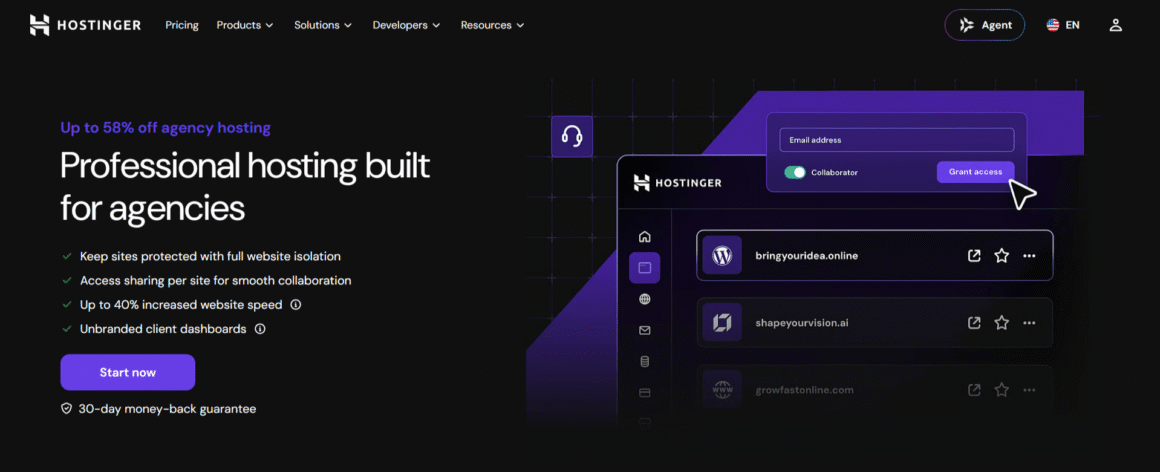
Best for: Freelancers and small agencies that are interested in agency tools but not in the premium hosting costs.
- White-Label Client Dashboards
- Up to 40% Faster Website Performance
- Host Up to 300 Websites
- Full Website Isolation
- Priority 24/7 Support & Free Unlimited Migrations
- Free Staging & One-Click Cloning
Our Rating: ⭐ 9.1/10
Hostinger may suit agencies that manage several client websites. It can help those that want to keep hosting costs under control. Its agency plans are made for web professionals. They let you manage client sites from one account.
The Agency Startup plan supports up to 100 websites. It comes with site-specific access sharing and an unbranded client dashboard. This lets clients access their own websites without entering your main account. Website isolation helps keep client projects separate.
The plan includes 300 GB of NVMe storage, 6 CPU cores, and 12 GB of RAM. It also includes staging tools, daily backups, and priority 24/7 support. The introductory price is $29 per month for a 24-month term, with renewal at around $49 per month. Since you pay for the full term upfront, check the total cost before signing up.
For agencies looking for managed WordPress hosting plans, Hostinger offers useful client management tools at a relatively low starting price. The available resources are shared across the plan. Whether those limits meet your clients’ needs matters most for busy online stores.
Hostinger: Pros & Cons
Pros:
- Host up to 100 websites on Agency Startup.
- Give clients access to their own websites.
- Use an unbranded client dashboard.
- Free staging and daily backups.
Cons:
- Renewal prices are higher than introductory rates.
- Plan resources are shared across websites.
- The 24-month offer requires upfront payment.
How We Evaluated These Hosting Providers
Comparing prices is only part of choosing hosting for an agency. We focused on the features that help teams manage client websites and get everyday work done.
- Website management: We began with website limits. Centralized dashboards and client access options came next.
- Client collaboration: We looked at collaborator permissions and billing transfers. White-label tools were part of the review.
- Development and staging: Staging environments and site cloning were on our list. So were tools for testing changes before they go live.
- Performance and security: Published resource limits and traffic allowances came first. Backup options and security features followed.
- Pricing and support: We compared starting prices and published renewal rates. Extra usage charges and available support were part of it.
Our comparison relies on published plan details and provider documentation. We didn’t run our own speed or uptime tests. Prices and features can change, so check the provider’s current terms first.
How to Choose Managed WordPress Hosting for Your Agency
Picking hosting for an agency is a bigger decision than picking it for a single website. You’ll want to know how many client sites you manage and what your team needs to maintain them. Costs can change as you take on more work.
Managing Multiple Client Websites
Check how many WordPress sites a plan supports. Some providers set fixed site limits. Others sell larger agency packages or custom plans. A good dashboard lets your team manage client sites in one place. It should let you give people access without sharing the main account login.
Look at what it costs to add websites. Say a plan works well for five clients. But as the requirements grow to 20 or 30 websites, it is going to get expensive. So, you need to choose a plan that fits your portfolio and at the same time, leaves room for reasonable growth.
Staging and Development Tools
Staging lets you test plugin updates and design changes before they reach a live website. The same goes for new features. It’s most useful when a client’s site generates leads or sales. A broken checkout page or contact form after an update can affect their business.
If your team works with custom code, look for development environments and Git support. Deployment tools belong on that list. Some agencies won’t need them. They are useful in complex projects.
Performance and Scalability
Start with your clients’ traffic and resource needs. A small brochure site won’t need nearly what a busy online store does. Look at the actual storage and bandwidth numbers before you sign anything. Then check CPU limits and visit allowances.
Scalable WordPress hosting can help when a client’s traffic goes up, but providers don’t all handle scaling the same way. Some let you upgrade resources when you need them. Others charge extra for higher usage. Read these terms so a traffic spike doesn’t lead to an unexpected bill.
Security, Backups, and Support
Look for automatic backups and SSL certificates first. Malware protection matters too, and so does a clear way to restore a site when something breaks. How often backups run usually depends on the site itself. A brochure website may be fine with daily backups. But, a busy store that receives orders all day may need them frequently.
Also find out the availability of the support and the kind of help you can expect. Around the clock support is useful. It’s worth knowing whether the team can help with WordPress-specific issues or only general hosting problems.
Pricing and Renewal Costs
An introductory price doesn’t show which plan costs less. Check the renewal rate and the billing term to see the real picture. Extra sites and storage can change the total. So can backups and other add-ons. Once the first term ends, a low starting price can look less attractive.
What does your current portfolio cost on this plan? Work that out first. Add a few more clients to the mix and see how the number moves. What you’re really after is hosting that matches your technical needs, not a plan padded with features your agency will never touch.
Managed WordPress Hosting vs. Regular WordPress Hosting
With regular WordPress hosting, you get the server space and the basic tools. That’s about it. Backups, security checks, performance tuning: most of that lands on you. A few plans throw in automatic updates and backups anyway, so don’t assume the worst before checking.
Managed hosting is different. The provider takes over server maintenance and keeps an eye on security. Backups usually come built in, and so do performance settings tuned for WordPress specifically. Staging tools show up on a lot of plans too, and you often get a support team that actually knows what they’re looking at when something breaks. Still worth checking the fine print, because not every provider includes the same things.
Here’s the real trade-off for agencies: who’s doing the work. Regular hosting is cheaper, and it’s fine if your developers don’t mind handling updates and fixing things themselves. Managed hosting takes that off their hands, which frees them up for actual client projects instead.
Neither one’s free of downsides. Managed plans cost more, full stop. Some even lock down server settings, plugins, or resources you’d normally control yourself. Regular hosting gives you more room to move. How much room depends entirely on the provider and plan you’re looking at.
Where do you start? List out what your team would normally be doing by hand. Then see how much of that each plan already covers. From there, your team’s skills and your budget can settle the rest.
Which Managed WordPress Hosting Provider Should Your Agency Choose?
The best WordPress hosting for agencies can be determined with a couple of things: your client portfolio, and how your team actually works. Got established client sites and want serious managed tools? WP Engine and Kinsta are the two worth putting side by side. Freelancers and design agencies chasing smoother client handoffs tend to end up with Flywheel. If you need more control over the cloud setup, then you can go with Cloudways.
Want hosting built around WordPress and nothing else? Pressable’s your pick. Rocket.net leans harder into speed and built-in security. The budget is tight but you still need multiple sites managed well. SiteGround or Hostinger cover that ground. Nexcess is built for agencies running demanding sites. And if your developers need real testing and deployment workflows, Pantheon’s the one designed for exactly that.
Start with site limits and renewal prices. From there, check staging tools, support quality, and how much room each plan gives you to grow.
FAQs
What is the best managed WordPress hosting for agencies?
The best choice depends on your team’s workflow and budget. WP Engine and Kinsta suit agencies that want managed hosting tools. Flywheel focuses on client handoffs. Cloudways gives you more control over cloud resources. Found one that looks right for your team? Pull up its plans and match them against what you actually need.
Can agencies host multiple client websites on one plan?
Yes. Many providers offer plans for multiple WordPress websites. Look at the site limit and storage. Then check bandwidth and resource allowances. It’s also worth finding out whether you can manage each website separately and give clients their own access.
Is managed WordPress hosting worth it for an agency?
It can be worthwhile when updates, backups, and security take up a lot of your team’s time. Server maintenance adds to that load. Your team gets more time for client projects when the provider takes on some of this work. Some developers would rather manage these tasks themselves. Regular hosting usually ends up cheaper for them.
Do managed WordPress hosting providers offer white-label options?
Some providers of managed WordPress hosting throw in white-label tools too. Availability depends on the plan. These tools can let agencies give clients a hosting dashboard without the provider’s branding. SiteGround is one example. Its GoGeek and Cloud plans include white-label Site Tools. Whatever host you’re weighing, check its current plan details before signing up.
How much does managed WordPress hosting cost for agencies?
Some multi-site plans are relatively inexpensive. Premium agency packages can cost hundreds of dollars per month. What you pay depends on how many websites you’re running and how much server power they need. Plans also differ in what’s included, and that shifts the price too. To estimate your real costs, compare renewal rates and extra charges. The introductory price alone won’t show them.