“What are the best free SEO analysis tools that I can use for my website?”
This is one of the most common questions my clients ask. As a digital marketing professional, I know that the word “free” instantly sparks interest, evoking visions of actionable marketing insights.
According to Backlinko, the #1 organic result is likely to receive 10X more clicks than a page #10 spot.
But how do you measure a page’s performance?
The answer is checking with the free SEO analysis tools consistently.
To be precise, my team and I also depend on these tools. This helps us identify what’s driving traffic, why bounce rates are high, why content is dropping in the SERP, and how it can be enhanced.
If you’re running a digital marketing agency and searching for the best free SEO analysis tools to scale your clients’ results, this blog is for you. To help you select the ideal tools, I spent more time conducting research and testing the best options.
Why Free SEO Analysis Tools Are Essential for Your Digital Marketing Agency?
Recently, I had a small conversation with one of my clients, Amit, running a digital marketing agency in India:
Amit: Hi, Shaurya, my clients are getting the desired traction. I believe this is the high time to scale my business. However, I want to audit my website using a free WordPress SEO analysis tool. Any ideas?
Me: Absolutely. If you want a detailed view without paying for premium tools, I have multiple options.
Amit: Great. Could you please name some of those tools?
Me: Google Search Console, Screaming Frog SEO Spider (Free Version), Moz Free SEO Tools, Google PageSpeed Insights, etc.
Amit: Hmmm, so these tools are going to add value for my website audit?
Me: Yes.
Amit is convinced and is now using those free tools for his website. If you’re also eager to know why these tools are essential for your agency, here are the reasons:
1. Multi-Dimensional SEO Support
The best free SEO analysis tools cover the full SEO lifecycle rather than basic report generation. This includes technical site audits, content briefings, competitor and keyword research, AI search visibility tracking, and more. This enables you to deliver strategic value for better-informed decision-making.
2. AI-Driven Content Optimization
Performing a website audit through a premium SEO tool may be hurting you, especially if you’re a startup. On that note, free SEO tools can perform keyword research and recommend content structure, internal linking, semantic coverage, and readability improvements.
3. AEO/GEO Support
AI-enabled search results, overviews, and answer engines are essential, just as traditional search engines are. The best free SEO tools will help you to understand how content will appear in AI-generated answers.
4. Support Content Pipelines
Robust online SEO checkers support growing content pipelines, cross-team collaboration, and recurring audits. Based on the generated report, you can hatch up the next steps.
5. Integrations
A free SEO tool smoothly integrates with your business website. Our team evaluated how easily each platform integrates with WordPress websites, analytics, and collaboration tools.
What Can the Free SEO Analysis Tools Offer?
Choosing the best SEO tools won’t be an easy job if you don’t know their components. In 2026, it’s crucial to have an idea of the main characteristics of SEO analysis tools. Here you go—
1. AI Features
Today, AI and SEO are intertwined, delivering next-level results. According to HubSpot, 75% of SEO experts use AI to reduce time and manual effort, such as meta optimization and keyword research. Also, Ahrefs reports that 87% of marketers use AI to support SEO content creation. AI in SEO tools not only helps you gain raw data but also interprets it and provides value-based insights.
2. SEO Audit
By combining a free website SEO analysis with modern AI tools, you can quickly identify and resolve technical website issues before they impact your search engine visibility.
3. Competitor & Organic Result Analysis
Identify competitors and assess their performance in organic search results using leading SEO audit websites. According to Ahrefs, 76% of AIO citations come from Google’s organic search results. Therefore, monitoring organic search results with SEO tools is pivotal to ranking your website on the first page of Google.
4. Backlink Analysis
Analyzing the competitor’s backlinks helps you to understand the way you must work on developing your brand’s backlinks. On that note, a free SEO analysis website checker helps your marketing team focus on backlink analysis and development.
10 Best Free SEO Analysis Tools in 2026 to Boost Website Ranking
Here are some of the best SEO audit websites to help you make your business website ranking—
1. Google Search Console (GSC)
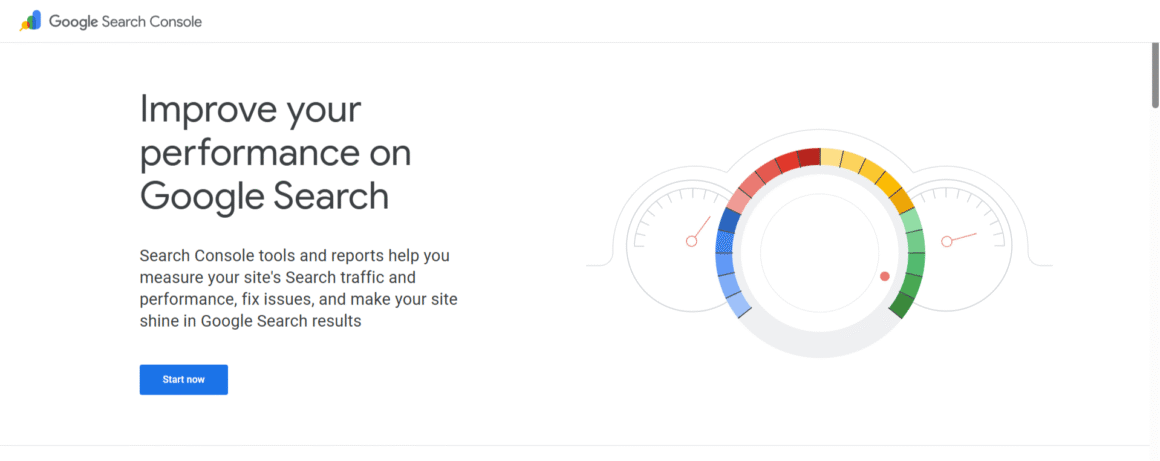
This is a next-level resource for analyzing your website’s SEO performance. You can check keyword data, page traffic, and rankings in Google search results. Also, it would help the team to improve local SEO. As a Google product, it integrates with other tools such as Google Ads and Trends.
With GSC, you can gain meaningful insights into how your business website will perform better. Based on the latest algorithms and Google’s best practices, GSC enables you to submit sitemaps and access index, crawl, and other information directly from Google’s index.
Lately, Google is also testing social channel insights within GSC. This official update from Google highlighted the exponential growth in businesses’ social media presence management. It signifies how social and search are becoming integral to businesses.
Key Features
- Core Web Vitals tracking
- Detailed performance report
- Mobile security checks
Pros
- A Google product
- Completely free
- Ideal for monitoring site health
Cons:
- Limitations compared to paid tools
- No competitor analysis feature
- Takes a while to show related information
2. Ahrefs (Free Version)
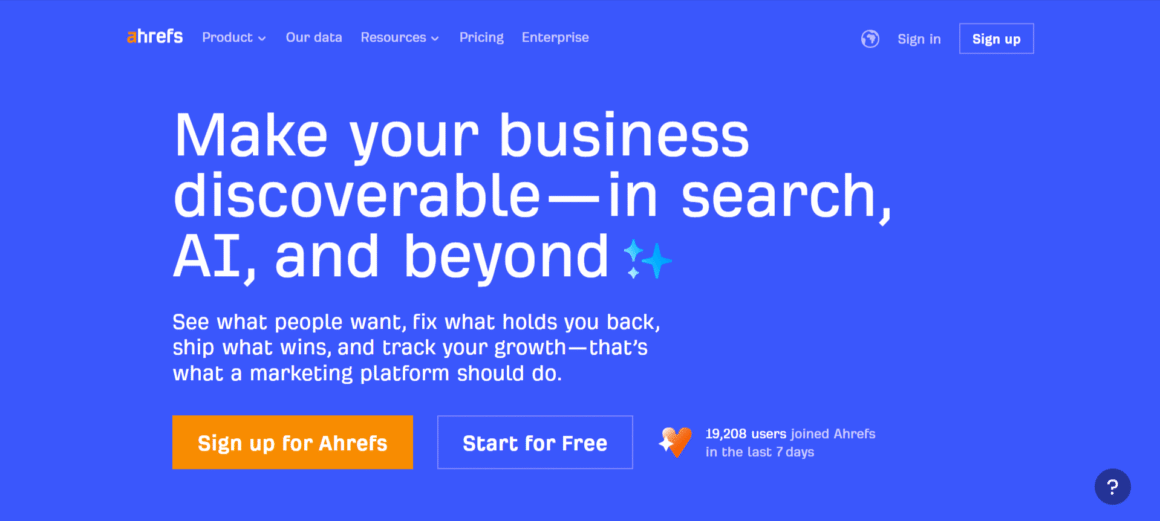
If you’re running a digital marketing agency, you cannot undermine the importance of Ahrefs. In 2025, it’s one of the largest link databases available with AI-enabled link growth forecasting. My team uses Ahrefs daily to track our website’s performance. What we find outstanding is the ability to assess competitor websites using Site Explorer. This enables you to find specific topics. Irrespective of your agency size, you can use Ahrefs as it fits every business profile.
Recently, this renowned website audit tool announced custom AI prompt tracking, a new way to monitor how your brand appears in AI-generated search results across platforms such as Perplexity, Gemini, ChatGPT, and Claude. “Custom prompts allow brands to get a holistic view of AI visibility,” said Tim Soulo, Chief Marketing Officer at Ahrefs.
Key Features:
- Analyzes a website to analyze how it’s performing.
- Top-notch backlink database.
- Keyword and site explorer.
- Rank Tracking
Pros:
- Unrivaled Competitor Analysis
- Next-level backlink data accuracy
- Consistent updates
Cons:
- Free version is limited. To access all features, you need a premium subscription.
- Inaccurate traffic number generation.
3. Google Analytics 4
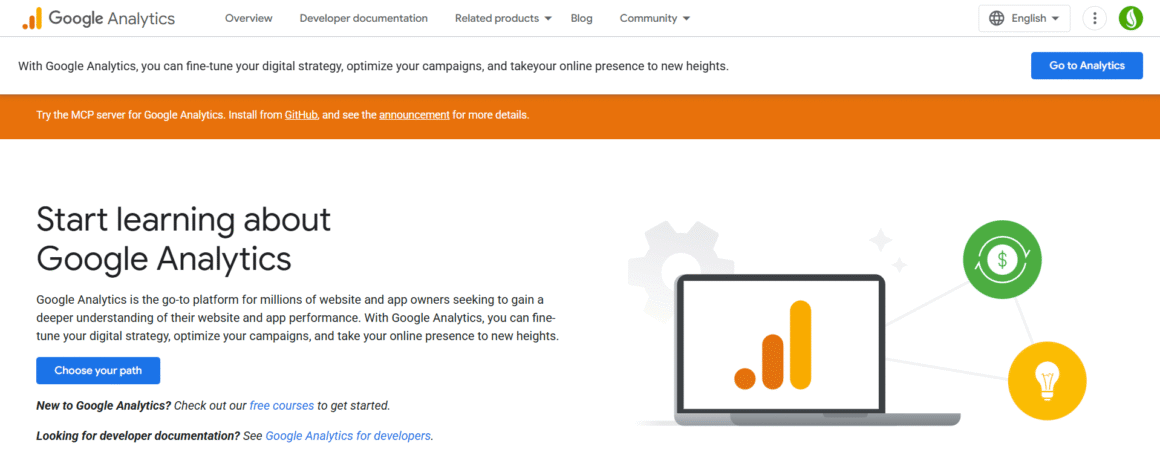
This is one of the best free SEO analysis tools that enables users to analyze user behavior. Most businesses and marketers track how users interact with apps and websites, providing meaningful insights into performance and engagement.
According to Search Engine Land, the new updates to Google Analytics 4 are improving data completeness, flagging issues, and providing richer context. Additionally, a new data quality indicator serves as an early warning, enabling marketers to detect and resolve issues.
Key Features:
- Detects duplicate content
- Find and track backlinks
- Provides detailed insights into user behavior and traffic sources.
Pros:
- Shows what percentage of traffic is coming from LLMs
- Can be integrated with other Google tools
Cons:
- May be hard for newcomers
- Sometimes the tool can be overwhelming due to its large data pool.
4. Ubersuggest
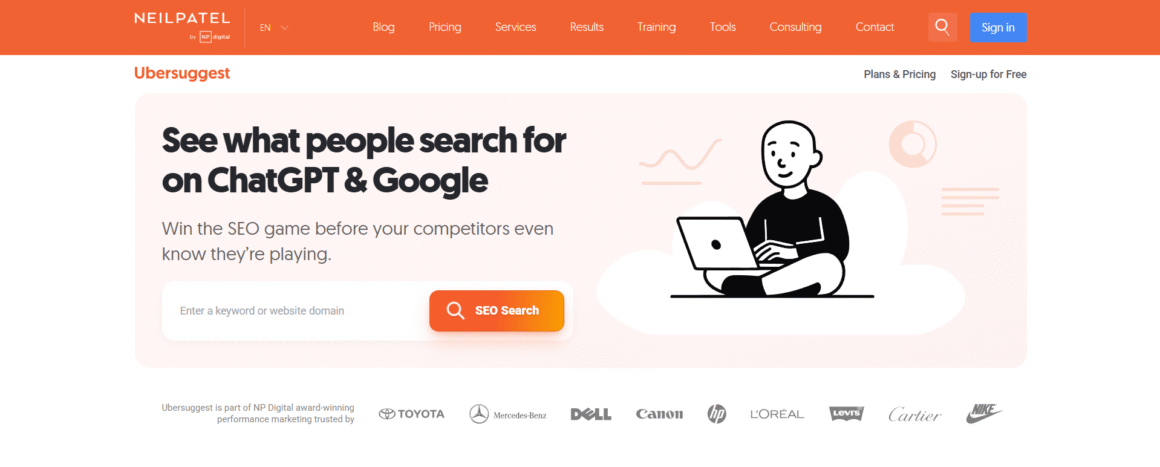
Renowned marketer Neil Patel created this tool that suggests keywords, displays search volume, and provides a score to help you easily sort your targets. Features like site audits highlight on-page issues like thin content, ensuring your website is in optimal condition.
We selected this tool as one of the best free SEO tools because it provides metrics such as cost-per-click, volume, paid difficulty, and SEO difficulty. This will help you to extract data once you narrow down to a single keyword.
Key Features:
- Offers site audit features
- Suggest keywords and display search volumes
- Offers competitor analysis
Pros:
- A widely used tool, so you will get tons of resources from external creators.
- A comprehensive tool to help you with key SEO features compared to other tools in the market.
Cons:
- Lacks in advanced competitor research
- Slow loading times and no dedicated mobile app
5. Screaming Frog
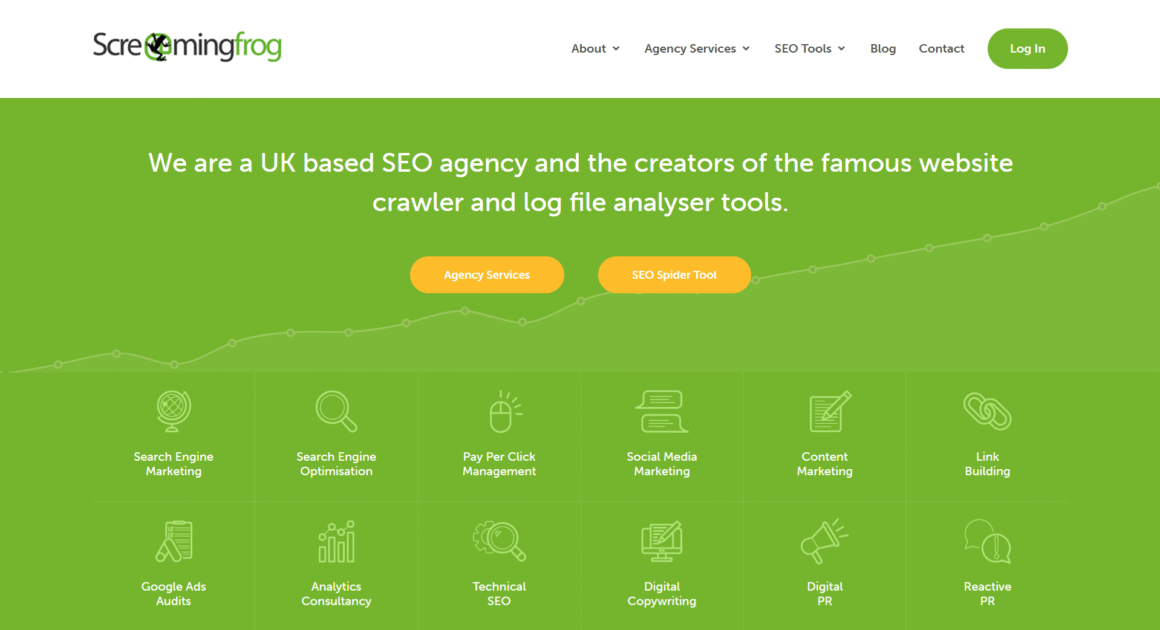
This tool has saved my brand’s precious resources by helping our team understand what’s going on with the website. Accidentally, one of our UI/UX designers put a no-index tag on the homepage, causing it to disappear from SERP for a few days. I used the tool to find the error, used it to add meta tags that were SEO-friendly instead, and once I updated the site, all the traffic returned.
Likewise, if you want to perform deep technical audits, it would be a great tool. The free version can crawl up to a definite number per domain, which will be sufficient.
Pros:
- Provides comprehensive site audits
- Detects duplicate content
Cons:
- The dashboard is a bit complex. Therefore, new learners may face difficulties.
- Can be accessed from desktop only
6. Google Trends
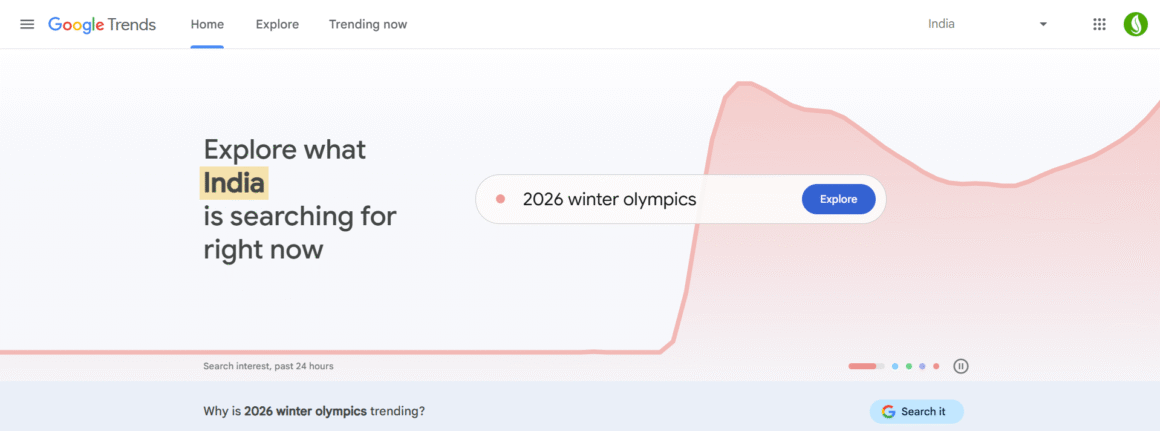
This is one of the best, easy-to-use, free SEO analysis tools that help you understand what people are searching for on Google. You can also view the rise-and-fall graph over time across multiple locations. This helps you understand the latest trends and public interest in it.
Now, you can explore the latest trends and compare data for related searches. The updated trends explore page uses Gemini to automatically identify relevant trends. Also, you will see suggested Gemini prompts to refine your search.
Key Features:
- Provides search interest over time
- Shows users’ interest in hyper-targeted marketing.
- Analyzes five terms on a single search to show how it stacks up against competitors.
- AI-powered prediction enables anticipating the latest trends.
Pros:
- Helps you perform keyword research and SEO-friendly content
- No signup is needed
- Blends historical and real-time data
- Ideal for local and global SEO
Cons:
- Limited to Google data only
- No keyword difficulty metrics
- No specific search volume
7. Moz Free SEO Tools
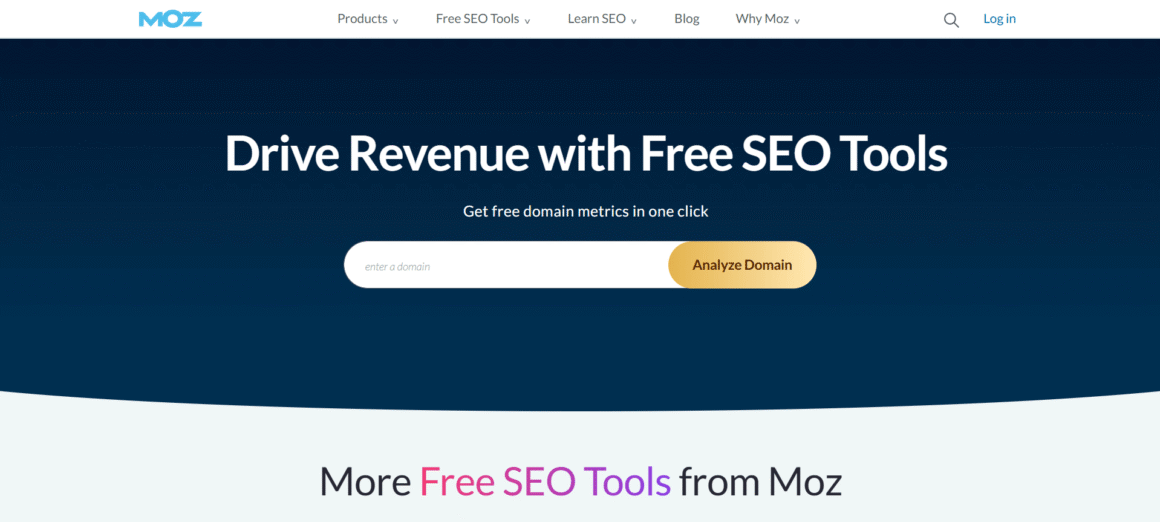
This is a popular free SEO tool that helps improve search engine visibility. If you’re planning and monitoring the link-building process. Also, Moz offers a free web browser extension, Mozbar.
Key Features:
- Competitive analysis
- Rank tracking
- On-page recommendations
- Keyword difficulty
Pros:
- Offers trusted, accurate data
- User-friendly interface
- Enables the user for basic keyword research
Cons:
- Provides only necessary data for keywords.
- Can monitor only one project at a time.
8. Google Pagespeed Insights
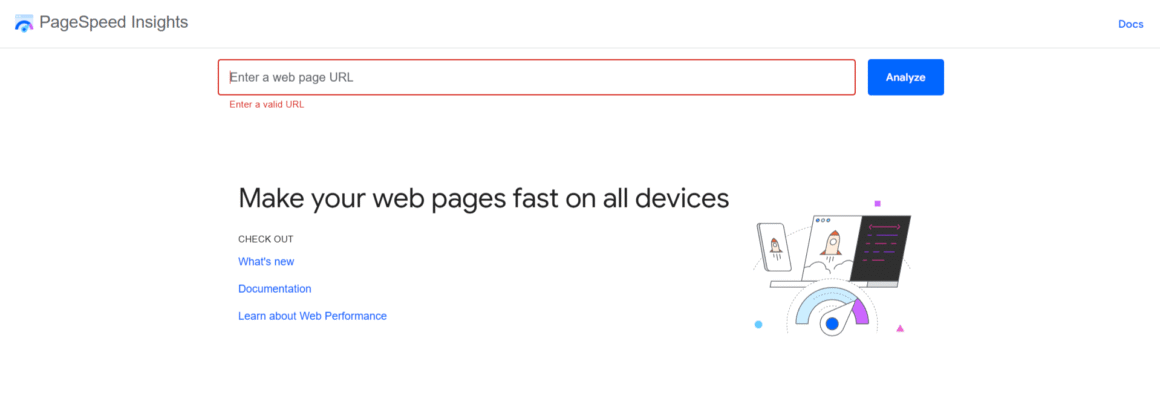
Analyze your website performance for both desktop and mobile with Google Pagespeed Insights. You will get a speed test performance score along with site speed and page load times. This score indicates whether the pages meet Google’s speed standards. The higher your website score, the better the keyword rankings will be.
Key Features:
- Analyzes web page performance for desktop and mobile
- Provides standard recommendations to enhance user experience, Core Web Vitals, and SEO.
- Combines real user field data with lab-simulated data.
Pros:
- It’s a free tool
- Provides categorized recommendations
- Easy to understand
- Focus on core web vitals
Cons:
- Data update is slow
- Provides inconsistent results
- No technical diagnostics
9. Spyfu
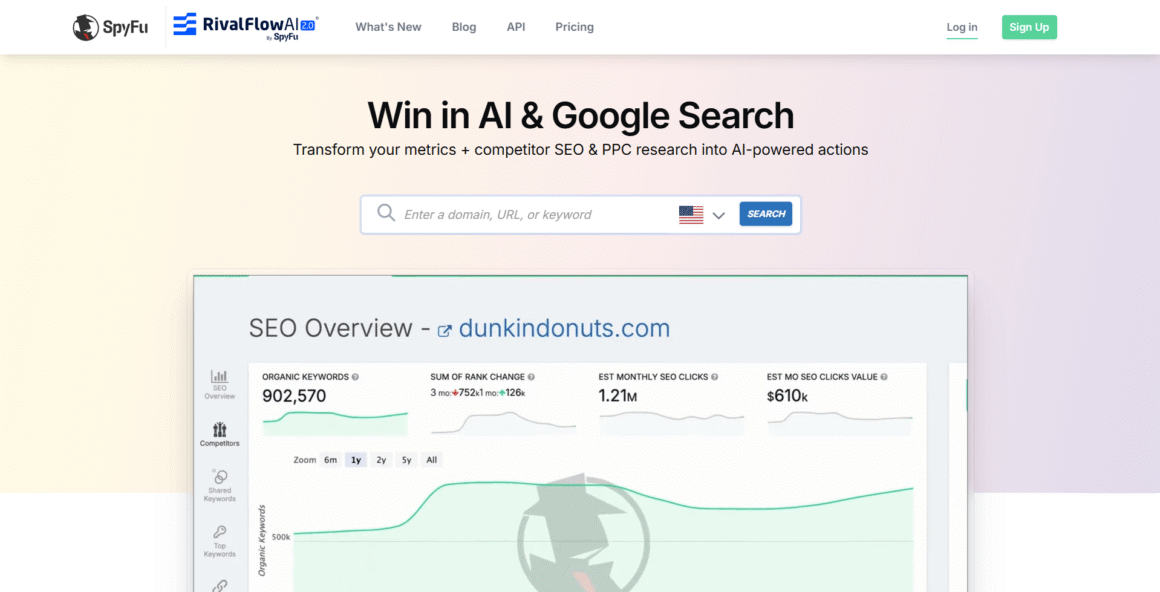
Check ground-level SEO insights in your website performance, as it provides statistics such as shared keywords, top competitors, ranking keywords, organic clicks, and inbound links. With this data, you get a picture of your website performance while pinpointing the areas that may have potential. To start, enter your website’s keyword in the search bar to get results.
Key Features:
- Keyword suggestions from primary phrase
- No login subscription required
- Provides a neatly formatted keyword list
Pros:
- No login required
- Free to use
- Orchestrated report based on the keyword
Cons:
- Doesn’t include SEO audits
- Limited SEO functionality
10. Answer the Public
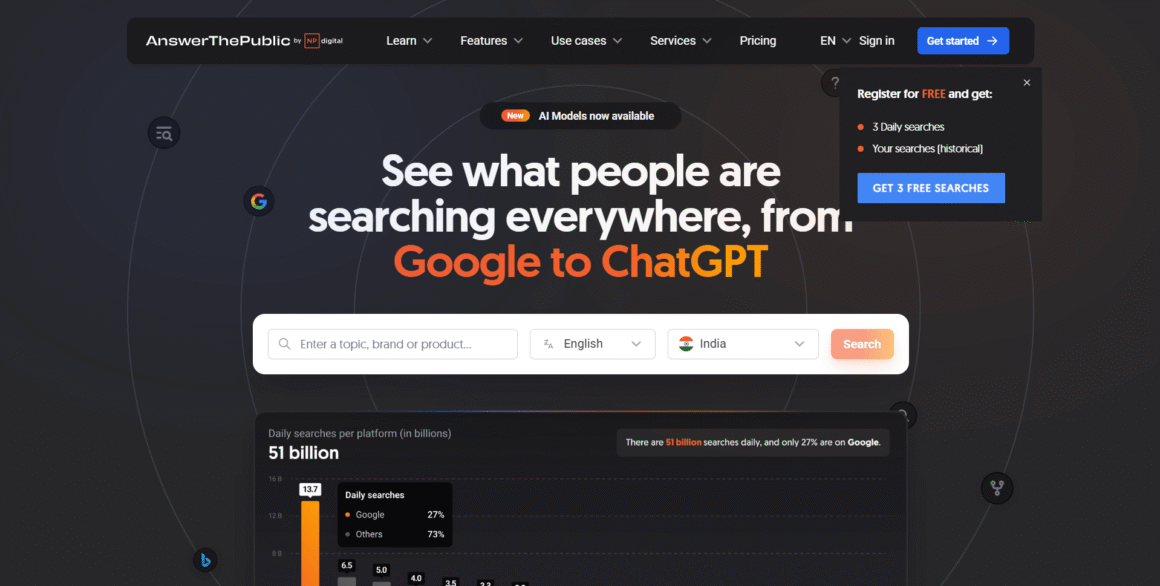
“What does my target audience want to know?” This question may have come to mind multiple times while conducting a website audit and planning content. Answer the public is here to help you understand the target audience’s pain points and related questions. This keyword research tool relies on Google’s autocomplete. It pulls out phrases, actual questions, and comparisons people type on Google.
To start, enter the keyword, choose your location and language, and let the tool provide you with organized search suggestions.
Key Features:
- Voice search available
- Covers wide user intent
- Data export options
- Filters unnecessary suggestions
Pros:
- Supports AI voice search trends
- Intuitive interface
- Provides long-tail keywords
Cons:
- The free option restricts you from searching
- No rank tracking feature
- Only Google autocomplete data sourced
Best free online SEO audit tools in 2026: A Quick Comparison
| Tool Name | Main Function | Best Feature | Free Plan Limitation | Who can use the tool? |
| Google Search Console | Site ranking and health checking. | Provides accurate data | N/A | Everyone |
| Ahrefs Free SEO Tools | Site Audit & Backlinks | In-depth backlink data | It only extracts data for verified websites. | Agency owners, requiring link data. |
| Google Analytics 4 | User behavior | Track conversion | N/A | Everyone |
| UberSuggest | Keyword research | Provides content idea and domain overview | Limited daily searches | Beginner marketers and individual bloggers. |
| Screaming Frog | SEO technical audit | Detect broken links | Can crawl up to 500 URLs | Intermediate- to advanced-level marketers |
| Moz (Free Version) | SERP analysis | Local listings management | Advanced features are not available in free version | Businesses want to focus on local listings |
| Google Pagespeed | Site speed | Can assess core web vitals | NA | Site owners and developers |
| SpyFu | Keyword research | Local rank checking | Limited SEO functionality | Basic to intermediate marketers |
| Answer the public. | Content development | Provides desired user questions | Limited daily searches | Individual marketers, agency owners |
Ready to Amplify Your Business SEO Strategy?
Did you catch the ultimate goal? It all comes down to leveraging a free website SEO analysis to help your marketing team connect the dots between SEO, technology, and growth. Before choosing a tool, define the pain point you want to solve. This approach enables you to supercharge your marketing efforts without compromising on quality, which is essential for attracting more potential leads.
FAQs
What is the best free online SEO audit tool in 2026?
Google Search Console and Ubersuggest are the two most comprehensive tools, providing digital marketing agency owners with meaningful insights.
Which free SEO tool is best for a small business?
Spyfu and Answer The public are ideal for small businesses, as they provide detailed insights into competitor analysis, keyword research, and planning.
Can I use multiple keyword research tools simultaneously?
Of course! Many businesses leverage multiple keyword research tools to accumulate data. Each tool has its unique features. Therefore, combining multiple tools can provide a vivid picture of keyword performance.