The Astra vs. Elementor debate confuses many WordPress beginners. Most individuals usually ask themselves, ‘Are they making the right decision in choosing one out of two products? However, the reality is that they complement each other. Astra is a minimalistic WordPress theme. Elementor is a page-building plug-in. They complement each other very well, but they are used differently.
This myth is because of the absence of knowledge of what each tool does. The majority of newcomers think that they are forced to choose between the two. That’s not how it works. It is time to set the confusion aside and get the best WordPress setup. Eventually, you will understand how to utilize these tools to your advantage.
Learning the Basics
What Astra Actually Does
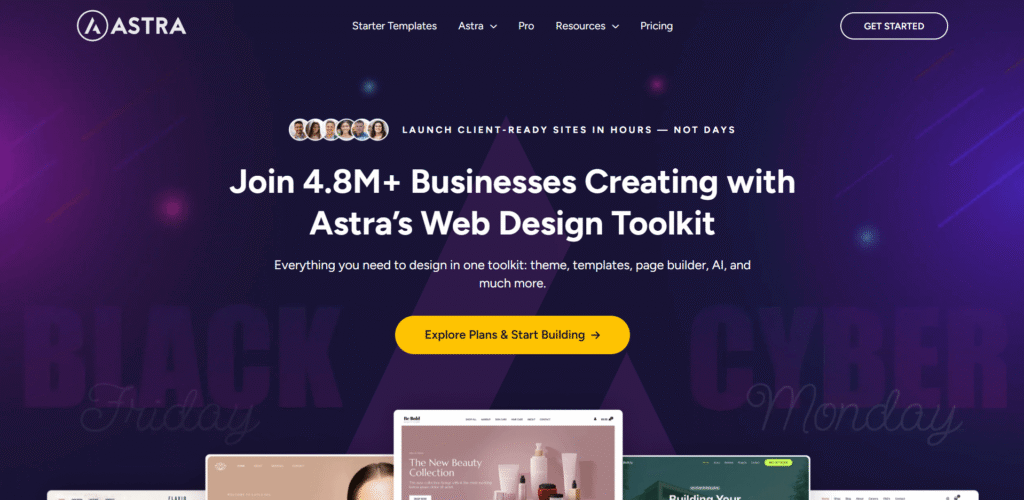
Astra is your website foundation. It controls the overall architecture of your site, the way your header is designed, the way your footer is designed, and your global architecture. Suppose that it is the skeleton of your site.
It is lightweight and quick to load up. It offers personalization through WordPress Customizer. Colors, typography, and layouts are at your disposal. Astra does not strive to do everything. That’s its strength. It is a master of performing core theme functions.
It contains a free version and a pro version of the theme. The free version is adequate for small websites. Pro allows adding such professional characteristics as custom layouts and header settings.
What Elementor Has to offer
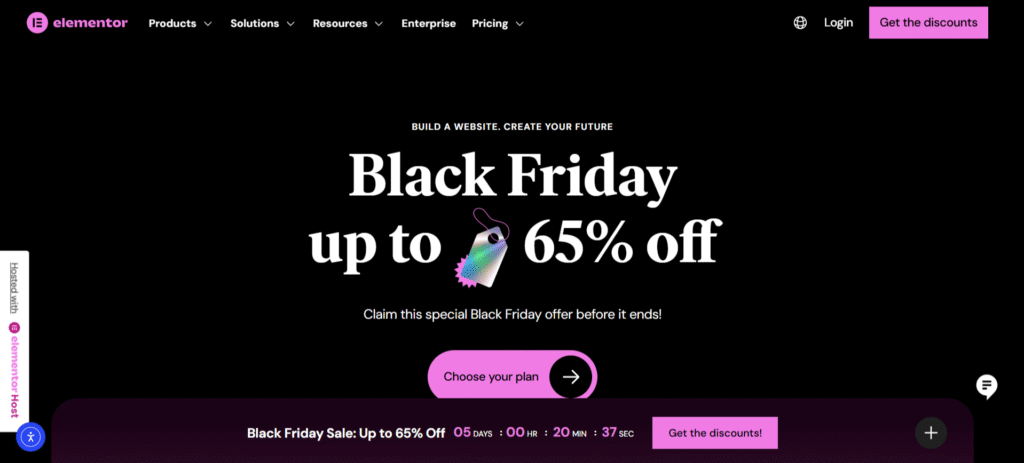
Elementor is a drag-and-drop page builder. It allows you to create single pages using graphics. You get to see what you are constructing on screen. Elementor page builder is highly rated in terms of its performance in the WordPress ecosystem. It supplies the use of a widget, templates, and flexibility in design, which cannot be given by themes alone.
You drag things to your page. You customize them visually. No coding required. Changes appear instantly. Elementor is compatible with any themes that are well-coded. Nevertheless, other themes are more successful. Functionality and performance are issues of compatibility.
The cost of the plugin is also free and pro. Free Elementor offers rudimentary blocks. Pro gives the option of theme building, popup building, and advanced widgets.
Astra vs Elementor
This is the point: Astra theme vs. Elementor website builder is not a good comparison. They’re not competitors. Their activities are in two different realms. Astra deals with site-wide features. Your header is present on all pages. Your footer is constant. Everywhere global colors are applicable. That’s their territory.
Elementor builds particular pages. You construct your layout of your home page. You design pages that are custom-made. You create distinctive content areas. That’s builder territory. The combination of the two establishes the ultimate WordPress environment that Astra and Elementor users do not stop praising. Stability of the themes and the flexibility of the builder.
Astra and Elementor are the most common theme and builder that are used by many professionals. This integration provides responsiveness, agility, and control. It has been an industry-standard arrangement. Imagine that it is a house construction. Astra gives the framework and the basis. Elementor can be used to design and ornament individual rooms. Both are essential.
Why Astra is a Perfect Elementor Partnership
Lightweight Foundation
Astra is a good Elementor-compatible WordPress theme due to a number of reasons. It provides little code to your site. This continues to make loading times rapid. Elementor is slowed down by heavy themes. They load superfluous CSS and JavaScript. Your pages become sluggish. Tourists exit before the content loads.
Astra stays out of the way. Even with the complex Elementor designs, your pages load very fast. The theme incorporates just necessary code. Majority. Astra pages take less than a second to load. It is quite impressive considering a full-fledged theme. Speed is a factor in user experience and SEO ranking.
Seamless Integration
Astra has certain integration with Elementor. Headers and footers on pages can be disabled by Astra. This provides Elementor with full control where necessary.
The theme does not come into conflict with the styling of Elementor. All is in a state of harmony. You will not use hours of troubleshooting problems with layout.
Header/Footer Builder Compatibility
Astra works with the header and footer builder. Astra supports Elementor (Pro version). It is possible to create a customized header with the help of Elementor. Then Astra lists them on the entire site.
This brings uniformity to your whole website. You receive visual editing of international objects. There will be no more coding headers and the use of different plugins.
Astra vs. Elementor: The Complete Dummy’s Guide
It is a decision that beginners have difficulties making. Let’s break it down simply.
Start with Astra Free
The free version of Astra can be downloaded. It offers the requirements of basic sites. You have quick loading, a sleek design, and easy customization. Customize your global colors, footer, and header. Install your simple site structure. This lasts approximately thirty minutes.
The interface is uncomplicated. You will have choices under the WordPress Customizer. Changes preview in real time. It’s beginner-friendly.
Add Elementor Free
Install the Elementor free version next. Begin building your home page using drag and drop. Design some important pages visually. The combination provides beginners with some powerful tools without making it very complex. You are not being inundated with choices. You’re building effectively.
The Elementor interface is easy to use. Drag a widget. Drop it where you want. Customize its settings. See results immediately.
When to Upgrade
Use Astra Pro when you require more options in the header, custom layouts, or WooCommerce functions. The upgrade expenses are affordable. Features open up a lot of possibilities. Install Elementor Pro to construct themes, popups, and high-quality widgets. Ultimately, saved time turns out to be a fast payback on the investment.
Astra vs Elementor Comparison: Breakdown of Features
Customization Approach
Astra is based on WordPress Customizer. It is not new and complex. The changes are applied site-wide automatically. Once you customize world settings. They affect every page. That is effective when it comes to consistency.
Elementor utilizes page-by-page editing. It’s intuitive and powerful. You see results immediately. Each page can look unique. That is strong in landing pages and special content.
Design Templates
Astra offers startup templates. These present full site designs, which are importable. Most of them are Elementor-specific. Click import. Your site is professional at the first glance. Customize from there. You save hours of design work.
Elementor possesses page templates and blocks. These assist in accumulating personal segments in a rapid manner. The library is extensive. Need a pricing table? Use a template. Want a testimonial section? Import a block. Building becomes faster.
E-commerce Support
Both excel with WooCommerce. Astra simplifies the product placement and store pages. It is all simply coincidental. Elementor develops personalized product pages and checkout. You make shopping experiences, which are more transformable.
Their joint venture is to create beautiful online stores. The experience is preferred by customers. Sales increase. That’s a measurable value.
Final Thoughts
It is not a question of choosing one out of the two in Astra vs. Elementor. It is all about understanding how they work together. The most appropriate theme of Elementor is Astra. It is not heavy, can be loaded in a short time, and does not become bulky. There is no competition in terms of the design and visual editing capabilities of Elementor. You get what you think you are.
They combine together to create professional websites that do very well. It is a successful domination of the WordPress ecosystem. The setup operates millions of successful websites. Agencies construct it into the client sites. Freelancers do it as a daily routine. Stop turning them into competitors. Use them like the power team that they are.
Disclosure: Some links on Themezhub are affiliate links. We may earn a commission if you make a purchase through them.