


Disclosure: Some links on Themezhub are affiliate links. We may earn a commission if you make a purchase through them.


- Unlimited websites
- Free Domain 1st Year
- 350 GB NVMe SSD
- Daily Website Backups
- 5x access to server resources
- 4 Email addresses
- Malware scanner for websites
- 30-day money-back guarantee


- 3 websites
- Free Domain 1st Year
- 20 GB SSD storage
- Free weekly backups
- 2 GB & 1 CPU Cores
- Unlimited free SSL
- Unlimited bandwidth
- 30-day money-back guarantee
Which one you pick, Hostinger or IONOS, depends on what you need from your web host. Both offer hosting plans for different types of websites, but the pricing and features are different, and so are the website management tools.
In this Hostinger vs IONOS comparison, we’ll look at hosting plans, renewal prices, performance, WordPress hosting, and website builders. We will look at ease of use and customer support too, so you can see where each provider stands.
This guide will help you weigh the differences if you are launching your first website. You can use it the same way for a WordPress blog or a business website. You will have to compare IONOS vs Hostinger to see which one fits your needs and budget better.
Hostinger vs IONOS: Quick Comparison
| Feature | Hostinger Premium | IONOS Plus |
| Promotional price | $3.99/month | $1/month |
| Initial billing term | 12 months | 12 months |
| Total upfront payment | $47.88 | $12 |
| Renewal price | $10.99/month | $14/month |
| Website limit | 3 websites | Unlimited websites |
| Storage | 20 GB SSD | 350 GB NVMe SSD |
| WordPress hosting | Available | Available |
| Website builder | AI website builder included | Separate website builder available |
| SSL certificates | Free SSL included | Free SSL included |
| Backups | Weekly | Daily |
| Uptime guarantee | 99.9% | 99.99% |
| Customer support | 24/7 support | 24/7 support |
Both Hostinger and IONOS have hosting plans that come with WordPress support and SSL certificates. You also get tools that help you build a website. However, their resources and features differ. Hostinger’s Premium plan supports three websites, while IONOS Plus allows unlimited websites on its listed web hosting plans.
Pricing also needs a closer look. Hostinger Premium costs $3.99 per month on a 12-month subscription, whereas IONOS Plus costs $1 per month for the same period. That means you pay more upfront with Hostinger, but its renewal rate is lower. Both providers also offer longer-term or alternative subscription options that can affect the overall cost.
In the following sections, we’ll compare their hosting plans, performance, WordPress hosting, and website builders in more detail to help you decide which provider best suits your needs.
Hostinger Hosting Plans and Pricing
Whether it is a personal blog or a business website, Hostinger has a plan for it. Premium works for smaller projects, but Unlimited gives you more storage and more websites.
Hostinger’s US website lists the following web hosting plans:
| Feature | Premium | Unlimited |
| Promotional price | $2.49/month | $3.49/month |
| Initial billing term | 48 months | 48 months |
| Total upfront cost | $119.52 | $167.52 |
| Renewal price | $10.99/month | $16.99/month |
| Website limit | 3 websites | Unlimited websites |
| Storage | 20 GB SSD | 50 GB NVMe |
| Backups | Weekly | Daily |
| Free domain | 1 year | 1 year |
These prices are based on Hostinger’s 48-month subscription offers. Hostinger also has 12-month plans. Premium costs $3.99 per month and you will have to pay $47.88 upfront, whereas Unlimited costs $4.99 per month with $59.88 upfront. At renewal, the prices go up to $10.99 for Premium and $16.99 for Unlimited.
With Premium, you will get 20 GB of SSD storage and weekly backups. The plan also comes with a free domain for the first year. So it’s a good place to start if you don’t need to manage several websites.
The Unlimited plan lets you host as many websites as you want. You will get 50 GB of NVMe storage and daily backups. It may be a better fit if you manage multiple sites or need more storage, but unlimited websites doesn’t mean unlimited server resources. The plan remains subject to Hostinger’s Fair Usage Policy and resource limits.
What about the Hostinger renewal price?
Promotional prices are for the initial subscription period only. The renewal rates are what you will pay long-term, so count them in.
The weekly backups on Premium are a limit, but it may still be enough for a smaller website. But if you manage multiple projects, then Unlimited gives you more room.
IONOS Hosting Plans and Pricing
On its US website, IONOS has four main web hosting plans. Essential, Starter, Plus, and Ultimate are the four plans. Storage and server resources go up from one to the next. So do the email accounts and included features. Your website’s needs come first. The plan you pick depends on what your website needs, and you will have to think about the price after the introductory period too.
| Feature | Essential | Starter | Plus | Ultimate |
| Promotional price | $4/month | $6/month | $1/month | $10/month |
| Initial billing term | 12 months | 12 months | 12 months | 12 months |
| Total upfront cost | $48 | $72 | $12 | $120 |
| Renewal price | $8/month | $10/month | $14/month | $18/month |
| Storage | 100 GB NVMe | 200 GB NVMe | 350 GB NVMe | 500 GB NVMe |
| Server resources | Standard access | Extended access | 5x access | 10x access |
| Email accounts | 1 | 2 | 4 | 5 |
| CDN | Not included | Included | Included | Included |
The essential plan may be enough for a small website or personal project. You will get 100 GB of NVMe storage and one email account. A malware scanner, daily backups, and a free domain for the first year come with it.
With the Starter plan, you get 200 GB of NVMe storage and two email accounts. A CDN is included too. Plus increases storage to 350 GB and includes four email accounts. Ultimate comes with 500 GB of NVMe storage and five email accounts, along with advanced malware protection. You get a 99.99% uptime guarantee regardless of the plan you decide to go with.
What about the IONOS renewal price?
You will get the introductory rates for the first 12 months only. After that, Essential renews at $8 per month and Starter at $10. Plus renews at $14, whereas Ultimate renews at $18. Plus has the lowest introductory rate at $1 per month. But after the first year, Plus renews at $14 per month.
You will have to look at the renewal price and the resources included before you pick a plan. Essential may suit a smaller website, while Starter, Plus, and Ultimate offer progressively more storage and server resources. The latter three plans also include a CDN.
Which Provider Offers Better Value for Money?
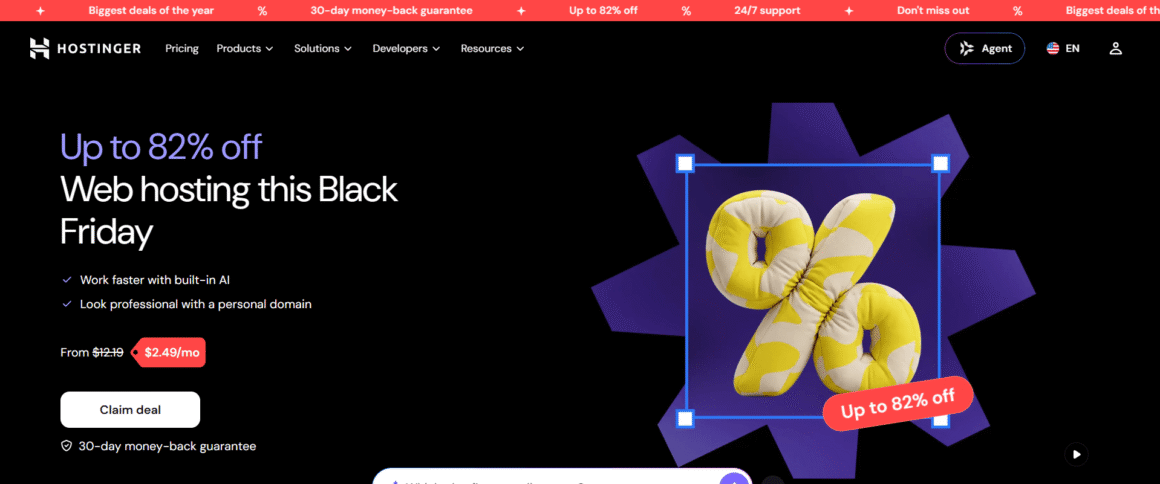
Hostinger pricing and IONOS pricing are different, both in the introductory rates and in the subscription terms. So let’s compare their 12-month offers, since that is fairer. Hostinger Premium costs $3.99 per month, which means $47.88 upfront. IONOS Plus costs $1 per month, which means $12 for the first year.
What you get is different too. Hostinger Premium supports three websites and comes with 20 GB of SSD storage. IONOS Plus supports unlimited websites, and it has 350 GB of NVMe storage plus a CDN. If you manage several websites or need more storage, IONOS Plus offers more resources.
Then there are the renewal prices. Hostinger Premium renews at $10.99 per month, whereas IONOS Plus renews at $14. Hostinger has a lower introductory rate of $2.49 per month if you commit to 48 months, which brings the upfront payment to $119.52. But that means a longer commitment and a bigger payment at the start.
Hostinger Premium may be a better fit if you host a few websites and want a lower renewal rate. Say you need more storage and unlimited websites, and you want a smaller initial payment, then IONOS Plus may suit you better. The upfront cost and the renewal price are the first two things to compare. The included features come after that.
Performance and Uptime
Website speed and uptime shape how visitors see your site. So when you compare Hostinger vs IONOS, you will have to look at the performance features and the uptime guarantee of each provider. Neither figure alone tells you how quickly your website will load.
Hostinger Performance
Websites load faster on Hostinger because it runs on LiteSpeed web servers and has caching tools. You also get a CDN with its web hosting plans. The storage you get is SSD or NVMe, and that depends on the plan. You will see a different improvement depending on your website’s setup, plugins, and traffic.
The uptime guarantee Hostinger advertises for its hosting services is 99.9%. That is a commitment from the provider. It doesn’t mean every website will get the same uptime in practice.
IONOS Performance
IONOS uses NVMe storage across its listed web hosting plans. A CDN comes with Starter, Plus, and Ultimate. Cached content can be served from servers closer to visitors, which can help cut loading times. The Essential plan does not have a CDN.
IONOS advertises a 99.99% uptime guarantee on its web hosting plans. Hostinger’s figure is 99.9%, so IONOS is higher. That doesn’t make IONOS websites faster, though. Think of uptime as the website being up and working. Page speed is a separate question, which is how quickly it loads on your screen.
Which Provider Offers Better Performance?
Website performance gets support from features on both providers. With Hostinger, you get LiteSpeed servers, along with caching and a CDN. IONOS gives you NVMe storage and a CDN on three of its four listed plans.
Independent tests can help determine the faster hosting provider. They should use comparable plans, websites, and testing locations. Without those results, there isn’t enough evidence to name an overall speed winner.
WordPress Hosting: Hostinger vs IONOS
WordPress hosting comes from both providers, and the plans are not all the same. If you are weighing Hostinger WordPress hosting against IONOS WordPress hosting, the tools included are the first thing to look at. Then there is the maintenance you want to handle, and the resources your website needs.
Hostinger WordPress Hosting
Hostinger comes with WordPress hosting and a hosting dashboard where you set up and manage your website. WordPress can be installed from there, and several site settings can be managed too. So you don’t have to do every technical task by hand.
Hostinger has a staging tool too. You can test changes to themes, plugins, and page layouts there before they go live. Which plans include it depends on the plan, though, so look at Hostinger’s current plan details to check.
Beginners who want a straightforward setup can find these tools useful. Website owners who update content or design regularly may like them too. Managing client websites? Staging can help you test changes before they go live.
IONOS WordPress Hosting
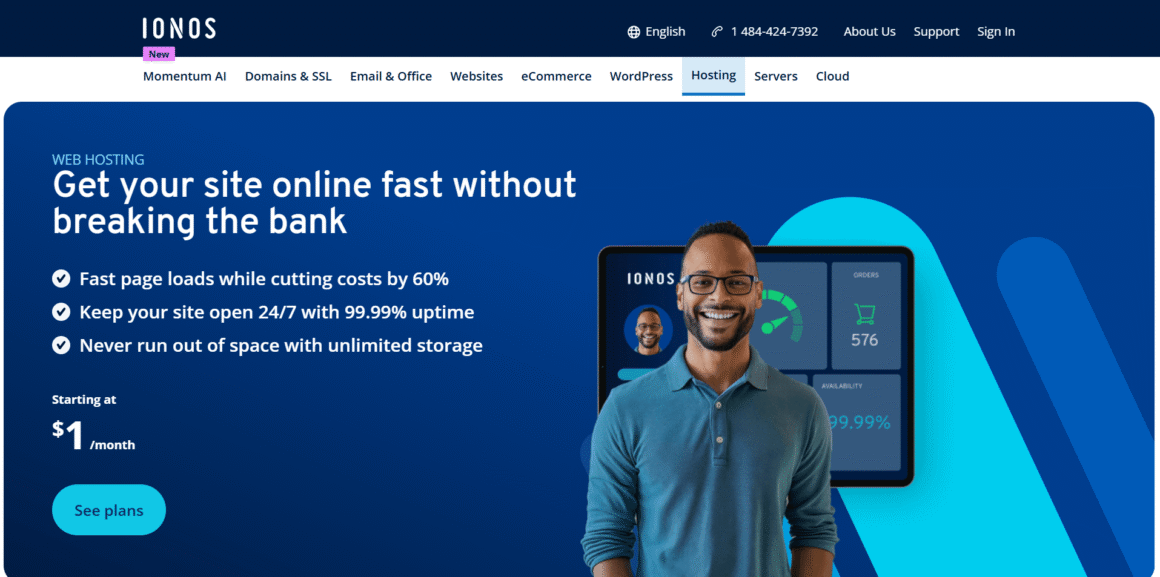
Both regular and managed WordPress hosting are available from IONOS. Which plan you choose decides whether you get a domain, email, and SSL. You can also get automatic updates and backups. For more storage or specific performance features, you will have to check the package details, as the features differ from plan to plan.
Managed WordPress hosting is meant for users who want less routine maintenance. With its managed service, IONOS can handle updates to WordPress core, themes, and plugins. The PHP environment is covered too. Standard WordPress hosting leaves more of the work to you, so you will have to check which update and maintenance features come with your package.
If you want WordPress hosting, domain, and email from the same provider, IONOS may suit you. How much control you want will point you to the right option. Your website’s needs matter here as well.
Which Provider Is Better for WordPress?
The answer depends on what you want from your site. Hostinger has a staging tool on Business plans and above. It can help when you test site changes. IONOS has managed WordPress hosting for users who want the provider to handle more of the routine maintenance.
Look at the storage and website limits of the plans you are considering. Then compare the management tools and renewal prices. A basic plan may be enough for a small blog or business website. Do you change your design often, or manage client sites? Then staging and other management tools may matter more than a low introductory price.
Website Builders: Hostinger vs IONOS
If you want to build a website without coding, then both Hostinger and IONOS have website builders for you. They come with templates and visual editing tools, along with AI features. But the editing options, SEO tools, and plan limits are different, so you will have to compare what each one includes.
Hostinger Website Builder
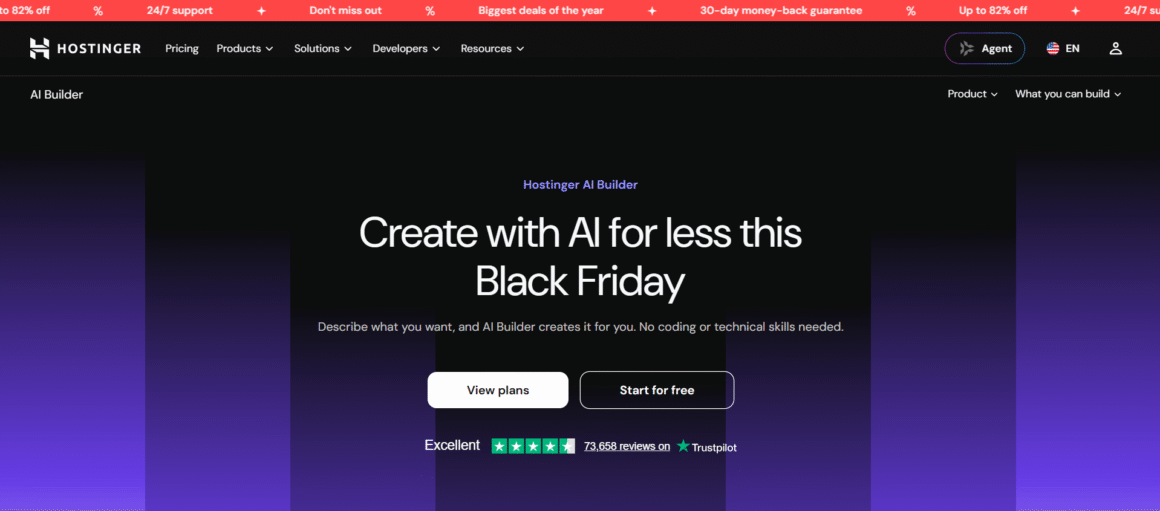
The Hostinger website builder is meant for users who don’t want to deal with a complicated setup. Customizable templates come with it, along with a drag-and-drop editor. There are AI tools as well, which help with website content and visuals. You can start with a template, or generate a first design with AI, and then customize the pages to suit your brand.
There are SEO settings for page titles and meta descriptions, as well as URLs and image alt text. These built-in tools can help you handle basic SEO tasks, so you don’t have to install separate plugins. Ecommerce features are available on supported plans. You can sell your products or services, and follow the orders from the same dashboard.
Beginners who like having everything in one place may find this setup a good match. An online store or extra features can change things, so you will have to check the plan details first.
IONOS Website Builder
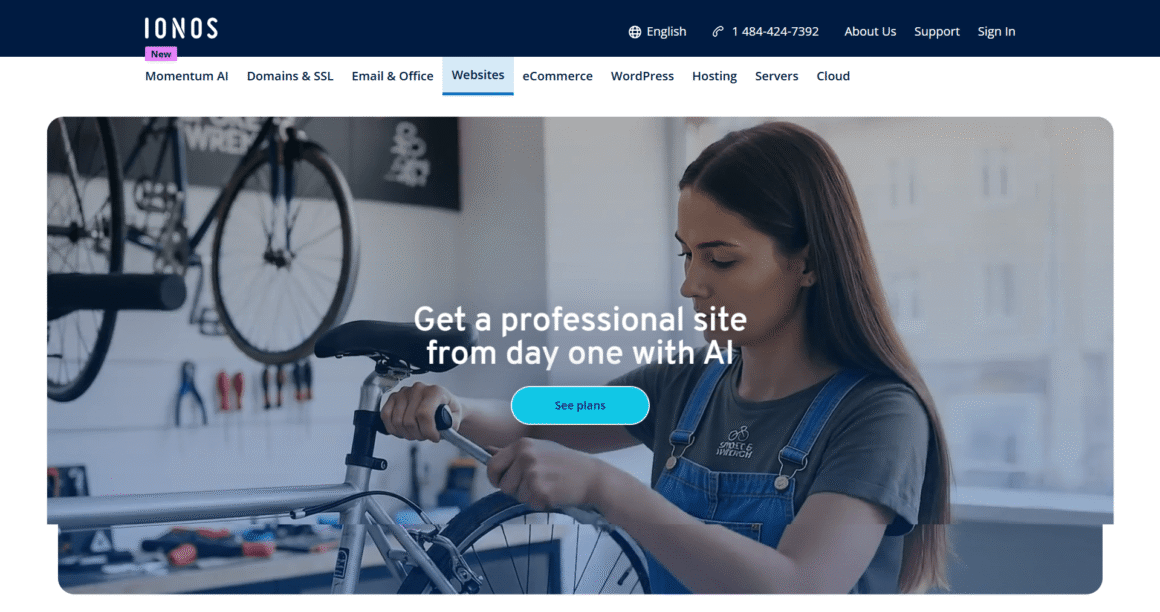
You get templates and visual editing tools with the IONOS website builder. You can use them for business websites and portfolios. Online stores are possible with them too. The AI features can generate website text, images, and page layouts for you to adjust to match your business.
IONOS has SEO tools too, and the plan you pick decides which ones you get. Some plans include basic SEO features, whereas higher tiers add tools such as rankingCoach. Ecommerce and online booking features are available on supported plans. That makes IONOS a good option for service businesses and smaller online stores.
Maybe you are reading an IONOS website builder review. If so, look beyond the templates. Editing flexibility and the number of pages allowed come first. After that, check the SEO tools and ecommerce options, and the renewal price too. These details can matter as your website grows.
Which Website Builder Is Better?
Users who want easy editing may like Hostinger, which has AI, SEO, and ecommerce tools built in. For business features, online booking, or a particular plan, IONOS may be the better match.
Features at similar price points are the fair thing to compare. For a simple business website, ease of use and design flexibility may matter most. An online store is different, so you will have to look at product management and payment options, along with any plan restrictions.
Not every builder fits everyone. You will have to think about the tools you need and how much design control you want. Then there is the cost once the introductory pricing ends.
Ease of Use, Security, Backups, and Customer Support
You get tools for managing your website and protecting your data with Hostinger as well as IONOS. Help is there when something goes wrong too. Since the dashboards, backups, and support channels are different on each, you will have to compare them first.
Ease of Use and Website Management
With Hostinger, you use a custom dashboard called hPanel. Your websites and domains are managed from there. Email accounts and hosting settings are in the same place. Common tasks are easy to find, but some advanced settings may take time to learn.
IONOS has a dashboard too, and it covers hosting and domains, along with email and website settings. That can be handy if you use IONOS for several services, such as web hosting and business email.
Beginners get the main tools to manage a website on both dashboards. How it feels to use depends on which services you use, and on how comfortable you are with hosting settings.
Security and Backups
Both providers include SSL certificates and security features with their hosting plans. The exact features are different on each plan. With Hostinger, the Premium plan has weekly automatic backups. Daily backups come with Business hosting and higher plans, but Premium users can add them separately. Backup retention and the restore process are worth checking first, so look at both before signing up.
The listed IONOS web hosting plans come with malware scanning. You also get daily backups. IONOS generally keeps backups for 14 days. So if something breaks, you can restore your files within those 14 days.
It doesn’t matter which provider you use, keep your WordPress version up to date. The same goes for your themes and plugins. Doing all three can help reduce security risks. Reliable backups are a second safety net, since they make it easier to recover your website.
Customer Support
Hostinger has 24/7 support through live chat, WhatsApp, and email. It doesn’t offer phone support. The help center has guides and troubleshooting instructions for common problems too.
IONOS has 24/7 support, and it has help articles for common hosting issues. IONOS support can help with hosting services and account questions, though the help you get depends on the issue.
Say you need help often, then you will have to look at the contact methods and the kind of help each provider gives. Hostinger may suit users who prefer online support. IONOS may be a better match if its support options and wider hosting services fit your needs.
Hostinger vs IONOS: Pros and Cons
Both Hostinger and IONOS have hosting plans for personal websites, blogs, and businesses. But their pricing and storage are different, and so are the website limits and management tools. Here are the main advantages and drawbacks.
Hostinger Pros and Cons
Pros:
- You get low introductory prices on longer subscriptions.
- You can find your way around the hPanel dashboard without much trouble.
- LiteSpeed servers and caching tools help with website performance.
- SEO tools are built into the AI website builder.
- Daily backups are available on eligible higher-tier plans.
- 24/7 online customer support.
Cons:
- The lowest advertised prices require a 48-month subscription.
- Prices go up at renewal.
- The Premium plan supports up to three websites.
- Premium includes weekly backups rather than daily backups by default.
- Phone support is not available.
IONOS Pros and Cons
Pros:
- Low introductory prices on selected plans.
- Generous NVMe storage allowances, ranging from 100 GB to 500 GB on the listed plans.
- Unlimited websites on its listed web hosting plans.
- A 99.99% uptime guarantee comes with the listed plans.
- Daily backups and malware scanning come with the web hosting plans.
- Hosting, domains, and business email available through one provider.
Cons:
- Renewal costs more than the introductory rate.
- The cheapest introductory price doesn’t last beyond the first year.
- Not every plan has the same website builder features and SEO tools.
- New to hosting? The dashboard may take some time to learn.
Hostinger vs IONOS: Which Should You Choose?
The number of websites you need to host plays a big part in your pick. So do the features you require and the budget you have. Both providers have useful tools, but their plans suit different types of users, so go through the points below before you decide.
Choose Hostinger If…
If you want a straightforward dashboard and an easy way to build or manage your website, Hostinger may suit you. You can go with its AI website builder, or install WordPress instead. It depends on how you like to create your site.
The Premium plan supports up to three websites, and it comes with 20 GB of SSD storage. That may be enough for a personal blog or small business website. Premium renews at $10.99 per month, which is lower than the $14 per month for IONOS Plus. For daily backups or staging tools, the higher-tier plans are where you will have to look.
Choose IONOS If…
IONOS may be a better fit if you need more storage or plan to host several websites. Its listed web hosting plans come with 100 GB to 500 GB of NVMe storage and unlimited websites. A 99.99% uptime guarantee comes with them too.
IONOS also makes sense if you want your hosting, domain, and business email from one provider. But look at the renewal price carefully. The initial offer can be a lot lower than the regular monthly rate.
- Unlimited websites
- Free Domain 1st Year
- 350 GB NVMe SSD
- Daily Website Backups
- 5x access to server resources
- 4 Email addresses
- Malware scanner for websites
- 30-day money-back guarantee
- 3 websites
- Free Domain 1st Year
- 20 GB SSD storage
- Free weekly backups
- 2 GB & 1 CPU Cores
- Unlimited free SSL
- Unlimited bandwidth
- 30-day money-back guarantee
Frequently Asked Questions
Is Hostinger better than IONOS?
Hostinger may be the better pick for beginners. You get a straightforward dashboard, and there are flexible ways to create a website. IONOS may be a better match if you need more storage or want to host multiple websites. Neither is the best pick for everyone. You will have to compare the features and renewal prices, along with the subscription terms.
Is Hostinger cheaper than IONOS?
On a 12-month term, IONOS Plus costs $1 per month, which is the lower introductory price. Hostinger Premium is $3.99 per month for 12 months, or $2.49 per month if you commit to 48 months upfront. But Hostinger has a lower renewal rate. Look at the total upfront payment and the renewal costs, and you will see which plan is the better value.
What is the Hostinger renewal price?
The Hostinger renewal price for Premium is $10.99 per month, while Unlimited renews at $16.99 per month. Both rates are higher than the introductory prices. Promotional offers and plan details can change, so look at Hostinger’s official website for the current ones.
Is IONOS good for WordPress hosting?
Yes. IONOS offers WordPress hosting for different types of websites. The managed WordPress options can cut down routine maintenance. With standard hosting, more of the work is yours. Look at the storage and update management first. Then compare the backup options and renewal costs, so you find a plan that suits your website.
Is the IONOS website builder worth it?
If you want to create a business website without coding, the IONOS website builder can be a good choice. You get templates and visual editing, and the AI features help too. Design flexibility and SEO tools come first when you check it. The ecommerce features and renewal price come next, so you know it meets your needs.
Does Hostinger or IONOS offer a money-back guarantee?
Yes. Both Hostinger and IONOS have a 30-day money-back guarantee on eligible hosting services. But some products, such as certain domain registrations and renewals, come with separate refund conditions or exclusions. You will have to read each provider’s refund policy first.