If you are operating your e-commerce business from a website, you can’t get great growth without providing a smooth payment experience to your clients.
There are multiple payment gateway plugins available. However, it is very important to choose the best payment gateway plugin for WooCommerce.
Therefore, we will provide you with the top 7 payment gateway plugins. Read the article, know about their specialties, and select the one you think best suits your website. Let’s check them out…!
Top 7 Payment Gateway Plugins for WooCommerce in 2026
1. Razorpay
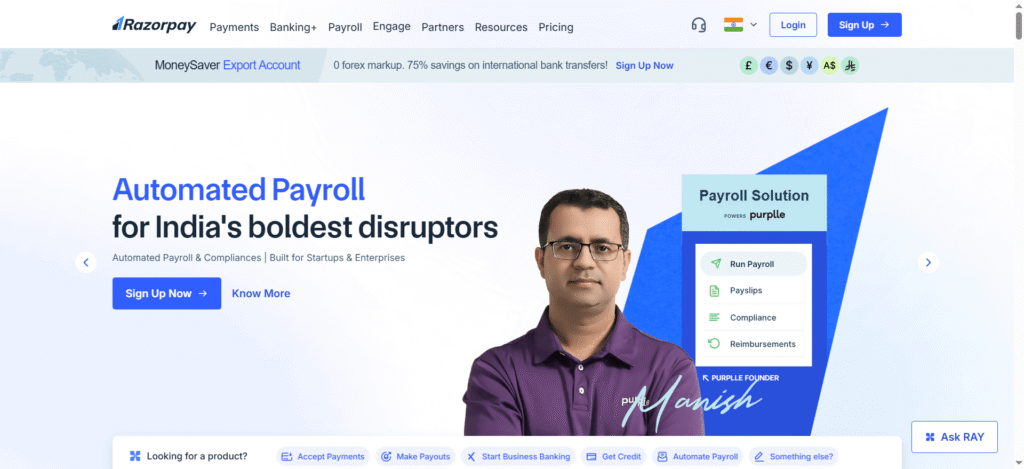
If the maximum number of customers of your online store is from India, Razorpay can be the best option. The company designed it specifically by keeping Indian consumers in mind. That’s why it gives a clear interface, multiple payment mediums, and offers both quick and installment payments.
Important Features of Razorpay:
- Multiple Payment Options: Allows clients to pay via UPI, credit/debit cards, net banking and more.
- Quick Settlements: Credit settles quickly into your merchant account. Sometimes, even within 24 hours…!
- Easy Integration with WooCommerce: You won’t need heavy coding requirements to connect it with WooCommerce. Just follow some basic steps, and you’re done.
Who Can Select It: Best suited for the Indian e-commerce business owners and freelancers. They prefer easy installation and quick payment settlements. It offers them both.
2. PayU
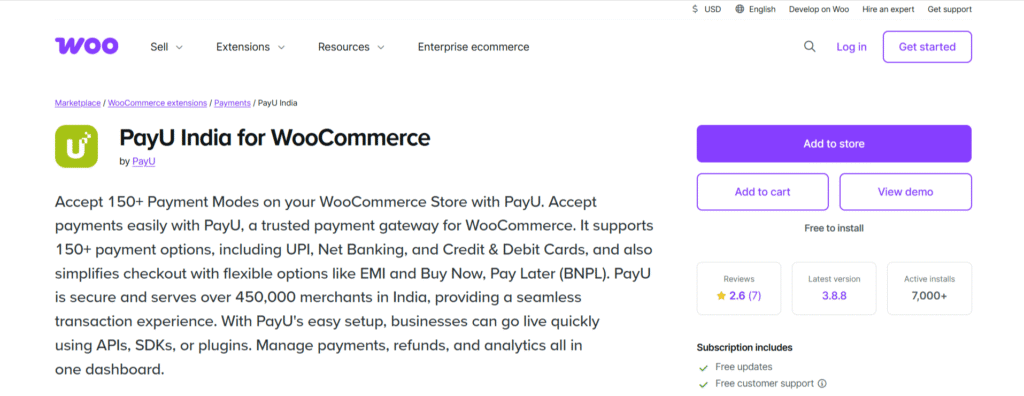
PayU is a reliable payment gateway plugin for WooCommerce. Itsreputation is built on robust infrastructure, engaging interface with adjustable payment features. Moreover, it even provides seamless transactions across operating systems.
Key Features of PayU Plugin:
- Various Payment Options: Here also you can use payment methods like UPI, cards, wallets, etc.
- Smart Retry Feature: It retrieves failed payments automatically to drop the non-payment percentage.
- Coverage Across the Globe: You can easily use international cards and can get payment from anywhere in the world.
Who Will Select It: Best options for those e-commerce businesses that provide their services and products across various nations.
3. Stripe
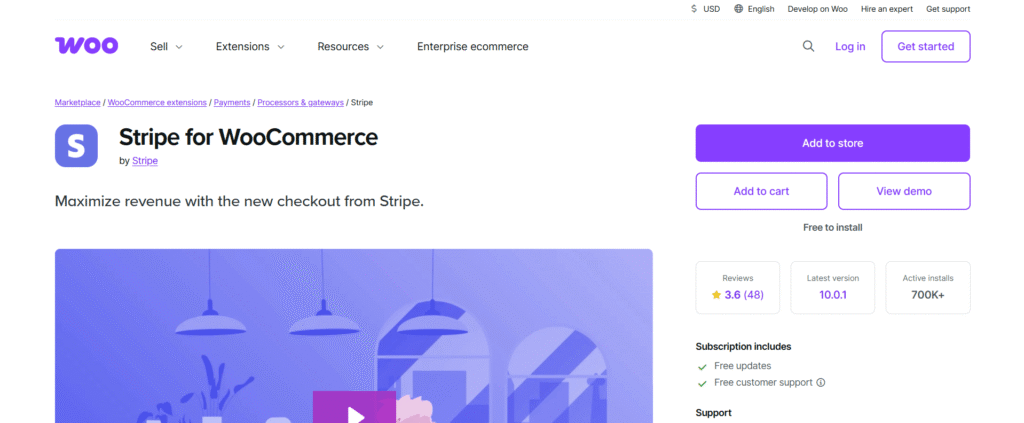
Some businesses only deal with international consumers. If you are one of them, Stripe offers them all the features they need for seamless operations.
It delivers a secure interface and attractive dashboard loaded with amazing features. Additionally, you can also get advanced options including fraud detection, real-life insights, etc.
Important Features of Stripe:
- Multi-Currency Support: You can accept payments in more than 130 currencies.
- Subscription Management: Best suited for selling SaaS products and services that require recurring subscriptions.
- Pro Fraud Detection: Get powerful fraud detection software powered by machine learning.
Who Will Choose Stripe: Best option for those vendors who are selling most of their products internationally. Moreover, it will also be perfect in case you deliver services by subscription.
4. PayPal
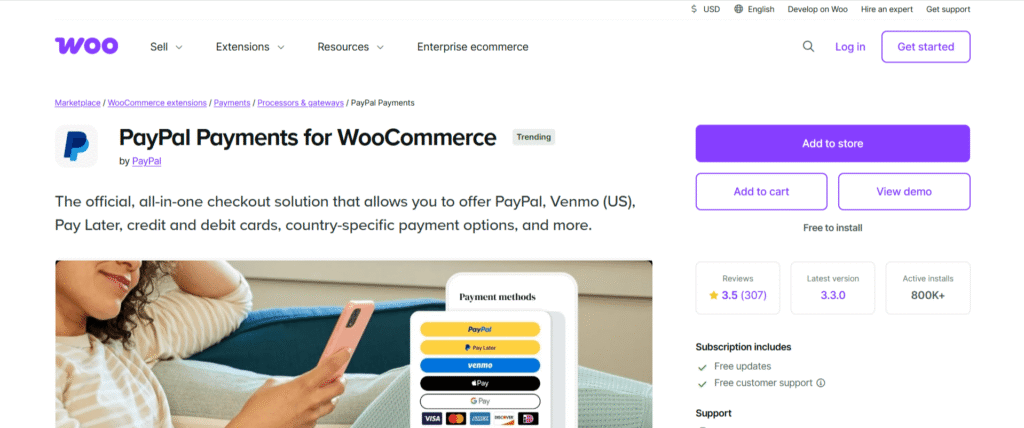
PayPal is still one of the most famous payment gateways for e-commerce websites. Lakhs of business owners have been using it across the globe for decades. The biggest reason is its safety that makes it the perfect choice for international vendors.
Important Features of PayPal:
- Quick Checkout: Your clients can quickly pay with their PayPal balance even without linking their cards.
- Protect Buyer & Seller Interests: Provide safe transactions with seamless dispute resolution.
- Easy Installation: Plugin available that takes only 2 minutes for installation.
Who Will Choose PayPal: Brands that prioritize global payment gateways for Their international customers prefer this plugin.
5. Cashfree
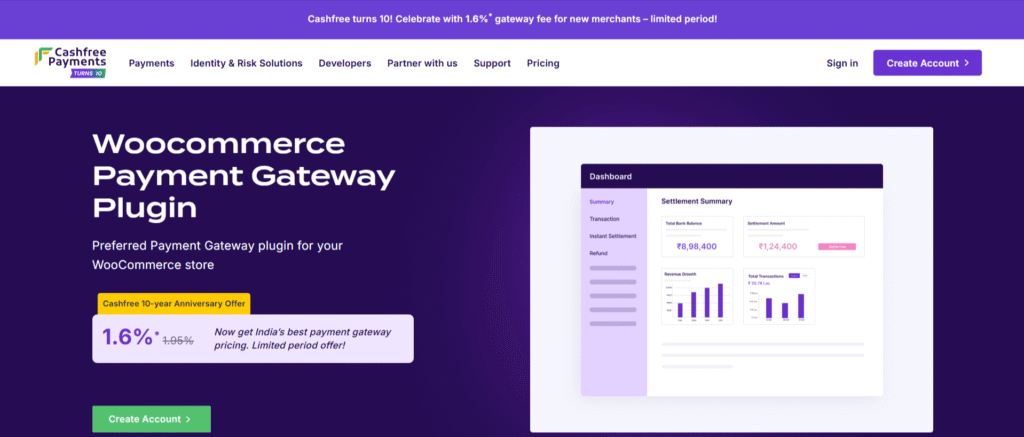
Shortly after it release, Cashfree has become a popular payment gateway in India. Its biggest USPs are UPI optimization and a clean interface. If your business demands quick payouts without failed payments, it is for you.
Important Features of Cashfree:
- Rapid Settlements: You can quickly settle issues regarding payments.
- UPI Optimized: Do your clients prefer UPI transactions? If yes, this plugin is made for you.
- Automated Payouts: No need to worry about refunds, cashback payments, or recurring payouts. It will handle them all.
Who Will Select Cashfree: Businesses that have majority of consumer base from India. Indian vendors love UPI, and it is made exactly for the same.
6. CCAvenue
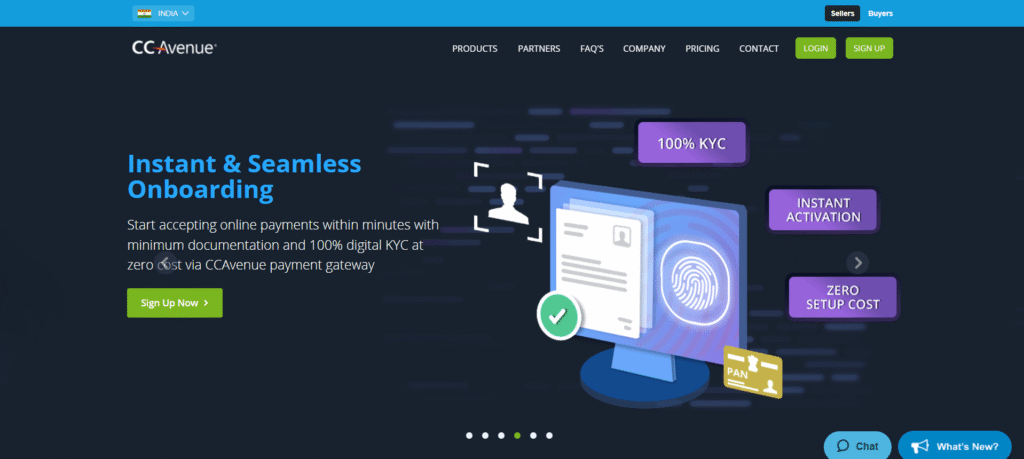
CCAvenue is one of the oldest gateways in India. Even today, it provides one of the biggest ranges of payment methods. Businesses trust it due to its agility and a high support system.
Important Features of CCAvenue:
- More than 200 Payment Options: Can you believe it supports approximately every payment option? Yes, it’s true…!
- Accept Multiple Currencies: Either local or global, your customers will Get options to pay in whichever currency they want.
- Clear and Engaging Dashboard: Get real-time insights related to sales, revenue, refunds, and more from dashboards.
Who Will Select CCAvenue: Best suited for big businesses, or ventures that require a stable multi-stream payment setup.
7. WooPayments
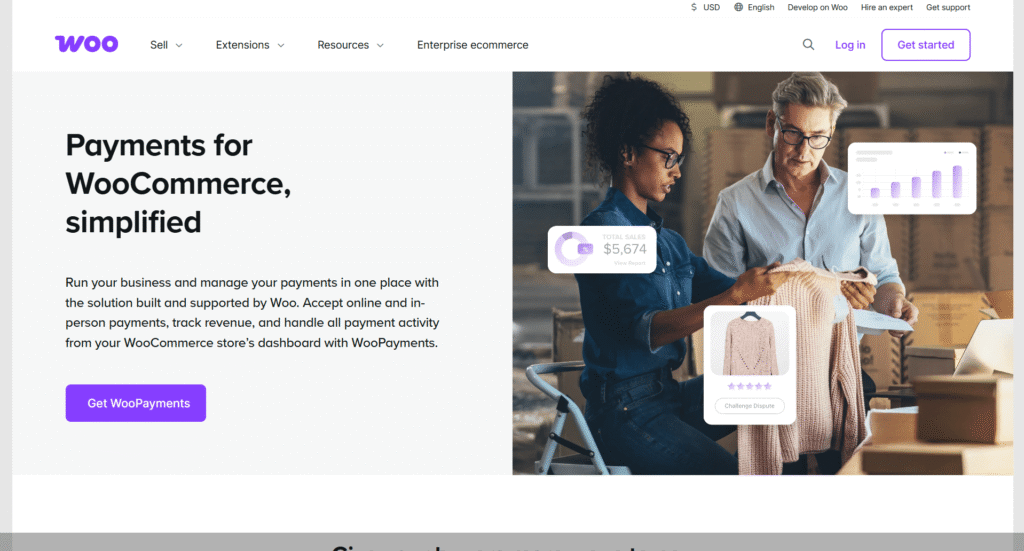
It was earlier known as WooCommerce Payments. However, even after a changed name, it is still the flagship payment plugin by WooCommerce.
Due to its simplicity, you can easily set up everything and begin transactions.
Important Features of WooPayments:
- Easiest Integration: Since it’s from WooCommerce, you can set it up easily without any external requirements.
- Support Local Currency: Cater to the needs of local customers.
- Subscriptions Friendly: Very good option for businesses that are selling subscription-based products or services.
Who Will Select WooPayments: Perfect for businesses that prefer a Complete WooCommerce setup without depending on other plugins.
Conclusion
The features of the payment gateway plugin ensure the purchasing comfort of your customers. A difficult-to-understand interface can lead to loss of sales. customers, and ultimately revenue.
Therefore, you can keep some points in mind before choosing the perfect one from the top 7 payment gateway plugins for WooCommerce in 2026:
- It should support multiple payment methods, including UPI, all types of cards, net banking, etc.
- It should have the most reasonable transaction fees. Compare it with the features it provides.
- It should comply with security compliances and recommended encryptions.
- If you run a subscription-based business, check out whether it supports recurring payments or not.
- It should work and integrate effectively with your current setup.