A website that cannot listen is one that cannot grow. Contact forms bridge that gap; they create an open channel between you and the people who matter.
Whether someone has a question, wants a quote, or is simply looking to connect, the way your website handles communication can shape their perception of your entire brand. That is why relying on a default or outdated form plugin is rarely enough.
The right tool does not just send you messages; it fits into your workflow, supports your goals, and quietly carries out functions that go beyond basic interaction. From security to integration, each plugin in this list stands out for a reason.
Let us examine which ones deserve space on your site and why each has earned its reputation.
Why the Right Contact Plugin Isn’t Just a Feature
Many assume a contact form is a small detail, a functional necessity. But in reality, it affects how you collect, organize, and respond to important communication. Whether it is a sales inquiry, media outreach, or client support, the plugin behind your form can determine how reliable and timely your response is.
A strong plugin also protects your inbox from spam, helps with compliance, and integrates with tools you already use. It adds value where it matters quietly, in the background, without demanding attention.
With dozens of options available, selecting the right one is not about having more; it is about choosing the one that fits.
Top Contact Form Plugins for WordPress (Free & Paid)
01. WPForms: Simple for Beginners, Strong Enough for Pros
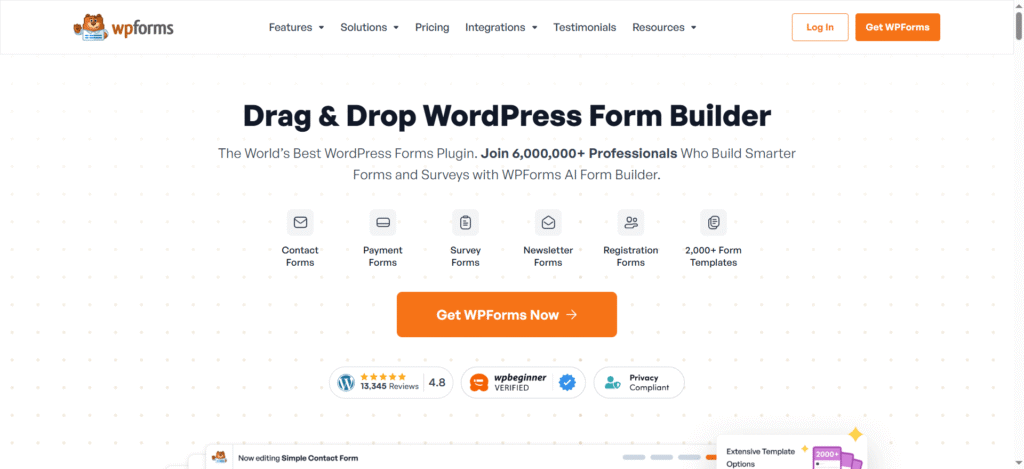
WPForms offers an interface that feels intuitive, even for those with no technical experience. Drag-and-drop functionality, instant previews, and pre-built templates reduce friction and save time during setup.
What makes WPForms more than a starter tool is its balance. It includes anti-spam protection, smart conditional logic, and mobile-ready layouts that perform well across all devices. The plugin also connects easily with CRM systems, email services, and payment processors; it turns a basic form into a functional tool for lead capture and user management.
With both free and paid versions available, WPForms remains a top choice for those who want functionality without complexity.
02. Gravity Forms: Designed for Power Users
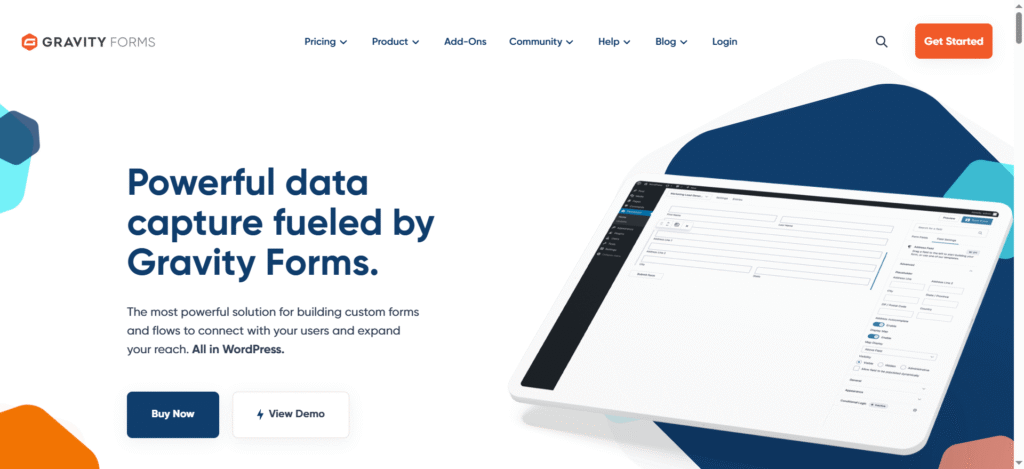
Gravity Forms goes deeper. Built for those who need advanced logic, file uploads, calculations, and custom workflows, this plugin caters to professional users who want full control.
From the first field you create, you notice the depth in its options. You can break forms into multiple pages, route entries to different departments, or conditionally display fields based on user responses. These features make Gravity Forms ideal for high-traffic websites and businesses managing complex operations.
Its compatibility with payment gateways, survey tools, and automation platforms makes it a tool that scales with your business. Although it requires a paid license, the return on efficiency and functionality often justifies the cost.
03. Formidable Forms: Beyond Contact, Into Calculation
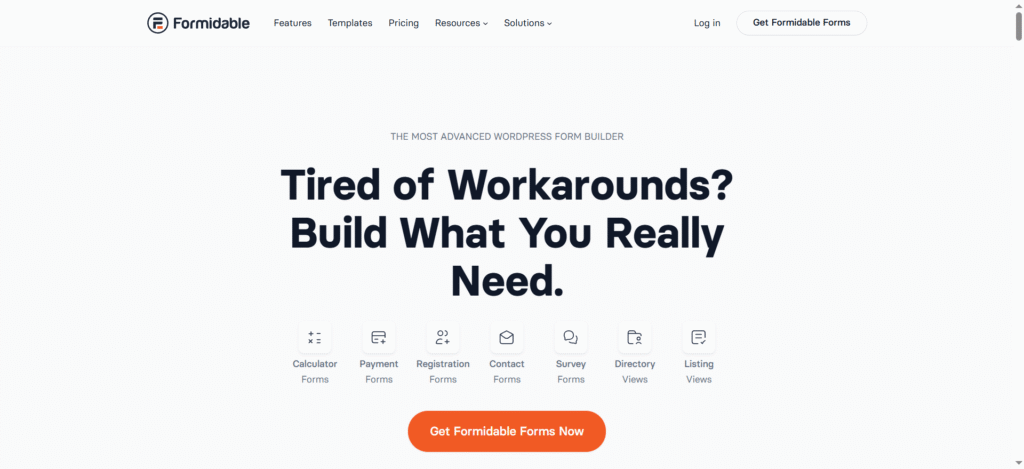
Formidable Forms starts where most contact plugins stop. It allows you to build not only contact forms but also interactive calculators, job boards, directories, and more, all using a single interface.
Its appeal lies in how it handles data. You can populate fields dynamically, display entries on the front end, and connect forms with custom post types to create advanced content structures. For users running websites where form data drives business decisions, Formidable Forms adds structure without compromising usability.
04. Ninja Forms: Built for Collaborative Workflows

Ninja Forms delivers a refreshing level of flexibility without overwhelming users. Its modular structure allows site owners to install only the functionalities they need; this not only keeps the interface clean but also improves site performance.
What makes Ninja Forms stand out is its team-centric features. Roles and permissions can be assigned easily, making it ideal for businesses where different team members handle different types of inquiries. Whether it is sales, technical support, or general communication, forms can be customized to route entries to specific individuals or departments.
The plugin is extendable through a broad range of add-ons. It integrates well with Slack, Trello, email platforms, and other collaboration tools. For small to medium-sized teams that prioritize clarity and efficiency, Ninja Forms proves to be a reliable asset.
05. Fluent Forms: Optimized for Speed and Intelligence
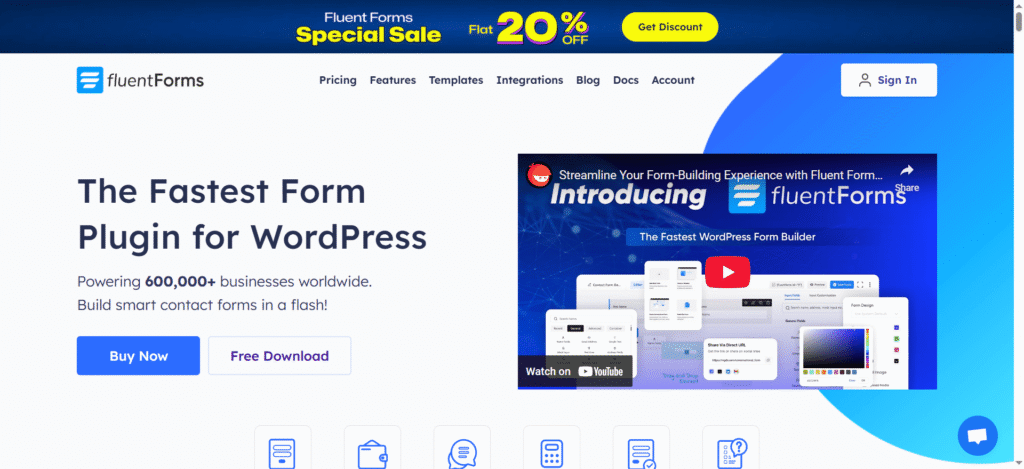
Fluent Forms has rapidly gained attention for delivering rich functionality without the performance bloat that often comes with advanced features. It is designed to be fast, not just on the back end, but also on the front end where users interact.
Its drag-and-drop builder offers instant responsiveness. You can create complex forms that include quizzes, conversational forms, and multi-step progressions. What adds further value is its built-in visual reporting; you get a real-time view of submission data without needing an external dashboard. Fluent Forms also supports native webhook connections, detailed conditional logic, and scheduled email notifications. These features allow site owners to run automated operations directly from within the plugin. It is a well-suited option for users who require power and speed without external dependencies.
06. Contact Form 7: Lightweight and Classic
Contact Form 7 has been part of the WordPress ecosystem for many years. While it may not have the extra features of newer tools, it remains a dependable choice for developers and users who want simplicity without sacrificing reliability.
Its minimal setup ensures that it does not slow down websites. At the same time, its adaptability through third-party extensions makes it capable of advanced behavior. You can implement spam filters using Akismet, include reCAPTCHA, and even create multi-step forms with the help of compatible plugins.
Although it lacks a visual builder, it allows for full HTML and CSS customization. For those comfortable with code, this provides complete control over form styling and structure. It is a plugin that serves well when you want the basics to work without interference.
07. Everest Forms: Tailored for Beautiful Simplicity
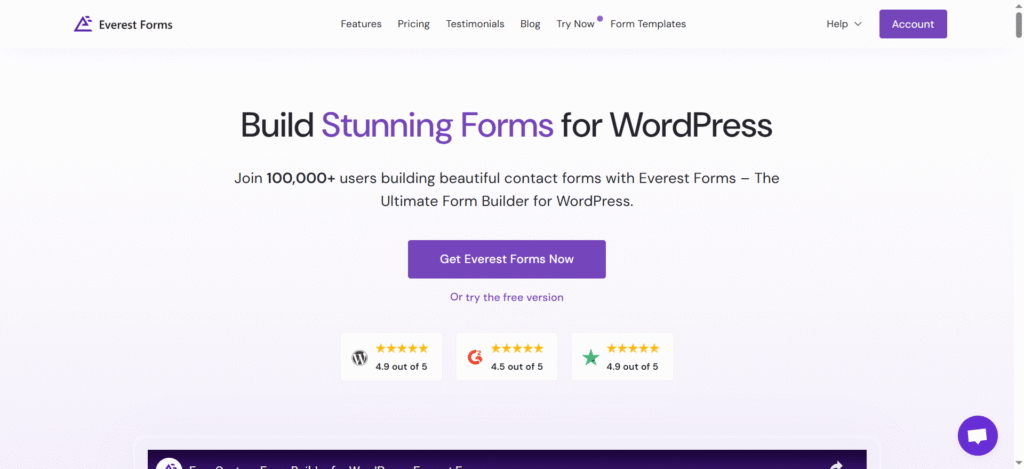
Everest Forms combines functionality with aesthetics. Its core focus is to help site owners build visually appealing forms without touching code. The plugin offers ready-made templates suited for different industries, including freelancers, agencies, and local service providers.
It features a drag-and-drop builder, form layout controls, and advanced fields such as dropdowns, checkboxes, and file uploads. It works smoothly with reCAPTCHA, making it safe from unwanted spam entries.
One of the most appreciated aspects of Everest Forms is its adaptability. Whether you are working with a basic blog or a portfolio site, it helps maintain consistent styling and branding across the form interface. It supports multi-step layouts and real-time validation, providing a smooth user experience from start to finish.
How to Choose What Fits Your Website
Each plugin on this list brings something different to the table. Selecting the right one depends on more than just feature sets; it depends on how your business communicates and what kind of relationship you want with your audience.
- WPForms is ideal when ease of use combines with broad functionality.
- Gravity Forms fits well in scenarios where automation and form complexity are central to operations.
- Formidable Forms works best for data-driven structures and custom-built experiences.
- Ninja Forms supports collaborative setups where team workflows are essential.
- Fluent Forms delivers high performance with scalable features for fast-growing teams.
- Contact Form 7 is for those who want no-frills performance with long-term reliability.
- Everest Forms blends visual design with ease of use, making it perfect for those who care about aesthetics as much as functionality.
Conclusion
A well-designed contact form reflects more than just a method for receiving messages. It represents your readiness to engage, your attention to detail, and your commitment to clarity. Choosing the right plugin is about defining how visitors interact with your site and how you respond in return.
Each plugin mentioned above is capable, secure, and trusted by thousands of WordPress site owners. Whether you run a service-based business, a digital storefront, or a personal brand, the right contact form can support your goals quietly, efficiently, and professionally.
Start with what fits today; adapt as your website grows. Contact forms may not be the most visible part of a page, but they influence the quality of every connection that follows.