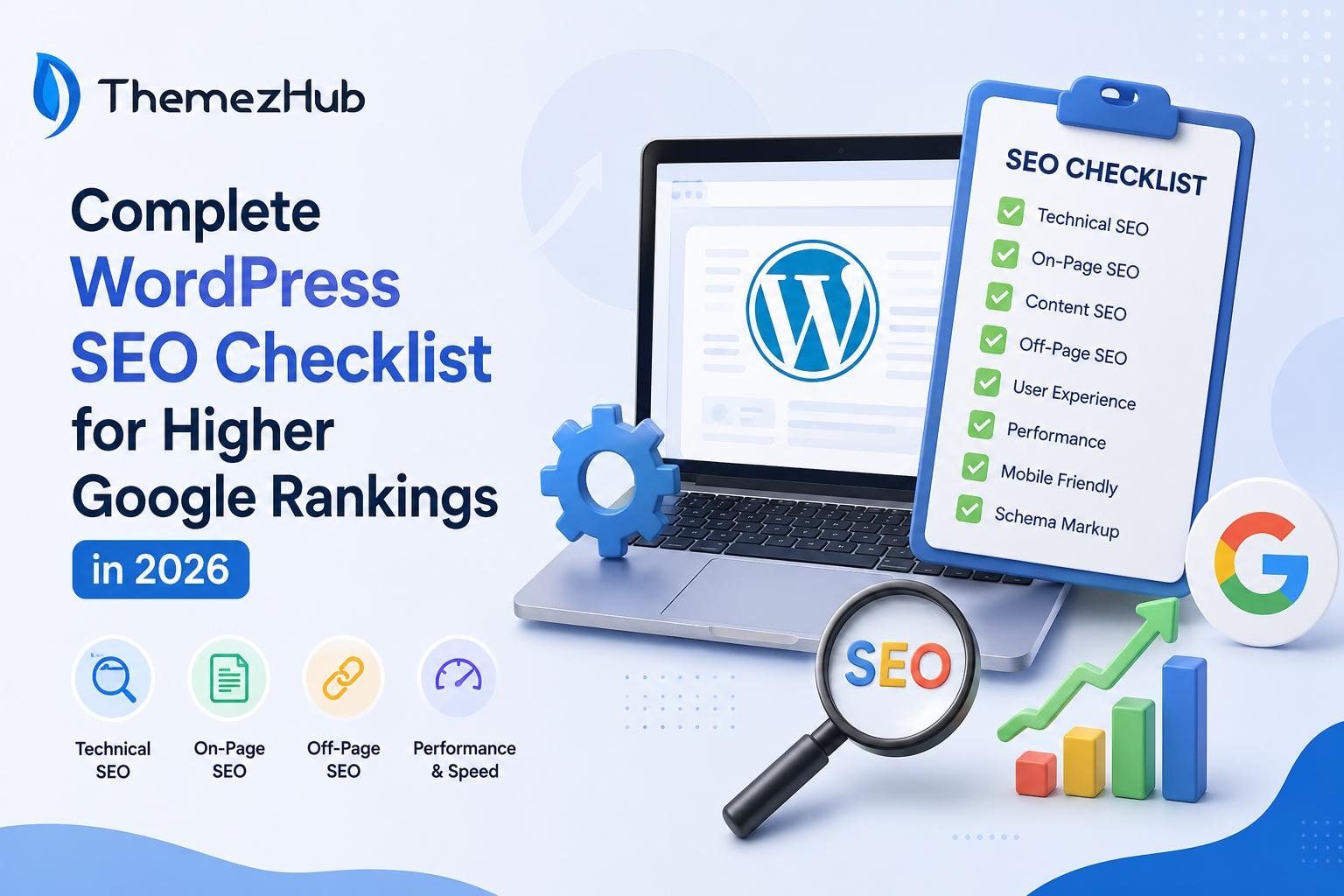
A few years back, I struggled to rank my WordPress website on Google. My team tried every possible way to rank it on the first page of the SERP, but the effort was in vain!
We tried the best keyword incorporation practices to make the website #1, but that’s not enough in 2026. It’s an all-in-one strategy that combines high-quality content, technical excellence, and authoritative signals.
According to W3Techs, WordPress holds 59.1% of the CMS market. This number reflects worldwide demand for WordPress websites. That being said, there is no cutting corners to make your rank on the first page of Google.
If you’re like me and want people to notice your business website, this blog will guide you. Next, we’ll cover the WordPress SEO checklist to help you rank in this cutthroat competition.
What is WordPress SEO? (And Why Does It Matter in 2026)
WordPress SEO, or search engine optimization, is the practice of optimizing your web pages. This improves your website’s overall visibility on search engines. With a proper SEO strategy, you can improve your business website’s organic search engine rankings. This involves incorporating multiple techniques and strategies, including
- On-Page Optimization—Optimizing HTML elements, meta tags and content for individual pages to make them search-engine friendly.
- Off-Page Optimization—This includes strategies like developing external links to your business website from renowned third-party sources.
- Keyword Research—Checking and targeting relevant keywords that users may search on Google.
- Content Creation—Developing relevant, high-quality content, attracting and engaging the target audience.
According to BrightEdge, only 17% of AI Overview citations come from organic top 10 rankings. This shows how the SEO landscape has changed in recent years since the rise of AI. Another study by SEMrush shows that 88% of searches triggering AI overviews are informational.
In a nutshell, Google’s approach to assessing websites has changed. That’s why you need to perform end-to-end SEO, enabling your website to stay at the top of the search results. Here are the reasons why you need to strategize WordPress SEO to gain better rankings:
- AI-Driven Search—Google uses AI algorithms to understand your context, content, and user intent.
- EEAT Principles—To embed the EEAT principles, you should have a solid SEO strategy.
- Technical Excellence—Anomalies like slow-loading pages or broken links affect rankings and user trust. Only streamlined SEO work can fix this.
- User Experience—Quick, mobile-friendly websites rank higher on Google.
SEO Tool Checklist
I have used multiple SEO tools to understand what works better. I also used SEO plugins for each tool to improve accessibility with free and premium WordPress themes.
1. Google Search Console
One of the most widely used SEO tools for WordPress websites built with shared hosting. According to research, Google processes over 3.5 billion searches per day. This free tool helps business owners track website performance. GSC helps you with the following things:
- Sitemap submission
- Keyword analysis
- Fixing website errors
- Checking existing webpage experience scores
Power up your SEO campaigns with Google Search Console, which offers useful data and features to improve your website’s rankings.
Pricing: Free
2. Google Analytics
GA helps you understand audience behavior. This helps you develop tailored campaigns to attract the right traffic from your target audience. GA also helps improve conversion rates. Here are a few uses of Google Analytics:
- Traffic Measurement.
- Page Identification: Getting the Most Traffic.
- User can check whether the traffic increases/decreases before/after SEO campaigns.
- Detects websites and Subsequent Platforms that generate traffic
- Helps in monitoring critical metrics, including page views, bounce rate, and dwell time on the website.
Google Analytics is an ideal resource for nuanced insights. Connect it with Google Search Console to receive audience-specific data from the GA dashboard.
Pricing: Free
3. AIOSEO
One of the best WordPress SEO plugins used globally. Here are some features—
- Tracking of keyword rankings to check important SEO metrics.
- Developing topic clusters to enhance topical authority.
- Generation and customization of robots.txt file for better indexing and crawling.
- No-code schema generation for schema markup on your website.
- Provides a preview of social and search snippets to enhance SEO optimization.
More than 3 million people use AIOSEO and its WordPress plugins. Let’s hear it from David, an e-commerce business owner: “I am using AIOSEO to understand the traffic behavior. It’s one of the best WordPress plugins I’ve used for SEO. Honestly, I am getting the expected results.”
Pricing: Starts from $49.50/month. A free version is also available.
4. SEMrush
When it comes to a WordPress SEO checklist, SEMrush is one of the tools I personally trust to optimize a website, grow traffic, and outperform the competition. Here are some invaluable features that helped me:
- Domain overview to get useful insights about any particular website’s backlink profile.
- The Keyword Magic tool, powered by an extensive keyword database, helps you find lots of relevant keyword ideas.
- Generation of related search terms against a seed keyword. You can filter results by sorting metrics like keyword difficulty, search volume, and search intent.
Pricing: Starts from $117.33/month.
Keyword Research Checklist
Choosing the ideal business niche: specific keywords are a cornerstone of success. That’s why I prefer to invest in an ideal keyword research tool for your business WordPress website.
1. Invest in Purchasing the Ideal Keyword Research Tool
Without keyword research, you may not reach the right audience interested in your service/product. Therefore, you must invest in buying AI-result-supported keyword tools. Here are some good keyword research tools you can use:
- UberSuggest
- SEMrush
- Ahrefs
- Moz
- Google Keyword Planner
- Serpstat
Using these tools will help you get the right primary, secondary, and long-tail keywords relevant for your business.
2. Prioritize Search Intent
Ensure you include the right search intent to get the desired results based on your business type. There are four types of user intent: informational, commercial, navigational, and transactional. Understanding search intent helps you create better content, drive quality traffic, improve lead quality, increase conversion rates, and reduce bounce rates.
3. Choose Long-Tail Keywords
Long-tail keywords contain two or more words. Usually, they have lower competition and convert the traffic into leads quickly! Find the long-tail keywords easily from the following resources:
- Google Auto-Suggest Feature
- Answer the Public
- Reddit Threads
- Blog Comments
You can use long-tail keywords to rank a blog/article/web page for multiple keywords. It can also help your in-house SEO team lower the keyword difficulty score.
On-Page SEO Checklist
Once the keyword research is done, it’s time to check the on-page SEO factors. As a result, you will get the desired results for your WordPress website.
1. Include SEO keywords.
Embed the primary keyword in the SEO title that Google uses to display in the search results. Include the keyword at the beginning of the SEO title to help users and Google know what your blog/article/webpage is about.
2. Insert Keyword in the Meta Description
Suppose you’re writing a blog/article/webpage, and the meta description serves as the summary. When you include the keyword in the meta description, Google can better determine the post’s relevance. It also helps users decide whether the post answers their questions.
3. Develop Internal Links Strategically
Internal links help Google better understand your website structure and how pages connect. They also help users get more value from your long- and short-form content.
4. Utilize Header Tags
Header tags structure a webpage and indicate hierarchical importance. Headers range from H1 to H6 and give Google more context about the page. They also improve readability and give you a better opportunity to incorporate keywords strategically. Your choice of theme or page builder also plays a role here, since it controls how cleanly those heading tags are output in your site’s HTML.
5. Incorporate Google EEAT
EEAT stands for Experience, Expertise, Authoritativeness, and Trustworthiness. This helps you evaluate the quality of content you post regularly on your website. Implement EEAT content quality guidelines in your content. You can also use a WordPress SEO plugin to make things easier.
Off-Page SEO Checklist
Off-page SEO isn’t optional; it’s mandatory to get maximum results. Here are a few points to include while performing off-page SEO:
1. Assess Backlink Profile
These are the core elements that power off-page SEO. Before you start building them, review your existing backlink profile. To check it, use tools like Screaming Frog, Ahrefs Backlink Checkers, Google Search Console, etc.
2. Leverage Guest Posting
If you want to develop authority in your business niche and earn backlinks at the same time, guest posting is one of the best options. Also, tap into new target audiences through guest posting by developing value-packed content.
3. Check Competitors’ Backlink Profile
Competitor backlink analysis gives you a clear picture of backlink profile strength. Start by checking direct competitors’ backlink profiles. Gradually, move to indirect competitors who rank on Google for the same keywords.
4. Create Conversations on Your Brand
When Google finds your brand name on other websites and social media platforms, it understands your relevance and boosts your website in SEO search rankings. Be active on social media and join the conversation. The more attention you can develop around your brand, the more Google will view you as an authority.
Technical SEO Checklist
I’ve worked with my technical SEO team for a long time. Every day, I see their hard work and dedication as they implement best practices. Here are some points that I learned:
1. Detect Crawl Errors
Google follows a process to discover and understand the content on your website. Sometimes, the process may face hindrances, resulting in pages not showing in search results. To detect crawl errors, check the coverage report of Google Search Console. Once you find the errors, fix them immediately.
2. Check Index Issues
Indexing is the process by which Google gathers, sorts, and stores information from the pages of your business website. The most common indexing errors include the following:
- 404 Errors
- Duplicate Content
- Crawl Issues
- Redirects
3. Fix Broken Links
Broken links not only irritate visitors, but they also affect SEO. Therefore, you must detect and fix all the broken links on your website. You can fix the links in the following ways:
- Link Deletion
- 301 Redirect Incorporation
- Upgrading Old Content
- Typo Correction
Also, you can use Google Search Console to detect broken links. This powerful tool helps you find and fix broken links, making SEO easier.
4. Utilize SEO-Friendly URLs
URLs play a pivotal role in SEO. Therefore, ensure all URLs are properly structured in an SEO-friendly way. Here are a few tips to do it effectively:
- Make the URLs short yet descriptive.
- Embed the keyword in permalinks.
- Use hyphens to separate words.
- Utilize lowercase letters.
5. Choose a Reliable WordPress Hosting Provider
A good managed WordPress hosting provider keeps your business website secure, fast, and always available. These factors are essential for both search engine rankings and user experience. A renowned WordPress hosting provider ensures minimal downtime, keeping your website up and running.
6. Ensure Mobile Responsiveness
8 out of 10 users are searching on Google through mobile devices. Check your mobile-friendly website score to identify issues affecting your website’s responsiveness, and pair it with a full Core Web Vitals optimization pass for lasting results.
Maximize SEO Results with the Right Guidance!
From on-page SEO improvements to technical SEO fixes, every step is crucial to achieving the desired result. Whether you’re optimizing images, fixing broken links, or redefining your keyword strategy, handling these tasks makes the process less complex.
Optimize your existing website with the WordPress SEO checklist above. We at Themezhub continuously curate informative guides to help you navigate through complex technical scenarios. Rest assured, you’re one step closer to outperforming your competitors once you start following our guides!
FAQs
Do I need an SEO plugin for my WordPress website?
Yes. A plugin helps by managing meta tags, sitemaps, redirects, schema, and more. However, you can still do SEO without a plugin, and results may take longer to show.
How long does it take for WordPress SEO to bring results?
Basic on-page optimizations may show minor results within a week. However, significant ranking improvements may take longer.
Should I need to hire an SEO expert to get the desired results?
With this guide, you can perform the SEO-related work on your own. However, some technical complexities are time-consuming and require expert intervention. With that in mind, hiring an expert is an ideal option.
How do I optimize my website for AI overviews?
Write your content with clear question headings, followed by logical answers. Use tables, lists, and schema markup. Also, add unique value like first-hand experience and original data.