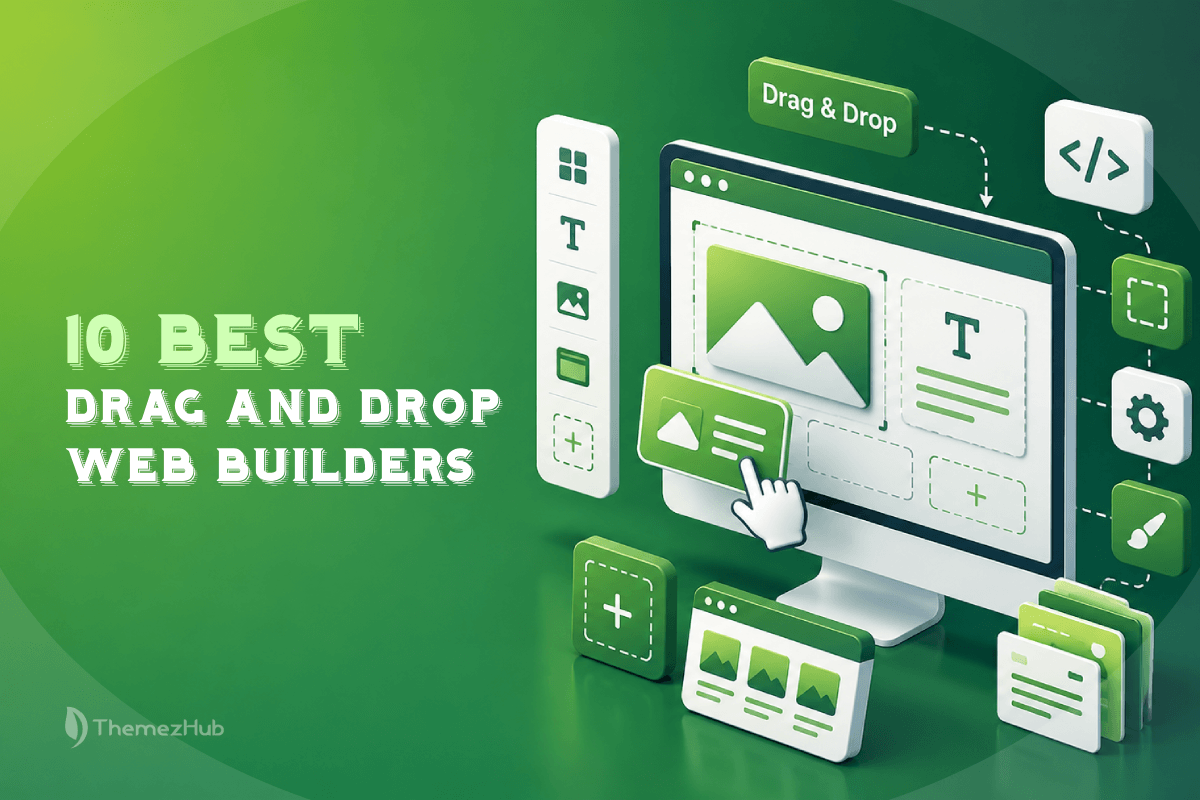
If you want to build a website without writing code, drag-and-drop website builders are among the easiest options available in 2026. But the platforms differ significantly in design flexibility, pricing, AI tools, performance, and eCommerce capabilities.
We compared 10 popular drag-and-drop website builders to help you choose the right platform for your needs—from beginner-friendly tools like Wix and Hostinger to advanced options such as Webflow and Elementor.
Looking specifically for AI-powered tools? Check out our guide to the Best AI Website Builders in 2026, where we compare the top platforms for AI-powered website creation, features, pricing, and ease of use.
On a typical working day, I need a website builder for some of my personal work. I typed “Best Drag & Drop Website Builders 2026” into Google.
The output?
A dozen website results left me overwhelmed! I tried once more, but the same results again!
If you’re like me and get bamboozled every time you try to find the top drag-and-drop website builders, this blog is for you!
I’ve tried quite a few website builders while working on different projects, from personal blogs to business websites and landing pages. Some let me build a site in just a few hours, while others took much longer to figure out. After testing them over time, I put together this list of the website builders I think offer the best balance of ease of use, customization, pricing, performance, and overall value.
Our Top Picks
| Builder | Best For | Starting Price | Our Rating |
|---|---|---|---|
| Wix Studio | Overall | $19/mo | 9.3/10 |
| Elementor | WordPress | $5/mo | 9.2/10 |
| Webflow | Designers | $14/mo | 9.1/10 |
| Divi | Agencies | $89/yr | 9.0/10 |
| Hostinger | Beginners | $2.99/mo | 8.8/10 |
What is a Drag-and-Drop Website Builder?
This is a visual tool that helps you develop and customize your business website without needing to know coding. Instead of editing CSS manually, you can drag elements such as images, text, and buttons onto a page. This makes a website beginner-friendly and intuitive.
These drag-and-drop website builders contain pre-designed templates. Compared to custom development, you will have the flexibility and control in exchange for simplicity, speed, and lower entry cost.
5 Reasons to Use a Drag-and-Drop Website Builder
No doubt that technology has enabled many entrepreneurs to scale effortlessly. Amidst that, drag-and-drop website builders provide professional-level tools to develop enterprise-grade websites.
Instead of learning multiple programming languages and their subsets, drag-and-drop website builders let you build a website. Drag the elements you want, drop those in the required alignment, and your website is ready!
According to Customer Market Insights, the market size of AI-enabled drag-and-drop website builders may reach $3.41 billion by the end of 2026 and $14.78 billion in 2035, with a CAGR of 17.7%. This study denotes the ongoing demand for website development tools.
What’s the reason?
Let’s find it.
1. Personalization
With a drag-and-drop website builder, you can develop highly personalized websites. This resonates better with your target audience. Also, you can incorporate elements such as videos, images, and interactive features to build a website.
Personalization is essential to outperform your competitors within a specialized market segment. You can develop a website that aligns directly with the customer’s requirements.
2. Flexibility
Website builders offer elements and pre-designed templates. Besides, these platforms offer next-gen design tools to refine your website. From the initial layout to color palettes and font styles, the tool can work its magic to make your website a success story.
3. User-Friendly Interface
The platforms are designed to enable users to quickly navigate and utilize the available resources. The drag-and-drop functionality provides a simplified way to add and arrange elements. With this, your business website becomes accessible to users.
Moreover, these website builders have comprehensive guides, tutorials, and proactive customer support to reduce the learning curve. This ensures that beginners can develop and manage their websites without extensive training.
4. Cost-Effectiveness
The traditional process of website development is expensive, especially for small businesses. The costs mainly are purchasing software, hiring professional developers, and maintaining the website regularly.
Conversely, drag-and-drop website builders operate with a subscription model. These plans include domain registration, hosting and access to multiple features. Reduce your ongoing costs by choosing a drag-and-drop website builder.
5. Ongoing Maintenance
Updating and maintaining a website is crucial to keeping it competitive. On that note, traditional web development may need complete technical knowledge. Conversely, drag-and-drop website builders provide a simplified maintenance process with easy-to-use tools to make changes and updates. Also, website builders provide quick platform improvements and updates, ensuring users can access the latest features.
How We Evaluated These Drag-and-Drop Website Builders
We didn’t just skim homepages and take marketing claims at face value. We evaluated each builder based on its editor, features, customization options, pricing, performance considerations, and real-world usability.
1. Ease of Use
Can a total beginner — someone who’s never touched HTML — go from a blank canvas to a finished page without getting stuck? We tested how intuitive the editor feels, how steep (or gentle) the learning curve is, and whether common tasks like adding text, images, or sections require a tutorial or simply make sense on their own.
2. Design & Customization
A website builder is only as good as what you can actually build with it. We dug into template quality, layout flexibility, responsive design controls, the range of widgets and elements available, typography options, and how much creative freedom you have before you hit a wall.
3. Features & Integrations
Beyond the drag-and-drop editor, what does the platform actually let you do? We evaluated built-in tools like contact forms, blogging capabilities, analytics, email marketing, SEO tools, and e-commerce functionality—plus how well each builder integrates with third-party apps and services you might already use.
4. AI Capabilities
In 2026, AI has become an increasingly important part of modern website builders. We tested AI-powered site generation, writing assistance, smart design suggestions, and built-in image generation tools to see which platforms use AI to genuinely speed up the building process and which mainly treat AI as a marketing feature.
5. Performance & SEO
A beautiful website that loads slowly or makes SEO difficult can become a liability. We assessed page-load performance, mobile responsiveness, on-page SEO controls, hosting and CDN infrastructure, and how much control you have over technical optimization out of the box.
6. Pricing & Overall Value
Finally, we broke down what you’re actually paying for. This includes starting prices, what’s included at each tier, the quality and limitations of free plans or trials, and whether upgrading to a higher plan unlocks meaningful value or simply removes restrictions.
How we score: We consider performance across all six areas when assigning our overall rating. The final score reflects our editorial assessment of each platform’s usability, flexibility, features, AI capabilities, performance, and value. Ratings are our independent editorial opinions and are not official scores from the website builders themselves.
Top 10 Drag and Drop Website Builders in 2026 for Maximized Productivity
Choosing the right website builder can have a significant impact on your website’s cost, performance, flexibility, and long-term scalability. I have picked the top 10 website builders based on their advantages, disadvantages, pricing, integration, and ideal use cases.
1. Wix Studio
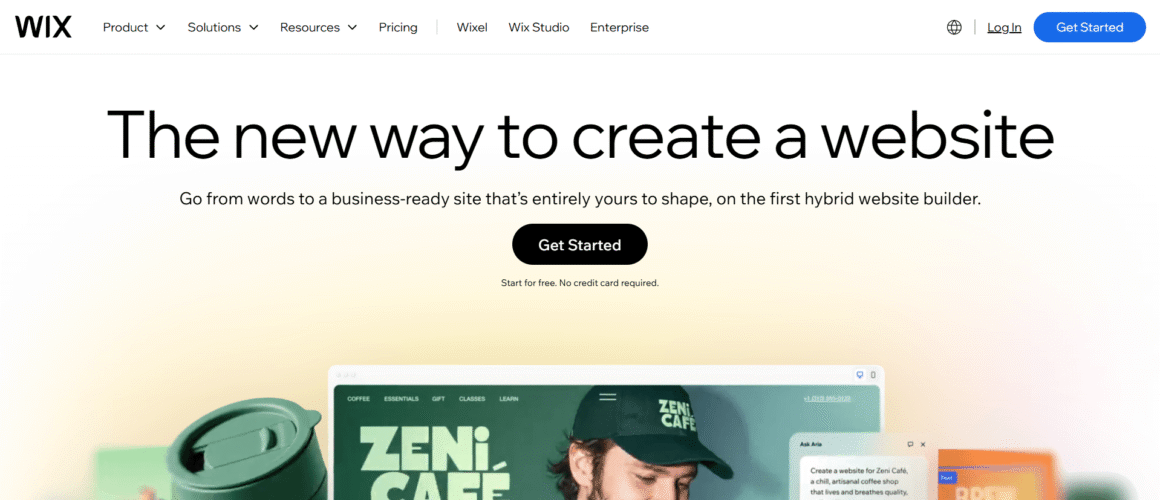
This is an AI-powered drag-and-drop website builder designed for agencies, freelancers, and businesses that need complete design flexibility without having to write code. Whether you’re building a portfolio, a corporate website, or a service-based business site, Wix Studio offers an intuitive visual editing experience with advanced customization capabilities.
In 2026, Wix Studio continues to strengthen its AI-assisted website creation, responsive editing capabilities, and collaborative workspace, making it a preferred choice for professional web designers and growing businesses.
Best For: Agencies, freelancers & businesses
Our Verdict
A powerful all-in-one builder with excellent design flexibility, responsive controls, AI tools, and professional business features.
Price: starts at $19/month
Our Rating: ⭐ 9.4/10
Pros
- Advanced Responsive Design – Create pixel-perfect websites with responsive layouts that automatically adapt to different screen sizes.
- AI-Powered Website Creation – Build complete websites quickly using AI-generated layouts, content suggestions, and smart design recommendations.
- Team Collaboration – Multiple team members can work on the same project with built-in commenting and workflow management.
- Extensive App Marketplace – Add booking systems, forms, eCommerce, marketing tools, CRM integrations, and more without coding.
Cons
- Higher pricing than basic website builders.
- Advanced customization comes with a learning curve.
Why I Recommend Elementor Editor Pro
- Excellent balance between design freedom and ease of use.
- AI tools significantly reduce development time.
- Responsive editing is among the best in the industry.
2. Hostinger Website Builder

Hostinger Website Builder offers an affordable drag-and-drop solution with AI-powered website generation, making it ideal for beginners and small businesses launching their first website.
Its simplicity, affordability, and built-in hosting continue to make it one of the fastest-growing website builders in 2026.
Best For: Beginners & small businesses
Our Verdict
An affordable all-in-one builder combining drag-and-drop editing, AI tools, hosting, templates, and essential business features.
Price: starts at $2.29/month
Our Rating: ⭐ 9.2/10
Pros
- AI Website Generator – Build websites in minutes using AI.
- Affordable Pricing – Budget-friendly plans with hosting included.
- Built-in SEO Features – Improve visibility without additional plugins.
- Fast Hosting Performance – Optimized infrastructure for quick loading speeds.
Cons
- Limited advanced customization.
- Smaller template library.
Why I Recommend Hostinger Website Builder
- Exceptional value for money.
- AI speeds up website creation.
- Beginner-friendly interface.
3. Elementor Pro
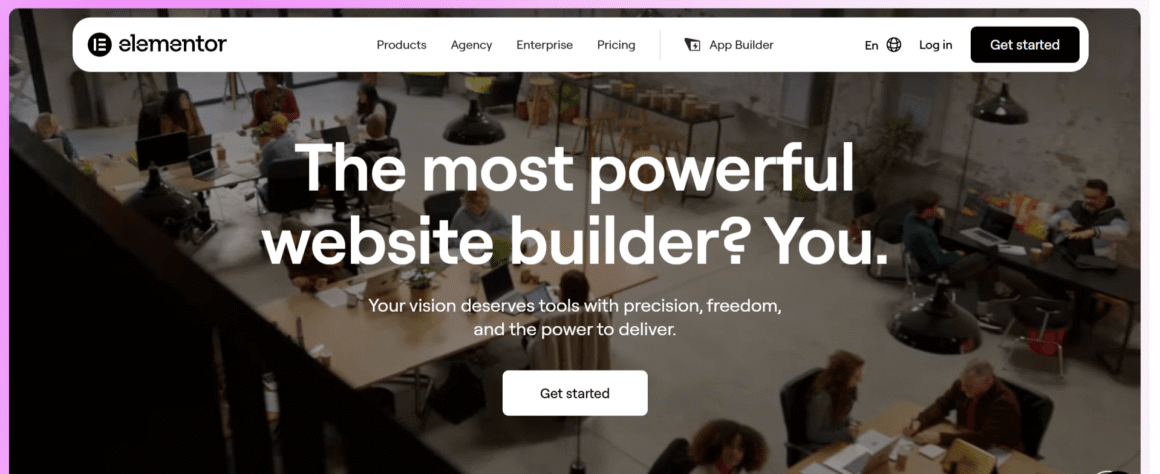
Elementor Pro is one of the most powerful drag-and-drop builders, specifically designed for WordPress. It allows users to create professional websites visually while maintaining complete control over every section, template, and page.
With continuous improvements in AI-assisted content generation, container-based layouts, and performance optimization, Elementor remains a favorite among WordPress professionals in 2026.
Best For: WordPress users, Marketing agencies, Small and medium businesses
Our Verdict
A flexible WordPress builder offering extensive design control, responsive editing, AI features, and a large ecosystem of integrations.
Price: Free & Pro starts at $60/year
Our Rating: ⭐ 9.1/10
Pros
- Complete Visual Editing – Design every part of your website without touching code.
- Theme Builder – Customize headers, footers, blog templates, archives, and WooCommerce pages.
- Large Widget Library – Access hundreds of professional widgets and templates.
- WooCommerce Integration – Build fully customized online stores with drag-and-drop editing.
Cons
- Requires WordPress hosting.
- Heavy websites may require performance optimization.
Why I Recommend Elementor Editor Pro
- Most mature WordPress page builder.
- Huge ecosystem of templates and add-ons.
- Excellent WooCommerce customization.
4. Webflow
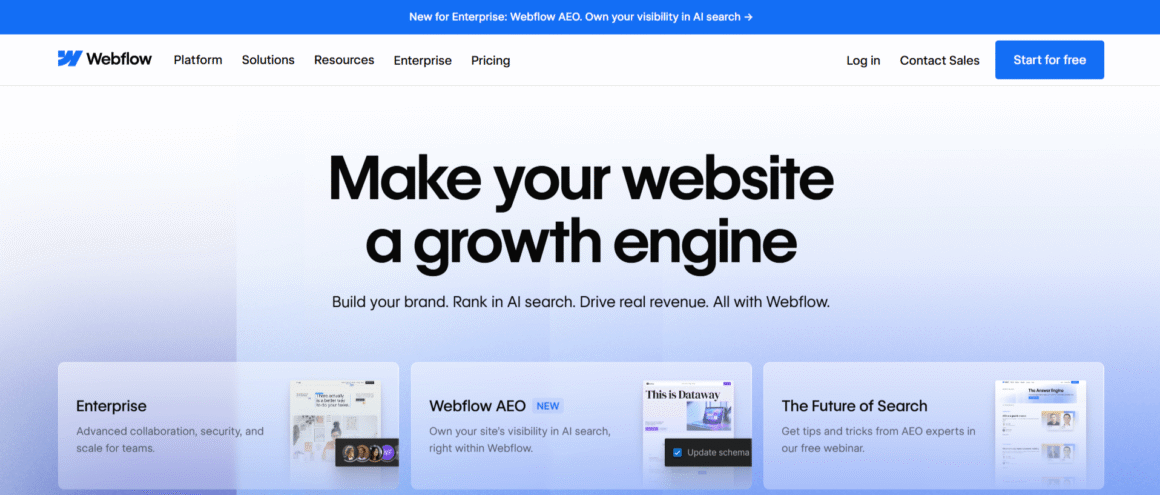
Webflow combines the flexibility of professional web development with an intuitive visual editor. It enables designers to build production-ready websites visually while automatically generating clean HTML, CSS, and JavaScript.
Webflow stands out for designers who need CSS-like control over layouts, responsive behavior, animations, and CMS-driven content.
Best For: Professional designers & agencies
Our Verdict
A powerful visual builder for users wanting advanced layout control, responsive design, animations, and CMS capabilities.
Price: Free & paid plans start at $14/month
Our Rating: ⭐ 9.0/10
Pros
- Clean Code Output – Generates production-ready code without manual development.
- Powerful CMS – Manage blogs, directories, portfolios, and dynamic content easily.
- Advanced Animations – Build interactive websites using visual animation tools.
- Enterprise Collaboration – Ideal for design and development teams working together.
Cons
- Steeper learning curve.
- Premium plans can become expensive.
Why I Recommend Webflow
- Near developer-level design flexibility.
- Excellent CMS capabilities.
- Produces lightweight, fast-loading websites.
5. Divi
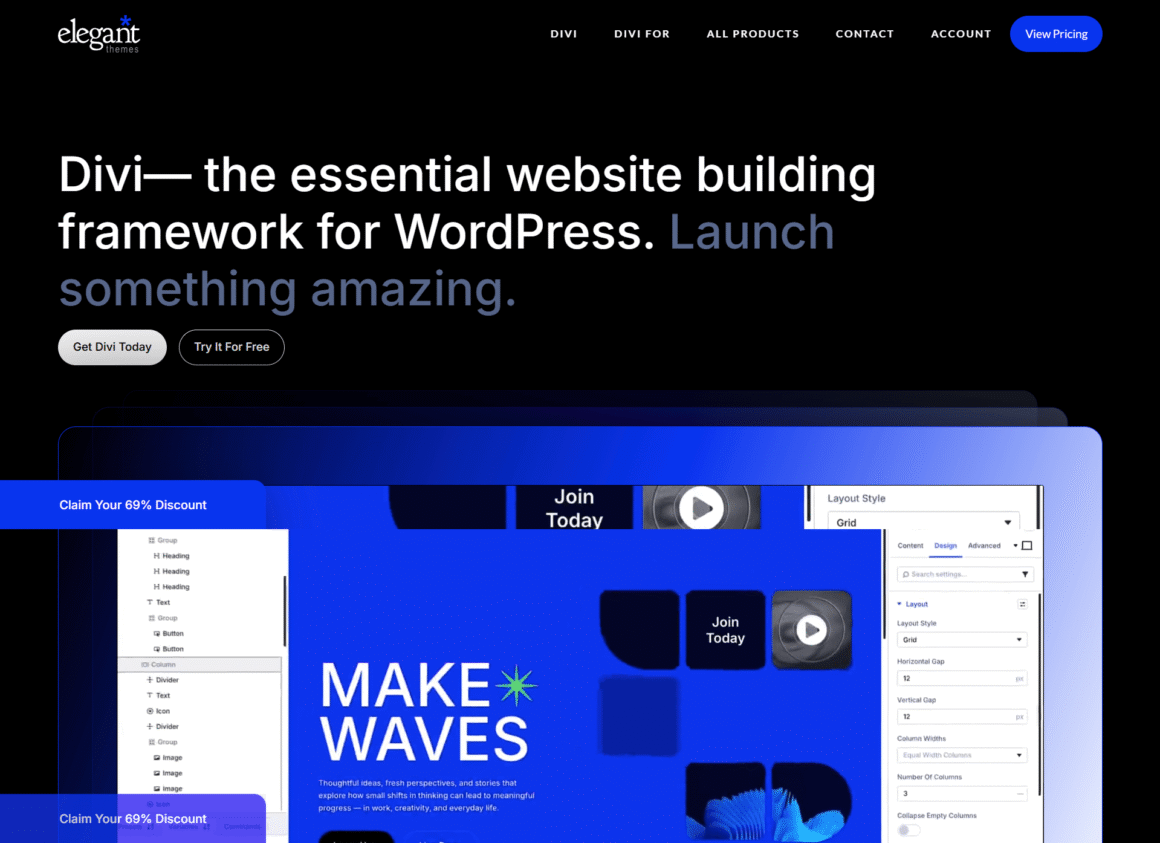
Divi is a versatile drag-and-drop website builder from Elegant Themes that combines visual editing with a massive library of templates and design modules.
Its continuous feature updates and AI-assisted website creation keep Divi highly competitive in 2026.
Best For: Freelancers, Bloggers & agencies
Our Verdict
A feature-rich WordPress builder with extensive design options, thousands of layouts, AI tools, and unlimited website usage.
Price: Start at $89/Year
Our Rating: ⭐ 8.9/10
Pros
- Visual Front-End Editing – Edit pages directly as you make changes.
- Extensive Template Library – Thousands of professionally designed layouts.
- Built-in Split Testing – Optimize conversions without third-party tools.
- Lifetime License Option – One-time payment available.
Cons
- Can become slower on large websites.
- Some learning curve for advanced features.
Why I Recommend Divi
- Huge design library.
- Excellent value with lifetime pricing.
- Active community and support.
6. Squarespace
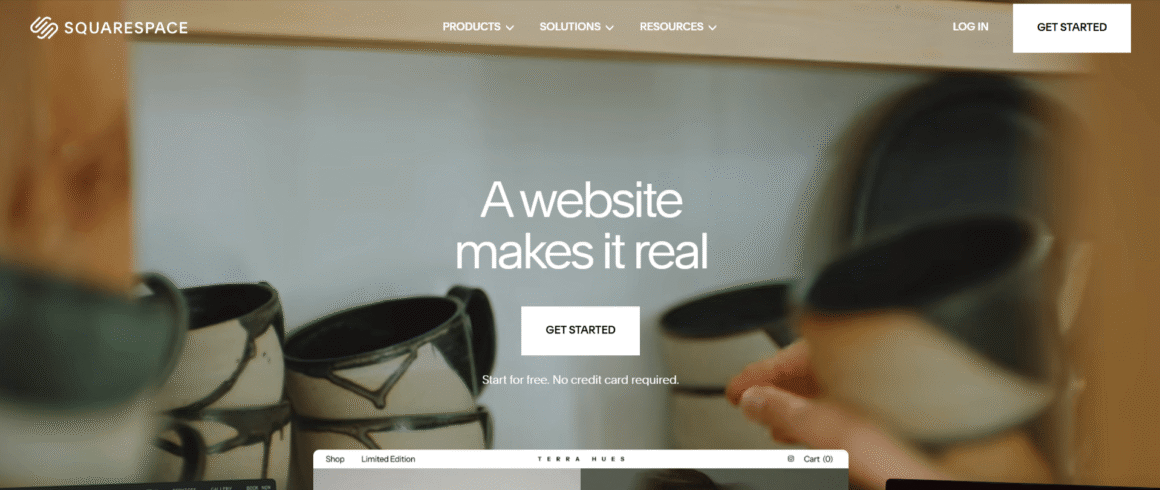
Squarespace is a beginner-friendly drag-and-drop website builder known for its premium templates, elegant designs, and built-in marketing features. It helps businesses launch visually appealing websites without technical expertise.
Its AI-powered design tools and improved commerce capabilities make it a strong all-in-one solution in 2026.
Best For: Creatives, portfolios & small businesses
Our Verdict
A polished builder combining beautiful templates, intuitive editing, built-in business tools, and strong eCommerce capabilities.
Price: Start at $16/month
Our Rating: ⭐ 8.8/10
Pros
- Award-Winning Templates – Professionally designed layouts for various industries.
- Built-in SEO Tools – Optimize pages without installing additional plugins.
- Integrated Marketing Features – Email campaigns, analytics, and social media integrations.
- Reliable Hosting Included – No separate hosting management required.
Cons
- Limited third-party integrations.
- Less design flexibility compared to Webflow.
Why I Recommend Squarespace
- Beautiful templates.
- Very easy to maintain.
- Great all-in-one platform.
7. Shopify
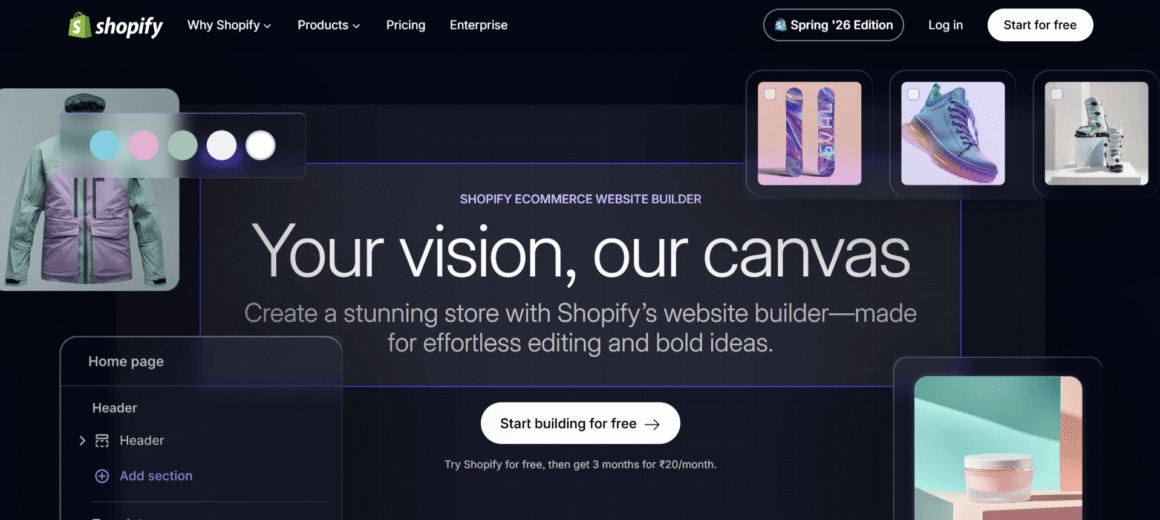
Best For: Online stores & eCommerce businesses
Our Verdict
An eCommerce-focused platform with powerful selling tools, reliable infrastructure, and enough visual customization for most online stores.
Price: Start at $29/month
Our Rating: ⭐ 8.7/10
Shopify is a drag-and-drop website builder built specifically for eCommerce businesses. It allows entrepreneurs to quickly create online stores while managing payments, inventory, shipping, and orders from a single dashboard.
In 2026, Shopify continues to improve its AI commerce tools, checkout optimization, and omnichannel selling capabilities.
Pros
- Purpose-Built for eCommerce – Everything needed to sell products online.
- Integrated Payment Gateway – Secure payment processing with multiple payment options.
- App Ecosystem – Thousands of apps to extend store functionality.
- Scalable Infrastructure – Supports businesses from startups to enterprise brands.
Cons
- Transaction fees on certain payment gateways.
- Advanced customization often requires Shopify developers.
Why I Recommend Webflow
- Near developer-level design flexibility.
- Excellent CMS capabilities.
- Produces lightweight, fast-loading websites.
8. Breakdance
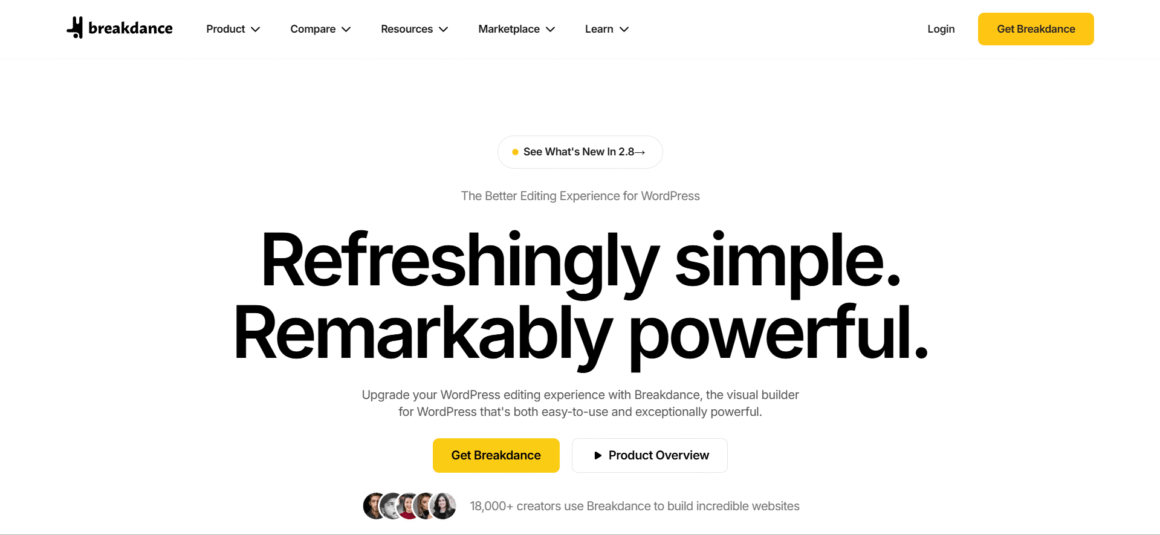
Breakdance is a modern WordPress drag-and-drop builder focused on speed, simplicity, and advanced functionality. It provides professional-level design capabilities while reducing dependency on multiple plugins.
In 2026, Breakdance continues gaining popularity due to its clean interface and built-in WooCommerce features.
Best For: WordPress users & agencies
Our Verdict
A fast, modern WordPress builder offering powerful visual controls, dynamic content, and strong performance-focused features.
Price: Start at $199/year
Our Rating: ⭐ 8.6/10
Pros
- Lightweight Performance – Optimized for faster page loading.
- Comprehensive Design Elements – Hundreds of ready-made components.
- Advanced WooCommerce Builder – Customize every part of your online store.
- Built-in Dynamic Content Support – Perfect for complex websites.
Cons
- Smaller community compared to Elementor.
- Fewer third-party integrations.
Why I Recommend Breakdance
- Faster than many traditional page builders.
- Excellent WooCommerce support.
- Modern editing experience.
9. Oxygen Builder
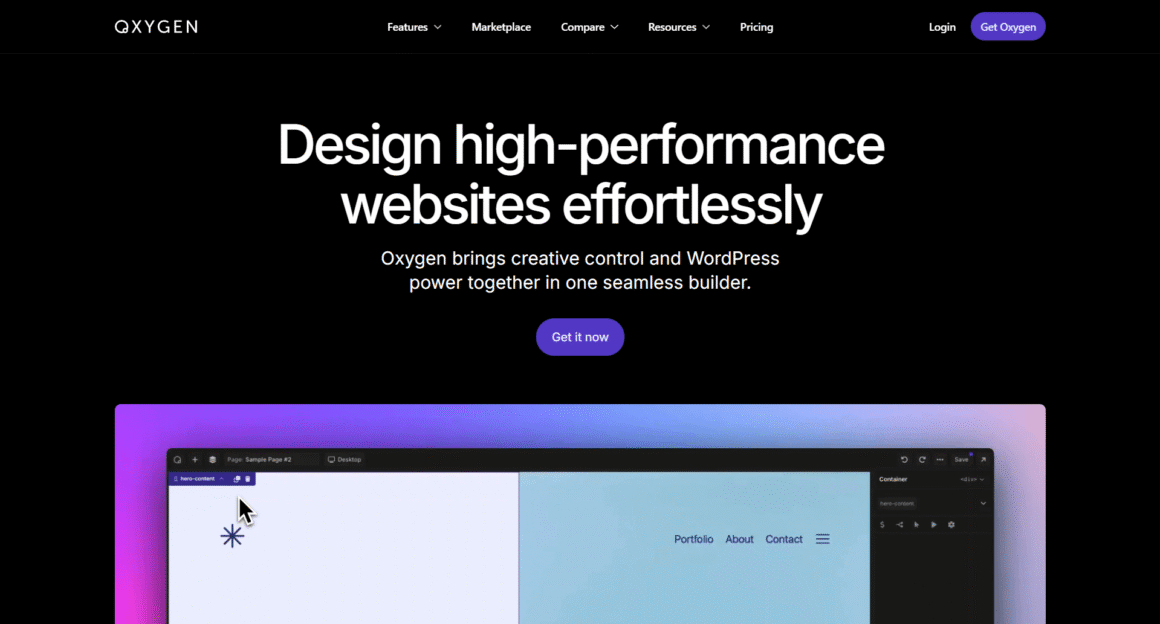
Oxygen Builder is a powerful visual website builder designed for developers who want complete control over WordPress websites without relying on traditional themes.
In 2026, Oxygen remains a preferred choice for performance-focused developers building highly optimized WordPress websites.
Best For: Developers & advanced WordPress users
Our Verdict
A highly flexible WordPress builder designed for users who want granular control over layouts, code, and site structure.
Price: Start at $129/year
Our Rating: ⭐ 8.5/10
Pros
- Theme-Free Development – Build websites from scratch without using WordPress themes.
- High Performance – Produces lightweight websites with minimal code bloat.
- Developer-Friendly – Supports PHP, JavaScript, CSS, and dynamic data.
- Flexible Design Controls – Customize every element visually.
Cons
- Not ideal for beginners.
- Requires WordPress knowledge.
Why I Recommend Oxygen Builder
- Outstanding website performance.
- Complete design freedom.
- Excellent for custom projects.
10. Nicepage
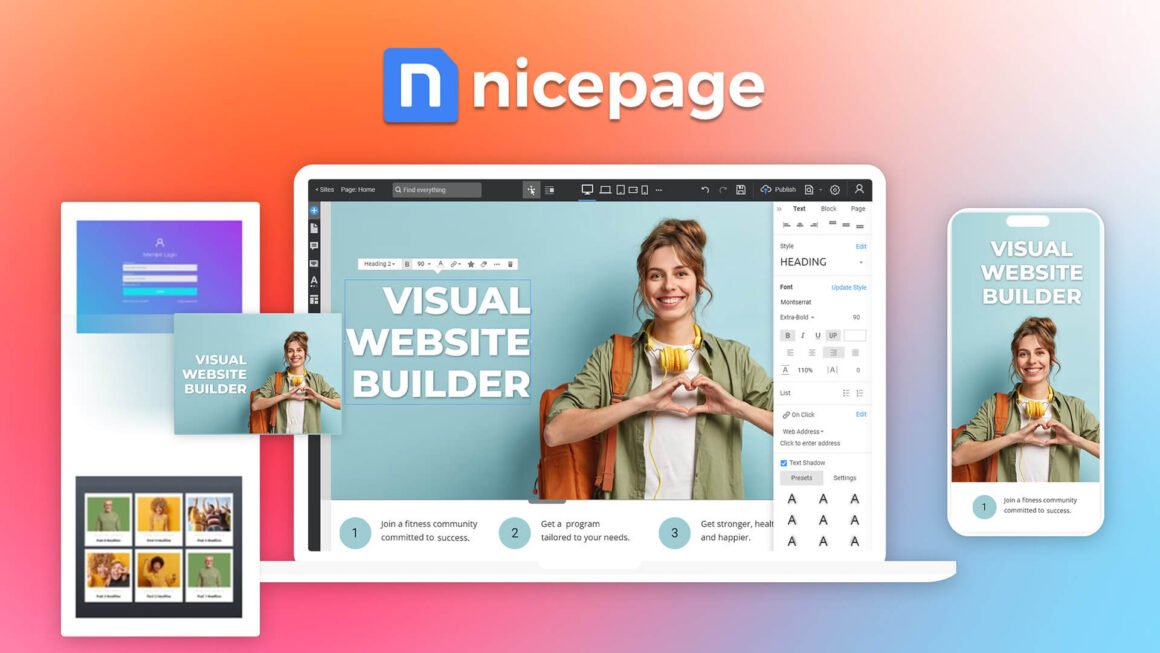
Nicepage is a flexible drag-and-drop website builder for users who want strong design freedom without coding. It combines a visual editor with AI-powered tools, responsive design features, and a large library of ready-made templates. Users can build websites online or with desktop apps for Windows and Mac, as well as create designs for WordPress, Joomla, and HTML websites.
Nicepage stands out for its freehand positioning, AI Page Builder, and extensive template collection, making it a practical choice for freelancers, agencies, and small businesses.
Best For: Freelance web designers, Small businesses, agencies, and WordPress/Joomla users
Our Verdict
A simple no-code builder offering AI tools, ready-made templates, responsive editing, and affordable plans for smaller websites.
Price: Free plan available. Paid plans start from **$6.75/month when billed annually
Our Rating: ⭐ 8.9/10
Pros
- Flexible Drag-and-Drop Editing – Position and customize website elements visually without writing code.
- AI-Powered Page Builder – Generate page ideas, layouts, blocks, and text with AI.
- 15,000+ Templates – Access a large library of responsive, customizable templates.
- Multiple Export Options – Create HTML websites and export designs for WordPress and Joomla.
Cons
- Advanced design tools may take time to master.
- Some CMS and eCommerce features require higher-tier plans.
Why I Recommend Nicepage
- Excellent design freedom for a no-code builder.
- AI tools speed up website creation.
- Desktop and online editing add flexibility.
Compared: Top 10 Website Best Drag and Drop Website Builders
| Website Builder | Best For | Biggest Strength | Key Limitation | Starting Price |
| Wix Studio | Agencies, freelancers, businesses | AI-powered responsive website design | Higher pricing | $19/month |
| Elementor Editor Pro | WordPress users, agencies, SMBs | Complete WordPress visual builder | Requires WordPress hosting | $5/month (annual billing) |
| Webflow | Professional designers, SaaS companies | Clean code generation and advanced CMS | Steeper learning curve | $14/month |
| Squarespace | Small businesses, creatives | Premium templates with all-in-one platform | Limited third-party integrations | $16/month |
| Shopify | eCommerce businesses, D2C brands | Best-in-class online store builder | Higher cost for advanced customization | $39/month |
| Hostinger Website Builder | Beginners, startups, freelancers | Affordable AI website builder | Limited customization options | $2.99/month |
| Oxygen Builder | WordPress developers | Theme-free, high-performance development | Not beginner-friendly | $199 (Lifetime) |
| Divi | Agencies, bloggers, business websites | Huge template library and lifetime license | Performance can slow on larger websites | $89/year |
| Breakdance | WooCommerce stores, advanced WordPress users | Fast performance with built-in WooCommerce tools | Smaller community and ecosystem | $99.99/year |
| Nicepage | Freelance web designers, Small businesses, agencies, and WordPress/Joomla users | Freehand drag-and-drop design | Limited advanced features | $6.75/month |
5 Things to Look for While Choosing the Best Drag-and-Drop Website Builder
Picking the ideal drag-and-drop website builder may be challenging. However, once you check the following pointers, choosing the right website builder will be easy.
1. Technical Expertise
What are your technical skills? Consider your expertise and choose the website builder accordingly. Some website builders may offer intuitive interfaces to get your job done easily, while others may ask for standard technical expertise.
2. Understand Your Requirements
Are you a freelancer or running a small digital marketing agency? Do you need a professional-looking website to showcase your business? Ask yourself these questions before picking the website builder.
Remember, different website builders have different features, helping you scale your business growth. Therefore, you must consider all the aspects before delving deeper.
3. Check Subscription Plans
Website builders offer multiple subscription plans with varying functionalities. Evaluate your requirement and determine your budget, aligning with your business needs.
4. Design Flexibility
Do you need a website that performs seamlessly and has a unique design? Top drag-and-drop website builders are known for their pre-designed templates, offering extensive customization options.
5. Scalability Scope
If you want a website that evolves as your business grows, choose a builder that meets your requirements. With a customized website builder, your business’s scalability is ensured.
Which Drag-and-Drop Website Builder Is Best for You?
| Best overall | Wix Studio |
| Best for WordPress | Elementor Pro |
| Best for designers | Webflow |
| Best for agencies | Divi |
| Best for beginners | Hostinger Website Builder |
| Best for online stores | Shopify |
| Best for WooCommerce | Breakdance |
| Best for developers | Oxygen |
| Best for affordable websites | Hostinger |
| Best for AI-powered creation | Wix Studio / Hostinger |
FAQs
What are the main benefits of drag-and-drop website builders?
The primary benefits of a drag-and-drop website builder are efficiency, speed, and the ability to develop professional websites within minutes. Pre-designed templates, images, and AI-infused videos save enormous time.
How can I choose a drag-and-drop website builder?
Based on your business requirements and desired features, choose a drag-and-drop website builder. However, keep in mind that your chosen website builders must serve your business requirements.
Do drag-and-drop website builders provide deep SEO control?
Yes. Most website builders provide greater SEO control with the latest AI tools. You can optimize SEO with related keywords for better results.
How much should I spend on a website builder?
You may need around $50 per month for standard business needs. However, e-commerce platforms may cost more due to inventory management requirements and the need for secure payment gateways.
Ready to Choose the Best Drag-and-Drop Website Builder?
Woo, you just learned about the best website builders and how to choose any of those! Explore the finest options mentioned above that resonate with your budget and needs. You’re on the way to outperforming your competitors by selecting the ideal website builders. Best of luck!