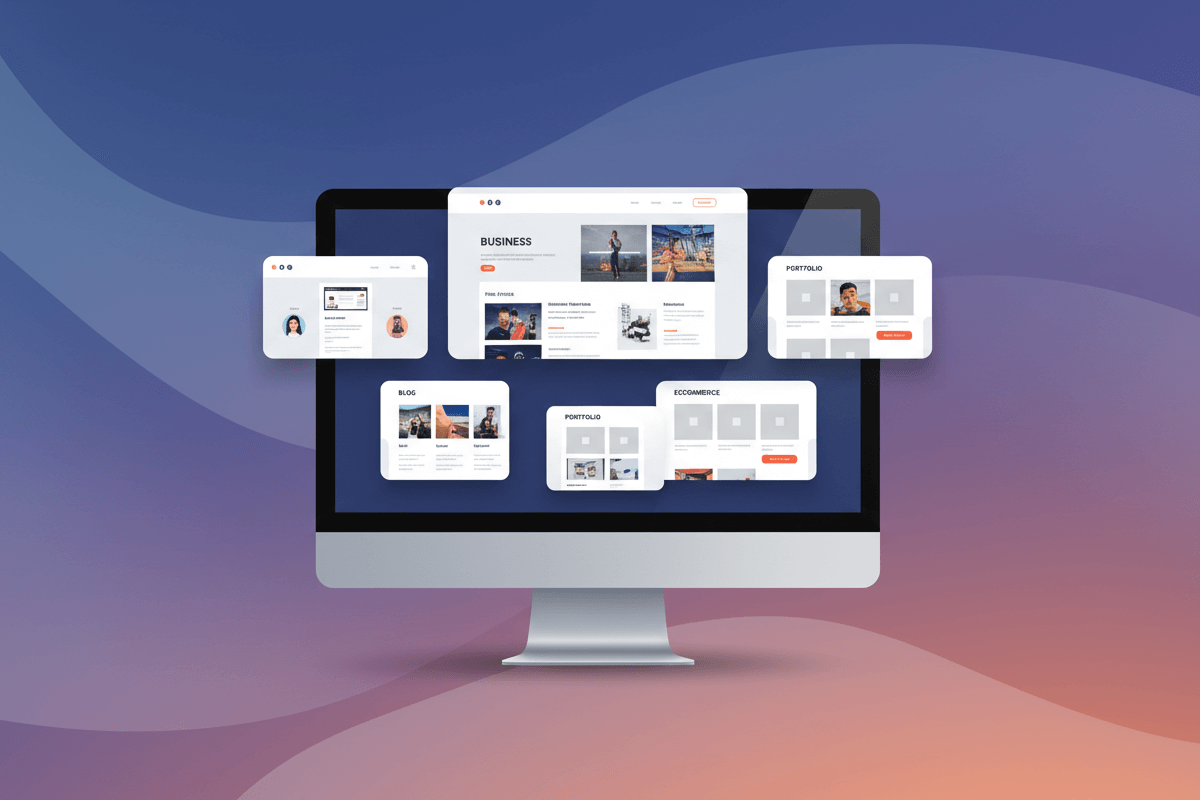
In 2026, website builders demand themes that adapt to evolving design standards and performance benchmarks. A theme must combine aesthetic flexibility with fast loading times and integrated tools that support growth.
Selecting the right theme can shape user perception and influence search ranking signals. Technical foundations such as responsive design and SEO optimization deliver a solid starting point for any project.
Quick Overview of Top 10 Themes
Below is a concise overview of the leading best multipurpose WordPress themes for 2026. Each option has been evaluated for feature set, ease of customization, and ongoing support.
| Theme Name | Notable Strength | Ideal Use Case |
| Astra Pro | Lightweight framework | Blogs and portfolios |
| OceanWP | Comprehensive demo library | Small business sites |
| GeneratePress Premium | Performance‑focused code base | High-traffic platforms |
| Kadence WP | Flexible header builder | Corporate websites |
| Neve | Fast mobile-first design | Online stores |
| Blocksy | Gutenberg‑oriented layout options | Content‑rich publications |
| Phlox Pro | Advanced gallery features | Creative agency portfolios |
| Zakra Pro | Starter templates for niches | Event and conference sites |
| Hestia Pro | One‑page theme with WooCommerce | Landing pages |
| Jupiter X | Visual editor integration | Custom application sites |
01. Astra Pro
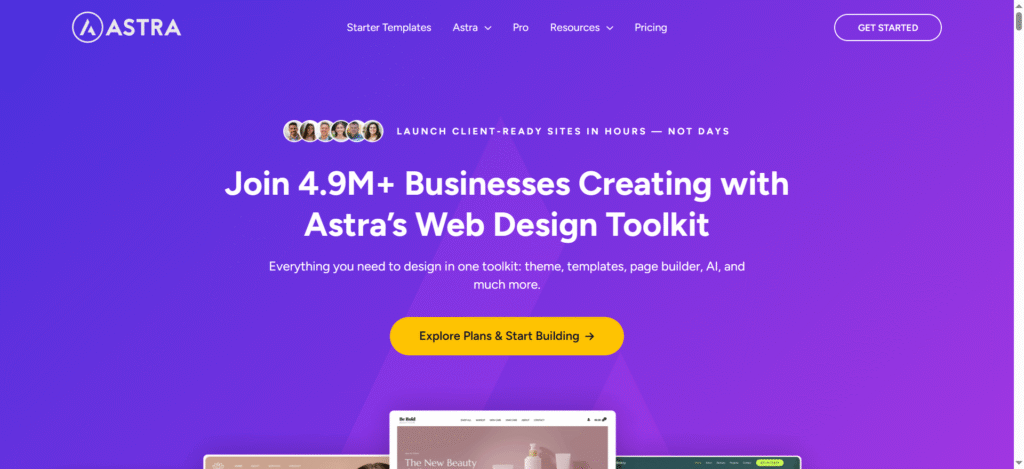
Astra Pro arrives as a feather‑light powerhouse that accelerates page loads without skimping on styling options. Designers and developers report that sites built with this theme achieve top scores in Core Web Vitals tests.
Key Features
- Responsive design settings for desktop, tablet, and mobile views.
- Custom layouts for header, footer, and sidebar regions.
- White‑label mode to rebrand the theme options panel.
- Performance Module to disable unused scripts and fonts.
Pros
- A minimal code base yields sub‑second load times.
- Deep compatibility with popular page builders.
- Regular updates that address emerging PHP and WordPress changes.
Cons
- Advanced options require a Pro license.
- There can be a learning curve for first‑time users of custom layout controls.
02. OceanWP
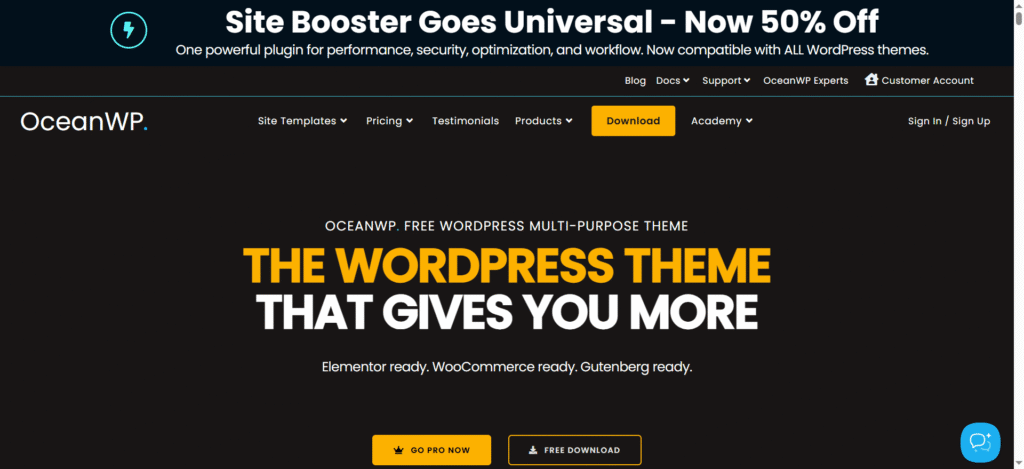
OceanWP presents a vast collection of prebuilt demos that can be tailored in minutes. Its modular approach lets site owners activate only the functionality they require, thereby preserving speed and simplicity.
Key Features
- Demo Importer with one‑click setup for industry‑specific templates.
- Popup login and custom side panels for member areas.
- Sticky Elements options for headers and call‑to‑action bars.
- WooCommerce Booster with product quick view and a floating cart.
Pros
- An extensive library of ready‑made sites for varied niches.
- Built‑in scripts for social sharing and newsletter forms.
- A strong developer community providing frequent add‑ons.
Cons
- Bundled scripts can bloat performance if all modules are active.
- Style overrides may conflict with heavily customized page builders.
03. GeneratePress Premium
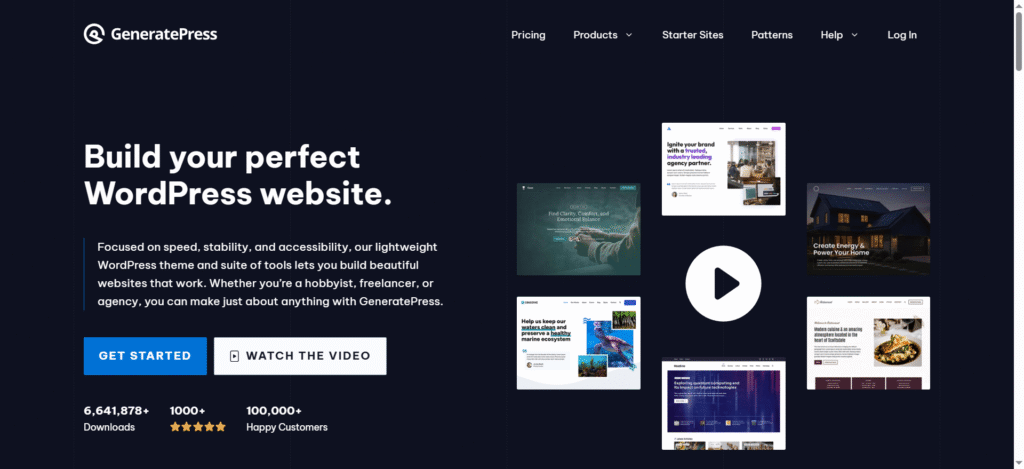
GeneratePress Premium champions a back‑to‑basics philosophy that prizes clean markup and strict adherence to coding standards. Agencies appreciate its transparent structure when auditing site health.
Key Features
- Site Library offering starter themes for blogs through e‑commerce.
- Block editor enhancements to polish native Gutenberg layouts.
- Spacing controls to fine‑tune margins and padding globally.
- Dynamic typography for consistent font scaling across devices.
Pros
- Outstanding mobile performance with automatic caching support.
- A hook system for custom PHP snippets without child themes.
- One‑year support covering updates and ticketed help.
Cons
- Fewer out‑of‑the‑box design flourishes than competitors.
- Reliance on the block editor may frustrate users of older page builders.
04. Kadence WP
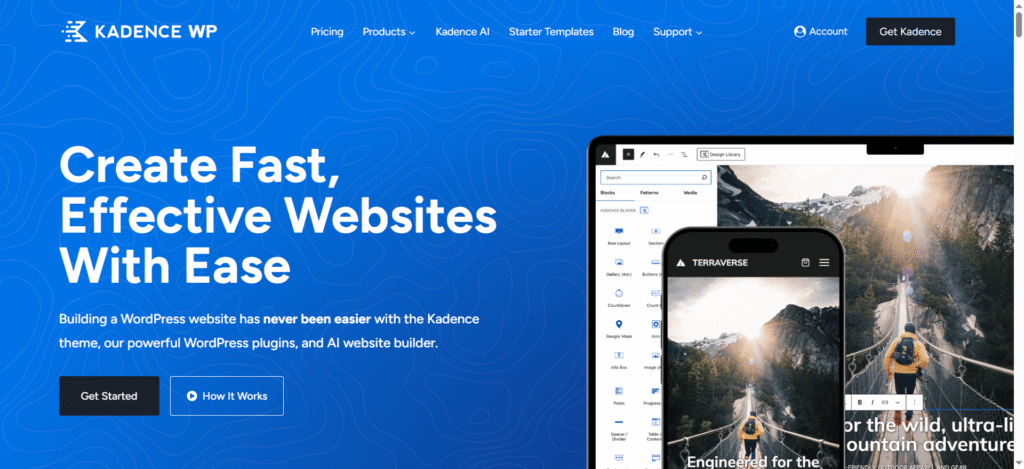
Kadence WP centers its appeal on a powerful header builder and a flexible footer design system. Teams focused on branding can construct unique navigational experiences without touching code.
Key Features
- Header/footer builder with drag‑and‑drop row and column layouts.
- Global color palette to maintain brand consistency.
- Performance Mode that defers unused assets until interaction.
- WooCommerce integration, including an off-canvas cart and quick sale badges.
Pros
- An intuitive interface makes style changes painless.
- A light footprint keeps server demands low.
- Advanced hooks and filters provide developer‑level control.
Cons
- Certain premium modules are sold separately, which may drive up costs.
- Learning header builder conventions can take time.
05. Neve
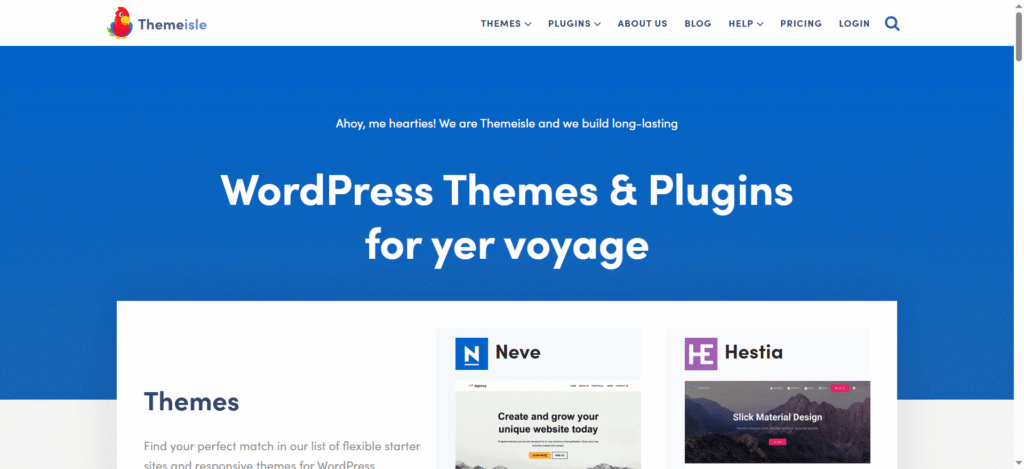
Neve stakes its claim as the go‑to theme for mobile‑first design, with each demo crafted to load swiftly on handheld devices. This theme prioritizes content clarity on smaller screens without sacrificing desktop appeal.
Key Features
- AMP compatibility to serve fast‑loading pages on mobile.
- Header Booster for multiple navigation layouts and sticky bars.
- Scroll effects such as parallax backgrounds and reveal animations.
- Mega Menu support for complex site architectures.
Pros
- Seamless integration with accelerated mobile pages frameworks.
- A variety of starter sites for portfolios, agencies, and shops.
- Lean styling that adapts to any design system.
Cons
- Parallax and animation options may add render‑blocking scripts.
- Advanced menu configurations require the Pro plan.
06. Blocksy
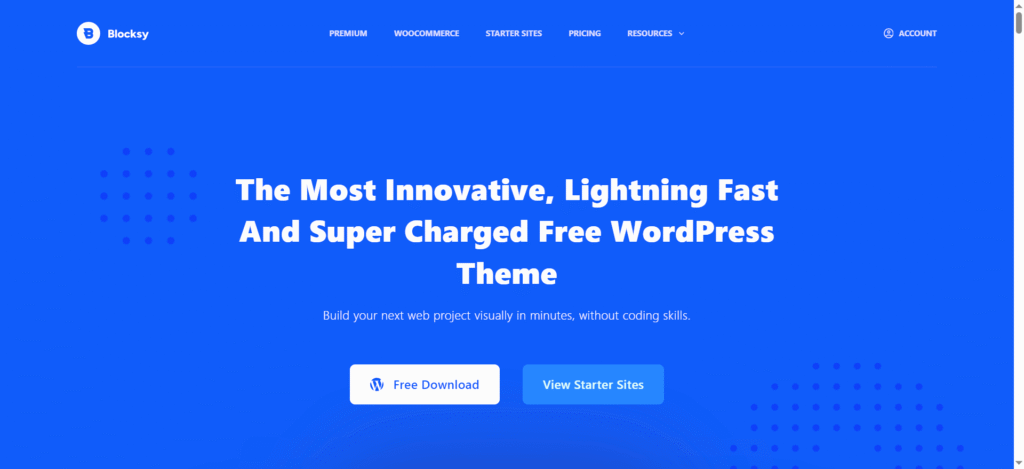
Blocksy brings a modern approach by centering design around the native Gutenberg editor. It provides granular controls for each block so content creators can assemble pages with precision.
Key Features
- Gutenberg‑oriented layout options offering custom block settings.
- Conditional sidebars that display based on page type or user role.
- Advanced Footer Builder with widget areas and social icon placement.
- Performance add‑on to preload critical assets only.
Pros
- Deep integration with WordPress core blocks.
- Intuitive controls for nontechnical users.
- Lightweight asset loading preserves page speed.
Cons
- Some premium extensions are required for full functionality.
- There is a learning curve for conditional display logic.
07. Phlox Pro
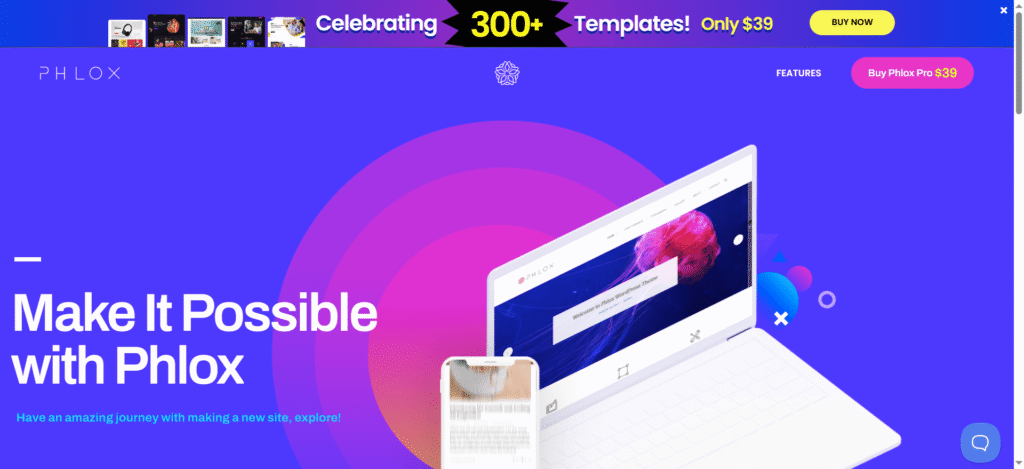
Phlox Pro targets creative agencies by delivering polished gallery and portfolio layouts. It supports multi‑column masonry grids and dynamic hover effects without third‑party plugins.
Key Features
- Advanced gallery features, including lightbox galleries and filters.
- Elementor compatibility with custom widgets for slides and carousels.
- Sticky sidebar for context‑aware navigation panels.
- Header animation controls for engaging first impressions.
Pros
- Beautiful out‑of‑the‑box portfolio templates.
- Seamless integration with the Elementor page builder.
- Regular addition of new demo content.
Cons
- Heavier resource usage when all gallery scripts are active.
- Some animations may conflict with caching plugins.
08. Zakra Pro
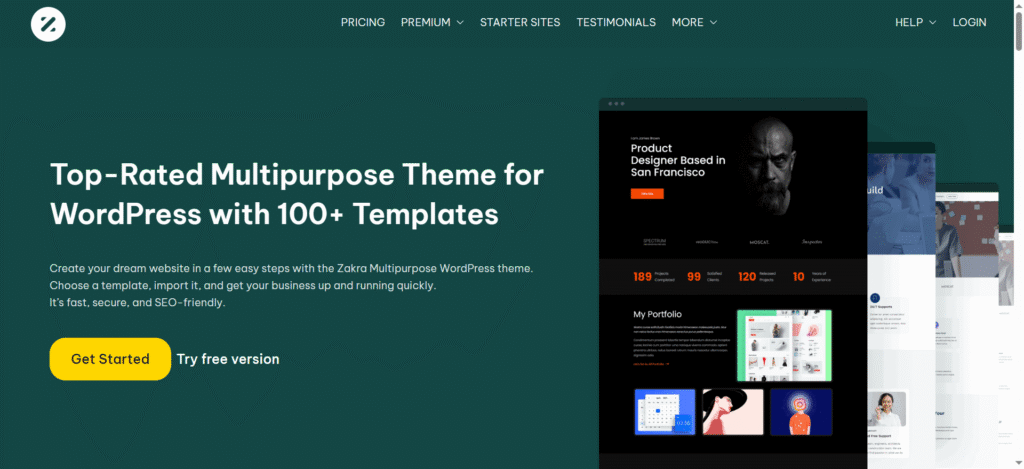
Zakra Pro stands out with its tailored starter sites for niche industries. It simplifies site launches by bundling templates for events, agencies, education, and more.
Key Features
- Starter templates for niches covering over twenty industries.
- Header/footer presets to apply consistent branding swiftly.
- Typography Manager that centralizes font controls.
- Shop Customizer for quick WooCommerce styling tweaks.
Pros
- Rapid setup with one‑click demo import.
- Clean code ensures compatibility with popular plugins.
- Flexible layout options for varied business needs.
Cons
- Niche templates may require extra customization for uniqueness.
- Support response times vary depending on the plan.
09. Hestia Pro
Hestia Pro focuses on elegant one‑page designs with seamless WooCommerce integration. It guides visitors through a unified story without sacrificing conversion‑driven sections.
Key Features
- One‑page theme with WooCommerce-ready checkout sections.
- Section reordering via customizer to adjust content flow.
- Pricing Table Module for clear service comparisons.
- Live Customizer edits with instant preview.
Pros
- Smooth one‑page scrolling experience.
- Built‑in support for product galleries and testimonials.
- Frequent updates aligned with WooCommerce releases.
Cons
- A one‑page layout may limit deeper navigation.
- Additional design variations require a Pro upgrade.
10. Jupiter X
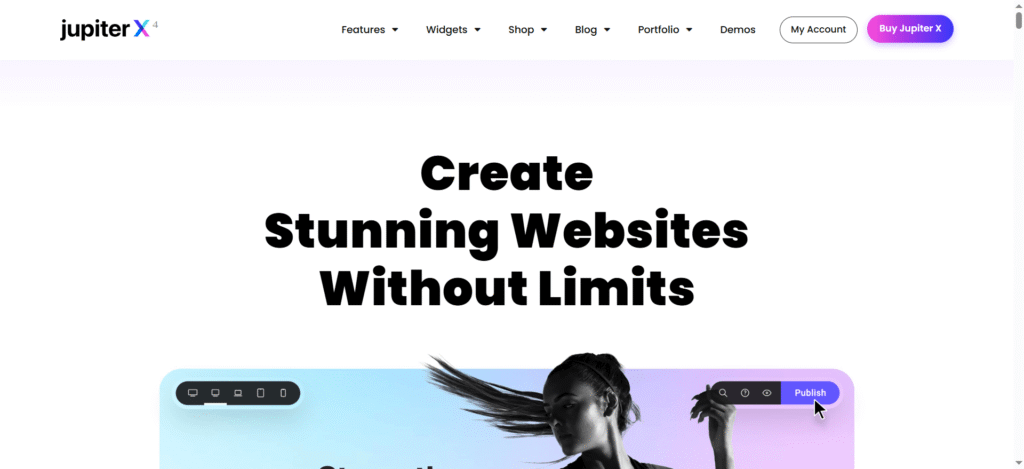
Jupiter X delivers a full‑site visual editor that empowers designers to craft every page element in real time. It uses a modular structure for reusable components across the site.
Key Features
- Visual editor integration for live styling of headers and footers.
- Global Module Library to reuse custom elements.
- Custom post type support with dedicated templates.
- Advanced portfolio layouts for case studies and client showcases.
Pros
- Complete design freedom without code.
- An efficient workflow with a global style system.
- An extensive library of prebuilt sections and pages.
Cons
- The editor interface can feel overwhelming for newcomers.
- A larger install size impacts initial setup time.
Conclusion
Selecting a multipurpose WordPress theme in 2026 involves balancing performance, design flexibility, and ongoing support. Themes such as Astra Pro and GeneratePress Premium excel where speed is critical, while Blocksy and Jupiter X shine for those who demand native editing experiences.
Neve and Hestia Pro cater to mobile and one‑page scenarios, respectively, and Phlox Pro and Zakra Pro deliver niche‑focused templates and creative gallery options. By matching your project’s priorities, whether that is gallery presentation, niche templates, or deep customization, you secure a foundation that adapts as web standards evolve.
Take time to test demo sites and review changelogs to confirm compatibility with your hosting environment and plugin ecosystem. The right theme will not only elevate user experience but also streamline maintenance as your site grows.
Disclosure: Some links on Themezhub are affiliate links. We may earn a commission if you make a purchase through them.