Editorial Note: We may earn a commission when you visit links on our website.
Cloud hosting is a necessity for modern websites because users no longer just want a place to host a web page. Instead, users want to learn which service providers also support AI integration and deliver high-speed performance (a non-negotiable factor).
The top cloud hosting companies tap into this user behavior by bringing all-in-one ecosystems for businesses. However, you should not choose a tool solely because of its popularity or marketing gimmicks; instead, you must understand what it truly offers and whether it has the right product-market fit.
What are cloud hosting services?
Cloud hosting services provide storage, multiple servers, databases, and virtual networks to host websites, applications, and digital assets. In cloud hosting, there is no single point of failure, so even if one server goes down, another will pick up, meaning a website will never be offline. This contrasts with physical web hosting, where a single server is responsible for managing a website’s operations.
Cloud hosting can be further divided into public, private, hybrid, and managed clouds.
For public cloud hosting, a third-party vendor is responsible for managing the availability and maintenance of computing resources.
A private cloud (internal/corporate cloud) is one that a business builds for itself and is primarily responsible for all computing resources.
With managed cloud hosting services, you partner with a service provider and entrust them with monitoring and optimizing resources.
A hybrid cloud combines the characteristics of public and private clouds, allowing businesses to run applications across multiple networks.
5 Reasons to Choose Cloud Hosting Providers in 2026 (And Beyond)
Cloud-based hosting is a “must-have” feature for running digital operations without interruptions. If you are still undecided, here are 5 reasons to switch to cloud hosting providers.
Better Reliability & Uptime
Your website is “hosted” across multiple servers, so the workload is also distributed among them. If, for some unforeseen reason, a server becomes offline, the next server will receive the rerouted traffic. Therefore, uptime remains unaffected, making it an ideal choice for eCommerce, B2B SaaS, and government websites.
Scalability
Cloud web hosting can scale efficiently with a business’s growth, without requiring a full migration. Dedicated servers or shared servers don’t offer that. You can scale up or down and pay only for the resources you use.
Built-in Performance
Cloud hosting companies nowadays rely on content delivery networks (CDNs), advanced caching processes (including AI caching), global data centers, and performance-first server architecture to ensure your applications deliver a better user experience.
Security
Cloud hosting companies offer managed security services, including DDoS protection, automatic backups, data encryption, multi-factor authentication, firewall protection, and SSL certificates.
Integration with AI
A cloud-based hosting service provider understands your business needs and packages its offerings accordingly. It may include GPUs and specialized architecture that can be easily integrated with DevOps, Kubernetes, and similar pipelines.
How We Choose the Best Cloud Hosting Providers
This list was compiled after analyzing the best cloud hosting servers against this rubric:
Performance
We analyzed the server architecture (LiteSpeed, etc.), built-in caching, and CDN integration to rate the performance of these providers.
Reliability
A website’s downtime negatively impacts consumer loyalty and brand image. So, we stacked these companies against uptime, global data centers, built-in redundancy, and automatic backup support.
Scalability
We evaluated each cloud hosting provider against this metric. Increase the number of CPUs/GPUs, storage capacity, and bandwidth without an extensive server migration.
Ease of Use
Not all users have the technical expertise of server management, nor do they have time to do so. Some users prefer one-click installation and deployment rather than a learning curve. We have listed managed service providers only after evaluating the platform’s ease of use and the level of customer support available.
Security
Security is non-negotiable in cloud hosting, so we checked the offerings of these providers. We checked for SSL certificates, automatic backups, firewall and DDoS protection, security monitoring, malware protection, and access controls.
Pricing
We compared these service providers against entry-level pricing and their renewal charges as well. We covered the features available in each plan and whether the companies prefer a usage-based billing model. The official pricing might vary based on time, location, and usage.
Availability of Customer Support
We evaluated the providers for the availability of customer support teams after business hours, documentation, and the quality of self-service materials provided.
Best Fit
No cloud hosting company can offer the best plan to every single user. Elementor Hosting, Kinsta, etc., are suited for WordPress websites but not for deploying custom webpages. The best cloud hosting providers should offer plans that fit their clients’ business requirements.
GCP, AWS, and DigitalOcean are appropriate for enterprise infrastructure. If uptime across all the regions is non-negotiable, Vultr, GCP, and AWS are again the safe choice. Industries requiring governance and strict compliance might benefit from IBM Cloud and Oracle Cloud Infrastructure.
Top 10 Cloud Hosting Service Providers
1. Elementor Hosting
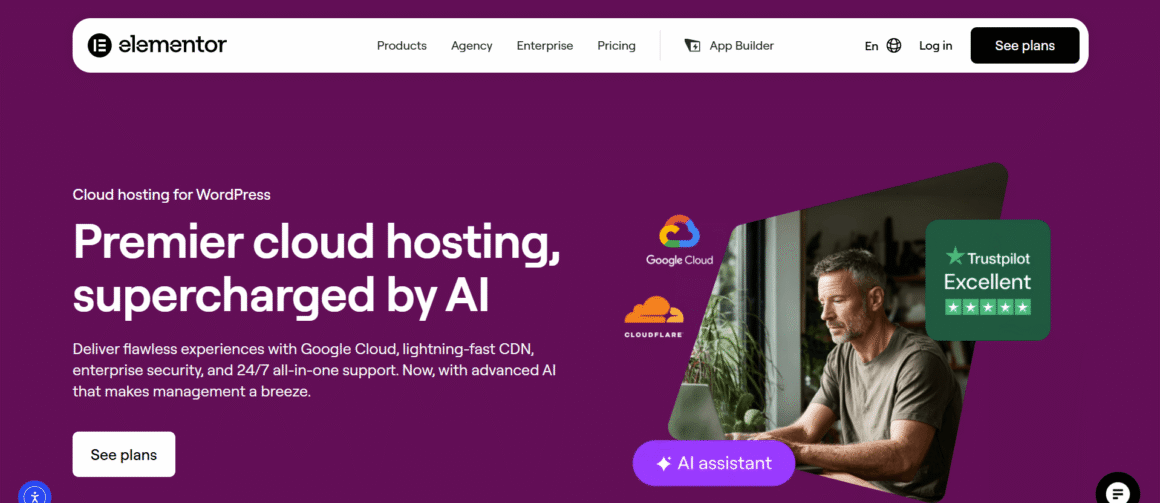
Elementor hosting is a managed WordPress hosting service that helps users create and manage websites. It has Google Cloud Platform as its core infrastructure, rendering WordPress-based business websites fast, secure, and highly optimized for users.
Overall Rating: ⭐⭐⭐⭐⭐ (4.9/5)
Features
- A comprehensive, all-in-one platform with intuitive dashboards
- Google Cloud Platform
- Impressive security
- CDNs built in
- Regular backups
- Automatic WordPress updates
- Advanced caching
- Staging environment (one-click)
- SSL certificates
Pros
- Beginner-friendly, no learning curve
- Optimized WordPress sites
- Built-in website builder
- Fast deployment
- Security updates
Cons
- Mainly for WordPress websites
- Might not be ideal for advanced infrastructure
- Limited flexibility
Why Do I Choose Elementor Hosting?
Elementor Hosting streamlines multiple steps like hosting, WordPress installation, plugin configuration, and security configuration into one dashboard, turning it into one of the best cloud hosting providers. Freelancers and agency owners can run multiple WordPress websites without having to figure out server administration.
Best For
- Bloggers
- Business Websites
- Freelancers
- Agencies
- Elementor Users
Pricing
Elementor Hosting offers multiple plans depending on storage, website category, number of websites, and other criteria. Its single-site plans start from $15/month (billed annually) to $225/month. The multi-site plans start at $35/month (3 websites) and go up to $300/month (20 websites). Elementor Pro Builder is sold separately and is not included in these plans. The Enterprise Plan is customizable.
2. Hostinger
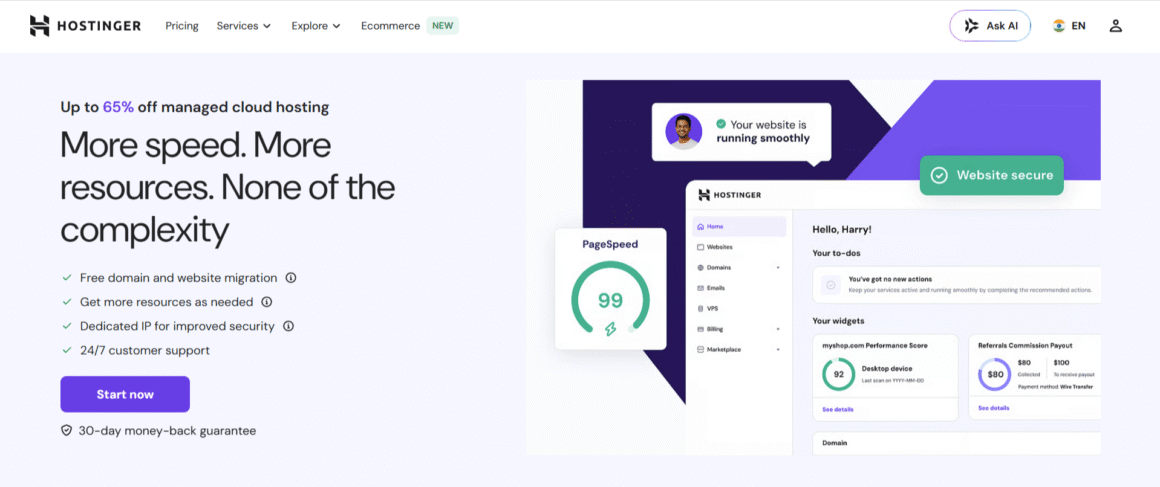
Hostinger uses LiteSpeed web servers to offer lightning-fast services and an impressive 99% uptime. Among cloud hosting providers, Hostinger is the perfect choice for those seeking strong cloud performance at an affordable price.
Overall Rating: ⭐⭐⭐⭐⭐ (4.8/5)
Features
Hostinger offers multiple features, including
- LiteSpeed servers
- Free CDNs
- Free SSL certificates
- A dedicated IP address
- Regular automatic backup
- AI website builder
- One-click WordPress installation
- 24/7 customer helpline
- Managed cloud hosting
- Global data centers
Pros
Hostinger comes with the following pros:
- Affordable cloud web hosting plans (30-day moneyback guarantee)
- H-panel, a better, beginner-friendly alternative to C-panel
- Free website migration
- 99% uptime
- Improved website performance
- Customer support
- Built for WordPress, small business websites, and eCommerce websites
Cons
Despite its many pros, Hostinger has some drawbacks:
- Higher renewal prices, in contrast to introductory prices
- Not ideal for resource-heavy websites
- Does not support pay-as-you-go payment
- Comes with limited server customization
Why I Choose Hostinger ?
Hostinger has made a name for itself as one of the best cloud hosting providers, based on its price-to-performance ratio. Some of the features available in the startup plan are genuinely affordable compared to its competitors. But we actually like Hostinger for its beginner-friendly H-panel architecture and its easy integration with Git and other advanced environments.
Best For
- Beginners
- Small Businesses
- Bloggers
- WooCommerce Stores
- Budget-Friendly Hosting
Pricing
Hostinger’s Cloud Startup Plan is priced at $9.99/month (for 1 year, renewal charge is $25.99/month). Its Cloud Professional package is priced at $19.99/month (1-year plan; renews at $44.99/month), and the Cloud Enterprise plan starts at $39.99/month (1-year plan; renewal charge is $64.99/month).
3. AWS
AWS (Amazon Web Services) stands out from the rest for its comprehensive range of services, including IaaS, PaaS, and SaaS. Among cloud web hosting providers, AWS boasts the largest market share with its core hosting products: virtual servers (Amazon EC2), Amazon S3 (storage), and Amazon RDS (managed databases).
Overall Rating: ⭐⭐⭐⭐⭐ (4.7/5)
Features
- Elastic Compute Cloud (EC2)
- Load Balancing
- Amazon S3 object storage
- Pay-as-you-go pricing options
- Extensive API support
- Identity and Access Management
- CloudFront (CDN)
- Managed databases
- Support for Kubernetes
- Enterprise-grade security
- Advanced networking
Pros
- Scalable infrastructure
- Enterprise-level security
- Flexible pricing model
- Prominent developer ecosystem
- Enterprise-level reliability
- Regular updates
Cons
- Steep learning curve
- Technical expertise required
- Complex pricing
Why did I choose AWS?
AWS offers an extensive cloud infrastructure service that scales as per business needs (from a simple web application to a SaaS platform). Its scalability makes it a real winner; you can start small and then scale accordingly. However, AWS cloud hosting services are targeted at DevOps teams and enterprise-level projects.
Best For
- Enterprise Companies
- SaaS Applications
- Developers
- AI & Machine Learning
- Kubernetes
Pricing
AWS offers on-demand and pay-as-you-go pricing for most of its products and services. The cost may vary depending on computational instances, storage, bandwidth, and if any additional cloud services are purchased.
4. Siteground
SiteGround also offers GCP-powered cloud hosting for WordPress websites. It is often cited as one of the best cloud hosting providers due to its dedicated customer support teams.
Overall Rating: ⭐⭐⭐⭐⭐ (4.8/5)
Features
- Managed cloud hosting
- Free SSL certificates
- CDN integration
- Security features (firewall and AI anti-bots)
- Intuitive dashboard
- Integrated caching
Pros
- High uptime & response time
- Better customer support
- Improved website speed
- High scalability
- Developer-friendly tools
Cons
- High price
- Limited flexibility
Why Did I Choose SiteGround?
SiteGround brings a promising cloud hosting infrastructure with dedicated customer support teams. We prefer SiteGround for its proactive monitoring, regular updates, and professional managed services.
Best For
- WordPress Websites
- Agencies
- WooCommerce
- Growing Businesses
Pricing
SiteGround pricing begins with $100.00/month (Jump Start), $200.00/month (Business), $300.00/month (Business Plus), and $400.00/month (Super Power). It also offers an option to configure a cloud hosting plan for businesses.
5. Kinsta
Kinsta is a reputable company offering cloud computing hosting services to WordPress websites. It is a perfect choice for high-traffic websites that cannot bear to falter whenever a server goes down.
If you’re specifically looking for hosting that can handle growing traffic, traffic spikes, and demanding WordPress workloads, check out our detailed guide to the best WordPress hosting for high-traffic websites.
Overall Rating: ⭐⭐⭐⭐⭐ (4.9/5)
Features
- Custom MyKinsta dashboard
- Server-level caching
- Premium CDN
- Site management
- Performance monitoring
- Analytics
- One-click staging
Pros
- Excellent WordPress performance
- Enterprise-grade security & infrastructure
- Fast customer service
- Website management
- Developer-friendly interface
Cons
- Not applicable for non-WordPress websites
- Email hosting is unsupported
- Falls on the pricier end
Why did I choose Kinsta?
Kinsta has a reputation for delivering top-tier performance, even for high-traffic or revenue-generating websites. The support team and their dedication to assist, justifying the pricing.
Best For
- High-Traffic WordPress Sites
- Agencies
- WooCommerce
- Business Websites
Pricing
Kinsta has different pricing plans for single sites and multiple sites, with varying features and bandwidth. For agencies, Kinsta’s plan starts at $284/month (all plans billed annually).
6. Vultr
Vultr specializes in Intel-based and bare-metal servers for managing high-workload instances. The main target audience is developers, and it sets the benchmark for the best cloud hosting companies.
Overall Rating: ⭐⭐⭐⭐⭐ (4.7/5)
Features
- NVIDIA A100 and L40S GPU instances
- High-performance cloud compute
- Kubernetes support
- Flexible API
- Managed databases
- Bare metal servers
- Pay-as-you-go billing
Pros
- Competitive pricing
- Ideal match for latency-sensitive instances
- Developer tools
- Global presence
- Operating system support
Cons
- Steep learning curve
- Not like traditional managed hosting
- Requires extensive server management knowledge
Why I Choose Vultr?
Vultr is the best choice for developer teams requiring total control without paying high prices. With its clean interface, it balances performance, scalability, and pricing, making it useful for creating SaaS products and projects with API-integrated environments.
Best For
- Developers
- VPS Users
- Kubernetes
- SaaS Startups
Pricing
Vultr VX1 Cloud Compute starts at $0.06/month, Optimized Cloud Compute at $28.00/month, Bare Metal at $120.00/month, and Cloud GPU at $0.03/hour.
7. Digitalocean
Digitalocean Inference Cloud is designed to help teams scale AI-powered products. It comes with GPU droplets, NVIDIA H100 and H200 accelerators, and application stacks like PostgreSQL, MySQL, and Redis. It also offers managed Kubernetes services to run AI-powered applications. For these offerings, DigitalOcean has made its name as one of the best cloud hosting companies.
Overall Rating: ⭐⭐⭐⭐⭐ (4.8/5)
Features
- GPU Droplets with built-in CUDA toolkits
- Kubernetes-powered control panel
- Gradient AI platform for managed model hosting
Pros
- Lightning-fast setup
- Transparency regarding cost
- Comes with supportive documentation
Cons
- Requires thorough technical knowledge
- Limited managed hosting
Why Do I Choose DigitalOcean?
DigitalOcean eliminates the complexity of cloud hosting while still giving A+ performance. The intuitive dashboard is developer-friendly, with detailed documentation on deployment and server management.
Best For
- Developers
- Startups
- APIs
- Containerized Applications
Pricing
DigitalOcean Inference pricing starts at $0.05/M tokens and GPU Droplets at $1.88/GPU/hour with multi-month contracts (on-demand pricing starts at $0.76/GPU/hour).
8. Google Cloud Platform
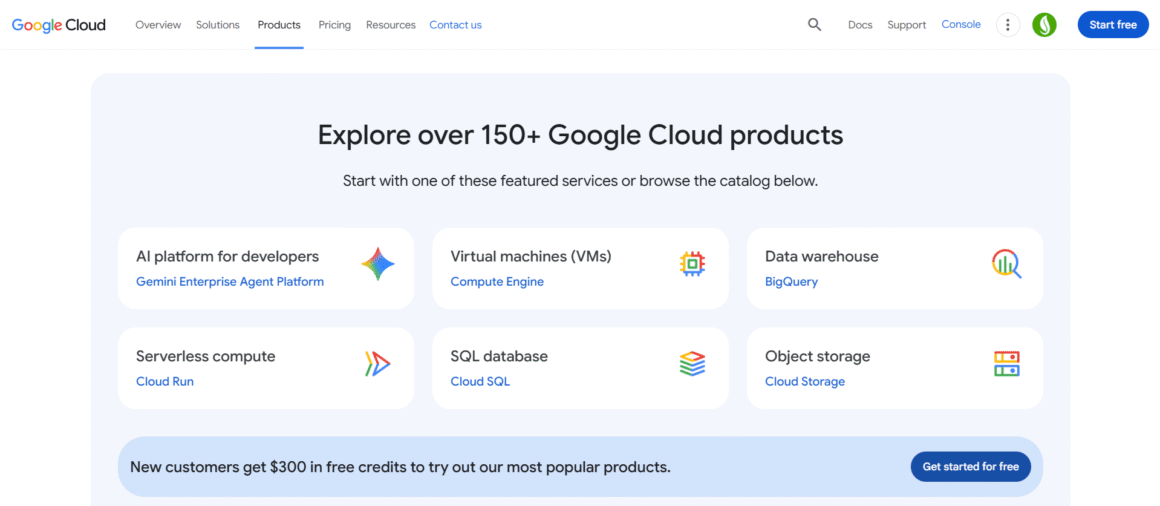
Google Cloud Platform is a hyperscaler that offers cloud computing services, containerized applications, AI (Vertex AI), big data (BigQuery), and Kubernetes.
Overall Rating: ⭐⭐⭐⭐⭐ (4.8/5)
Features
- Google Kubernetes Engine (Kubernetes was introduced by Google)
- Vertex AI
- Data analytics and machine learning models
- Private fiber-optic network
- Managed SQL databases
- Compute Engine
- BigQuery
- Serverless computing
Pros
- Unparalleled AI capabilities
- Scalable infrastructure
- Comes with developer tools
- High flexibility and security
Cons
- Not for beginners
- Pricing can be confusing
Why did I choose GCP?
GCP offers premium cloud computing hosting services to companies building data-intensive applications and AI solutions. Google has built an entire ecosystem to support businesses with their workload and keeps adding new innovative products to its suite.
Best For
- AI Applications
- Data Analytics
- Enterprise Infrastructure
- Kubernetes
Pricing
Google offers $300 in free credits to new customers across 20+ products and an only-pay-what-you-use model. Businesses can check the pricing in their pricing calculator or request a custom quote.
9. IBM Cloud
IBM Cloud is an enterprise-grade cloud hosting platform used mostly in regulated industries (finance and government agencies). It has GPU-enabled virtual servers and dedicated bare-metal servers to maintain compliance and governance. Like GCP, IBM Cloud also offers container orchestration through Red Hat OpenShift integration.
Overall Rating: ⭐⭐⭐⭐⭐ (4.7/5)
Features
- Hybrid connectivity for policy enforcement
- Data encryption services
- Single-tenant GPU nodes
- Bare metal servers
- Watson and AI integration
- Red Hat OpenShift integration
Pros
- Compliance support
- Hybrid cloud support
- Enterprise security through data encryption
- Advanced AI
- Reliability and flexible deployment
Cons
- Not applicable for simple websites
- Not beginner-friendly
Why did I choose IBM Cloud?
IBM Cloud is an excellent choice for enterprises that prioritize compliance, security, and hybrid cloud deployments, including those in highly regulated industries. IBM has a stellar reputation for reliability and enterprise expertise, and these companies can benefit from that.
Best For
- Government Organizations
- Financial Institutions
- Healthcare
- Hybrid Cloud
Pricing
IBM Cloud comes with flexible, pay-as-you-go pricing that depends on usage and on whether you choose managed cloud services.
10. Oracle Cloud Infrastructure
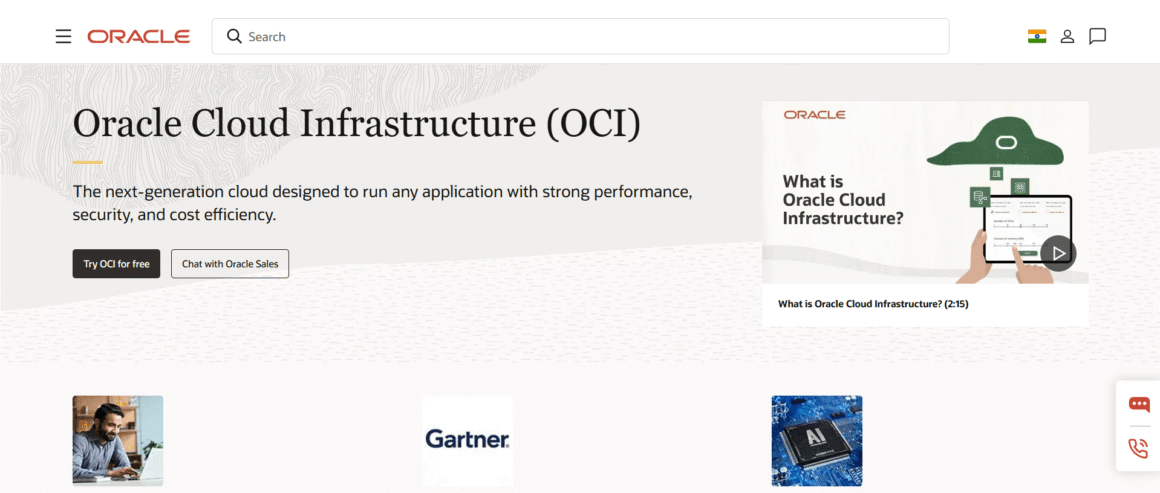
Oracle Cloud Infrastructure (OCI) is a cloud hosting platform specializing in data-intensive workloads and AI training systems. It supports low latency through GPU clusters and RDMA-based networking.
Overall Rating: ⭐⭐⭐⭐⭐ (4.7/5)
Features
- Flat network architecture for model training
- HPC-optimized storage solutions for AI and sensitive data analytics workloads
- GPU clusters for uninterrupted performance
- Oracle Autonomous Database
- Kubernetes Engine
Pros
- Sustainable performance even during intensive workloads
- Smooth large-scale model training and data transfer
- Powerful database performance
Cons
- Complicated pricing
- Niche use cases
- Learning curve
Why did I choose Oracle Cloud?
OCI is the best match for high-performance enterprises dealing with large-scale training and database optimization. It offers seamless integration and workload performance, helping businesses scale without disruptions.
Best For
- Database-Heavy Applications
- AI Workloads
- Enterprise
- Large Businesses
Pricing
Oracle offers competitive pricing, starting with a free tier (30 days with US$300 in credits), supported by always-free services even after the trial ends. The pricing is flexible, based on RAM usage and other infrastructure.
Compared: Best Cloud Hosting Provider Tools
Here is an at-a-glance cloud hosting comparison across different providers, features, services, and pricing.
| Provider | USP (Unique Selling Point) | Initial Price | Management Level |
| Elementor Hosting | Ideal for bloggers, freelancers, and WordPress-based business websites | $15/mo (Single Site, billed annually) | Fully managed |
| Hostinger | Affordable cloud performance | $9.99/month (Cloud Startup plan, renewal charge is $25.99/month) | Fully managed |
| AWS | For DevOps teams & enterprise-level projects | Pay-as-you-go (varies by instance/service) | Unmanaged |
| SiteGround | Professional managed services and proactive support teams | $100/mo (Jump Start) | Fully managed |
| Kinsta | High-traffic WordPress sites | $284/mo (Agency plan, billed annually) | Fully managed |
| Vultr | Ideal match for latency-sensitive instances | Optimized Cloud Compute starts at $28.00/month; Cloud GPU at $0.03/hour. | Unmanaged |
| DigitalOcean | AI-powered products & developer teams | $0.76/GPU/hr on-demand (GPU Droplets) | Unmanaged |
| Google Cloud Platform | AI & data-intensive applications | Billing by usage ($300 introductory credits available for new customers) | Unmanaged |
| IBM Cloud | Regulated industries & hybrid cloud | Pay-as-you-go (varies by usage) | Managed hybrid |
| Oracle Cloud Infrastructure (OCI) | HPC & database-heavy workloads | Introductory Free Tier (valid for 30 days with $300 in credits), supplemented by Always Free services. | Unmanaged |
How to Choose a Cloud Hosting Provider Tool?
There are multiple cloud hosting providers in the marketplace, so how to choose the right one? It boils down to these selection factors:
Technical Expertise: Managed or Unmanaged
If you have the technical expertise to manage the servers yourself, or the time to do so, choose unmanaged cloud hosting from DigitalOcean, AWS, GCP, or Vultr. This is an option for developers or system administrators, not business owners juggling multiple tasks.
On the other hand, if you are a freelancer, agency owner, designer, blogger, or small business owner, you need managed cloud hosting service providers. Elementor, Kinsta, and Siteground are viable options.
If you’re comparing managed cloud platforms specifically, see our detailed Cloudways vs Kinsta comparison to understand the differences in pricing, performance, features, and support.
Workload
Not all businesses deal with the same workload. A business dealing with BigQuery pipelines or AI training models will require support from ecosystems such as GCP, IBM and Oracle. But a business dealing with WordPress websites might not require that suite. If you are a tech-heavy startup, you might end up with AWS infrastructure.
Budget & Pricing Model
If you are a freelancer with a tight budget, you can choose Hostinger, but be careful of the renewal prices. Some cloud providers offer predictable pricing models (Elementor and Kinsta), while hyperscalers (AWS, IBM, and Oracle) offer flexible pricing, billing by usage. While choosing a provider, be very clear about the budget and how far you are going to scale.
Degree of Support
Do you need extensive customer support? Kinsta shines in this area, while DigitalOcean and Vultr provide self-service knowledge bases. You can ask a question and see how fast the community responds, and then you will understand the best fit for your organization.
Conclusion
There is no right or wrong cloud hosting company; it solely depends on your business needs. A developer with extensive server management expertise, or a business with an in-house team, would prefer DigitalOcean or Vultr for total access and control.
An organization working on AI models, BigQuery pipelines, or container orchestration would choose Google Cloud Platform, IBM or Oracle cloud hosting services. Businesses that prefer total control over DevOps will obviously choose AWS.
But a machine learning pipeline and a WordPress website don’t require the same level of coverage. A freelancer or small business owner may choose Elementor Hosting, SiteGround, or Kinsta. Users with a strict budget may choose Hostinger and then decide accordingly.
Instead of choosing a provider because it’s one of the top cloud hosting companies, choose one that aligns with your technical expertise, business workload, and scalability plans.
FAQs
What is the best cloud hosting provider?
There is no absolute answer; the best cloud hosting provider is the one that aligns with your technical expertise, requirements, and budget. AWS and GCP lead for businesses looking for AI-based projects, and Elementor Hosting and SiteGround lead for WordPress projects.
Who are the big 3 hyperscalers in cloud computing?
AWS, Google Cloud Platform, and Oracle are the top 3 hyperscalers of the cloud computing market. AWS holds the most market share, followed by GCP and Oracle.
Which cloud hosting provider is best for beginners?
If you’re new to cloud hosting, managed providers like Elementor Hosting, Hostinger, and SiteGround are easier to use because they handle server maintenance, updates, and security.
What are the best cloud hosting providers for WordPress?
Kinsta, Elementor Hosting, SiteGround, and Hostinger are among the strongest choices for WordPress because they’re optimized specifically for WordPress performance and security.
Is it possible to scale cloud hosting without experiencing downtime?
Most cloud hosting providers allow you to increase CPU, RAM, storage, or bandwidth with little to no downtime. However, the upgrade process varies depending on whether you’re using managed hosting or managing your own cloud infrastructure.