Editorial Note: We may earn a commission when you visit links on our website.
Your agency website is your most important sales rep. It works 24/7, handles objections before prospects ever call you, and either earns trust instantly or sends visitors to a competitor. A well-built digital marketing agency website can be the single biggest driver of inbound leads you’ll ever create.
The good news? You don’t need a developer, and you don’t need to spend $10,000 on a custom build. With Divi and WordPress, you can create a polished, high-converting agency website in a weekend—even if you’ve never built a website before.
I’ve built over 40 agency websites for SEO firms, social media agencies, branding studios, and full-service digital marketing companies. This guide covers everything I know about doing it right.
What You Need Before You Start
Before touching a single page, gather these:
- Domain Name — Keep it short, brand-forward, and easy to spell. Avoid hyphens.
- Hosting — The foundation of your site’s speed and reliability (more on this below).
- WordPress — The platform your site runs on. Free and widely supported.
- Divi Theme — The page builder you’ll use to design every page visually.
- Agency Branding — Logo, brand colors, and fonts. Even a simple brand guide helps enormously.
- Service Information — Clear descriptions of what you offer and who it’s for.
- Portfolio & Case Studies — Real results from real clients. This is your most persuasive content.
- Testimonials—Written or video. Collect these before launch, not after.
Step 1: Choose Your Domain Name
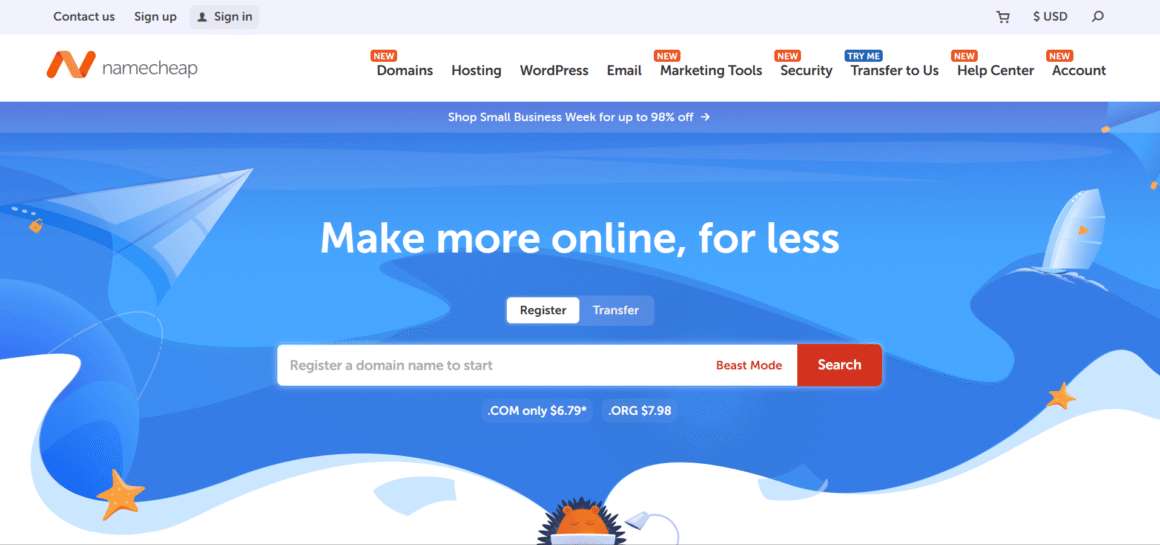
Your domain name is your agency’s first impression—even before someone lands on your website. Keep it short, brandable, and easy to spell; something like “NovaSocialMedia.com” or “PeakSEOAgency.com” works far better than a generic keyword-stuffed URL. Always go for a .com extension if possible, avoid hyphens and numbers, and make sure it’s easy to say out loud—because you’ll be sharing it on calls, proposals, and business cards more than you think.
Step 1: Choose the Right Hosting
After building dozens of agency websites, the single biggest performance difference always comes down to hosting — not design, not plugins. A bad host makes everything harder: slower load times, more downtime, and SEO rankings that never quite get where they should. Before you touch Divi or write a single word of copy, get this decision right and try to choose the right hosting because everything else builds on top of it.
What Is Web Hosting?
Hosting is where your website’s files live. When someone visits your site, their browser connects to your hosting server and loads those files. A slow or unreliable server means a slow, unreliable website—which kills both SEO and conversions.
For a lead generation website, every second of load time costs you inquiries. Studies consistently show that pages loading in under 2 seconds convert significantly better than those taking 4+ seconds.
Types of Hosting
Shared Hosting (Hostinger, Bluehost, SiteGround) Your site shares server resources with hundreds of others. It’s affordable ($3–$10/month) and fine for starter sites, but resource contention causes slowdowns during traffic spikes. Not ideal for agencies trying to impress potential clients.
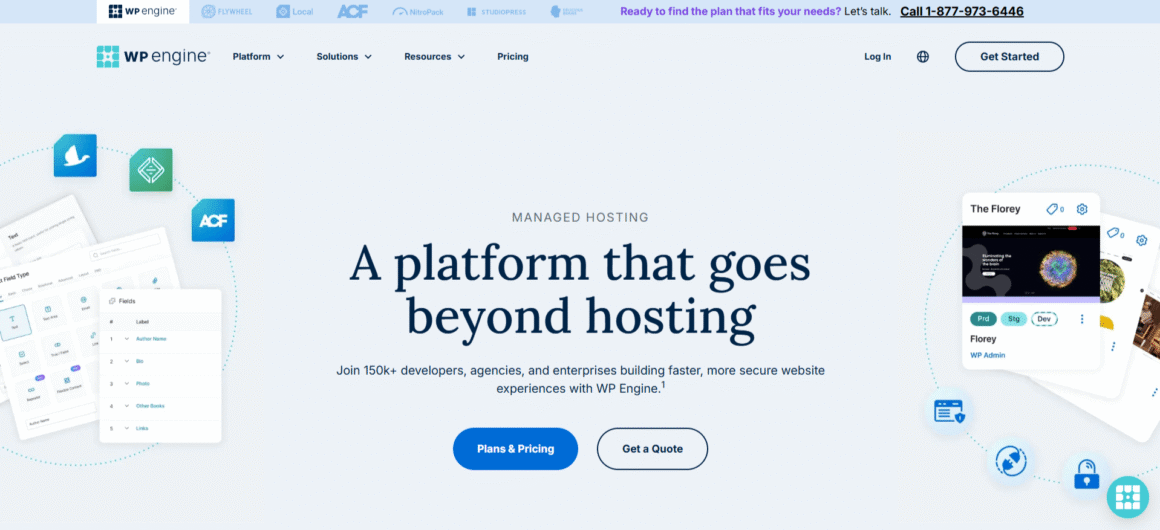
Managed WordPress Hosting (WP Engine, Kinsta, Rocket.net, Flywheel) The server is optimized specifically for WordPress. You get automatic updates, daily backups, built-in caching, and better security. Higher cost ($25–$100+/month), but dramatically better performance and peace of mind.
VPS Hosting (Cloudways, DigitalOcean, Vultr) A virtual slice of a dedicated server. Faster than shared, more control than managed, but requires more technical comfort. Cloudways makes this easier with a managed layer on top.
Dedicated Hosting (Liquid Web, InMotion Hosting) An entire server to yourself. Overkill for most agencies, but relevant if you’re running enterprise-level sites or hosting dozens of client sites.
Which Hosting Is Best for Agency Websites?
| Provider | Best For | Starting Price |
|---|---|---|
| WP Engine | Growing agencies needing reliability | ~$25/month |
| Kinsta | Performance-focused agencies | ~$35/month |
| Rocket.net | Speed and Core Web Vitals | ~$30/month |
| Flywheel | Web design agencies managing client sites | ~$25/month |
WP Engine is my go-to for agencies that need dependability and good support. Their staging environments are excellent for testing changes before pushing live.
Kinsta runs on Google Cloud infrastructure and consistently tops performance benchmarks. If your clients care about speed metrics, Kinsta delivers.
Rocket.net is purpose-built for Core Web Vitals optimization with enterprise-grade CDN included. It’s become a serious contender for SEO agency website builds where performance directly relates to the agency’s credibility.
Flywheel shines if you’re a marketing website Design agency managing multiple client WordPress sites—their dashboard is built for that workflow. (Growth Suite lets you host client sites under one account and bill through the platform.)
I’d recommend managed WordPress hosting for any serious agency. You’re selling digital marketing—your own website needs to be fast.
WP Engine Is the Clear Choice For Optimized WordPress Hosting
Step 2: Install WordPress
Every managed host offers one-click WordPress installation from your dashboard. Click it, set a username and strong password, and you’re in.
Once inside WordPress, hit a few quick settings before anything else:
- Settings > General — Set your site title and tagline.
- Settings > Permalinks — Switch to “Post name” (e.g., yoursite.com/services/). This matters for SEO.
- Settings > Reading — Make sure “Discourage search engines” is unchecked.
That’s all you need before installing Divi.
Step 3: Install and Configure Divi
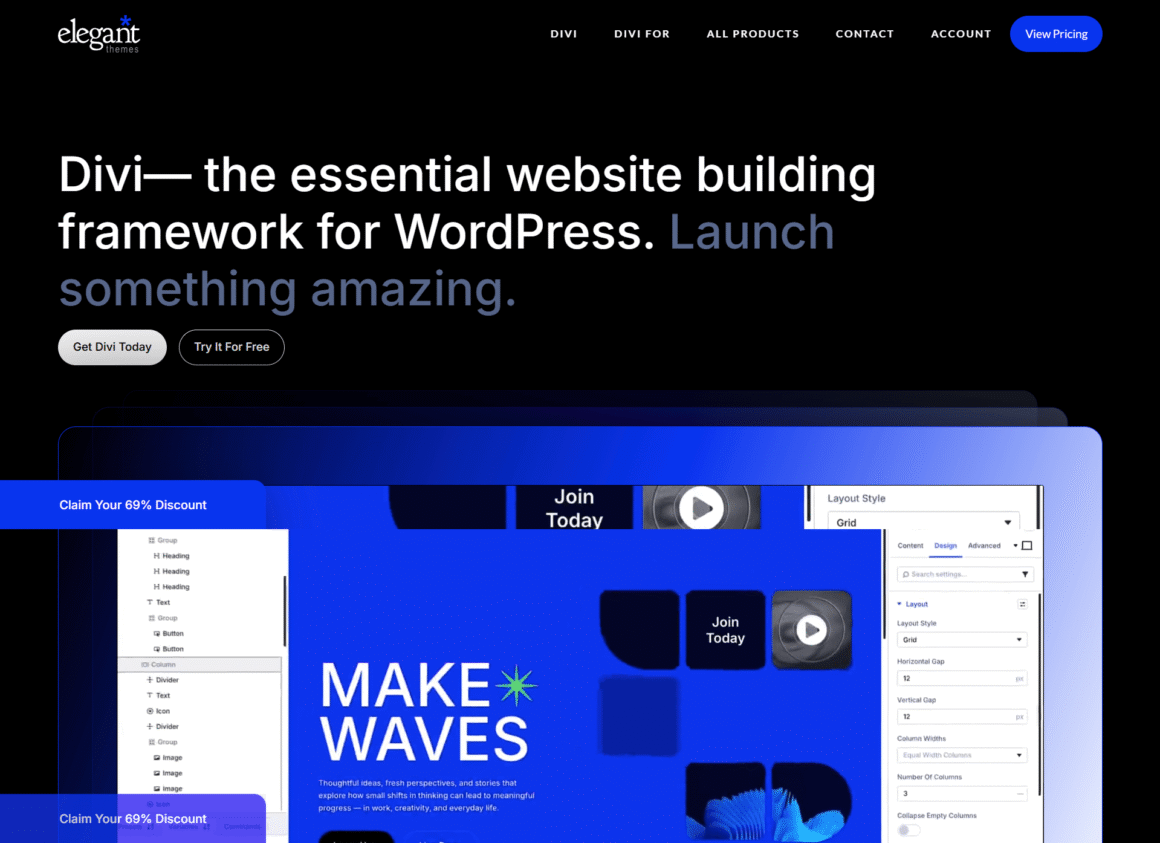
Purchase the Divi Theme from Elegant Themes, download the zip, then go to Appearance > Themes > Add New > Upload Theme in WordPress. Install and activate.
Global Design Settings
This is where most first-timers go wrong—they skip global settings and then manually adjust colors on every page. Don’t do that.
In the Divi Theme Customizer (Appearance > Customize), set:
- Brand Colors — Primary, secondary, accent, and neutral tones. These populate across all Divi modules.
- Typography — Choose your heading font and body font. A clean, readable pairing (like Inter + Playfair Display) reads as more professional than a default serif stack.
- Header Design — Decide between a centered or left-aligned logo, navigation style, and whether you want a sticky menu.
Consistent branding across your WordPress Agency Website signals professionalism immediately. Visitors make trust judgments within 3 seconds of landing. Make those seconds count.
Step 4: Plan Your Agency Website Structure
Don’t just start building pages. Think like a conversion architect first.
Here are the pages every digital agency website needs:
| Page | Purpose |
|---|---|
| Home | First impression, value proposition, routing hub |
| About Us | Builds trust and human connection |
| Services | Dedicated pages per service (not one long list) |
| Case Studies | Your most persuasive conversion tool |
| Portfolio | Visual proof of quality |
| Blog | Long-term SEO and thought leadership |
| Testimonials | Social proof consolidated in one place |
| Pricing | (Optional) Pre-qualifies leads effectively |
| Contact | Converts visitors to leads |
| FAQ | Handles objections before sales calls |
One page per service. Don’t cram all your services onto one page—it kills both SEO and conversion rates.
Step 5: Build a High-Converting Homepage
Your homepage does one job: get visitors to take the next step. Everything else is secondary.
Hero Section
Open with a strong, specific value proposition. “We help SaaS companies grow organic traffic 3x in 12 months” converts better than “Digital Marketing Done Right.” Be specific about who you serve and what outcome you deliver.
Include a clear CTA button above the fold: “Book a Free Strategy Call” or “See Our Work” — not “Learn More.”
Service Highlights
Show three to four services with icons or visuals, brief descriptions, and a “Learn More” link to the dedicated service page. Keep it scannable.
Client Logos
Even three or four recognizable logos dramatically increase perceived credibility. If you’re starting out, use logos from any business you’ve worked with—freelance projects count.
Testimonials
One or two punchy quotes with photos and full names. Video testimonials are even better. Place these near your CTA sections, not buried at the bottom.
Case Study Preview
Pull your single most impressive result onto the homepage. Something like, “We grew Acme Corp’s organic traffic from 800 to 12,000 monthly visitors in 8 months. ” Link to the full case study.
Call-to-Action Section
Don’t end the page with the footer. Add a dedicated CTA section—a bold headline, two sentences of supporting copy, and a button. “Ready to grow? Let’s talk” with a calendar booking link converts consistently well.
Step 6: Create Service Pages That Convert
Each service page should answer one question: Why should I hire you for this specifically?
Structure every service page like this:
- Hero — Service name, specific outcome, CTA
- Benefits — What the client gets, not what you do
- Process — How you work (3–5 steps builds confidence)
- Results — Real numbers from real clients
- FAQs — Address objections
- CTA — Book a call or request a proposal
Whether you’re building an SEO agency website section or a PPC services page, this structure works. The key difference between a good service page and a great one is specificity. “We run Google Ads campaigns” is weak”. We manage Google Ads for B2B SaaS companies with $20K–$200K monthly budgets” is a page that attracts exactly the right clients.
Step 7: Create a Portfolio and Case Studies Section
This section is where most agencies undersell themselves. Case studies are your most powerful conversion tool—more powerful than any copy on your About page.
What Makes a Great Case Study
- Context — Client type, industry, starting situation
- Challenge — What problem existed before you
- Solution — What you specifically did
- Results — Numbers with timeframes (“47% increase in leads in 90 days”)
- Testimonial — Quote from the client embedded at the end
Before-and-after screenshots, traffic growth graphs, and conversion rate comparisons are visual proof that builds instant trust. An Agency Portfolio Website with three detailed case studies will outperform one with twenty vague client logos every time.
Divi’s portfolio module handles project galleries well. For full case studies, build individual landing pages per project—this also creates excellent SEO content around specific service + industry keyword combinations.
Step 8: Build an About Page That Creates Authority
Your About page isn’t a biography—it’s a trust page.
Include:
- Agency Story — Why you started, what problem you saw in the market
- Team Members — Real photos, names, and what each person does
- Certifications — Google Partner, Meta Blueprint, HubSpot, etc.
- Awards or Press—Even small industry recognition matters
- Core Values — Keep these genuine, not corporate buzzwords
- Mission Statement — One sentence about who you serve and how
The About page is where sophisticated buyers go to verify they’re working with real people. Make it feel human.
Step 9: Build a Contact Page That Converts
Your contact page should reduce friction, not add it.
What to Include
- Simple contact form — Name, email, phone, and one qualifying question (“What service are you interested in?”)
- Calendly integration — Let visitors book directly without back-and-forth emails. This alone can double your booked calls.
- Phone number—Even if you prefer email, some clients want to see it
- Email address — A branded email (hello@youragency.com, not Gmail)
- Office address (if applicable) — Adds legitimacy for local agencies
Avoid contact forms with 15 fields. Every additional field reduces submissions. Qualify further on the discovery call.
Step 10: Optimize for Lead Generation
A beautiful professional website design that doesn’t generate leads is a liability, not an asset.
Lead Generation Essentials
- Sticky CTA in header—A “Book a Call” button should be visible on every page at all times
- Exit-intent popups — Offer a lead magnet (free audit, checklist) before visitors leave
- Lead magnets—A free SEO audit, social media checklist, or PPC review converts browsers into subscribers
- Live chat—Crisp or Tidio lets you engage visitors in real time
- Trust signals — Certifications, review counts (Google, Clutch, G2), and case study results
- Social proof — Client logos, testimonials, and result callouts throughout the page, not just on a testimonials page
The best lead generation website designs treat every scroll as an opportunity to earn the next click.
Step 11: Optimize for SEO
Your marketing agency website should rank for its own target keywords. If it doesn’t, that’s a conversion problem—potential clients will wonder if you can rank their site.
Practical SEO Checklist
- On-page SEO — Install Rank Math SEO. Set a primary keyword for every page and optimize title tags, meta descriptions, and H1s.
- Service page SEO—Target specific keyword + location or keyword + industry combinations (e.g., “SEO agency for law firms in Chicago”)
- Local SEO — Create a Google Business Profile if you serve local clients. Add your NAP (name, address, and phone) consistently across the site.
- Internal linking — Link service pages to case studies, blog posts to service pages, and the homepage to all key sections.
- EEAT—Google’s Experience, Expertise, Authoritativeness, and Trustworthiness signals matter heavily for marketing sites. Author bios, credentials, and original data all help.
- Blog/content marketing — Publish specific, useful content targeting your ideal client’s questions. One detailed post per month beats four thin posts per week.
- Semantic SEO — Cover related topics naturally within each page. A PPC services page should mention ad spend, ROAS, Quality Score, and campaign structure—not just repeat “PPC” 20 times.
Step 12: Speed Up Your Divi Website
A slow agency website is a credibility killer — especially when you’re selling digital marketing services. If you want a complete breakdown of every optimization technique, check out this detailed guide on how to speed up your WordPress website — it covers everything from caching and image compression to Core Web Vitals fixes.
Performance Stack
- Managed hosting (handled above) — The biggest single improvement
- CDN — Cloudflare’s free tier works well; many managed hosts include one
- Caching—WP Rocket is the gold standard for WordPress caching
- Image optimization—Compress images before uploading (ShortPixel or Smush handle this automatically)
- Divi performance settings—In Divi > Theme Options > Performance, enable static CSS, combine scripts, and defer jQuery
- Core Web Vitals — Run Google PageSpeed Insights monthly. Prioritize Largest Contentful Paint (LCP) and Cumulative Layout Shift (CLS)
Essential Plugins for Agency Websites
| Plugin | Purpose |
|---|---|
| Rank Math SEO | On-page SEO optimization and schema markup |
| WP Rocket | Page caching, file minification, lazy loading |
| Fluent Forms | Fast, conversion-optimized contact and lead forms |
| UpdraftPlus | Automated daily backups stored offsite |
| Wordfence | Firewall, malware scanning, and login protection |
| Calendly (embed) | Direct booking without email back-and-forth |
Keep your plugin list lean. Divi handles design; let specialized plugins handle their specific jobs. Avoid bloat.
Common Mistakes to Avoid
- Weak homepage messaging—”We’re a full-service digital agency” tells prospects nothing. Be specific.
- No case studies — Testimonials help; numbers prove it. Always show results.
- Slow website — Every agency site should load in under 2 seconds. Test it.
- Vague CTAs — “Contact Us” is weak. “Book Your Free 30-Minute Strategy Session” tells people exactly what they’ll get.
- Generic service pages — One paragraph per service isn’t enough. Build full, dedicated pages.
- No mobile optimization — Over 60% of web traffic is mobile. Check every page at 375px width.
- Missing trust signals—Certifications, review counts, and client logos belong above the fold.
Frequently Asked Questions
Is Divi good for agency websites?
Yes. Divi’s visual builder, global design controls, and module library make it one of the best tools for building a professional website design without custom development. The layout library includes agency-specific templates you can customize.
Can I build an agency website without coding?
Completely. Divi’s drag-and-drop builder handles all design visually. For advanced customizations, you can add custom CSS, but nothing is required.
Which hosting is best for agencies?
Managed WordPress hosting from WP Engine, Kinsta, or Rocket.net. The performance improvement over shared hosting is significant, and the reliability matters when your site is generating business.
How many pages should an agency website have?
At minimum: Home, About, one page per core service, Portfolio/Case Studies, and Contact. A 10–15 page site is a solid foundation. Grow it with blog content over time.
How do agency websites generate leads?
Through clear CTAs, booking integrations, lead magnets, contact forms, and compelling case studies. Traffic comes from SEO, paid ads, and referrals—but the site itself must be built to convert visitors into inquiries.
Is Divi SEO-friendly?
Yes, when configured correctly. Clean semantic HTML output, compatibility with Rank Math and Yoast, and good performance settings make Divi fully capable of supporting strong SEO performance.
Final Verdict: Why Divi Is Excellent for Digital Marketing Agencies
After building dozens of agency sites, I keep coming back to Divi for a simple reason: it gives designers and marketers real control without requiring a developer for every change.
The combination of a Divi Theme, managed WordPress hosting, and a focused set of plugins delivers everything a marketing agency website needs to attract, convince, and convert prospects.
Here’s how to move forward:
- Get hosting—Start with WP Engine or Kinsta
- Install WordPress and Divi — Takes about 20 minutes
- Set up global branding—colors, fonts, header before any page building
- Build your key pages—Home, Services, Case Studies, About, Contact
- Add SEO and performance tools — Rank Math, WP Rocket, Fluent Forms
- Launch and iterate—Don’t wait for perfect; launch and improve with real data