Disclosure: Some links on Themezhub are affiliate links. We may earn a commission if you make a purchase through them.

Best For: Beginners, small businesses, freelancers, agencies & online stores
- AI Website Builder
- 2,000+ Templates
- Built-in SEO Tools
- Wix App Market
- Drag-and-Drop Editor
- Built-in eCommerce
- Marketing & Analytics
- Managed Hosting & Security
$17.0/mo
Starting monthly price (Light)
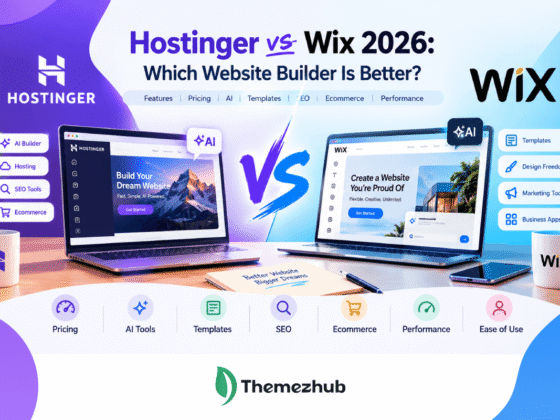
Building and managing a website is what Wix does, all from one platform. You can start from a template. The Wix editor works too if you’d rather build a site from scratch. Wix also has AI tools that can build a website for you. Just add a description of what you want, and it puts a site together from that. From there, you edit the design and add pages as well. You can also manage the whole thing through that same platform.
SEO and marketing tools come built in too. You can build an online store through Wix and manage your domain from the same account. Wix also supports hosting, so you don’t have to pay separately for it.
Wix doesn’t just offer convenience, but it offers better pricing too. It also provides design flexibility, SEO controls, and control over the website.
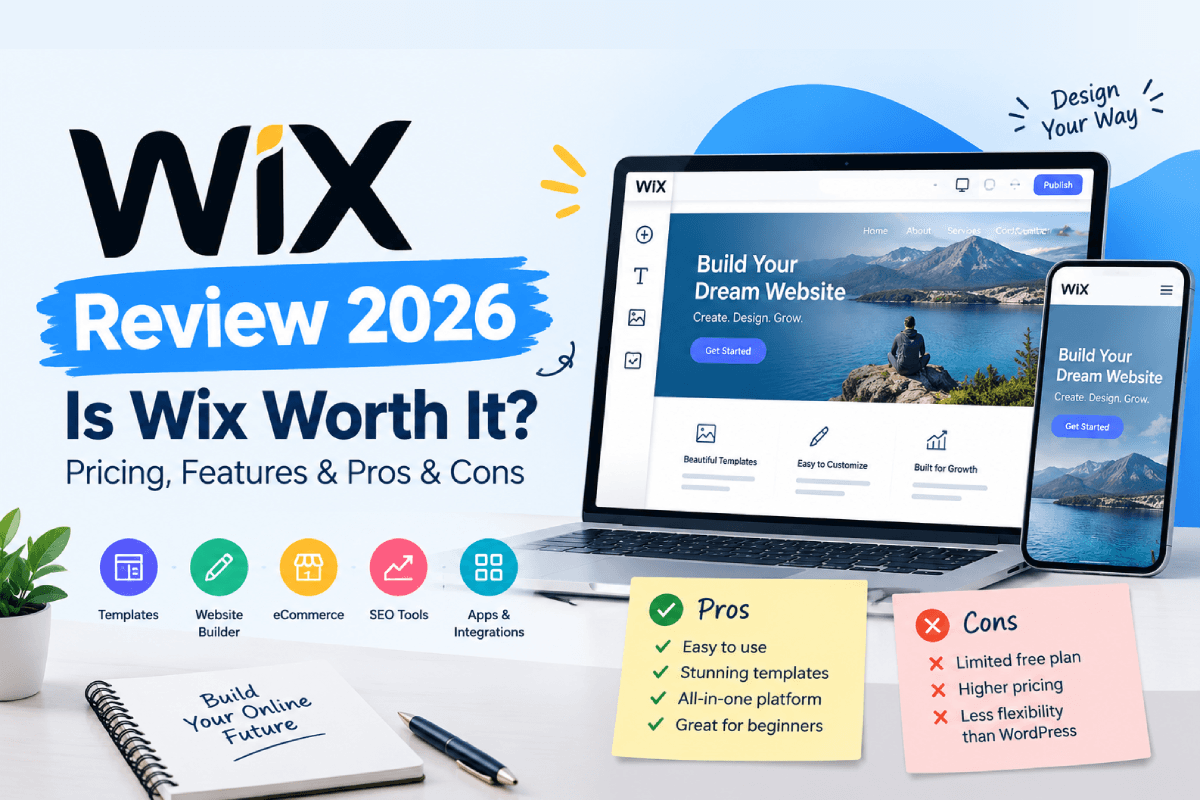
Let’s compare the main plans and features in this Wix review. Also, find the answer to one simple question: is Wix worth it in 2026?
Wix Review at a Glance
Here’s a quick look at what the Wix website builder offers, before we get into the details. Website creation comes together with hosting, AI tools, SEO, and business features, all on one platform. Start on the free plan. You can upgrade whenever you feel the need of having a custom domain or extra features.
| Factor | Wix |
| Ease of use | Beginner-friendly |
| Templates | 2,000+ templates |
| Editor | Drag-and-drop editing |
| AI tools | AI website creation and Aria |
| SEO | Built-in SEO tools |
| Ecommerce | Available on Core and higher plans |
| Hosting | Included |
| Free plan | Yes |
| Paid plans | Light, Core, Business, Business Elite |
| Best for | Beginners, small businesses, and creators |
| Main drawback | Less control than self-hosted platforms |
Building and managing a website without setting up separate hosting is exactly where Wix works well. The editor hands you control over the design. Its AI tools help you get started too.
Control is the main trade-off here. Wix manages the hosting and most of the technical setup, but that means less control over the underlying hosting environment than a self-hosted platform would give you.
That gives us a starting point for this Wix website builder review.
What Is Wix?
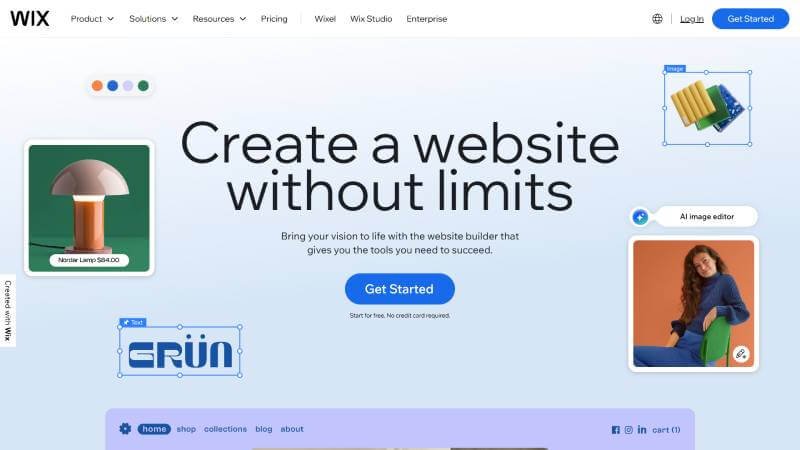
Wix works as a hosted website builder. You create and manage a website through it, without needing to arrange separate hosting yourself. Your Wix account handles the building side. Wix takes care of the hosting infrastructure behind it.
You can start with a free Wix address when you create a site. Want your own domain instead? Connect one you already own, or buy one right through Wix. A paid site plan is required to connect a custom domain.
People who want a website without the hassle of managing a web server should go with Wix website builder. Small businesses and freelancers fit that description. Creators and beginners are also the right fit for this website builder, as they can build and manage websites from the same account.
That’s what sets the Wix web builder apart from a self-hosted platform like WordPress. With self-hosted WordPress, you choose your hosting provider and manage more of the hosting environment yourself. With Wix, Wix hosting is included as part of the platform.
If you’re new to WordPress, it also helps to understand the difference between a WordPress theme and a page builder before choosing a website-building setup.
Wix Pricing and Plans
Wix offers a free plan along with four paid plans: Light, Core, Business, and Business Elite. Build and publish a basic website with the free plan, though it comes with a Wix URL and Wix branding attached. Want a custom domain instead? That needs a paid plan.
The prices below are Wix’s current USD reference prices for annual subscriptions. Location affects the actual price. So does currency, along with taxes and billing period.
| Plan | Price | Storage | Key Features | Best For |
| Free | $0 | 500 MB | Wix hosting, drag-and-drop editor, Wix URL | Testing and basic websites |
| Light | $17/month | 2 GB | Custom domain | Personal and basic business websites |
| Core | $29/month | 50 GB | Payments, basic e-commerce, scheduling | Small businesses and online stores |
| Business | $39/month | 100 GB | Standard e-commerce, marketing tools, payments | Growing businesses |
| Business Elite | $159/month | Unlimited | Advanced e-commerce, marketing, and developer tools | Larger businesses and demanding sites |
Wix Free Plan
Trying the platform before paying is exactly what the Wix free plan is useful for. Hosting comes with it, along with the website editor, though your site runs on a Wix address and shows Wix branding. Testing ideas or building a basic site works fine here. A professional business website is where the limitations start to show, though.
Wix Premium Plans
The paid plans unlock features that you won’t find in free plans. Custom domains come with that. More storage does too, along with business or e-commerce tools. Light covers the basics, while Core is the first plan with payment and e-commerce features. Business and Business Elite add more capacity and advanced business tools.
Each Wix site plan applies to one website. A 14-day money-back guarantee comes with new Premium and Studio plans too.
How Much Does Wix Cost?
So, how much does Wix cost? You can start at $0, while paid Wix plans begin with Light. The amount you pay depends on the plan and billing arrangement, as well as your location, currency, and applicable taxes. Domains, apps, and other services can also add to your overall Wix website cost.
Is Wix Worth Paying For?
Need a custom domain? Want Wix branding gone? Looking for features the free plan doesn’t have? That’s when a paid Wix plan actually earns its cost. Just testing the platform first? The free plan covers that just fine.
Wix Editor Review
How the Wix Editor Works
The Wix Editor works as your main workspace for building a website. Text, images, buttons, and sections all get added there, then moved and customized right on the page. Code isn’t needed for basic design changes.
The editor also gives you control over sections and page layouts. Arrange elements visually, and watch the changes happen as you work. That makes it easier to experiment with a design, since you’re not constantly switching between an editor and a preview.
Wix provides a separate mobile view for editor sites. Open the mobile editor to adjust the layout, hide elements, or add content built specifically for mobile visitors. None of those changes touch the desktop version.
Wix is one of several visual website builders that let you create pages without coding. See our guide to the best drag-and-drop website builders for more options.
Is the Wix Editor Easy to Use?
Beginners tend to pick up the Wix Editor fairly fast. The visual interface strips out most of the technical work, though positioning and spacing can still take some getting used to.
The main limitation is responsive control. The standard Wix Editor doesn’t automatically adapt every element to every screen size. Some layouts end up needing manual adjustments on mobile because of that. Wix Studio offers more advanced responsive controls for users who need greater precision.
Overall, the editor gives you more visual control than a basic block editor without requiring you to work directly with code.
Wix Templates and Website Design
Wix Templates
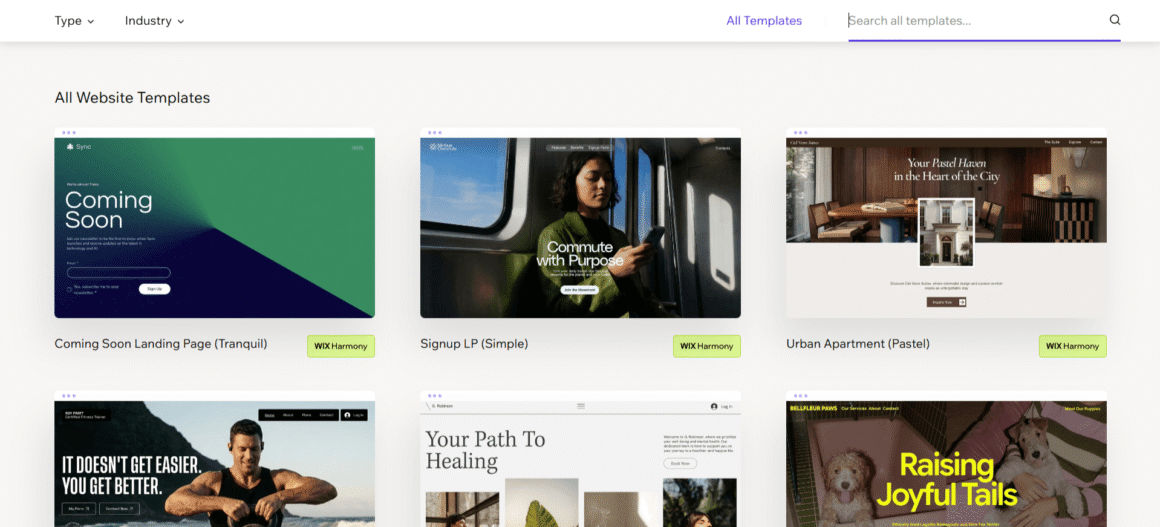
Wix has more than 2,000 templates to choose from. The templates cover business and creative websites. You can even create community websites.
Keep in mind that a template is just a starting point, not a finished website. You still need to replace the sample text and images. Then change the fonts and colors, and adjust the layout until it matches your brand. Blank templates exist too, for a simpler starting design.
Switching an existing Wix site to a different template isn’t something you can just do though. Pick a new template later, and a new site has to get built, with your content moved or recreated into it.
Wix Website Design Options
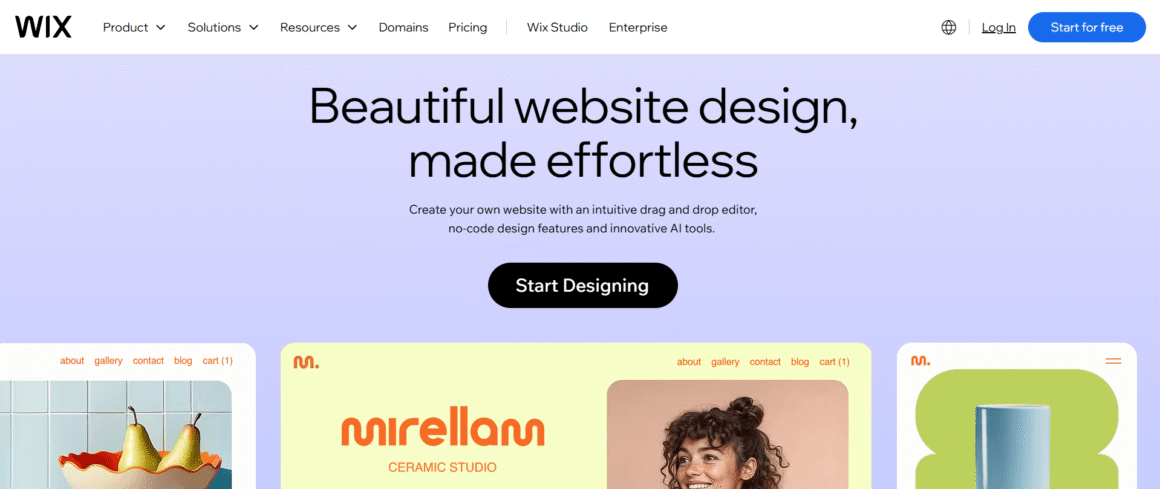
Wix hands you plenty of control over the visual side of a site. Fonts, colors, sections, and images all adjust to build a consistent look.
Need more advanced responsive design? Wix Studio adds extra controls for that, including breakpoint customization and other responsive options.
Wix AI Website Builder
How Wix AI Website Builder Works
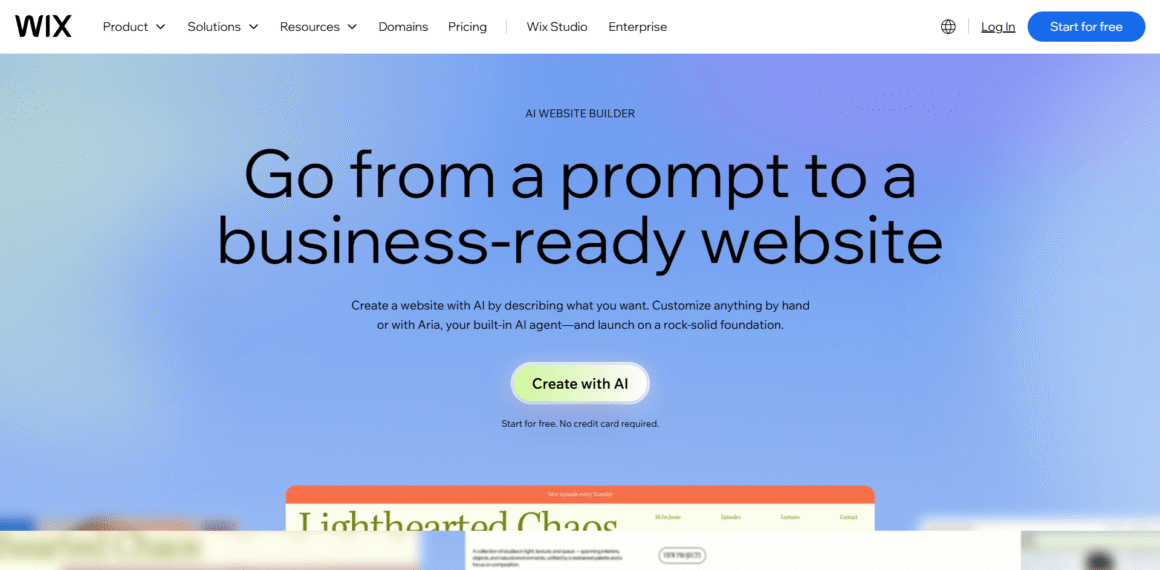
The current Wix AI website builder is part of the Wix Harmony Editor. You can describe your business, website goals, and preferred style, and Aria can use that information to create an initial site. You can also start with a recommended template instead.
If you’re comparing Wix with other AI-powered website creation platforms, see our guide to the best AI website builders in 2026.
What Can Wix AI Do?
Aria can help with more than the initial site. It can create and organize pages and sections, adjust layouts, update branding, and generate or rewrite content. Instructions come in normal language, and you review the changes before keeping any of them.
Wix warns that AI-generated suggestions can turn out unexpected or inaccurate sometimes. Review the content and design before publishing because of that.
Wix AI vs Wix Editor
The main difference is how you start and control the work. AI can create a starting point from a description, while the regular editing tools give you direct control over the design.
Harmony combines the two approaches. You can ask Aria to make changes and then edit the result yourself. Wix also says Harmony sites are automatically responsive, although you can still fine-tune the mobile view when needed.
AI can speed up the initial build, while the regular editor gives you more direct control over the final details.
Wix Features
Business and Marketing Tools
Wix packs in several tools for running a website once it’s live. Contacts get managed from the dashboard, depending on the setup. Bookings, payments, marketing, and analytics do too.
Collaboration works here too. Invite other people onto a site, and assign roles and permissions based on what they actually need access to. That helps a lot when several people manage the same site.
Wix App Market
The Wix App Market lets you add extra functionality without leaving the platform. Wix currently lists more than 800 apps. Forms and bookings are covered. So are events and marketing, along with other business needs. The marketplace includes both Wix apps and third-party options. Some come free while others need payment or a subscription.
Functionality missing from the standard site tools is exactly when the App Market earns its place.
Domain and Site Management
Wix also keeps common website management tasks in one place. Your domain gets managed from the dashboard. Installed apps do too, along with site settings, payments, and other parts of the website. The downside is that some advanced features and third-party apps can add to your overall cost.
Wix SEO Review: Is Wix Good for SEO?
Wix SEO Tools
Wix hands you the main controls for on-page SEO. Title tags get edited here. Meta descriptions, URL slugs, and indexing settings do too, all on a per-page basis. Canonical URLs and structured data are supported as well, alongside other SEO settings that apply to individual pages and the site as a whole.
The platform includes an SEO Setup Checklist to help with the initial setup. You can also connect Google Search Console through Wix. This requires a Premium plan and a connected domain.
Wix also automatically creates and updates your XML sitemap. The SEO & GEO dashboard provides access to other tools, including redirects, robots.txt, site verification, and site inspection.
Wix SEO and Performance
Technical SEO work gets handled by Wix in part, though the pieces tied to your content and site structure still fall on you.
The standard Wix Editor provides a separate mobile view, though some elements may still need manual tweaks. Wix Studio and the newer Harmony Editor offer more advanced responsive controls.
User experience and SEO both feel the effects of performance. Core Web Vitals deserve attention, though they’re only one piece of a site’s overall performance and search visibility. Wix handles the hosting and performance infrastructure, but how a site gets built still shapes how it performs.
Is Wix Good for SEO?
Small businesses, blogs, portfolios, and standard websites tend to get what they need from Wix here. The core controls for on-page and technical SEO are all there.
The current SEO & GEO dashboard also goes beyond traditional search. Its SEO Assistant provides recommendations for content, structure, and SEO attributes, while Gen AI Visibility shows how AI platforms such as ChatGPT, Gemini, and Perplexity crawl and mention a site. Wix also provides Google Search performance data in the same dashboard.
Having these SEO tools does not guarantee rankings. Is Wix good for SEO? For most standard sites, yes. Rankings still depend on content quality, site structure, links, technical implementation, competition, and search engine algorithms.
Wix Ecommerce Review
What Wix Ecommerce Offers
Sell physical products through Wix. Digital products work too. Manage product options and inventory too, and set up shipping, local delivery, or store pickup wherever it’s available. Subscriptions, discounts, and abandoned-cart recovery all come supported as well.
Connect Wix Payments where it’s available, or pick another supported payment provider instead. The options depend on your location, so payment methods can vary between countries. To accept online payments, you need a plan that supports payments.
Who Should Use Wix for Ecommerce?
Wix ecommerce is a practical option if you want your website and store managed from one platform. It covers the main tasks involved in running a small or growing online store without requiring a separate ecommerce system.
If your store has more specialized requirements, a platform focused primarily on ecommerce may give you a better fit.
Wix Hosting and Performance
Managed hosting comes with every website on Wix, so choosing a separate hosting provider or maintaining a server yourself isn’t necessary. Wix takes care of the hosting infrastructure, server maintenance, and related technical setup on its end.
A global CDN and caching help deliver site content efficiently to visitors in different locations too. Images get optimized automatically as part of the performance system, which cuts down on the data browsers need to load.
Control ends up being the main trade-off, since Wix doesn’t give you the same access to the underlying server environment that self-hosted WordPress or a VPS would. In return, server updates, security maintenance, and hosting configuration all stay off your plate.
Need deeper control over the hosting environment? A self-hosted setup tends to suit that better.
Wix Pros and Cons
Wix’s main strength comes down to convenience. That convenience costs something though, mainly in control and flexibility.
Pros:
- Easy to build and manage a website
- Hosting is included
- More than 2,000 templates
- AI website creation and editing
- Built-in SEO and business tools
- Ecommerce tools are available
Cons:
- Less control over the hosting environment
- You can’t switch templates on an existing site
- Some advanced features and apps can increase costs
- Standard Editor has more limited responsive controls
- Less flexibility for highly customized setups
- May not suit stores with complex ecommerce requirements
Technical work drops with Wix, but that comes at the cost of less control over the underlying platform.
Who Is Wix Best For?
Wix for Beginners
Beginners who want a website without dealing with hosting or server setup tend to do well with Wix. Most design changes stay straightforward through the visual editor, and the AI website builder helps get an initial site up too.
Wix for Small Businesses
Small businesses that want to manage their website and common business tasks from one place tend to find Wix works well. Service websites get supported here, and so do contact forms, bookings, marketing, and online stores, all without needing separate hosting.
Wix for Freelancers and Creatives
Portfolios, personal websites, and service-based sites all come together on Wix for freelancers and creatives. Templates and design controls make it possible to build a site that actually reflects their work, without starting from scratch every time.
Wix for Ecommerce
Small and growing stores that need standard ecommerce tools tend to suit Wix well, covering products, inventory, payments, shipping, and orders. Do you have more specialized requirements though? Then, you should go with a dedicated ecommerce platform that is built with tools matched to that setup.
Who Might Want Another Platform?
Extensive control over the hosting environment, or customizing the underlying platform, isn’t really what Wix is built for. A self-hosted solution offers more control there, though it comes with more technical management too.
Wix Alternatives
If Wix doesn’t meet your requirements, there are several Wix alternatives to consider. How much control you want decides a lot of this. So does the type of website you’re building, and whether ecommerce plays a big role in your site.
| Alternative | Best for | How it differs from Wix |
| WordPress | Flexible and content-heavy websites | Self-hosted WordPress gives you more control and customization, but requires more hosting and site management. |
| Squarespace | Design-focused websites | Uses a more structured editing experience with a strong focus on visual design. |
| Shopify | Online stores | Built primarily around ecommerce and managing online sales. |
| Webflow | Advanced website design | Provides more detailed control over layouts and interactions, with a steeper learning curve. |
Is Wix Worth It in 2026?
It is if you value an all-in-one platform. Wix gives you the tools to build and manage a website without dealing with separate hosting or server maintenance.
Control is the main trade-off. Wix works well when a managed platform fits what you want, though a self-hosted solution gives you more freedom to customize the hosting environment. Specialized ecommerce needs point toward a platform built primarily around ecommerce instead.
Frequently Asked Questions
Can You Use Wix for Free?
Yes. A free plan lets you build and publish a basic website on Wix. Your site runs on a Wix address though, and carries Wix branding. You need a paid plan to connect a custom domain.
Can You Change Your Wix Template After Publishing?
No. You can’t switch the template of an existing Wix site. Want to use a different template? A new site has to get created, with your content moved or recreated into it.
Is Wix Good for Small Businesses?
Yes. Small businesses that want to build and manage their website without handling separate hosting tend to find Wix practical. Common needs get supported too, things like bookings and online selling.
Is Wix Good for Ecommerce?
Yes. Wix supports the core features needed by many small and growing online stores. More specialized stores may prefer a platform built primarily around ecommerce.
Is Wix Better Than WordPress?
It all depends on your requirements. Hosting comes included with Wix, which makes it simpler to manage. Self-hosted WordPress asks for more work in exchange for more control over the hosting environment and how the site gets customized.
Can Wix Websites Rank on Google?
Yes. Wix provides the main SEO settings and technical controls needed to optimize a website. However, using those tools doesn’t guarantee rankings. Search performance also depends on content, site structure, links, competition, and technical implementation.
Best For: Beginners, small businesses, freelancers, agencies & online stores
- AI Website Builder
- 2,000+ Templates
- Built-in SEO Tools
- Wix App Market
- Drag-and-Drop Editor
- Built-in eCommerce
- Marketing & Analytics
- Managed Hosting & Security
$17.0/mo
Starting monthly price (Light)